//////////////////////////////////////////////////////
JSON
______________________________________________________
maXbox Starter 82 -JSON in Code – Max Kleiner
“There is always space for improvement”
— Oscar De La Hoya
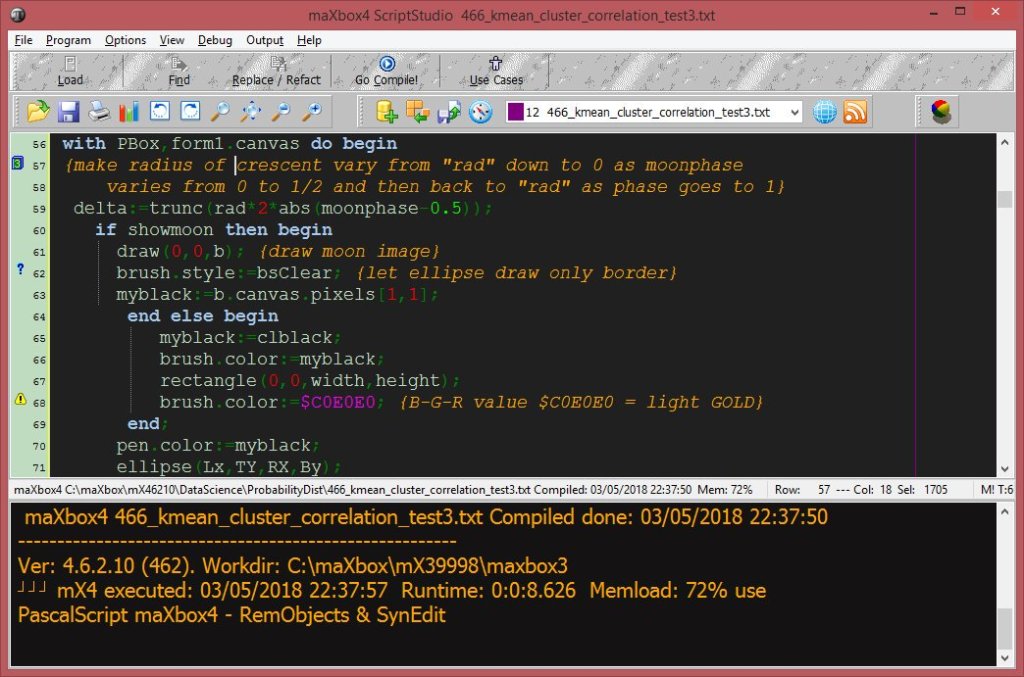
JSON (JavaScript Object Notation) is a lightweight data-interchange format. It is easy for humans to read and write. It is easy for machines to parse and generate. A JSON Parser is then used to format the JSON data into a properly readable JSON Format with curly brackets. That can easily view and identify its key and values.
{
“date”: “2021-3-4”,
“confirmed”: 36223,
“deaths”: 1483,
“recovered”: 33632
}
Reading JSON data in maXbox could be easy. Json data can be read from a file or it could be a json web link. Let us first try to read the json from a web link.
Const
JsonUrl = ‘https://pomber.github.io/covid19/timeseries.json’;
We use JSON for Delphi framework (json4delphi), it supports older versions of Delphi and Lazarus (6 or above) and is very versatile. Another advantage is the Object–pascal native code, using classes only TList, TStrings, TStringStream, TCollection and TStringList; The package contains 3 units: Jsons.pas, JsonsUtilsEx.pas and a project Testunit, available at: https://github.com/rilyu/json4delphi
Now we need a Load URL or Upload File function to get the json data for parsing. In our case load is a function-pair of open and send().
Let us first define the necessary packages “msxml2.xmlhttp” and the JSON class itself:
var XMLhttp: OleVariant; // As Object Automation
ajt: TJson; JObj: TJsonObject2;
XMLhttp:= CreateOleObject(‘msxml2.xmlhttp’)
XMLhttp.Open(‘GET’, JsonUrl, False) //False is async
XMLhttp.setRequestHeader(‘Content-Type’,’application/x-www-form-urlencoded’);
XMLhttp.Send();
response:= XMLhttp.responseText; //assign the data
statuscode:= XMLhttp.status;
Using async = false in Open() is not always recommended, but for a few small requests this can be ok. Remember that the script will NOT continue to execute, until the server response is ready. If the server is busy or slow, the application will hang or stop.
Anyway we open our XMLhttpObject (which is late binding) as not asynchronous, that is to say, synchronous because we need all data to continue:
Ref: <class ‘pandas.core.frame.DataFrame’>
RangeIndex: 76608 entries, 0 to 76607
Data columns (total 5 columns):
# Column Non-Null Count Dtype
— —— ————– —–
0 country 76608 non-null object
1 date 76608 non-null object
2 confirmed 76608 non-null int64
3 deaths 76608 non-null int64
4 recovered 76608 non-null int64
dtypes: int64(3), object(2)
memory usage: 2.9+ MB
Worldwide Covid Deaths: 2517422 at the end of Feb. 2021
The send() method (XMLhttp.Send();) needs a further explanation: send() accepts an optional parameter which lets you specify the requests body; this is primarily used for requests such as PUT or POST. If the request method is GET or HEAD, the body parameter is ignored and the request body is set to null.
I’m not sure if the content-type is the right, the MIME media type for JSON text is application/json and the default encoding is UTF-8. (Source: RFC 4627).
{content-type: application/json; charset=utf-8}
JSON is a SUB-TYPE of text but not text alone. Json is a text representation of an object (or array of objects). So I think both should be allowed. The question is which works better in practice and solution.
By the way if no Accept header has been set using the setRequestHeader(), an Accept header with the type “*/*” (any type) is sent.
Next we define the Json instance:
ajt:= TJson.create();
For slicing (filter) the data we copy the range from response timeseries.json:
startR:= pos(‘”‘+ACOUNTRY1+'”‘,response);
stopR:= pos(‘”‘+ACOUNTRY2+'”‘,response);
writeln(‘DataLen Overall: ‘+itoa(length(response)))
resrange:= Copy(response, startR, stopR-startR);
resrange:= ‘{‘+resrange+’}’; //well formed
Now we parse the response.
try
ajt.parse(resrange);
except
writeln( ‘Exception: <TJson>”” parse error: {‘+
exceptiontostring(exceptiontype, exceptionparam))
end;
Now we can iterate through the keys with values as items. Here, in the above sample JSON data: date, confirmed, deaths and recovered are known as key and “2020-1-22”, 0, 0 and 0 known as a Value. All Data are available in a Key and value pair.
First we get a list of all 192 country names as the node name:
JObj:= ajt.JsonObject;
writeln(‘Get all Countries: ‘)
for cnt:= 0 to jobj.count-1 do
writeln(Jobj.items[cnt].name);
…United Kingdom
Uruguay
Uzbekistan
Vanuatu
Venezuela
Vietnam…
So the country is an object to get. Ok, it is a JsonObject dictionary with 192 countries. Lets check the keys of our dict with a nested loop of all confirmed cases:
for cnt:= 0 to Jobj.count-1 do begin
Clabel:= Jobj.items[cnt].name;
JArray2:= jobj.values[Clabel].asArray;
for cnt2:= 0 to jarray2.count-1 do
itmp:= jarray2.items[cnt2].asObject.values[‘confirmed’].asinteger;
end;
So we pass the country name items[cnt].name from the Json Object in to the value list and we get back an a object array for the second iteration of at the moment 408 records with key values of integer format. Our dimension for now is 192 * 408 = 78336 records.
<class ‘pandas.core.frame.DataFrame’>
RangeIndex: 78336 entries, 0 to 78335
Data columns (total 5 columns):
# Column Non-Null Count Dtype
— —— ————– —–
0 country 78336 non-null object
1 date 78336 non-null object
2 confirmed 78336 non-null int64
3 deaths 78336 non-null int64
4 recovered 78336 non-null int64
dtypes: int64(3), object(2)
memory usage: 3.0+ MB
{
“Afghanistan”: [
{
“date”: “2020-1-22”,
“confirmed”: 0,
“deaths”: 0,
“recovered”: 0
},
{
“date”: “2020-1-23”,
“confirmed”: 0,
“deaths”: 0,
“recovered”: 0
},…
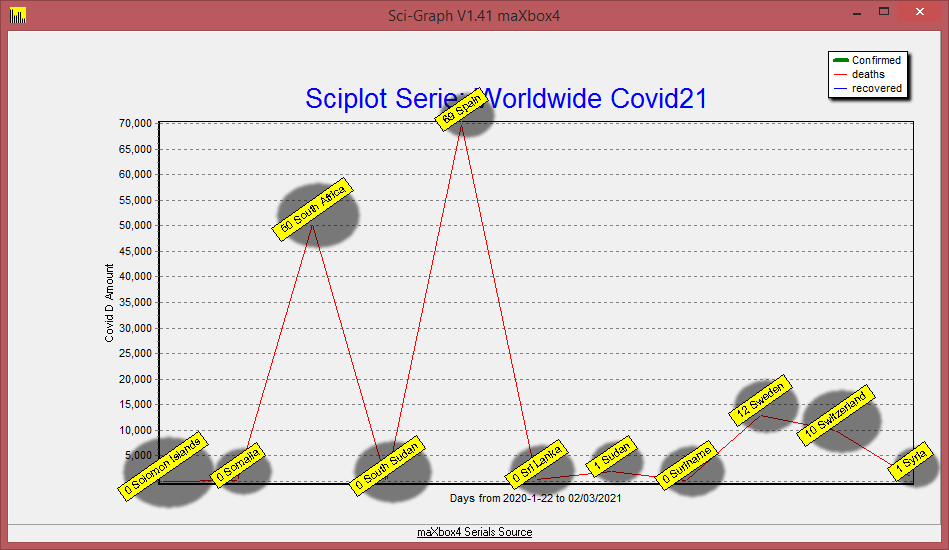
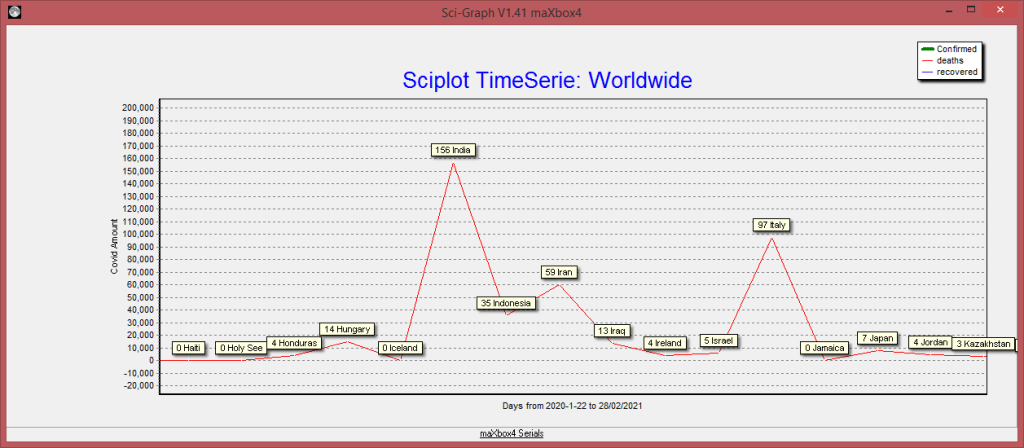
In a second attempt we visualize the timeseries with TeeChart Standard. Ok we got the objectarray as sort of dataframe with items and values but not in the form that we wanted. We will have to unwind the nested data like above to build a proper dataframe with chart series at runtime for TChart:
Chart1.Title.Text.clear;
//AssignSeries(OldSeries,NewSeries:TChartSeries);
Chart1.Title.Text.add(‘Sciplot Serie: ‘+’World Covid21 confirmed not †’);
Chart1.Axes.Bottom.Title.Caption:= ‘Days from ‘+
datetimetostr(date-400)+’ to ‘+datetimetostr(date-1);
Chart1.BottomAxis.Labels:= True;
Chart1.LeftAxis.Logarithmic:= true;
//Chart1.XValues.Multiplier:= 1
Clabel:=”;
for cnt:= 0 to Jobj.count-1 do begin
Clabel:= Jobj.items[cnt].name
JArray2:= jobj.values[Clabel].asarray;
chart1.AddSeries(TFastLineSeries.Create(Self)); //runtime instances
chart1.series[cnt].title:= Clabel;
TFastLineSeries(chart1.series[cnt]).LinePen.Width:= 4;
for cnt2:= jarray2.count-400 to jarray2.count-1 do begin
itmp:= jarray2.items[cnt2].asObject.values[‘confirmed’].asinteger;
sumup:= sumup+ itmp
chart1.Series[cnt].Addxy(cnt2,itmp, itoa(cnt2),clRed);
end;
end;
writeln(‘Worldwide Count:’+itoa(ajt.count)+’ Covid Confirm: ‘+itoa(sumup));//*)
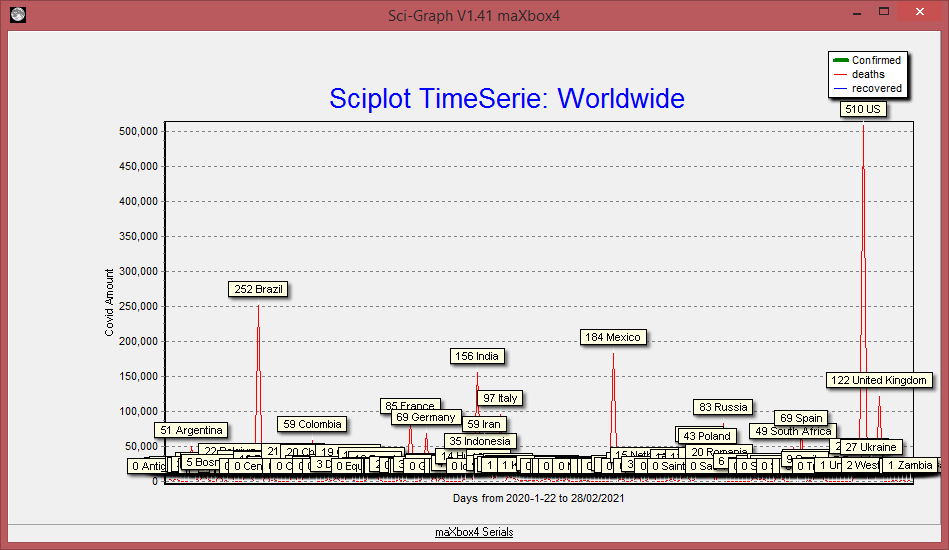
The plot you can find at:
http://www.softwareschule.ch/examples/covid3.png

TeeChart is a charting library for programmers, developed and managed by Steema Software of Girona, Catalonia, Spain. It is available as commercial and non-commercial software. TeeChart has been included in most Delphi and C++Builder products since 1997, and TeeChart Standard currently is part of Embarcadero RAD Studio 10.4 Sydney.
Conclusion:
The proper way to use JSON is to specify types that must be compatible at runtime in order for your code to work correctly.
The TJsonBase= class(TObject) and TJsonValue= class(TJsonBase) namespace contains all the entry points and the main types. The TJson= class(TJsonBase) namespace contains attributes and APIs for advanced scenarios and customization.
Those are the supported types:
type
TJsonValueType =
(jvNone,jvNull,jvString,jvNumber,jvBoolean,jvObject,jvArray);
TJsonStructType = (jsNone, jsArray, jsObject);
TJsonNull = (null);
TJsonEmpty = (empty);
https://github.com/rilyu/json4delphi/blob/master/src/Jsons.pas
JSON Parser Tools should have the following main functionality:
• Directly New your Record.
• Sava Temporary JSON Data.
• Copy and Paste JSON Data.
• Download JSON Data.
• Share Temporary Data anywhere.
• Load JSON URL directly into Editor.
• Redo and Undo facility when you edit your JSON online.
• JSON Validator for your Online Changes and your other JSON Data.
• Minify or Compact JSON Data to resave and reduct its Size.
• In Treeview, You can Search and highlight, and Sorting Data.
From: https://jsonparser.org/
Appendix for Python to get JSON Data:
>>> import requests
>>> import pandas as pd
>>> data = requests.get(‘https://pomber.github.io/covid19/timeseries.json’)
>>> jsondata = data.json()
>>> df = pd.DataFrame.from_dict(jsondata)
>>> df.info()
<class ‘pandas.core.frame.DataFrame’>
RangeIndex: 408 entries, 0 to 407
Columns: 192 entries, Afghanistan to Zimbabwe
dtypes: object(192)
memory usage: 612.1+ KB
Ref:
http://www.softwareschule.ch/examples/covid2.txt
https://github.com/rilyu/json4delphi
https://pomber.github.io/covid19/timeseries.json
http://www.softwareschule.ch/examples/unittests.txt
script: 1026_json_automation_refactor2.txt
Doc:
maXbox
>>> https://my6.code.blog/2021/03/03/json-automation/
>>> https://entwickler-konferenz.de/speaker/max-kleiner/


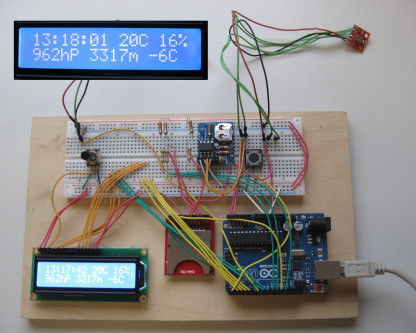


































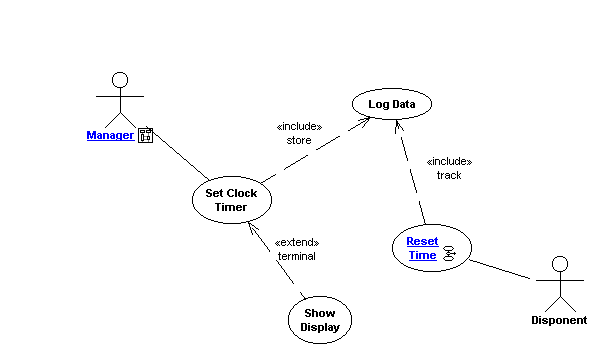
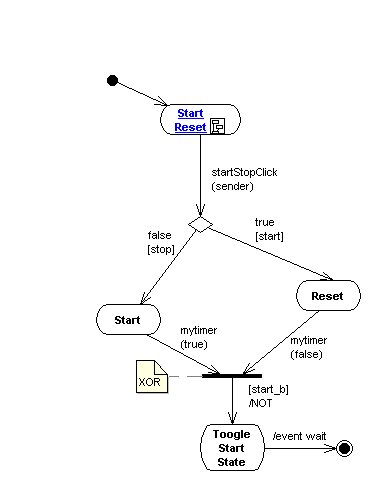
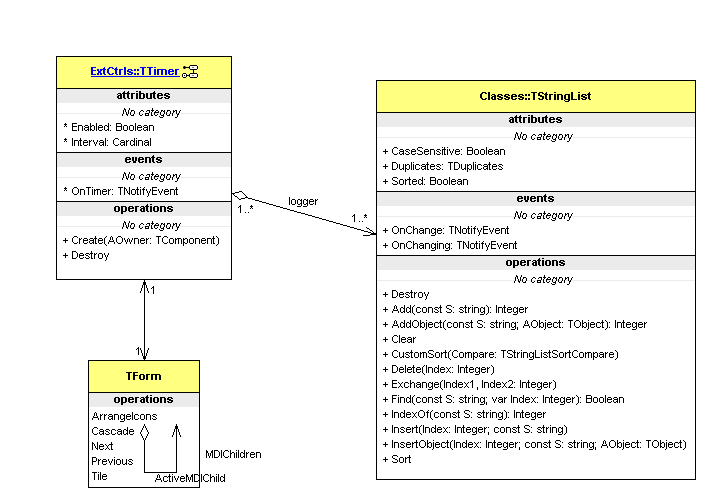
UML Overview
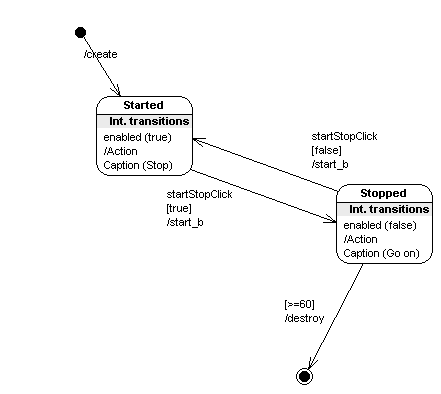
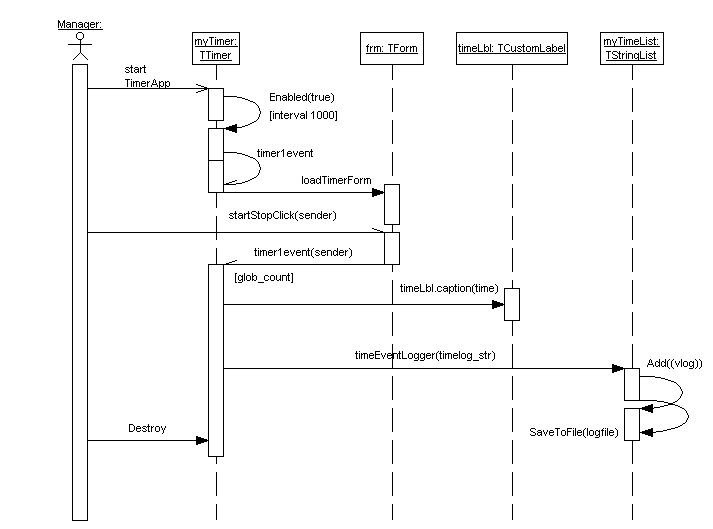
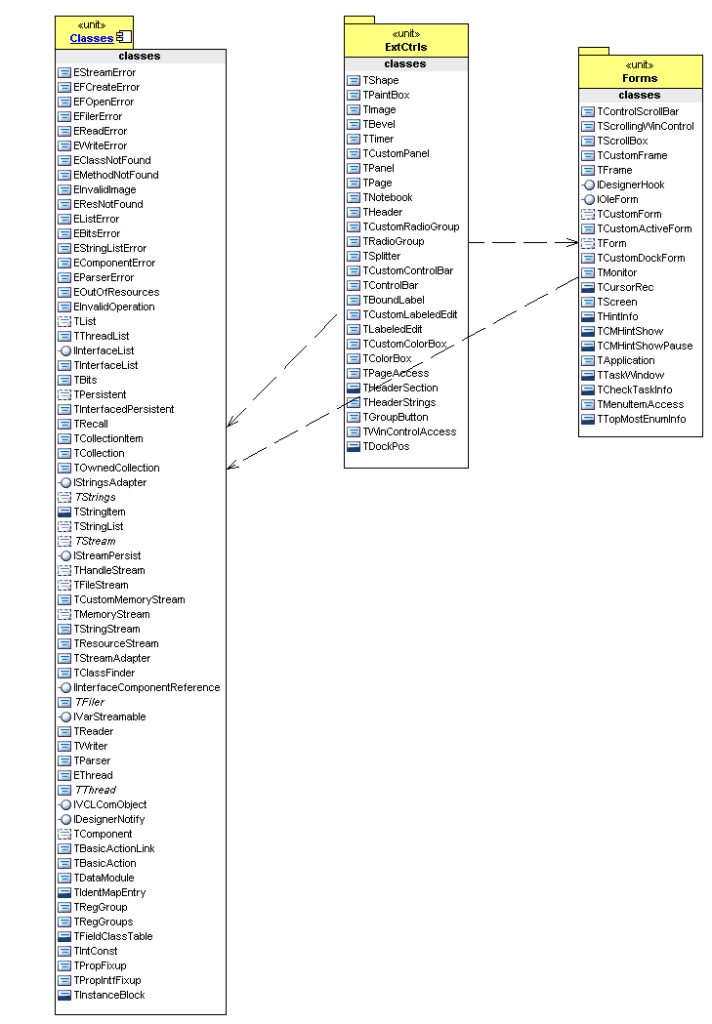
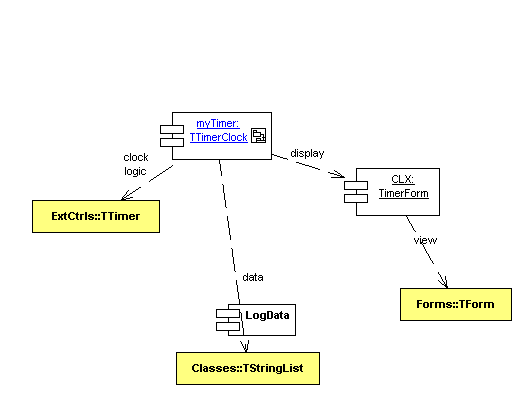
 Code Blog
to solve this:
st := ‘{“data”:{“results”:[{“Branch”:”ACCT590003″}]}}’;
ajt:= TJson.create();
ajt.Parse(st);
print(‘branch: ‘+ajt[‘data’].asobject[‘results’].asarray[0].asObject[‘Branch’].asstring);
>>> branch: ACCT590003
is there a shorter version?
LikeLike