
For clarity and safety, the IStream object defined in the Delphi Visual Component Library (VCL) is a dynamic object that doesn’t have any methods, procedures, functions, events, listener etc… until these methods are defined in your code. The IStream Object will publish these methods correctly for external COM objects expecting an IStream interface.
For example you want to convert an OleVariant from an external COM to a memory stream, its kind of a mystery stream:
function getmemstreamfromIStream(avariant: variant): TMemorystream;
var instream: IStream; astream: TStream;
begin
  instream:= IUnknown(avariant) as IStream;
  astream:= TOleStream.Create(instream);
  result:= astream as TMemorystream;
end;
That will not work because its an invalid class typecast exception, the solution will be a method called CopyFrom():
function getMemStreamfromIStream2(avariant: variant): TMemorystream;
 var instream: IStream; ostream: TStream;
 begin
    instream:= IUnknown(avariant) as IStream;
    ostream:= TOleStream.Create(instream);
    result:= TMemorystream.Create;
    try
      result.CopyFrom(OStream, OStream.Size);
    finally
      OStream.Free;
    end;
 end;
TMemoryStream is a stream that stores its data in dynamic memory. Use TMemoryStream to store data in a dynamic memory buffer that is enhanced with file-like access capabilities. TMemoryStream provides the general I/O capabilities we use.
You could use most any TStream derived object within your own code implementation, including THandleStream or TFileStream. THandleStream provides access to the file handle variable that Windows API require for many core file read/write API calls.
That code works because of a new feature introduced in D2010, namely the ability to recover a reference to the object that implements an interface. Note though that if the IStream is implemented by something other than your Delphi code, then the cast will fail.
As another solution is the load of an IStream from an OLE response stream as unknown variant type to a well known TMemoryStream in order to save the response stream to a file (in our example a binary QR-code image file as a png graphic):
Const
  URLGoogleQRCODE='https://chart.apis.google.com/chart?chs=%dx%d&cht=qr&chld=%s&chl=%s';
  AFILENAME= 'mX5QRCode5.png';
  QDATA= 'https://maxbox4.wordpress.com/';

Type TQrImage_ErrCorrLevel=(L,M,Q,H);

Function QRCcodeOle(Wid,Hei:Word; C_Level,apath:string; const Data:string): string;
var
  httpReq,hr: Olevariant;  instream: IStream;
  jo: TJSON; strm :TMemoryStream;
begin
  httpReq:= CreateOleObject('WinHttp.WinHttpRequest.5.1');
  //jo:= TJSON.Create();
  hr:= httpReq.Open('GET',
                       format(URLGoogleQRCODE,[Wid,Hei,C_Level,HTTPEncode(Data)]))
  httpReq.setRequestheader('content-type','application/octet-stream');
  //httpReq.setRequestheader('Authorization','Bearer '+ CHATGPT_APIKEY2);
  if hr= S_OK then HttpReq.Send();
  strm:= TMemoryStream.create;
  If HttpReq.Status = 200 Then begin
    try
       strm:= getMemStreamfromIStream2(HttpReq.responsestream);
       //getmemStreamfromIStream2file(hrstream, apath);
       writeln('responsestream size: '+itoa(strm.size));
       strm.savetoFile(apath)
       openFile(apath);
    except
       writeln('EHTTPex: '+ExceptiontoString(exceptiontype, exceptionparam));
    finally
       strm.free;
       httpreq:= unassigned;
    end;
  end;
end;
//https://stackoverflow.com/questions/15441014/how-do-i-load-an-istream-into-a-tmemorystream
And the call of the function, but it doesn’t returns anything for the moment, cause we store the result direct in a file (better would be to get back a boolean of success or fail)://6. Call of the OLE WinHttp Class
//6. Call of the OLE WinHttp Class
writeln('back of OLE call: '+
  QRCcodeOle(150,150,'Q',ExePath+'\examples\'+AFILENAME, QDATA));
writeln('SHA1 '+Sha1(ExePath+'examples\'+AFILENAME));  //}
writeln(‘back of OLE call: ‘+
QRCcodeOle(150,150,’Q’,ExePath+’\examples\’+AFILENAME, QDATA));
writeln(‘SHA1 ‘+Sha1(ExePath+’examples\’+AFILENAME)); //}
Another option is to write a TStream-derived class that accesses the IStream internally (similar to how the RTL’s TStreamAdapter class wraps a TStream so it can be passed around as an IStream).
Using the Google Chart Tools / Image Charts (aka Chart API) you can easily generate QR codes, this kind of images are a special type of two-dimensional barcodes. They are also known as hardlinks or physical world hyperlinks.

I was probably not aware of TOleStream at the time I wrote this answer. Looking at TOleStream now, I notice that it does not support 64-bit streams. This code does. Other than that, this code is almost identical to the code that TOleStream uses, with one only exception being that this code’s implementation of the Size property getter is more optimized than TOleStream‘s implementation is, and this code implements the Size property setter whereas TOleStream does not.
So we can combine the invoke call from HttpReq.responsestream to get a file in one function:
function getmemStreamfromIStream2File(avariant: variant;
                                            apath: string): Tmemorystream;
 var instream: IStream; ostream: TStream;
 begin
    instream:= IUnknown(avariant) as IStream;
    ostream:= TOleStream.Create(instream);
    result:=  Tmemorystream.Create;
    try
      result.CopyFrom(OStream, OStream.Size);
      result.SaveToFile(apath)
    finally
      OStream.Free;
    end;
 end;
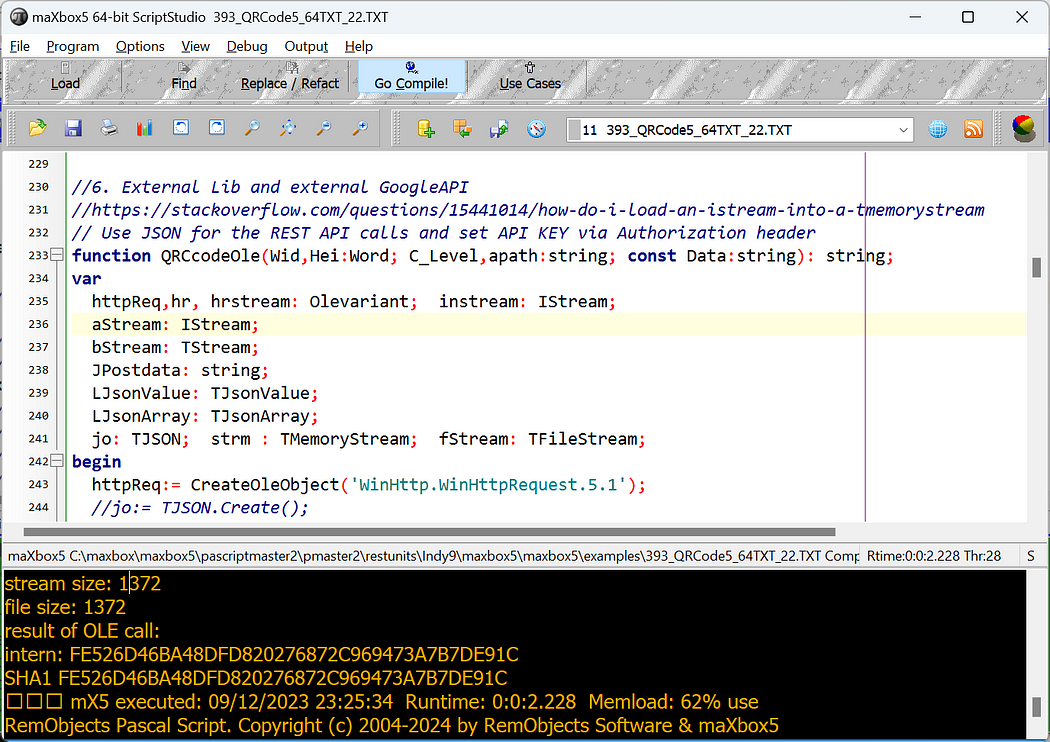
Conclusion: There are probably better ways, but I would create a TOleStream, which is designed as an IStream wrapper; then you can use the CopyFrom() method of your MemoryStream to load and save the data!
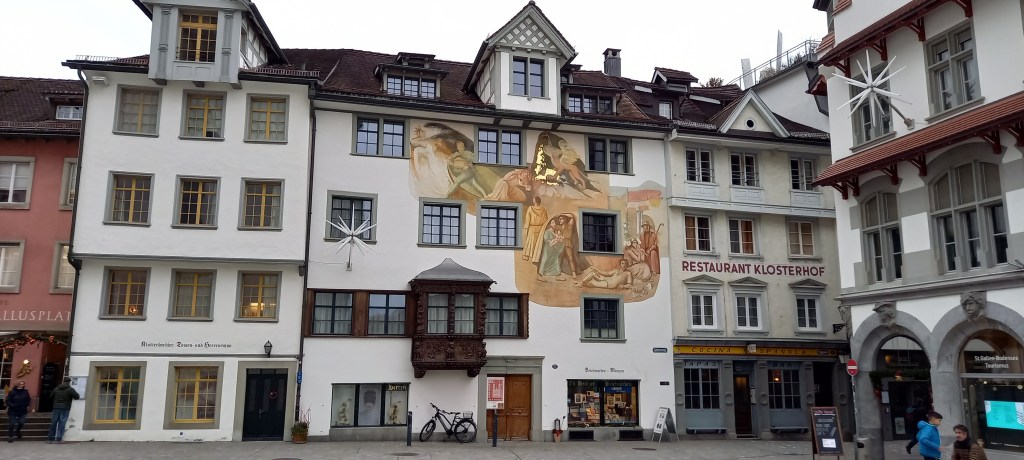
5 City Cycle: Geneva-Bern-Basel-Zürich-St. Gallen




You can expect the journey from Bern Hbf to London by train to take around 10 hours 34 minutes. If you want to get there as quickly as possible, it can take as little as 7 hours 54 minutes on the fastest services. You’ll usually find around 19 trains per day running on this route, which spans 462 miles (744 km). You’ll have to make 2 changes along the way on your journey to London. Eurostar, TGV or Thalys are the main rail operators on this route, all of which offer modern trains with plenty of space for luggage and comfortable seating.





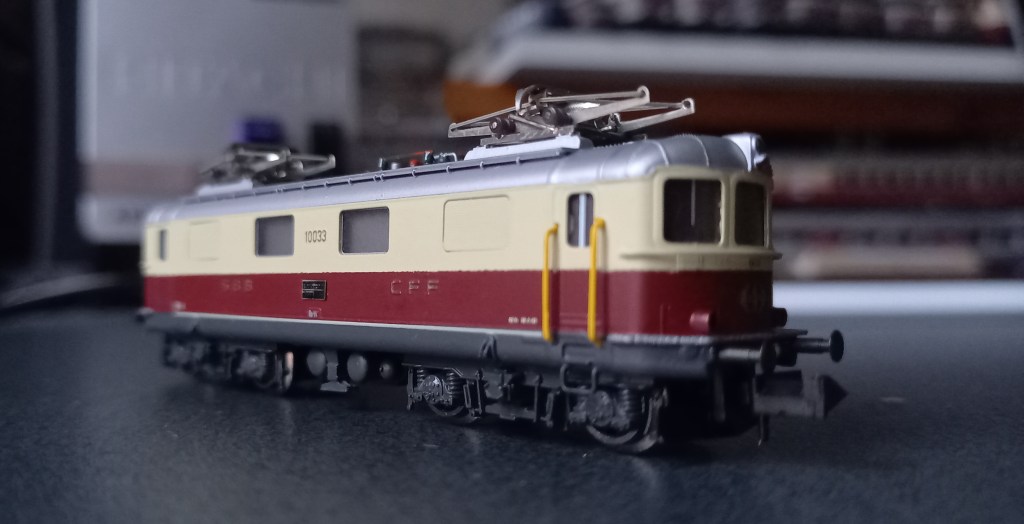



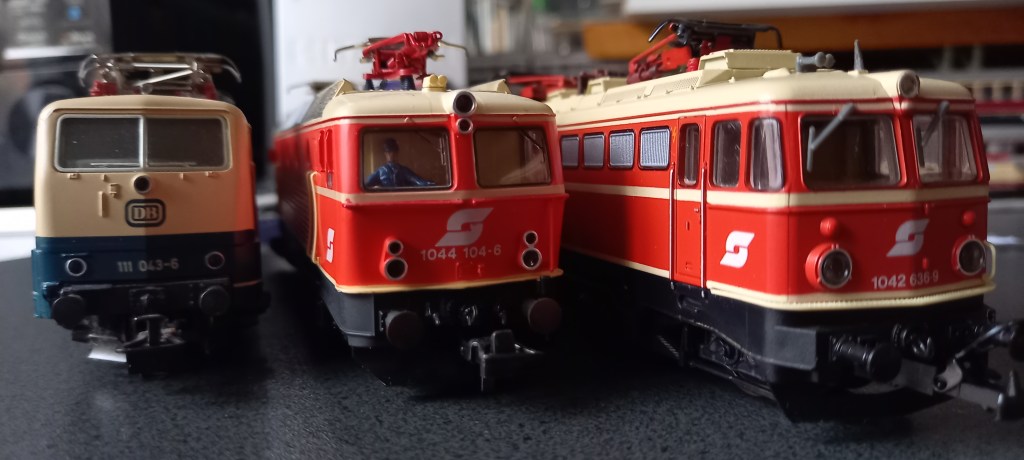
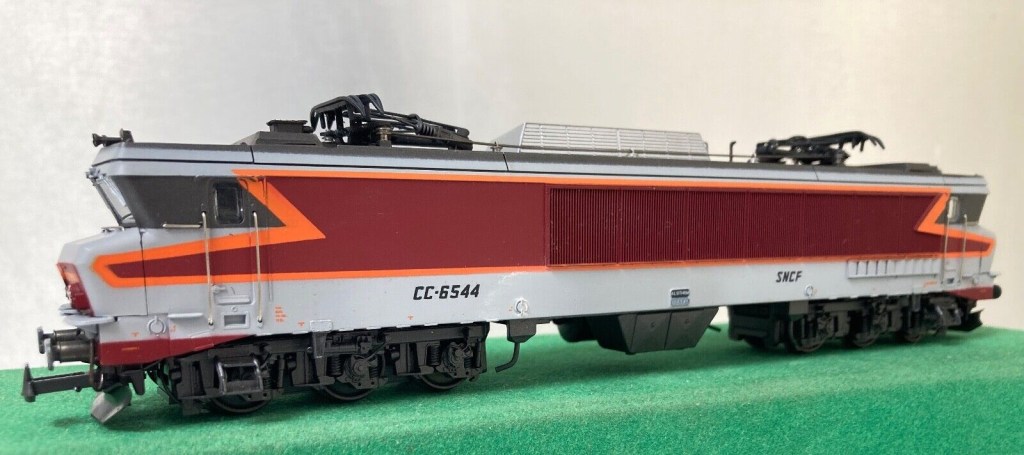
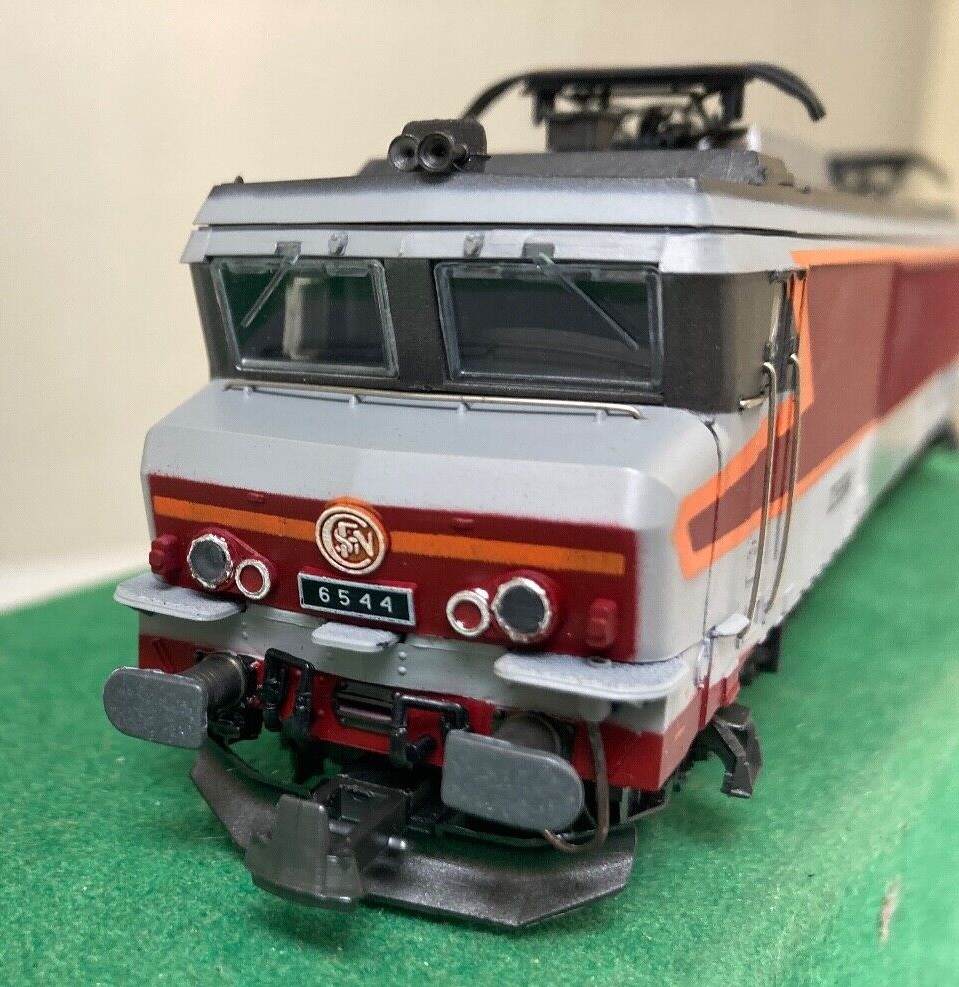
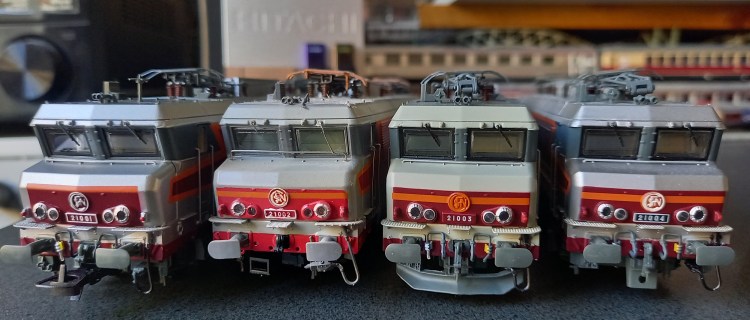
La 1601 “Freccia del Sole” est intéressante, car elle a fait l’objet d’essais sur le BLS avec la 1602. Pour cela, elle a reçu un 4e pantographe lui permettant de rouler en Suisse. Avec logo R.T. Suisse Railtour.
D’après Wikipédia:
La série 16 est une série de huit locomotives électriques polytension commandée en 1966 par la SNCB, afin de tracter les convois sur la ligne vers Cologne nouvellement électrifiée, trois ans après celle vers Paris. En mars 2010, elles furent définitivement mises hors service.

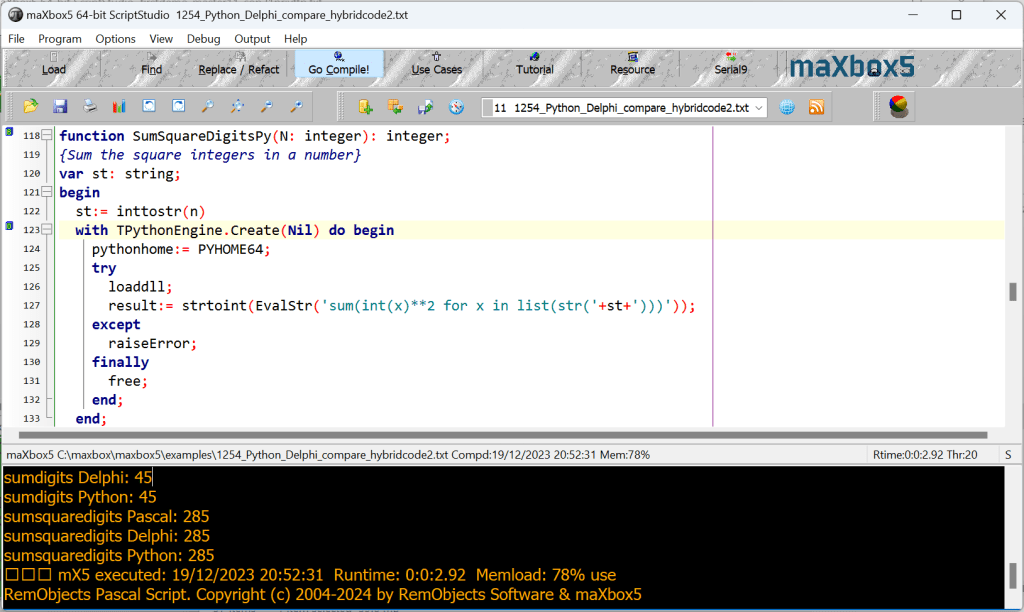
function SumSquareDigitsPy(n: integer): integer;
{Sum the square integers in a number}
var st: string;
begin
  st:= inttostr(n)
  with TPythonEngine.Create(Nil) do begin
    pythonhome:= PYHOME64;
    try
      loaddll;
      result:= strtoint(EvalStr('sum(int(x)**2 for x in list(str('+st+')))'));
    except
      raiseError;
    finally
      free;
    end;
  end;
end;
function SumSquaredDigits_(n: integer): integer;
{Sum the squares of the digits in a number}
var t: integer;
begin
Result:=0;
repeat
   begin
    t:=n mod 10; n:=n div 10;
    Result:=Result+t*t;
   end
until n<1;
end;
And the Pythonic way:
digstr:= '0123456789';
sumi:= 0;
for it:= 1 to length(digstr) do sumi:=
                 sumi+round(pow(atoi(digstr[it]),2));
writeln(itoa(sumi));
>>> 285


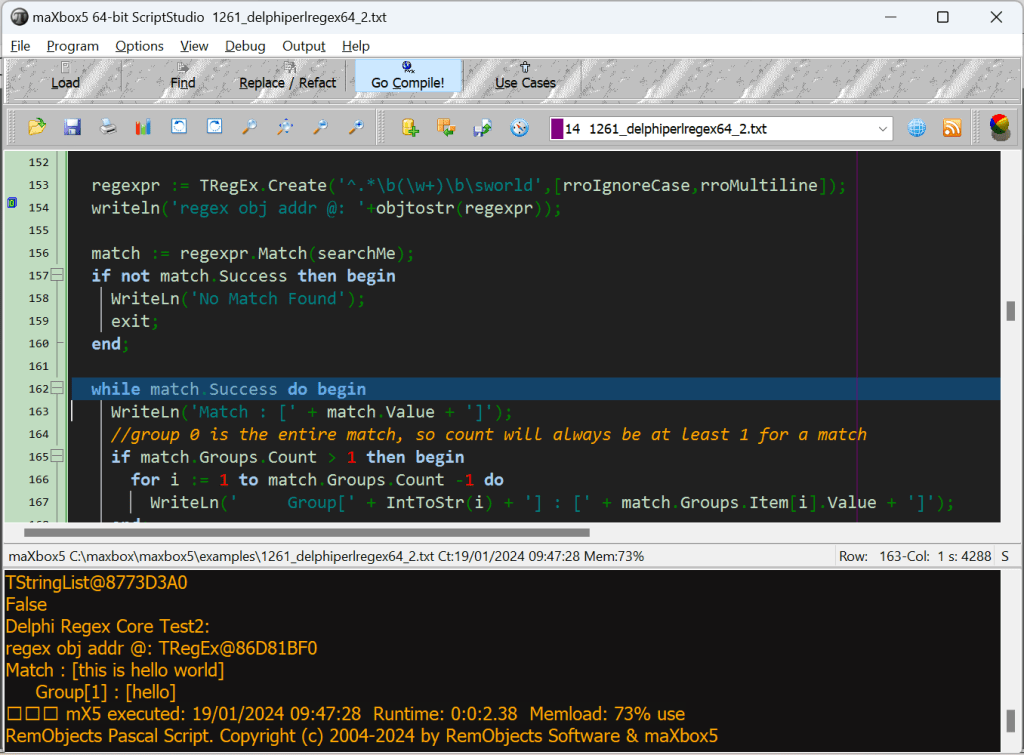
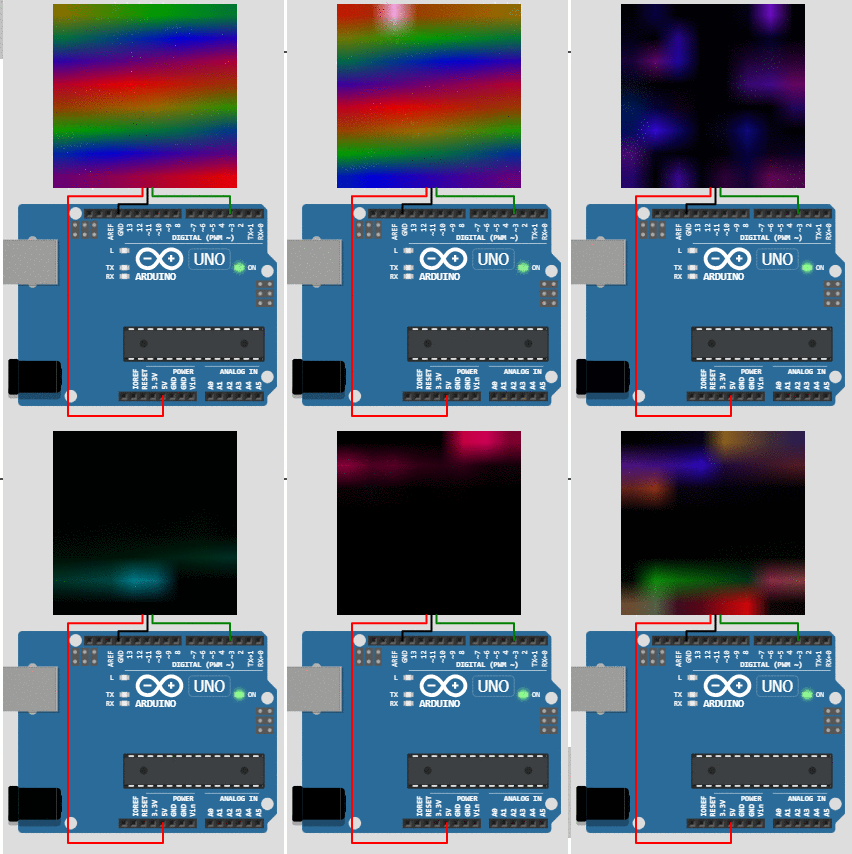
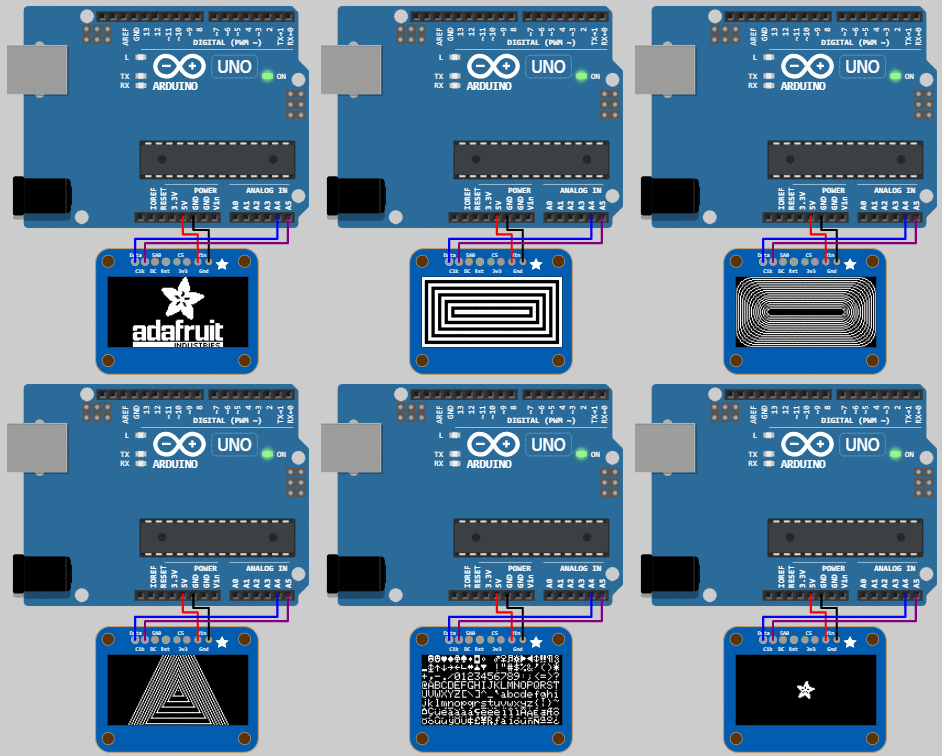
Mime Base64Decode Stream
If it returns a random, base64-encoded image in JPEG format you have two options:
Accept (required) – header indicating the content type to accept in the result. Must be set to the following:image/jpg.
function GEO_to_text_API2_randimage(AURL, url_name, aApikey: string): string;
var httpq: THttpConnectionWinInet;
    rets, rets2: TMemoryStream;
    heads: TStrings; iht: IHttpConnection; //losthost:THTTPConnectionLostEvent;
begin
  httpq:= THttpConnectionWinInet.Create(true);
  rets:= TMemoryStream.create;
  heads:= TStringlist.create;
  try
    heads.add('X-Api-Key='+aAPIkey);
    heads.add('Accept=image/jpg');
    iht:= httpq.setHeaders(heads);
    httpq.Get(Format(AURL,[urlencode(url_name)]), rets);
    if httpq.getresponsecode=200 Then begin
       rets.Position:= 0;
       rets.savetofile((exepath+'randimage.jpg'));
       openfile(exepath+'randimage.jpg');
Or you encode (change) the raw get stream with the procedure ALMimeBase64decodeStream();
function GEO_to_text_API2_randimage(AURL, url_name, aApikey: string): string;
var httpq: THttpConnectionWinInet;
    rets, rets2: TMemoryStream;
    heads: TStrings; iht: IHttpConnection; //losthost:THTTPConnectionLostEvent;
begin
  httpq:= THttpConnectionWinInet.Create(true);
  rets:= TMemoryStream.create;
  rets2:= TMemoryStream.create;
  heads:= TStringlist.create;
  try
    heads.add('X-Api-Key='+aAPIkey);
    //heads.add('Accept=image/jpg');
    iht:= httpq.setHeaders(heads);
    httpq.Get(Format(AURL,[urlencode(url_name)]), rets);
    if httpq.getresponsecode=200 Then begin
       writeln('size of '+itoa(rets.size));
       rets.Position:= 0;
       ALMimeBase64decodeStream(rets, rets2)
       rets2.savetofile((exepath+'randimage.jpg'));
       openfile(exepath+'randimage.jpg');
    end else result:='Failed:'+itoa(Httpq.getresponsecode)+Httpq.GetResponseHeader('message');
  except
    writeln('EWI_HTTP: '+ExceptiontoString(exceptiontype,exceptionparam));
  finally
    httpq:= Nil;
    heads.Free;
    rets.Free;
    rets2.Free;
  end;
end;                 //}
Base64 strings are normally padded with trailing “=” signs to make sure their length is a multiple of 4.
Some decoders will try to correct for the missing padding chars while others will not. See the StackOverflow question “Remove trailing “=” when base64 encoding“
The Random Image API generates random images for all your placeholder and design needs. It supports custom sizes as well as custom image categories.
https://api-ninjas.com/api/randomimage
MemoryStream to String
StreamToString3(ms) and other inbuilts missing a tag so an explicit method works as workaround:
Function TryMemoryStreamToString(const MS: TMemoryStream; var s: string): Boolean;
   begin
     Result:= False; if(MS=Nil) then Exit;
     try
       SetLength(s, MS.Size - MS.Position);
       writeln('debug size: '+itoa(length(s)));
       MS.Read(s, Length(s));
       Result:= True;
     except
       Result:= False;
     end;
   end;
And the other way round:
Function TryStringToMemoryStream(const s: string; var MS: TMemoryStream):Boolean;
   begin
     Result:= False; if(MS=Nil) then Exit;
     try
       MS.Write(s, Length(s));
       Result:= True;
     except
       Result:= False;
     end;
   end;
 Code Blog
Guten Tag Max Kleiner
Zum Jahresausklang möchten wir Ihnen mit Frides Flaschenpost viele gute Wünsche auf den Weg ins neue Jahr mitgeben.
Wir danken Ihnen von Herzen für Ihre engagierte Arbeit im Bereich Weiterbildung. Ihre Studierenden haben Sie mit innovativen Lehrmethoden und spannenden Projekten begeistert. Sie haben dazu beigetragen, dass die Berner Fachhochschule ein Ort des Lernens, der Forschung und der Zusammenarbeit ist.
Wir wünschen Ihnen frohe Feiertage, gute Gesundheit und einen angenehmen Start in ein erfolgreiches neues Jahr. Wir freuen uns auf die weitere Zusammenarbeit mit Ihnen.
Herzlich
Ihr Team der BFH-TI Weiterbildung
LikeLike