////////////////////////////////////////////////////////////////////////////
Code Signing Tutorial__________________
maXbox Starter 118 – Get a code signing certificate and sign the Executable.
“The Sign of the Southern Cross – signtime.
Code Source: 1033_signtool_simplebatch_solution_mX4Cert_second64.txt
If you have a code base of a 64-bit Windows executable you can sign this Exe. Code signing is the process of digitally signing executables and scripts to confirm the software author and guarantee that the code has not been altered or corrupted since it was signed for the first time.
{———————————————————————-}
{- -} {- Tool> signtool sign /f certs/tcertificate4.p12 /p belplan /t -}
{- http://timestamp.digicert.com m85covid6.png -}
{-Done Adding Additional Store -}
SignTool Error: This file format cannot be signed because it is not recognized. SignTool Error: An error occurred while attempting to sign: {- m85covid6.png -}
{———————————————————————-}
As you can see, you can’t sign a png or jpg file, just exe, jar, js and bat and a few others. The *.p12 contains both the private and the public key, and also information about the owner (name, email, location, address, etc. ) all being certified by a third party. With such certificate, a user can identify himself and authenticate himself to any organization trusting the third party.
You should be able to see the content of the p12 file with
openssl pkcs12 -info -in filename.p12
provided openssl is installed in your system.
The executable is organised in a project-, a manifest- and a resource unit. This article will be the default article after the implementation of the new Minimum Requirements for Code Signing on February 1, 2017.
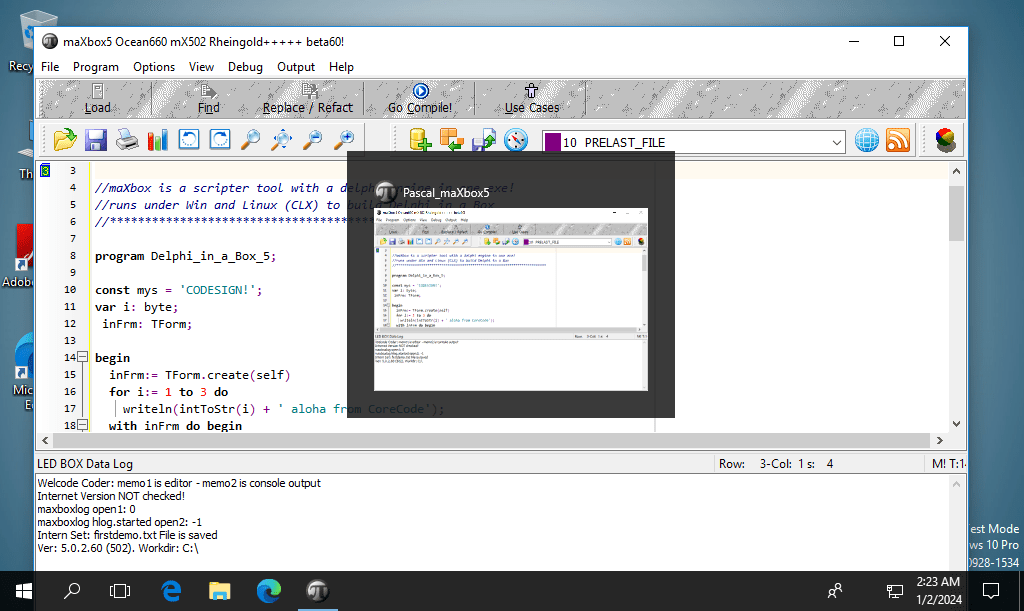
pic1: tutor118_signobjectscreen_6.png
You can either sign files out of a working directory, or you can place them in your Windows SDK\bin folder.
Source Organisation Steps
- Open the Command Prompt: Windows 7: Start > Run > cmd, or for Windows 8-10, press the Windows Key, then type cmd and press enter.
- Navigate to the directory with signtool.exe.
- Use the following command to sign your file:
- signtool sign /a /tr http://timestamp.globalsign.com/tsa/r6advanced1 /td SHA256 /fd SHA256 c:/path/to/your/file.exe
- To verify the successful signature use the following commands: Authenticode: signtool verify /v /pa
Alternatively, you can batch that in a script:
Const TOOLPATH =
'C:\maxbox\maxbox51\examples\signtool\';
//'from C:\Program Files (x86)\Windows Kits\10\bin\10.0.19041.0\x64\signtool.exe';
const CERTFILE =
'C:\maxbox\maxbox51\examples\signtool\certs\maxbox4exe.pfx';writeln(GETDOSOutput('signtool.exe sign /f'
+' certs/maxbox4exe.pfx /p '+PASSTOKENfromfile
//+' /t http://timestamp.digicert.com '+TOSIGNFILE
+' /tr http://timestamp.globalsign.com/tsa/r6advanced1
/td SHA256 /fd SHA256 ' +TOSIGNFILE ,TOOLPATH)); //}
Enter your Token Password. If the signing is successful you will see a prompt informing you so for the signing process.
→ Done Adding Additional Store
- /tr– Specify an RFC 3161 compliant trusted time stamp server.*Recommended*
- /td SHA256– Must be called after “/tr”, this command specifies the TimeStamp digest Algorithm. *Recommended*
- /ac– Specify an Additional Certificate.
Note: Timestamping your Code is extremely important and is highly recommended for every piece of code that you sign.
This timestamp will allow the file that you sign to remain valid long after the certificate itself has expired.
So for the verify of the sign get the latest revision of signtool with patches as from issues and it goes like this:
WinExec32(‘cmd /C signtool.exe verify /v /pa ‘+TOSIGNFILE+’ >
signresult3445.txt’,1);
Verifying: PointInSpace5_64.exe
Signature Index: 0 (Primary Signature)
Hash of file (sha256):
139E1FBBEB8BA664CA08EB6B3B8CEFD1E59AC87A7A97B6DACE406FF489828BBB
Signing Certificate Chain:
Issued to: maXboxCertAuth
Issued by: maXboxCertAuth
Expires: Sun Jan 01 00:59:59 2040
SHA1 hash: 6F83207B500DCC0E32A719599CBC6BD7E6B2A04D
Issued to: maXbox4signer
Issued by: maXboxCertAuth
Expires: Sun Jan 01 00:59:59 2040
SHA1 hash: 6A89501B76D47C189A60BF1070BAA2FBFD38D7D7
Issued to: maXbox4exe
Issued by: maXbox4signer
Expires: Sun Jan 01 00:59:59 2040
SHA1 hash: F0EB0CA218C5707FAC78921F81092CECA12AD0E9
The signature is timestamped: Tue Jan 02 19:31:40 2024
Timestamp Verified by:
Issued to: GlobalSign
Issued by: GlobalSign
Expires: Sun Dec 10 01:00:00 2034
SHA1 hash: 8094640EB5A7A1CA119C1FDDD59F810263A7FBD1
Issued to: GlobalSign Timestamping CA – SHA384 – G4
Issued by: GlobalSign
Expires: Sun Dec 10 01:00:00 2034
SHA1 hash: F585500925786F88E721D235240A2452AE3D23F9
Issued to: Globalsign TSA for CodeSign1 – R6
Issued by: GlobalSign Timestamping CA – SHA384 – G4
Expires: Sun May 08 08:45:38 2033
SHA1 hash: CA3E8CFD7CFD329A99359A9A38F86185F0B01C4A
Successfully verified: PointInSpace5_64.exe
Number of files successfully Verified: 1
Number of warnings: 0 Number of errors: 0
The interesting point is to know where the certificate with the hash is stored in the executable itself. Validate a PE certificate. Is the signature valid or not. It should work when signature is embedded in PE executable and when the signature is in a security catalog.
For example the exe maXbox5.exe with the hash:
SHA-1: ddf3fa4e3ccb0835082c8d8bbd9ddd98a5b5c7b5
SHA-256: da34199785ae5371e2cf8a23a12b68295f7c968ba0c8a24f367baf0c5f091439
The embedded cert can be found at the end of an executable as a PE layer, we can visualize such a structure of a PE executable, look at the blue section called overlay at the very end:
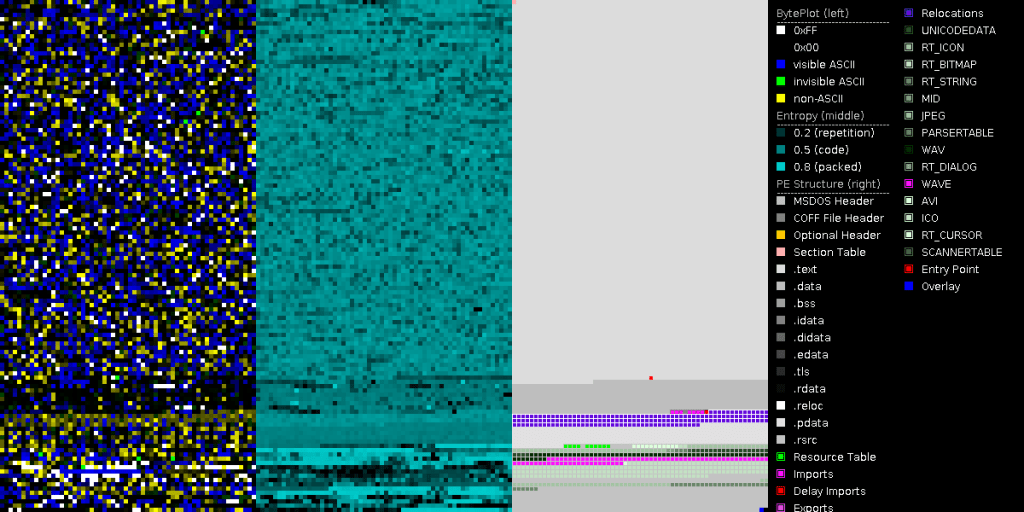
Pic2: tutor118_maxbox5_visualized_samplesections.png
In Delphi or maXbox, I can include a folder’s source code by adding it to the project Search Path or define as an include file, or adding it to the Library Path. The Search Path applies for the UMatrix.pas only to the current project, while the Library Path applies to any project opened with the IDE.
From DetectItEasy
PE64 Linker: Turbo Linker (8.0) [GUI64,signed] Compiler: Embarcadero Delphi (11.0 Alexandria) [Standard] Sign tool: Windows Authenticode (2.0) [PKCS #7]
File size 59.92 MB (62832288 bytes)
Test of code signing overlay size
You can measure the overlay with a before and after analyze:
Size of Exe befor sign: 63,141,888 bytes
Size of Exe after sign: 63,149,728 bytes
makes a diff of 7840 bytes and this is what we see on virustotal:
Overlay
entropy 7.6731858253479
offset 63141888
chi2 5806.17
filetype unknown
md5 d2702c89702ab006afd750091060100c
size 7840
X509 Certificates
maXbox4signer
Globalsign TSA for CodeSign1 – R6
GlobalSign Timestamping CA – SHA384 – G4
GlobalSign
The Mystery of VirusTotal
Also please specify which certificate kind is the correct one. Most sites only mention “code signing” and talk about signing applications that are actually compiled by the user. This is actually the case for me. I got a last compile of this year 2023 for the multi-installer of Python4Delphi and as usual signed this with my code signing certificate as usual but VirusTotal showed 2 detections:
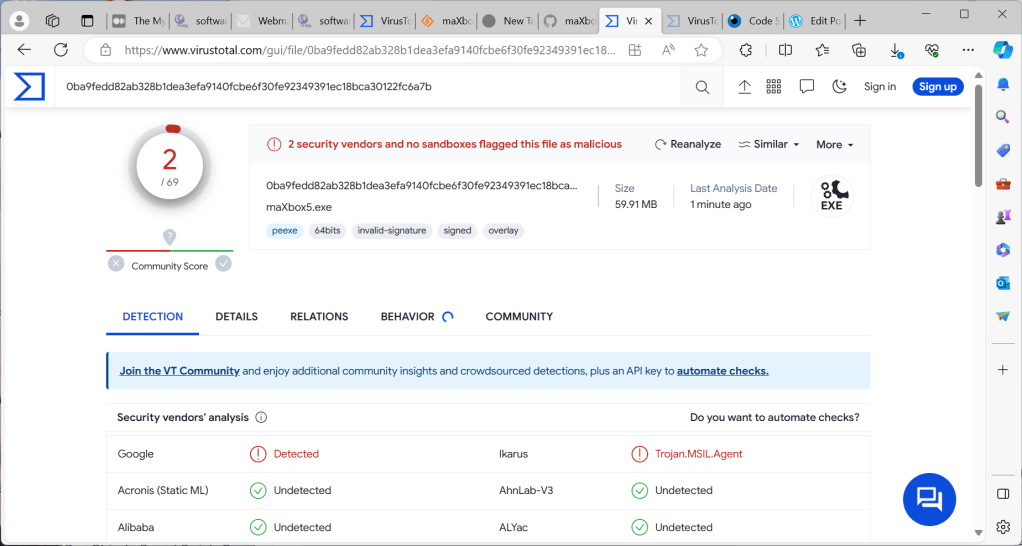
So what to do, checked the MSIL.Agent read something about misused code signing so I decided to test it without code signing and no flag this time, so it has to do with the signing process! (which is an extension of the underlaying Executable as overlay). I replaced the authenticode time stamp countersignature from digicert to globalsign an it worked with VirusTotal!:
+' /tr http://timestamp.globalsign.com/tsa/r6advanced1 /td SHA256 /fd SHA256 ' +TOSIGNFILE ,TOOLPATH)); //}
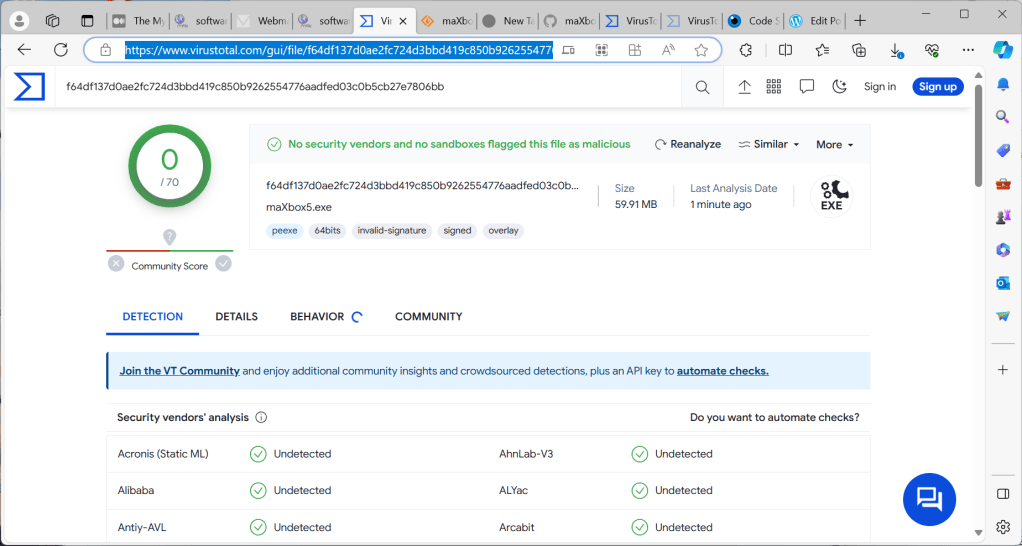
Pic3&4: tutor118_VTotal_secondtest.png
When we compare the sign part of VirusTotal in Details we can see that SHA-256 orders additionally use the R1-R3 Cross Certificate – default March 31, 2014 & after. (The R1-R3 Cross Certificate will need to be installed on the signing computer but not specified as an additional certificate during the signing procedure):
The old timestamp one X509 Certificates from DigiCert and the new one from GlobalSign:
VirusTotal – File – da34199785ae5371e2cf8a23a12b68295f7c968ba0c8a24f367baf0c5f091439
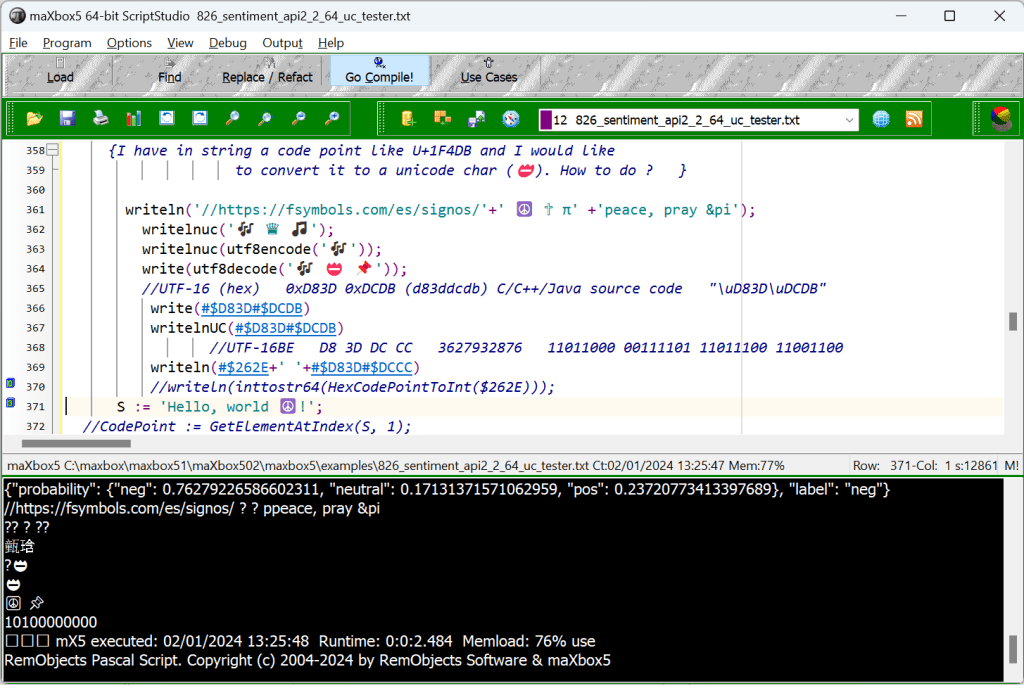
Pic5: 8_mX5_64bitGUI2.png
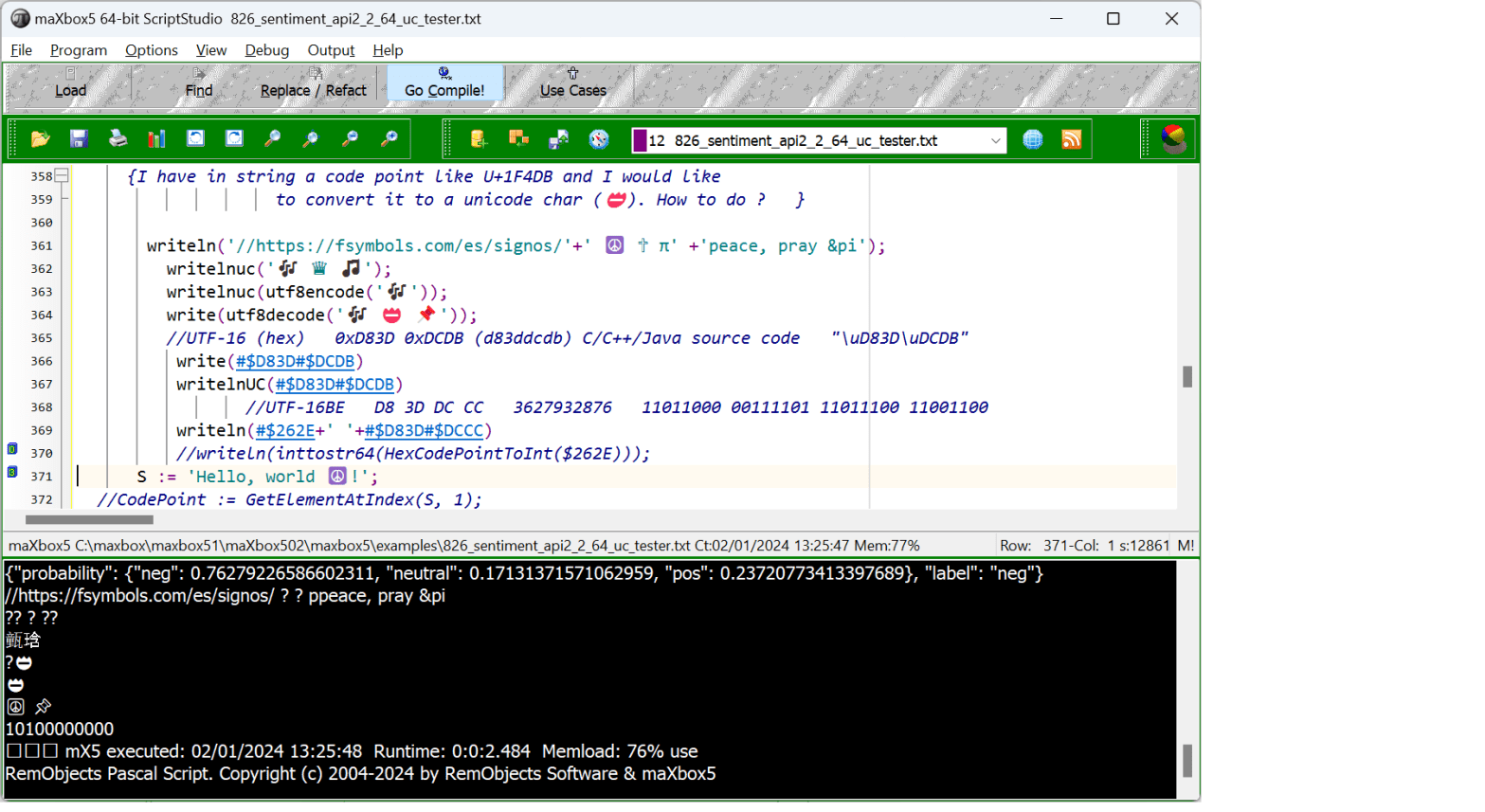
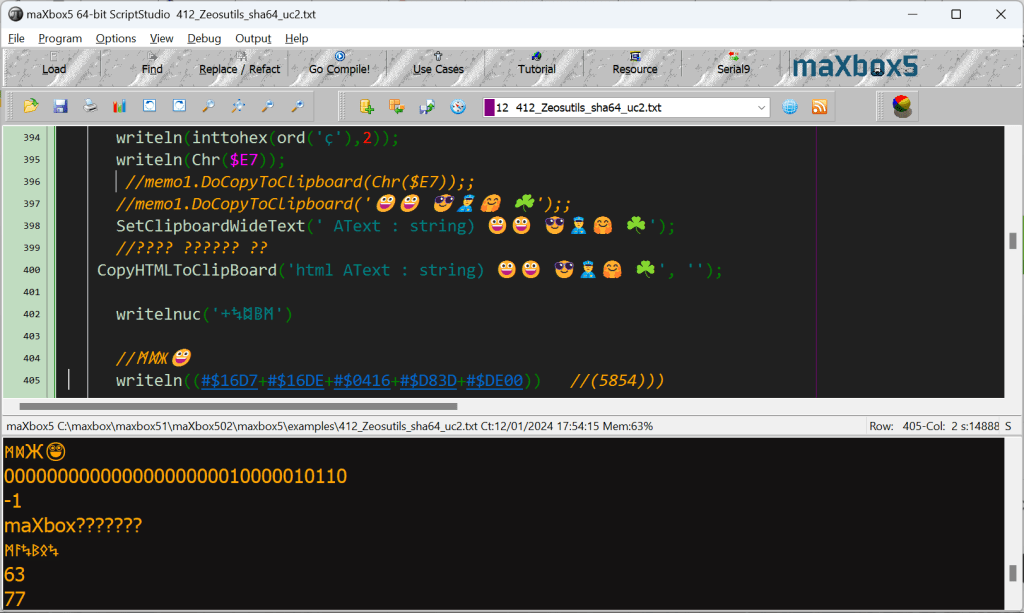
Why we cannot use single “\u” to represent smiley within a string? Because when \u escape was designed, all unicode chars could be represented by 2 bytes or 4 hexadecimal digits. So there are always 4 hexadecimal digits after \u in a java string literal.
To represent a larger value of Unicode you need a larger hexadecimal number but that will break existing java strings. So there java uses same approach as utf-16 representation. As an example, the letter A is represented in unicode as U+0041 and in ansi as just 41. So converting that would be pretty simple, but you must find out how the unicode character is encoded. The most common are UTF-16 and UTF-8. UTF 16, is basically two bytes per character, but even that is an oversimplification, as a character may have more bytes. UTF-8 sounds as if it means 1 byte per character but can be 2 or 3. To further complicate matters, UTF-16 can be little endian or big endian. (U+0041 or U+4100).
Conclusion:
To sign a Windows executable file, you will need a code signing certificate from a Certificate Authority (CA) like Verisign or a self signed certificate with OpenSSL or instantssl.com1. Once you have the certificate, you can use Microsoft’s SignTool to sign your app. You can download SignTool as part of the Windows SDK1.
You download it as part of the Windows SDK. Note that it’s also possible to install SignTool without installing the entire SDK.
How to install SignTool.exe for Windows 10 – Stack Overflow
Once installed you can use SignTool from the command line or a script.
Script: softwareschule.ch/examples/maxbox_starter115.txt
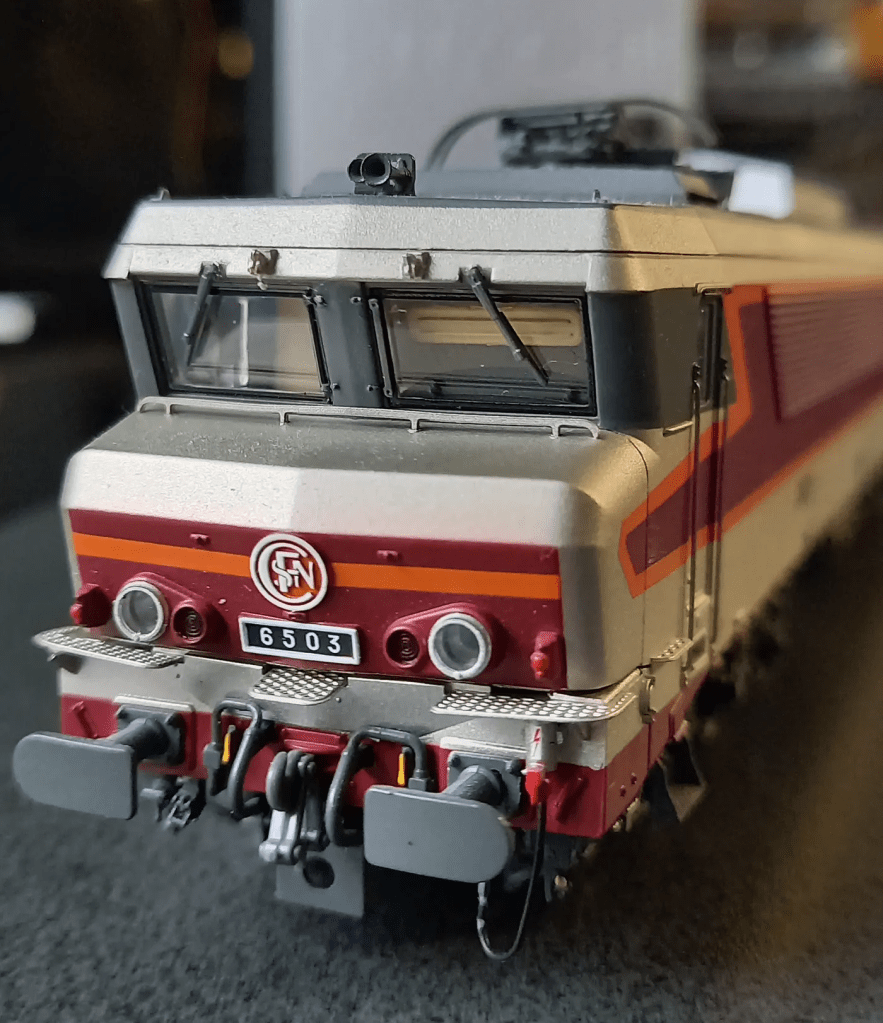
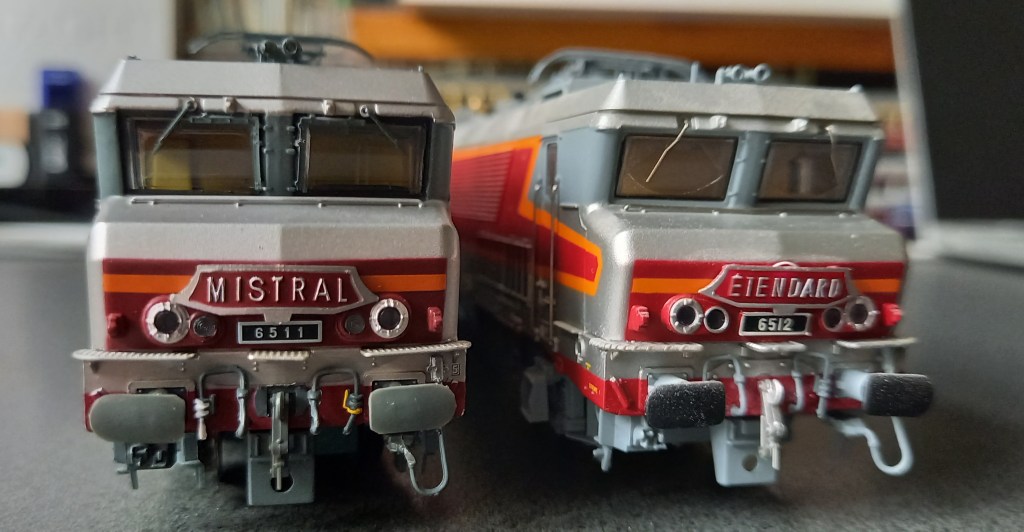
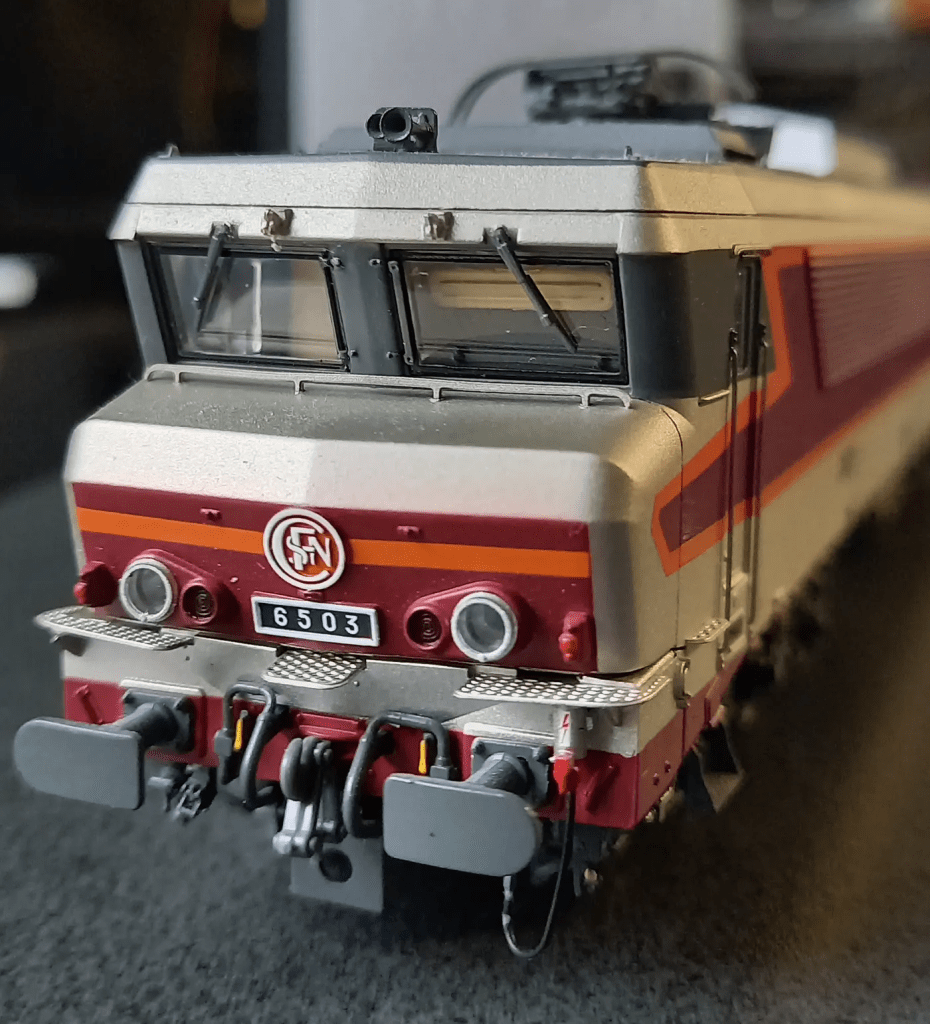
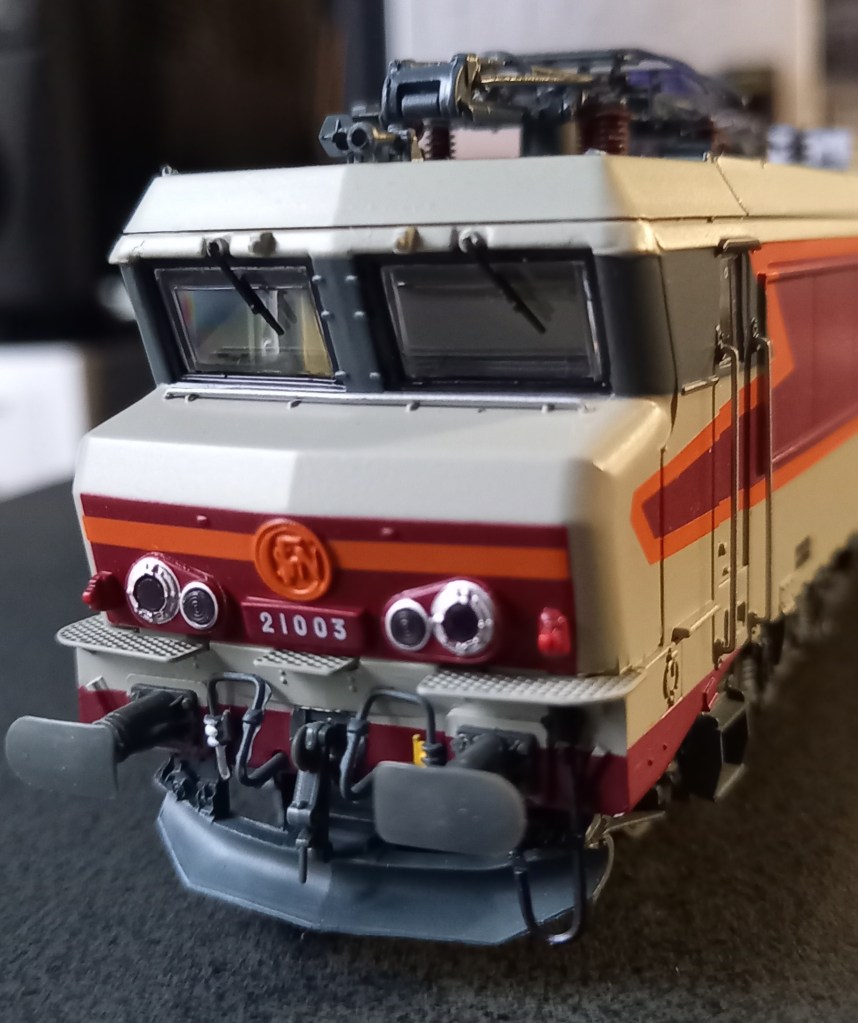
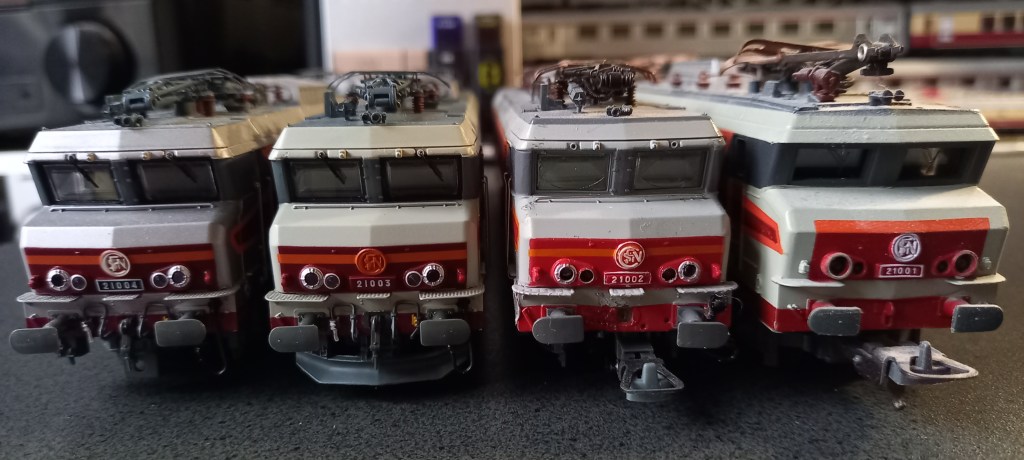

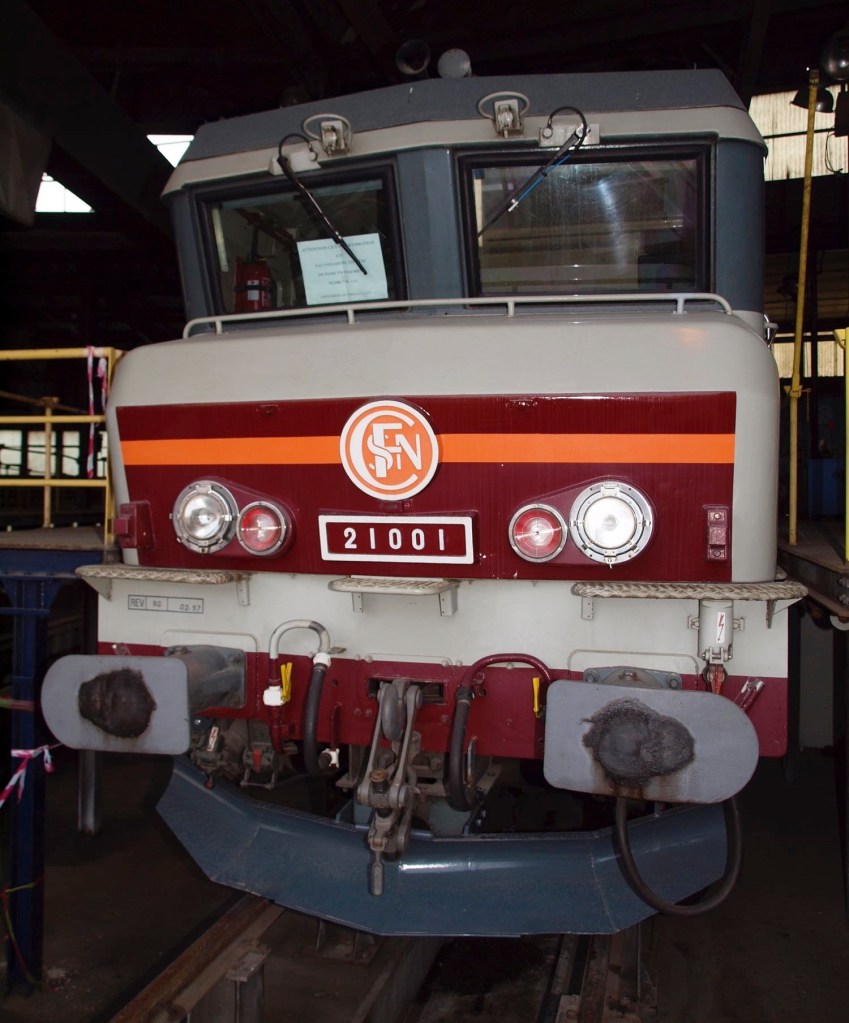
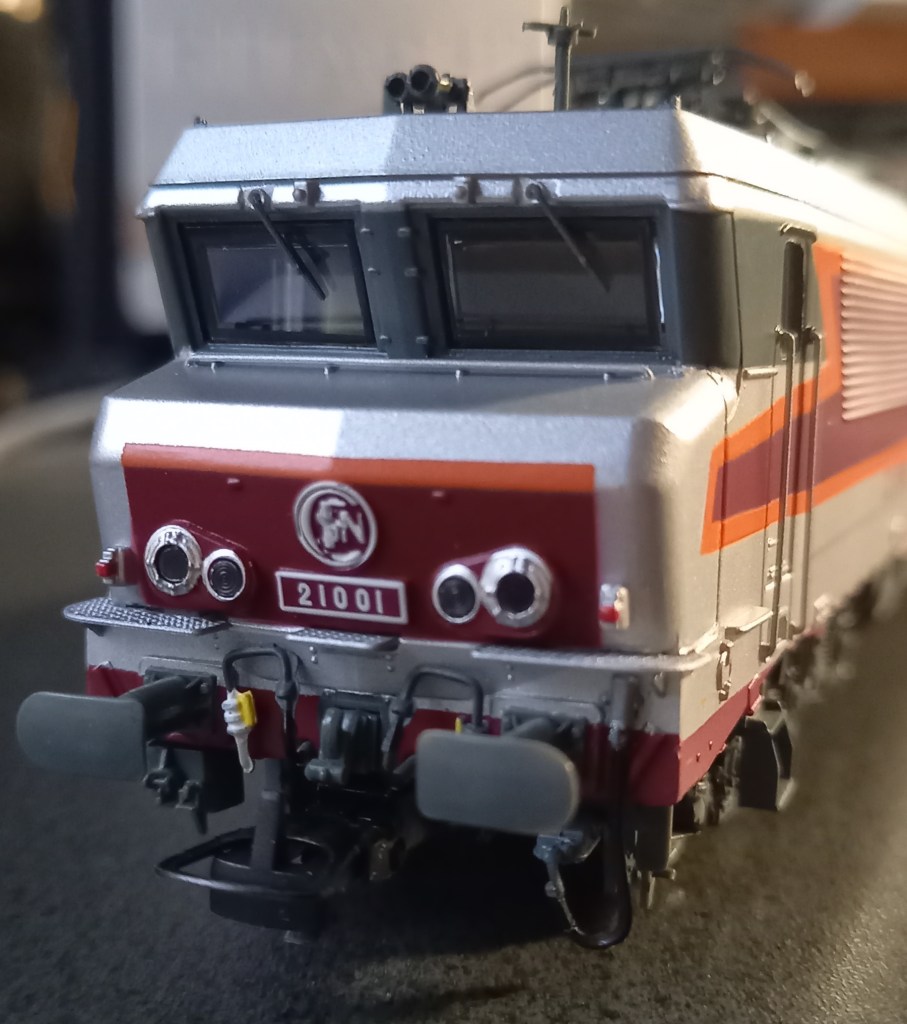
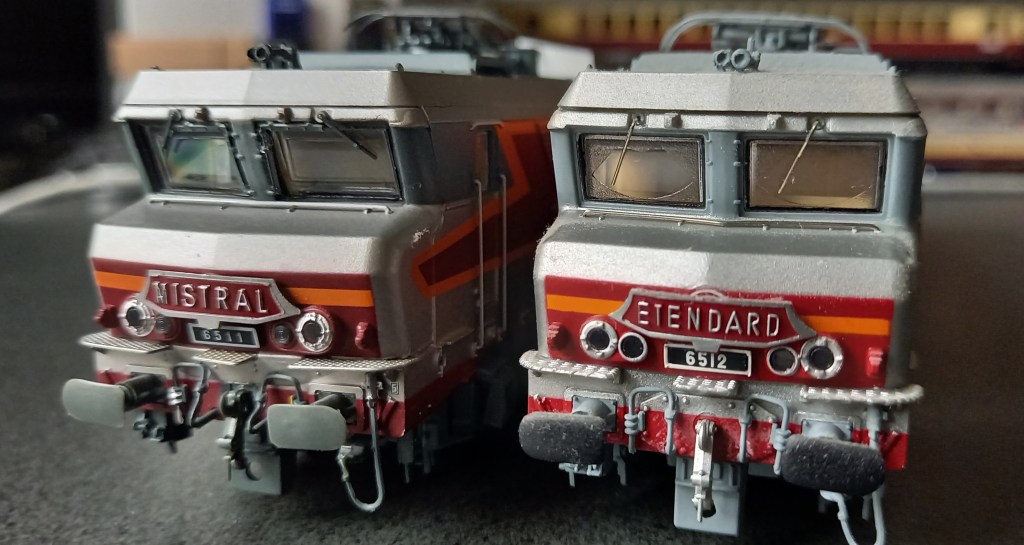
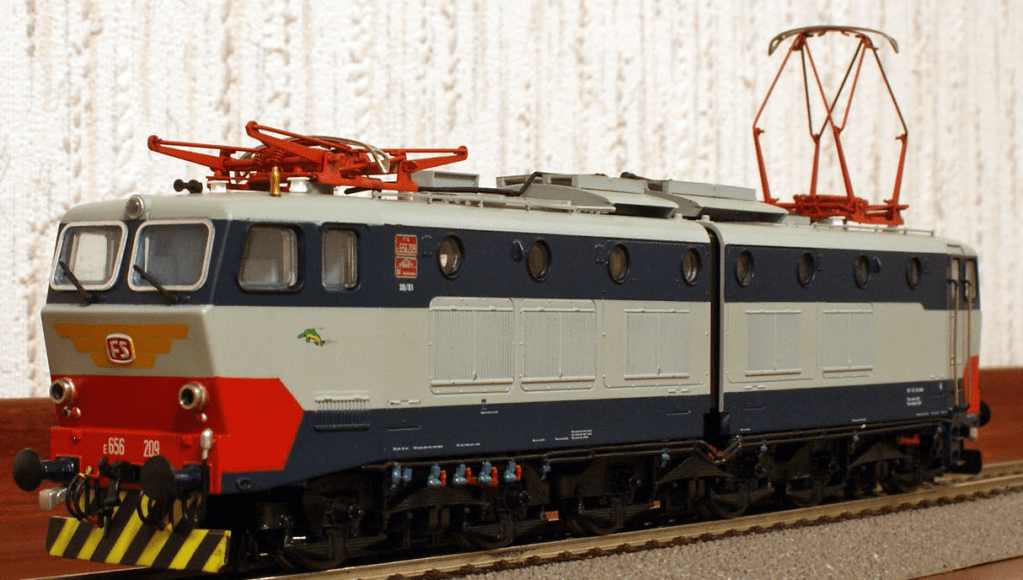
Something to model:
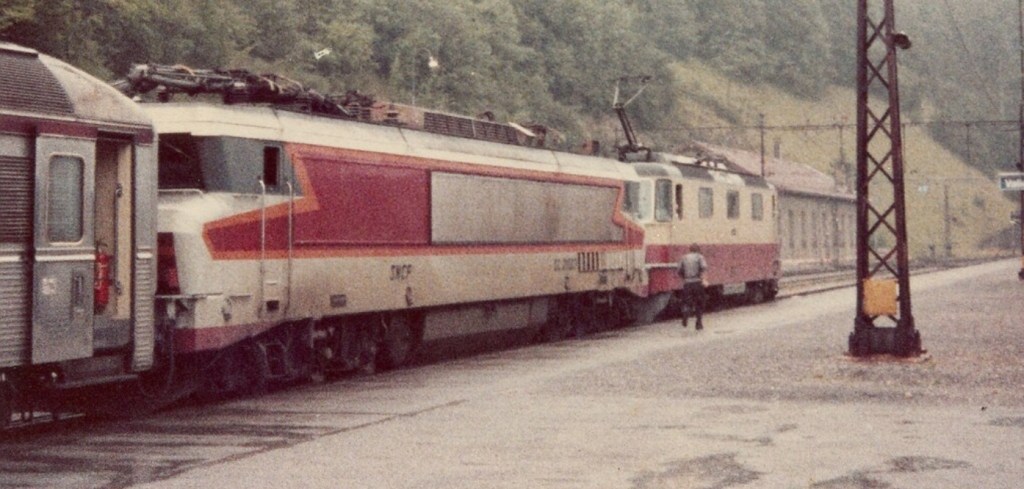
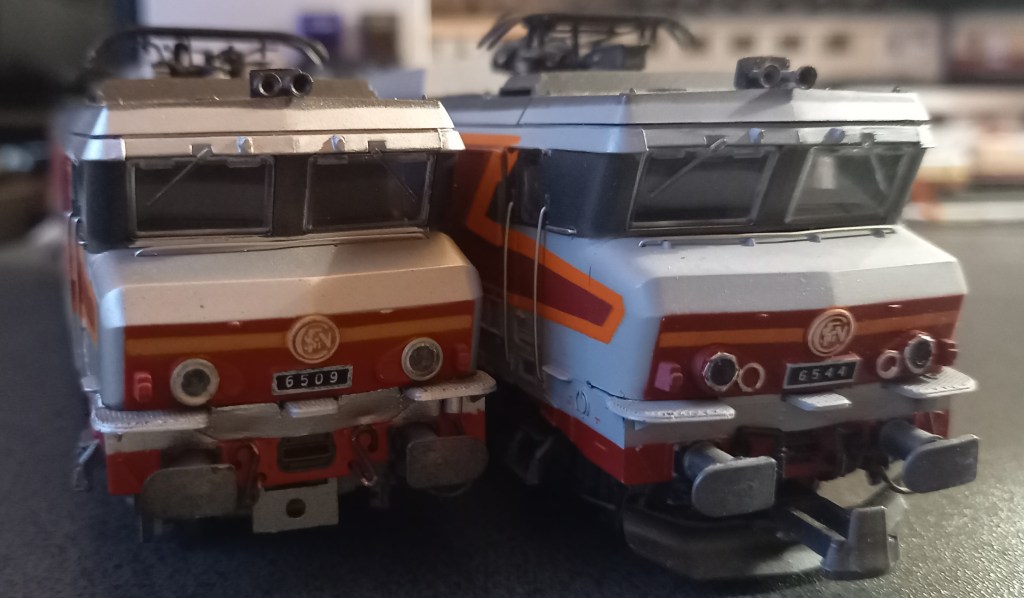
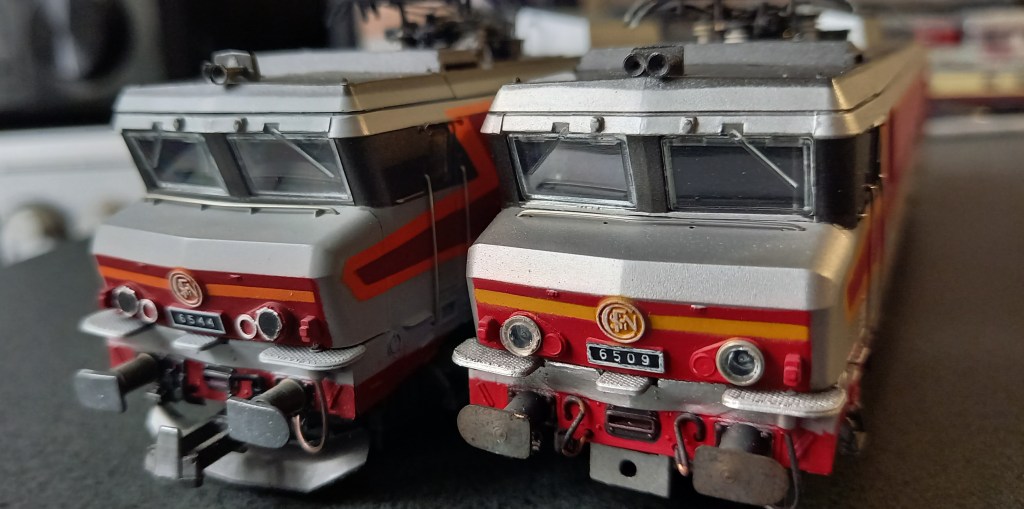
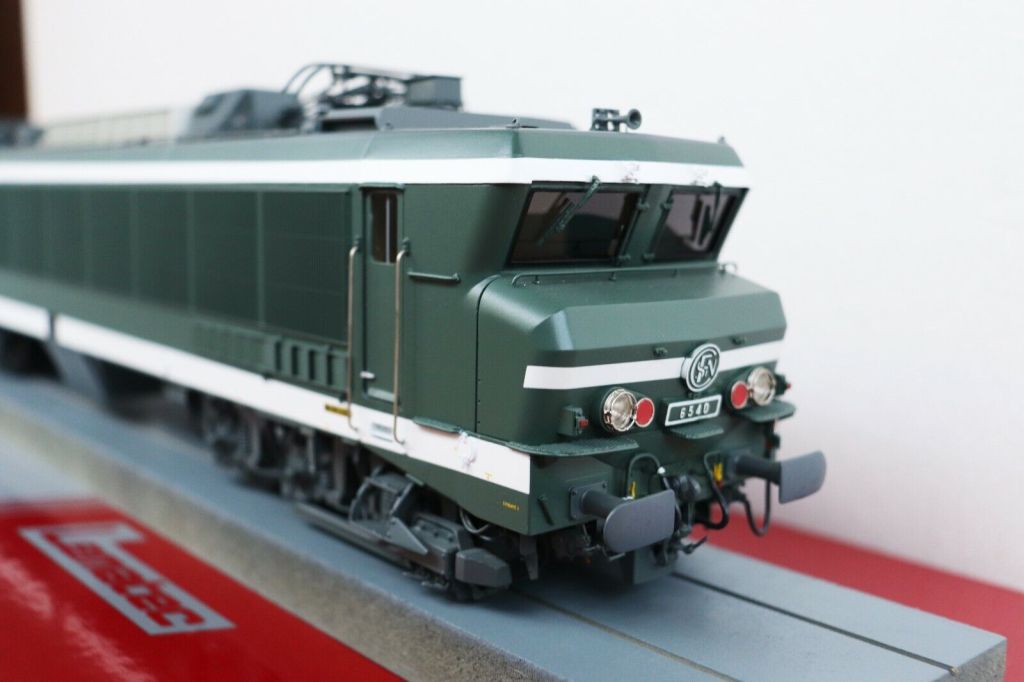
The locomotive was built at the same time as the largely identical CC 6500 (as the names reveal, one was a DC single-system locomotive, the other was a two-system locomotive with the five-digit series designation beginning with “2”). The “mathematically” resulting CC 14500 was not built; 6500 (DC) + 14500 (AC) = 21000 (DC+AC) is not possible here – this is in contrast to the successor and last generation Nez Casséz, the 15000 (AC) + 7200 (DC) = 22200 (DC+AC ), here “summed up” in the order in which they appeared.
There were only four CC 21000s; they were built for traffic from Paris to the southwest/Burgundy and, above all, towards Switzerland/Simplon/Italy. For years on this route they pulled the TEE Cisalpin, the Simplon Express, the Lombardie Express and perhaps occasionally the Luthetia (otherwise a task shared by the CC 6500 and two BB 25500s in double traction).
The locomotive was strong, fast and had enormous pulling power at slow speeds (424kN). The 21001 once drove at 281 km/h on a test train. Simply an elegant, powerful and powerful appearance – it’s a shame I never saw her live.
With the appearance of the TGV, the CC 21000 became superfluous and were converted into CC 6500 – then further south and used primarily in freight traffic (including on the Mont Cenis line). This was particularly visible visually due to the disappearing transformer.

References:
Compiled Project:
https://github.com/maxkleiner/maXbox4/releases/download/V4.2.4.80/maxbox5.zip
Free Automated Malware Analysis Service – powered by Falcon Sandbox (hybrid-analysis.com)
Topic:
certificate – Signing a Windows EXE file – Stack Overflow
Preparation:
How to install SignTool.exe for Windows 10 – Stack Overflow
Doc and Tool: https://maxbox4.wordpress.com
PDF Version: http://www.softwareschule.ch/download/maxbox_starter118.pdf
Distance to sphere 3 is 6.40300 (vs. measured 6.40300)
Distance to sphere 4 is 3.46390 (vs. measured 3.46400)
//}
Max Kleiner 03/01/2024



| Unfortunately, 2024 starts with sad news: on 1 January 2024, Niklaus Wirth passed away. Wirth was the creator and founder of Pascal (and several other programming languages) and received the Turing Award for his work in 1984. We will always remember him as one of the most important pioneers in developing programming languages, programming methodologies and software engineering. |
 |
| For the new year 2024, we have very exciting developments in the planning. For Codolex, the Low Code tool for Delphi, we have some really useful new features planned for Q1. More on this in a news letter next month. On 19 January, I am organising a webinar together with Ian Barker from Embarcadero about Codolex and maXbox5. |
 Code Blog
Guten Morgen Max
Vielen Dank für deine Abschrift, ich schaue mir das gerne an.
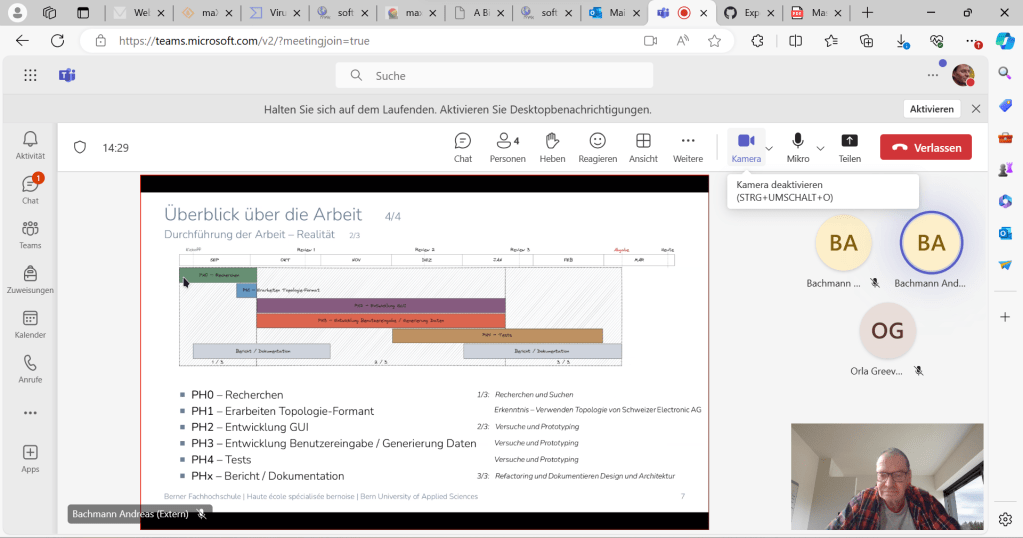
Habe für den Moment mal das “1.1 Architekturziele” gelesen.
Mein Bild ist lediglich ein “Brain Dump” gewesen, damit ich eine Übersicht und Klarheit erlangen konnte.
Ich werde dieses Bild so nicht im Bericht verwenden. Das ist nur ein Arbeitshilfsmittel.
Stimmt, eine Legende fehlt. Das war Freestyle ohne Bezug auf UML oder Arc42. Die Bedeutung war:
Pfeilfarben
Grün = Daten Lesen
Rot = Daten Schreiben
Schwarz = Aufruf (z.B. einer Methode)
Rechtecke
Blau = Daten
Grün = Methoden
Meine Absicht – und wie dieses Bild entstand – stützte sich auf einen Aspekt des Patterns “CQRS”:
Mit dem Prototyping habe ich zunächst einzelne Funktionalitäten entwickelt und diese (zuerst nicht, dann aber) unstrukturiert im “main” eingefügt.
–> Mit dem Ansatz von CQRS wollte ich Ordnung schaffen, also mit welchen Methoden schreibe ich wann welche Daten. Und welche Methoden lesen diese. Und wo sollen diese Daten gehalten werden.
Durch dieses Vorgehen kam ich zu dem Punkt, wo ich zwar ein lauffähiges “Resutat” erlangte, aber das eigentlich vorangehende Design übersprungen habe.
Das war genau der (Schwach)punkt, wo ich mich schwer tat in den letzten beiden Wochen.
Das MVC ist auch im Arc42-Buch (von Dr. Gernot Starke) für “Systeme mit grafischer Bedienoberfläche” genannt.
Er hat es zudem im Kapitel 7.6.3 “GUI relevante Architekturmuster” so formuliert, dass in der Realität die eingesetzten Frameworks (bei mir Qt) meistens die Architekturentscheidung bereits vorgeben.
In meinem Fall ist das tatsächlich das MVC. Oder – wenn ich das richtig verstehe – vereinfacht Qt das MVC sogar zu einem Model-View (also View und Controller sind bei Qt kombiniert), siehe https://doc.qt.io/qt-5/model-view-programming.html.
Vielen Dank Max für dein Feedback! Es ist zur richtigen Zeit ein Schubser in die richtige Richtung.
Mit dieser Basis ist tatsächlich das MVC Muster, resp. das Model/View Modell von Qt, der von mir aus richtige Weg die Architektur und das Design für meine Arbeit zu verwenden und so im Bericht zu dokumentieren.
Mein Qt-GUI ist die View und setzt das Anzeigen der vom Backend interpretierten Daten um.
Gleichzeitig nimmt es die User-Eingaben entgegen und erfüllt die Controller Rolle.
Meine Klassen “Topology” und “DrawAlgorithm” repräsentieren das Model im Backend.
Ich denke, so ist es der richtige Ansatz.
Merci viel Mal für deine Hilfe!
E guete Wochestart.
Gruss, Andy
LikeLike