If you have a code base of a 64-bit Windows executable you can sign this Exe. Code signing is the process of digitally signing executables and scripts to confirm the software author and guarantee that the code has not been altered or corrupted since it was signed for the first time.
SignTool Error: This file format cannot be signed because it is not recognized. SignTool Error: An error occurred while attempting to sign: {- m85covid6.png -}
{———————————————————————-}
As you can see, you can’t sign a png or jpg file, just exe, jar, js and bat and a few others. The *.p12 contains both the private and the public key, and also information about the owner (name, email, location, address, etc. ) all being certified by a third party. With such certificate, a user can identify himself and authenticate himself to any organization trusting the third party.
You should be able to see the content of the p12 file with
openssl pkcs12 -info -in filename.p12
provided openssl is installed in your system.
The executable is organised in a project-, a manifest- and a resource unit. This article will be the default article after the implementation of the new Minimum Requirements for Code Signing on February 1, 2017.
pic1: tutor118_signobjectscreen_6.png
You can either sign files out of a working directory, or you can place them in your Windows SDK\bin folder.
Source Organisation Steps
Open the Command Prompt: Windows 7: Start > Run > cmd, or for Windows 8-10, press the Windows Key, then type cmd and press enter.
Enter your Token Password. If the signing is successful you will see a prompt informing you so for the signing process.
→ Done Adding Additional Store
/tr– Specify an RFC 3161 compliant trusted time stamp server.*Recommended*
/td SHA256– Must be called after “/tr”, this command specifies the TimeStamp digest Algorithm. *Recommended*
/ac– Specify an Additional Certificate.
Note: Timestamping your Code is extremely important and is highly recommended for every piece of code that you sign. This timestamp will allow the file that you sign to remain valid long after the certificate itself has expired.
So for the verify of the sign get the latest revision of signtool with patches as from issues and it goes like this:
The interesting point is to know where the certificate with the hash is stored in the executable itself. Validate a PE certificate. Is the signature valid or not. It should work when signature is embedded in PE executable and when the signature is in a security catalog.
The embedded cert can be found at the end of an executable as a PE layer, we can visualize such a structure of a PE executable, look at the blue section called overlay at the very end:
In Delphi or maXbox, I can include a folder’s source code by adding it to the project Search Path or define as an include file, or adding it to the Library Path. The Search Path applies for the UMatrix.pas only to the current project, while the Library Path applies to any project opened with the IDE.
Also please specify which certificate kind is the correct one. Most sites only mention “code signing” and talk about signing applications that are actually compiled by the user. This is actually the case for me. I got a last compile of this year 2023 for the multi-installer of Python4Delphi and as usual signed this with my code signing certificate as usual but VirusTotal showed 2 detections:
So what to do, checked the MSIL.Agent read something about misused code signing so I decided to test it without code signing and no flag this time, so it has to do with the signing process! (which is an extension of the underlaying Executable as overlay). I replaced the authenticode time stamp countersignature from digicert to globalsign an it worked with VirusTotal!:
When we compare the sign part of VirusTotal in Details we can see that SHA-256 orders additionally use the R1-R3 Cross Certificate – default March 31, 2014 & after. (The R1-R3 Cross Certificate will need to be installed on the signing computer but not specified as an additional certificate during the signing procedure):
The old timestamp one X509 Certificates from DigiCert and the new one from GlobalSign:
Why we cannot use single “\u” to represent smiley within a string? Because when \u escape was designed, all unicode chars could be represented by 2 bytes or 4 hexadecimal digits. So there are always 4 hexadecimal digits after \u in a java string literal.
To represent a larger value of Unicode you need a larger hexadecimal number but that will break existing java strings. So there java uses same approach as utf-16 representation. As an example, the letter A is represented in unicode as U+0041 andin ansi as just 41. So converting that would be pretty simple, but you must find out how the unicode character is encoded. The most common are UTF-16 and UTF-8. UTF 16, is basically two bytes per character, but even that is an oversimplification, as a character may have more bytes. UTF-8 sounds asif it means 1 byte per character but can be 2 or 3. To further complicate matters, UTF-16 can be little endian or big endian. (U+0041 or U+4100).
Happy Coding
Conclusion:
To sign a Windows executable file, you will need a code signing certificate from a Certificate Authority (CA) like Verisign or a self signed certificate with OpenSSL or instantssl.com1. Once you have the certificate, you can use Microsoft’s SignTool to sign your app. You can download SignTool as part of the Windows SDK1.
You download it as part of the Windows SDK. Note that it’s also possible to install SignTool without installing the entire SDK.
CC 6503 LS Models photo MKJouef CC 6511 & CC 6512Les CC 6500Jouef 21004 – Roco 21003 – Jouef Champagnole 21002 – Lima 21001 CC 21000 Parade 21001-21004 by JouefJouef Kat. 2021CC 21001JouefDole Place Pasteur
Something to model: The locomotive was built at the same time as the largely identical CC 6500 (as the names reveal, one was a DC single-system locomotive, the other was a two-system locomotive with the five-digit series designation beginning with “2”). The “mathematically” resulting CC 14500 was not built; 6500 (DC) + 14500 (AC) = 21000 (DC+AC) is not possible here – this is in contrast to the successor and last generation Nez Casséz, the 15000 (AC) + 7200 (DC) = 22200 (DC+AC ), here “summed up” in the order in which they appeared.
There were only four CC 21000s; they were built for traffic from Paris to the southwest/Burgundy and, above all, towards Switzerland/Simplon/Italy. For years on this route they pulled the TEE Cisalpin, the Simplon Express, the Lombardie Express and perhaps occasionally the Luthetia (otherwise a task shared by the CC 6500 and two BB 25500s in double traction). The locomotive was strong, fast and had enormous pulling power at slow speeds (424kN). The 21001 once drove at 281 km/h on a test train. Simply an elegant, powerful and powerful appearance – it’s a shame I never saw her live. With the appearance of the TGV, the CC 21000 became superfluous and were converted into CC 6500 – then further south and used primarily in freight traffic (including on the Mont Cenis line). This was particularly visible visually due to the disappearing transformer.
VallorbeTEE Cisalpin CC 21003 & Re 4/4 II 1125TAB Mythique CC 6509 silver & 6544 betonTAB Mythique CC 6544 beton & 6509 silver second shotE 656 209
Distance to sphere 3 is 6.40300 (vs. measured 6.40300)
Distance to sphere 4 is 3.46390 (vs. measured 3.46400)
//}
Max Kleiner 03/01/2024
Time goes byWinter Melody La Vallée des Cloches – Maurice Ravel
Unfortunately, 2024 starts with sad news: on 1 January 2024, Niklaus Wirth passed away. Wirth was the creator and founder of Pascal (and several other programming languages) and received the Turing Award for his work in 1984. We will always remember him as one of the most important pioneers in developing programming languages, programming methodologies and software engineering.
For the new year 2024, we have very exciting developments in the planning. For Codolex, the Low Code tool for Delphi, we have some really useful new features planned for Q1. More on this in a news letter next month. On 19 January, I am organising a webinar together with Ian Barker from Embarcadero about Codolex and maXbox5.
For clarity and safety, the IStream object defined in the Delphi Visual Component Library (VCL) is a dynamic object that doesn’t have any methods, procedures, functions, events, listener etc… until these methods are defined in your code. The IStream Object will publish these methods correctly for external COM objects expecting an IStream interface.
For example you want to convert an OleVariant from an external COM to a memory stream, its kind of a mystery stream:
function getmemstreamfromIStream(avariant: variant): TMemorystream;
var instream: IStream; astream: TStream;
begin
  instream:= IUnknown(avariant) as IStream;
  astream:= TOleStream.Create(instream);
  result:= astream as TMemorystream;
end;
That will not work because its an invalid class typecast exception, the solution will be a method called CopyFrom():
function getMemStreamfromIStream2(avariant: variant): TMemorystream;
 var instream: IStream; ostream: TStream;
 begin
    instream:= IUnknown(avariant) as IStream;
    ostream:= TOleStream.Create(instream);
    result:= TMemorystream.Create;
    try
      result.CopyFrom(OStream, OStream.Size);
    finally
      OStream.Free;
    end;
 end;
TMemoryStream is a stream that stores its data in dynamic memory. Use TMemoryStream to store data in a dynamic memory buffer that is enhanced with file-like access capabilities. TMemoryStream provides the general I/O capabilities we use.
You could use most any TStream derived object within your own code implementation, including THandleStream or TFileStream. THandleStream provides access to the file handle variable that Windows API require for many core file read/write API calls.
That code works because of a new feature introduced in D2010, namely the ability to recover a reference to the object that implements an interface. Note though that if the IStream is implemented by something other than your Delphi code, then the cast will fail.
As another solution is the load of an IStream from an OLE response stream as unknown variant type to a well known TMemoryStream in order to save the response stream to a file (in our example a binary QR-code image file as a png graphic):
Const
  URLGoogleQRCODE='https://chart.apis.google.com/chart?chs=%dx%d&cht=qr&chld=%s&chl=%s';
  AFILENAME= 'mX5QRCode5.png';
  QDATA= 'https://maxbox4.wordpress.com/';

Type TQrImage_ErrCorrLevel=(L,M,Q,H);

Function QRCcodeOle(Wid,Hei:Word; C_Level,apath:string; const Data:string): string;
var
  httpReq,hr: Olevariant;  instream: IStream;
  jo: TJSON; strm :TMemoryStream;
begin
  httpReq:= CreateOleObject('WinHttp.WinHttpRequest.5.1');
  //jo:= TJSON.Create();
  hr:= httpReq.Open('GET',
                       format(URLGoogleQRCODE,[Wid,Hei,C_Level,HTTPEncode(Data)]))
  httpReq.setRequestheader('content-type','application/octet-stream');
  //httpReq.setRequestheader('Authorization','Bearer '+ CHATGPT_APIKEY2);
  if hr= S_OK then HttpReq.Send();
  strm:= TMemoryStream.create;
  If HttpReq.Status = 200 Then begin
    try
       strm:= getMemStreamfromIStream2(HttpReq.responsestream);
       //getmemStreamfromIStream2file(hrstream, apath);
       writeln('responsestream size: '+itoa(strm.size));
       strm.savetoFile(apath)
       openFile(apath);
    except
       writeln('EHTTPex: '+ExceptiontoString(exceptiontype, exceptionparam));
    finally
       strm.free;
       httpreq:= unassigned;
    end;
  end;
end;
And the call of the function, but it doesn’t returns anything for the moment, cause we store the result direct in a file (better would be to get back a boolean of success or fail)://6. Call of the OLE WinHttp Class
//6. Call of the OLE WinHttp Class
writeln('back of OLE call: '+
  QRCcodeOle(150,150,'Q',ExePath+'\examples\'+AFILENAME, QDATA));
writeln('SHA1 '+Sha1(ExePath+'examples\'+AFILENAME));  //}
writeln(‘back of OLE call: ‘+ QRCcodeOle(150,150,’Q’,ExePath+’\examples\’+AFILENAME, QDATA)); writeln(‘SHA1 ‘+Sha1(ExePath+’examples\’+AFILENAME)); //}
Another option is to write a TStream-derived class that accesses the IStream internally (similar to how the RTL’s TStreamAdapter class wraps a TStream so it can be passed around as an IStream).
Using the Google Chart Tools / Image Charts (aka Chart API) you can easily generate QR codes, this kind of images are a special typeof two-dimensional barcodes. They are also known as hardlinks or physical world hyperlinks.
QDATA= ‘https://maxbox4.wordpress.com/’;
I was probably not aware of TOleStream at the time I wrote this answer. Looking at TOleStream now, I notice that it does not support 64-bit streams. This code does. Other than that, this code is almost identical to the code that TOleStream uses, with one only exception being that this code’s implementation of the Size property getter is more optimized than TOleStream‘s implementation is, and this code implements the Size property setter whereas TOleStream does not.
So we can combine the invoke call from HttpReq.responsestream to get a file in one function:
function getmemStreamfromIStream2File(avariant: variant;
                                            apath: string): Tmemorystream;
 var instream: IStream; ostream: TStream;
 begin
    instream:= IUnknown(avariant) as IStream;
    ostream:= TOleStream.Create(instream);
    result:=  Tmemorystream.Create;
    try
      result.CopyFrom(OStream, OStream.Size);
      result.SaveToFile(apath)
    finally
      OStream.Free;
    end;
 end;
maXbox5 QRCode TutorialGet Images as Response StreamLima Helvetia – Erasmus
Conclusion: There are probably better ways, but I would create a TOleStream, which is designed as an IStream wrapper; then you can use the CopyFrom() method of your MemoryStream to load and save the data!
5 City Cycle: Geneva-Bern-Basel-Zürich-St. Gallen
Geneva-Bern-Basel-Zurich by Max Kleiner, Bern-Silvia RothenSt. Gallen
You can expect the journey from Bern Hbf to London by train to take around 10 hours 34 minutes. If you want to get there as quickly as possible, it can take as little as 7 hours 54 minutes on the fastest services. You’ll usually find around 19 trains per day running on this route, which spans 462 miles (744 km). You’ll have to make 2 changes along the way on your journey to London. Eurostar, TGV or Thalys are the main rail operators on this route, all of which offer modern trains with plenty of space for luggage and comfortable seating.
Code LocoKleinbahn und LemacoModel and RealityHLE 16 – 1601 Vitrain ref 2161
La 1601 “Freccia del Sole” est intéressante, car elle a fait l’objet d’essais sur le BLS avec la 1602. Pour cela, elle a reçu un 4e pantographe lui permettant de rouler en Suisse. Avec logo R.T. Suisse Railtour. D’après Wikipédia: La série 16 est une série de huit locomotives électriques polytension commandée en 1966 par la SNCB, afin de tracter les convois sur la ligne vers Cologne nouvellement électrifiée, trois ans après celle vers Paris. En mars 2010, elles furent définitivement mises hors service.
function SumSquareDigitsPy(n: integer): integer;
{Sum the square integers in a number}
var st: string;
begin
  st:= inttostr(n)
  with TPythonEngine.Create(Nil) do begin
    pythonhome:= PYHOME64;
    try
      loaddll;
      result:= strtoint(EvalStr('sum(int(x)**2 for x in list(str('+st+')))'));
    except
      raiseError;
    finally
      free;
    end;
  end;
end;
Compare hybrid code in mX5
function SumSquaredDigits_(n: integer): integer;
{Sum the squares of the digits in a number}
var t: integer;
begin
Result:=0;
repeat
   begin
    t:=n mod 10; n:=n div 10;
    Result:=Result+t*t;
   end
until n<1;
end;
And the Pythonic way:
digstr:= '0123456789';
sumi:= 0;
for it:= 1 to length(digstr) do sumi:=
                 sumi+round(pow(atoi(digstr[it]),2));
writeln(itoa(sumi));
>>> 285
If it returns a random, base64-encoded image in JPEG format you have two options:
Accept (required) – header indicating the content type to accept in the result. Must be set to the following:image/jpg.
function GEO_to_text_API2_randimage(AURL, url_name, aApikey: string): string;
var httpq: THttpConnectionWinInet;
    rets, rets2: TMemoryStream;
    heads: TStrings; iht: IHttpConnection; //losthost:THTTPConnectionLostEvent;
begin
  httpq:= THttpConnectionWinInet.Create(true);
  rets:= TMemoryStream.create;
  heads:= TStringlist.create;
  try
    heads.add('X-Api-Key='+aAPIkey);
    heads.add('Accept=image/jpg');
    iht:= httpq.setHeaders(heads);
    httpq.Get(Format(AURL,[urlencode(url_name)]), rets);
    if httpq.getresponsecode=200 Then begin
       rets.Position:= 0;
       rets.savetofile((exepath+'randimage.jpg'));
       openfile(exepath+'randimage.jpg');
Or you encode (change) the raw get stream with the procedure ALMimeBase64decodeStream();
function GEO_to_text_API2_randimage(AURL, url_name, aApikey: string): string;
var httpq: THttpConnectionWinInet;
    rets, rets2: TMemoryStream;
    heads: TStrings; iht: IHttpConnection; //losthost:THTTPConnectionLostEvent;
begin
  httpq:= THttpConnectionWinInet.Create(true);
  rets:= TMemoryStream.create;
  rets2:= TMemoryStream.create;
  heads:= TStringlist.create;
  try
    heads.add('X-Api-Key='+aAPIkey);
    //heads.add('Accept=image/jpg');
    iht:= httpq.setHeaders(heads);
    httpq.Get(Format(AURL,[urlencode(url_name)]), rets);
    if httpq.getresponsecode=200 Then begin
       writeln('size of '+itoa(rets.size));
       rets.Position:= 0;
       ALMimeBase64decodeStream(rets, rets2)
       rets2.savetofile((exepath+'randimage.jpg'));
       openfile(exepath+'randimage.jpg');
    end else result:='Failed:'+itoa(Httpq.getresponsecode)+Httpq.GetResponseHeader('message');
  except
    writeln('EWI_HTTP: '+ExceptiontoString(exceptiontype,exceptionparam));
  finally
    httpq:= Nil;
    heads.Free;
    rets.Free;
    rets2.Free;
  end;
end;                 //}
Base64 strings are normally padded with trailing “=” signs to make sure their length is a multiple of 4.
Some decoders will try to correct for the missing padding chars while others will not. See the StackOverflow question “Remove trailing “=” when base64 encoding“
The Random Image API generates random images for all your placeholder and design needs. It supports custom sizes as well as custom image categories.
If you have a code base of 32-bit Windows Delphi applications that you want to convert to 64-bit Windows, you should first do a reorganisation of the sources for an overview. Today we deal with an old Borland library UMatrix.pas and a mathematical problem with of course a solution too.
The source is organised in a project-, a form- and a calculation unit:
pic1: 115_d_radstudio_code.png
So its not always that easy to open your old 32-bit application in the IDE, add and activate the 64-bit Windows target platform, and compile your application as a 64-bit target Windows application. We must search also our old dependencies and check the compatibility with components.
Source Organisation
Unit UMatrix is the unit from the old Borland Turbo Pascal Numeric Toolbox which contains the Gaussian Elimination procedure used here among other matrix operations.
So we have sensors at known locations in 3D space. Each sensor can supply distance information to a target but knows nothing about the target’s direction. Alternatively, the sensors are Satellites and the target is a GPS receiver which reads very accurate time stamps transmitted by the satellites and calculates distances based on time offsets between its clock when a clock time message is received and satellites’ clock time when the message was sent (as contained in the message). Given the sensor (X, Y, Z) coordinates and their distance-to-target values, we’ll use Gaussian Elimination to solve a set of linear equations describing the problem and derived as follows:
The distance Di to target at (Xt, Yt, Zt) for sensor “i” located at (Ai, Bi, Ci) is given by
So for the reorganisation of the sources I have the latest revision with patches as from issues and it goes like this:
begin { procedure Gaussian_Elimination }
  Initial(Dimen, Coefficients, Constants, Solution, Error);
  if Dimen > 1 then begin
    UpperTriangular(Dimen, Coefficients, Constants, Error);
    if Error = 0 then
      BackwardsSub(Dimen, Coefficients, Constants, Solution);
  end;
end; { procedure Gaussian_Elimination }
Solving this system of quadratic equations can be tricky, but we can subtract the Sensor1 equation from each of the other 3 to obtain linear equations like the following example for Sensor2::
The resulting 3 equations in 3 unknowns form a system of linear equations which are solved here using Gaussian Elimination to find the (Xt, Yt, Zt) target coordinates. Note that the original problem requires 4 equations to resolve the 3 unknowns (the x, y, and z coordinates of the target). Two sensors can narrow target location down to a circle (the intersection of 2 spheres with target distances as radii), the 3rd sensor narrows the location down to two possible points, (the intersection of the circle with the 3rd sensor’s sphere circle).
The 4th sensor should resolve which of those two points is the target. Any error in specified locations or distances would either have no solution or require that some input values be adjusted. The techniques applied here result in reported distances being adjusted to produce a solution. Differences between input and calculated distances are listed as part of the solution. Lets have a look at the init routine Initial which is called in the main by Gaussian Elimination:
procedure Initial(Dimen : integer;
var Coefficients : TNmatrix;
var Constants : TNvector;
var Solution : TNvector; var Error : byte);
{———————————————————-}
{- Input: Dimen, Coefficients, Constants -}
{- Output: Solution, Error -}
{- This procedure test for errors in the value of Dimen. -}
{- This procedure also finds the solution for the -}
{- trivial case Dimen = 1. -}
{———————————————————-}
begin
Error:= 0;
if Dimen < 1 ten Error:= 1
elseif Dimen = 1 then
if ABS(Coefficients[1, 1]) < TNNearlyZero then Error:= 2
procedure Initial(Dimen        : integer;
              var Coefficients : TNmatrix;
              var Constants    : TNvector;
              var Solution     : TNvector;
              var Error        : byte);

{----------------------------------------------------------}
{- Input: Dimen, Coefficients, Constants                  -}
{- Output: Solution, Error                                -}
{-                                                        -}
{- This procedure test for errors in the value of Dimen.  -}
{- This procedure also finds the solution for the         -}
{- trivial case Dimen = 1.                                -}
{----------------------------------------------------------}

begin
  Error:= 0;
  if Dimen < 1 ten
    Error:= 1
  else
    if Dimen = 1 then
      if ABS(Coefficients[1, 1]) < TNNearlyZero then
        Error:= 2
      else
        Solution[1]:= Constants[1] / Coefficients[1, 1];
end; { procedure Initial }
P ic2: 115_GUIDesignandRuntime2023-12-02143419.png
The Solve button returns a position which may be at distances different from those in the original distance equations but do satisfy the distances relative to Sensor 1. That is part of what we sacrifice by eliminating one of the equations and converting quadratics to linear. A better solution in the ”GPS case might be to incorporate dummy 4th variable representing the distance error due to clock synchronization errors between the satellites and the GPS receiver. The multivariate Newton-Raphson algorithm is a possible way to solve by using 4 quadratic equations in 4 unknowns.
Pic3: 115_Designtime2023-12-02143302.png
In Delphi or maXbox, I can include a folder’s source code by adding it to the project Search Path or define as an include file, or adding it to the Library Path. The Search Path applies for the UMatrix.pas only to the current project, while the Library Path applies to any project opened with the IDE.
Version 5 Test Case
Version 5 posted today adds a second method for locating the target. Trilateration uses the locations of three sensors to exactly narrow the target location down to at most two possibilities. See this Wikipedia article for an excellent discussion and derivation of the Math involved. I translated a C code implementation to Delphi for testing.
By solving the 4 combination using 3 of the 4 sensors and saving the two solutions from each case, it seems that we have good luck in identifying the single solution. It is much more robust to the Gaussian Elimination version, easily solving the case submitted by a user which led to the current investigation: Using notation (x, y, z, r) to represent the x, y, z, coordinates and r, the measured distance to the target.
A test case is defined by (0,0,0,10), (10,0,0,10), (0,10,0,10), and (10,10,0,10). Gaussian Elimination finds no solution or an incorrect solution if a small increment is added to the z coordinate of one of the sensors to remove the singularity. Trilateration correctly identifies the solution as (5, 5, 7.07) or (5, 5, -7.07) which is also valid:
Solution 1: 5.00 5.00 7.07
Distance to sphere 1 is 10.000 (radius 10.000)
Distance to sphere 2 is 10.000 (radius 10.000)
Distance to sphere 3 is 10.000 (radius 10.000)
Solution 2: 5.00 5.00 -7.07
Distance to sphere 1 is 10.000 (radius 10.000)
Distance to sphere 2 is 10.000 (radius 10.000)
Distance to sphere 3 is 10.000 (radius 10.000)
Solution 1: 5.00 5.00 7.07
Distance to sphere 1 is 10.000 (radius 10.000)
Distance to sphere 2 is 10.000 (radius 10.000)
Distance to sphere 4 is 10.000 (radius 10.000)
Solution 2: 5.00 5.00 -7.07
Distance to sphere 1 is 10.000 (radius 10.000)
Distance to sphere 2 is 10.000 (radius 10.000)
Distance to sphere 4 is 10.000 (radius 10.000)
Solution 1: 5.00 5.00 -7.07
Distance to sphere 1 is 10.000 (radius 10.000)
Distance to sphere 3 is 10.000 (radius 10.000)
Distance to sphere 4 is 10.000 (radius 10.000)
Solution 2: 5.00 5.00 7.07
Distance to sphere 1 is 10.000 (radius 10.000)
Distance to sphere 3 is 10.000 (radius 10.000)
Distance to sphere 4 is 10.000 (radius 10.000)
Solution 1: 5.00 5.00 -7.07
Distance to sphere 2 is 10.000 (radius 10.000)
Distance to sphere 3 is 10.000 (radius 10.000)
Distance to sphere 4 is 10.000 (radius 10.000)
Solution 2: 5.00 5.00 7.07
Distance to sphere 2 is 10.000 (radius 10.000)
Distance to sphere 3 is 10.000 (radius 10.000)
Distance to sphere 4 is 10.000 (radius 10.000)
Sum of coordinate differences:
Solution 1: 28.28427, Solution #2: 28.28427
Use Solution 2 set
Solution 2: 5.00 5.00 -7.07
Distance to sphere 1 is 10.00000 (vs. measured 10.00000)
Distance to sphere 2 is 10.00000 (vs. measured 10.00000)
Distance to sphere 3 is 10.00000 (vs. measured 10.00000)
Distance to sphere 4 is 10.00000 (vs. measured 10.00000)
As you can see in Pic2 there are 19 TEdit controls for user input; 4 for each of the 4 sensors plus 3 if the user wants to enter target values. The target values were convenient when debugging the code with sets of points with known solutions. In order to simplify the code, I defined an array, Sensors, of TSensorEdits records, each containing 4 TEdit references (object references are always pointers), plus the numeric version of the X, Y, Z, and R (distance) values represent by the edits for that specific sensor. Perhaps as suggested we can just define references to avoid an assembler.
Geometrically, each of the 4 sensors and its target distance define a sphere upon which the target must lie, and that should be the common point of intersection of all 4 spheres.
Pic4: 115_GUIDesignandRuntime2023-12-02143419.png
This target coordinate technique above used to help with the understanding about what each distance represents and what the difference results of. Alternatively, the sensors are Satellites and the target is a GPS receiver which reads very accurate time stamps transmitted by the satellites and calculates distances based on time offsets between its clock and satellites’ clocks. About the topic:
Triangulation is process of measuring bearings and calculating distances (using the Sine Rule). Trilateration is the process of measuring distances and calculating bearings (using Cosine Rule). Geometrically, each of the 4 sensors and its target distance define a sphere upon which the target must lie, and that should be the common point of intersection of all 4 sphere. 64-bit isn’t a magic bullet. Other than that, you only need to change if you’ve already encountered one of the limits imposed by 32-bit or you want to develop plug-ins for 64-bit app or just be compatible with a 64-bit operation system.
Fleischmann N V 200 126Minitrix 16692Lematec SNCF BB 9274Lima #309157 Blauer Enzian / HelvetiaTEE Collection
That code works because of a new feature introduced in D2010, namely the ability to recover a reference to the object that implements an interface. Note though that if the IStream is implemented by something other than your Delphi code, then the cast will fail.
function QRCcodeOle(Wid,Hei:Word; C_Level,apath:string; const Data:string): string;
var
  httpReq,hr: Olevariant;  instream: IStream;
  jo: TJSON; strm :TMemoryStream;
begin
  httpReq:= CreateOleObject('WinHttp.WinHttpRequest.5.1');
  //jo:= TJSON.Create();
  hr:= httpReq.Open('GET',
                       format(URLGoogleQRCODE,[Wid,Hei,C_Level,HTTPEncode(Data)]))
  httpReq.setRequestheader('content-type','application/octet-stream');
  //httpReq.setRequestheader('Authorization','Bearer '+ CHATGPT_APIKEY2);
  if hr= S_OK then HttpReq.Send();
  strm:= TMemoryStream.create;
  If HttpReq.Status = 200 Then begin
    try
       //https://stackoverflow.com/questions/4938601/getting-an-istream-from-an-olevariant
       strm:= getmemStreamfromIStream2(HttpReq.responsestream);
       //getmemStreamfromIStream2file(hrstream, apath);
       writeln('responsestream size: '+itoa(strm.size));
       strm.savetoFile(apath)
       openFile(apath);
    except
       writeln('EHTTPex: '+ExceptiontoString(exceptiontype, exceptionparam));
    finally
       strm.free;
       httpreq:= unassigned;
    end;
  end;
end;
//https://stackoverflow.com/questions/15441014/how-do-i-load-an-istream-into-a-tmemorystream
Build SimTool with PythonPyQtGraph
Good morning Max
Thank you for your transcription, I’d love to take a look at it. I’ve read “1.1 Architecture Goals” for the moment.
My picture was simply a “brain dump” so that I could gain an overview and clarity. I will not use this image in the report. This is just a work aid.
True, a legend is missing. This was freestyle with no reference to UML or Arc42. The meaning was: Arrow colors Green = Read data Red = write data Black = call (e.g. of a method) rectangles Blue = data Green = methods
My intention – and how this image came to be – was based on one aspect of the “CQRS” pattern: With prototyping, I first developed individual functionalities and inserted them (not at first, but then) into the “main” in an unstructured manner. –> With the CQRS approach I wanted to create order, i.e. which methods do I use to write which data and when. And which methods read these. And where should this data be kept?
Through this approach I got to the point where I got a workable “result”, but skipped the previous design. That was exactly the (weak) point where I had a hard time in the last two weeks.
The MVC is also mentioned in the Arc42 book (by Dr. Gernot Starke) for “systems with graphical user interfaces”. He also formulated it in Chapter 7.6.3 “GUI-relevant architectural patterns” in such a way that in reality the frameworks used (in my case Qt) usually already dictate the architectural decision. In my case this is actually the MVC. Or – if I understand correctly – Qt even simplifies the MVC into a model view (i.e. view and controller are combined in Qt), see https://doc.qt.io/qt-5/model-view-programming. html.
Thank you Max for your feedback! It’s a nudge in the right direction at the right time. With this basis the MVC pattern is actually possible. the Model/View model from Qt, which is the right way for me to use the architecture and design for my work and to document it in the report.
My Qt GUI is the view and implements the display of the data interpreted by the backend. At the same time, it accepts user input and fulfills the controller role. My classes “Topology” and “DrawAlgorithm” represent the model in the backend. I think this is the right approach. Thank you very much for your help!
Here’s an animated graphics program that builds on the bouncing ball program by adding some horizontal movement to the ball, drawing a primitive cannon that you can aim, a target that can be moved and an adjustable powder charge to give the initial push to the ball. Cannonball is also the project-name of the 64bit migration from maXbox4 to maXbox5.
Background and techniques
The rotate and translate routines developed in the Rotate A Square program are used here to elevate the cannon. The ball movement loop is similar to the Bouncing Ball program with the addition of a horizontal component. Initial velocities in the X and Y direction are proportional to the cosine and sine of the elevation angle respectively. I’ll defer further discussion of that for a Math Topic page. (The text really needs some illustrations that I haven’t developed yet.)
The only other logic is to determine whether the cannonball has hit the target. “Collision detection” is a common (and complicated) problem in most animated graphics applications. I haven’t studied up on it yet, so just did a “quick and dirty” implementation checking if the distance from the center of the cannonball is less than its radius from the left or top edges of the target after each move. The problem is that, for low angles, the horizontal movement may take the ball from one side of the target to the other side in one loop increment, so we never know that we went right through it! Oh well, I have to leave something for you readers to work on.
Trajectories of three objects thrown at the same angle (70°). The black object does not experience any form of drag and moves along a parabola. The blue object experiences Stokes’ drag, and the green object Newtonian drag.
{************* TheoreticalCalc **********}
procedure TheroreticalCalc;
var
  root,T1, Vf:float;
  Vxf, Vyf:float;
  X1,Y1:float;
  TTop, Xtop,Ytop:float;
  Tlast, VyLast, Xlast:float;
  floor:float;
begin
  with {stats.}amemo1.lines do begin
    clear;
    add(format('Barrel Len %d, Angle %6.1f, Initial V %6.1f, gravity %6.1f',
                [barrellength,180*theta/pi,v1,g]));
    if g=0 then g:=0.001;
    root:= v1*v1 - 2*g*sin(theta)*Barrellength;
    if root>=0 then begin
      T1:=(v1 - sqrt(root))/(g*sin(theta+0.001));
      Vf:= v1 - g*sin(theta)*T1;
      Vxf:=Vf*cos(theta);
      Vyf:=Vf*sin(theta);
      X1:=Barrellength*cos(theta);
      Y1:=Barrellength*sin(Theta);
      floor:=(origin.y+ballradius)-groundlevel;
      {out of barrel, Vx remains constant, Vy := Vyf- g*DeltaT}
      {Vy=0 then Vyf-g*Ttop=0 or Ttop=Vyf/g}
      Ttop:=Vyf/g;
      {x distance at top} Xtop:=Vxf*Ttop;
      {height at top = average y velocity+ time}   Ytop:=(Vyf + 0)/2*TTop;
      {Time to fall from ytop to groundlevel, descending part of projectiles path}
      //Vylast:=2*g*(Ytop+Y1-floor); {speed when ball hits ground}
      TLast:=sqrt(2*(Y1+YTop-floor)/g );
      Xlast:=Vxf*TLast;
      add(format('Time in barrel %6.1f seconds',[T1]));
      add(format('X distance at end of barrel %6.1f',[X1]));
      add(format('Y distance at end of barrel %6.1f',[Y1]));
      add(format('Time to top of freeflight arc %6.1f, %6.1f total',[Ttop,T1+Ttop]));
      add(format('X distance to top of freeflight arc %6.1f, %6.1f total',[Xtop,X1+Xtop]));
      add(format('Height above barrel to top of freeflight arc %6.1f, %6.1f total',
                                                                    [Ytop,Y1+Ytop]));
      add(format('Time to reach ground from max height %6.1f, %6.1f total',
                                                                    [TLast,T1+Ttop+TLast]));
      add(format('X distance from top of freeflight arc to end %6.1f, %6.1f total',
                                                                    [XLast,X1+Xtop+XLast]));
    end else add('Velocity too low, cannonball does not exit barrel');
  end;
end;


   procedure rotate(var p:Tpoint; a:float);
   {rotate a point to angle a from horizontal}
   var t:TPoint;
   begin
     t:=P;
     p.x:=trunc(t.x*cos(a)-t.y*sin(a));
     p.y:=trunc(t.x*sin(a)+t.y*cos(a));
   end;

   procedure translate(var p:TPoint; t:TPoint);
   {translate a point by t.x and t.y}
   Begin
     p.x:=p.x+t.x;
     p.y:=p.y+t.y;
   end;
As an improvement:
A series of concentric ellipses could be drawn on to draw a better looking target. It should be a TTarget object derived from some graphic object so that it knows how to redraw itself, can be redrawn, etc.
Same idea applies to the cannon – a better looking cannon object that knows how to redraw itself at any specified angle and position.
The program could be converted to a game by limiting the number of shots for a turn, keeping score, allowing multiple players, adding a level 2 with a slowly moving target, etc.
geolocation based fluid
Cannonball Report for BPM 112
Report Cannonball Simulation for #112
Today we make a detour into the world of ballistics, simulation & training. One of my friends on Delphi for Fun gave me the idea to port the executable to a script for windows 11 as a preparation for the 64bitbox.
So ballistics is the study of the motion of projectiles, such as bullets, shells, and rockets, in our script we deal only with balls. It is a branch of mechanics that deals with the behavior of objects in motion. Ballistics can be divided into three main categories: internal ballistics, external ballistics, and terminal ballistics. So I translated the Delphi program with a few improvements into that script: http://www.softwareschule.ch/examples/cannonball.txt
image1: 1_1234_cannonball4.png
set background map
Of course we can simulate a cannonball using a physics simulation software or in our case integrate that model with Pascal. This simulation allows you to blast a ball out of a cannon and challenge yourself to hit a moveable target. You can set parameters such as angle (elevation), initial speed (powder charge), and mass (gravity), and explore the vector representations. Also an explainable statistic is part of the script, as summary or detailed (our standard case which hit the target):
Summary of study case
Barrel Len 87, Angle 45.0, Initial V 24.0, gravity 1.0
Time in barrel 3.8 seconds
X distance at end of barrel 61.5
Y distance at end of barrel 61.5
Time to top of freeflight arc 15.1, 18.9 total
X distance to top of freeflight arc 226.5, 288.1 total
Height above barrel to top of freeflight arc 113.3, 174.8 total
Time to reach ground from max height 18.7, 37.6 total
X distance from top of freeflight arc to end 281.4, 569.5 total
image2: 2_1234_cannonball4_studycase.png
The interesting thing is that this simulation shows how the motion of a projectile like a cannonball is fundamentally the same as the orbit of a celestial body like the moon! The rotate and translate routines developed are used here to elevate the cannon. The ball movement loop is similar to a Bouncing Ball program with the addition of a horizontal component. Initial velocities in the X and Y direction are proportional to the cosine and sine of the elevation angle respectively. The barrel is a bit tricky; We do assume that the cannonball inside the barrel is “rolling up a ramp” with the component of gravity acting parallel to the barrel being the force acting to reduce the velocity of the cannonball in both x and y directions, so we keep an eye on the distance function:
   function distance(p1,p2:TPoint):float;
   begin
     result:= sqrt(sqr(p1.x-p2.x)+sqr(p1.y-p2.y));
   end;
function distance(p1,p2:TPoint):float;
begin
result:= sqrt(sqr(p1.x-p2.x)+sqr(p1.y-p2.y));
end;
Two functions, Rotate and Translate, do the rotation of points. Rotation about an origin point of (0,0) is rather straightforward as we can see from the code below:
procedure rotate(var p:Tpoint; a:float); {rotate a point to angle a from horizontal} var t:TPoint; begin t:=P; p.x:=trunc(t.xcos(a)-t.ysin(a)); p.y:=trunc(t.xsin(a)+t.ycos(a)); end;
procedure translate(var p:TPoint; t:TPoint); {translate a point by t.x and t.y} Begin p.x:=p.x+t.x; p.y:=p.y+t.y; end;
   procedure rotate(var p:Tpoint; a:float);
   {rotate a point to angle a from horizontal}
   var t:TPoint;
   begin
     t:=P;
     p.x:=trunc(t.x*cos(a)-t.y*sin(a));
     p.y:=trunc(t.x*sin(a)+t.y*cos(a));
   end;

   procedure translate(var p:TPoint; t:TPoint);
   {translate a point by t.x and t.y}
   Begin
     p.x:=p.x+t.x;
     p.y:=p.y+t.y;
   end;
Once we have the point rotated to the desired angle relative to then origin, Translate() can move the point by adding the new x and y origin coordinates to the x and y values of the point of type TPoint. The other logic is to determine whether the cannonball has hit the target, which is moveable by a trackbar. “Collision detection” is a common (and also complicated) problem in most animated graphics apps. The implementation is checking if the distance from the center of the cannonball is less than its radius from the left or top edges of the target after each move or hit. The problem is that, for low angles, a horizontal movement may take the ball from one side of the target to the other side in one loop increment, so we never know that we went right through it!
A funny thing is the storage of cannonballs; Spherical objects, such as cannonballs, can be stacked to form a pyramid with one cannonball at the top, sitting on top of a square composed of four cannonballs, sitting on top of a square composed of nine cannonballs, and so forth.
Win11 scriot
image3: 3_1234_cannonball4compiler1.png
In PyGame for example, collision detection is done using Rect objects. The Rect object offers various methods for detecting collisions between objects. Even the collision between a rectangular and circular object such as a paddle and a ball can be detected by a collision between two rectangular objects, the paddle and the bounding rectangle of the ball. Now we can summarize the theoretic results in a procedure of our statistic:
{* TheoreticalCalc **}
procedure TheroreticalCalc;
var
root,T1, Vf:float;
Vxf, Vyf:float;
X1,Y1:float;
TTop, Xtop,Ytop:float;
Tlast, VyLast, Xlast:float;
floor:float;
begin
with {stats.}amemo1.lines do begin
clear;
add(format('Barrel Len %d, Angle %6.1f, Initial V %6.1f, gravity %6.1f',
[barrellength,180theta/pi,v1,g])); if g=0 then g:=0.001; root:= v1v1 - 2gsin(theta)Barrellength; if root>=0 then begin T1:=(v1 - sqrt(root))/(gsin(theta+0.001));
Vf:= v1 - gsin(theta)T1;
Vxf:=Vfcos(theta); Vyf:=Vfsin(theta);
X1:=Barrellengthcos(theta); Y1:=Barrellengthsin(Theta);
floor:=(origin.y+ballradius)-groundlevel;
{out of barrel, Vx remains constant, Vy := Vyf- gDeltaT} {Vy=0 then Vyf-gTtop=0 or Ttop=Vyf/g}
Ttop:=Vyf/g;
{x distance at top} Xtop:=VxfTtop; {height at top = average y velocity+ time} Ytop:=(Vyf + 0)/2TTop;
{Time to fall from ytop to groundlevel, descending part of projectiles path}
{speed when ball hits ground}
TLast:=sqrt(2(Y1+YTop-floor)/g ); Xlast:=VxfTLast;
add(format('Time in barrel %6.1f seconds',[T1]));
add(format('X distance at end of barrel %6.1f',[X1]));
add(format('Y distance at end of barrel %6.1f',[Y1]));
add(format('Time to top of freeflight arc %6.1f, %6.1f total',[Ttop,T1+Ttop]));
add(format('X distance top of freeflight arc %6.1f, %6.1f total',[Xtop,X1+Xtop]));
add(format('Height above barrel to top of freeflight arc %6.1f, %6.1f total',
[Ytop,Y1+Ytop]));
add(format('Time to reach ground from max height %6.1f, %6.1f total',
[TLast,T1+Ttop+TLast]));
add(format('X distance from top of freeflight arc to end %6.1f, %6.1f total',
[XLast,X1+Xtop+XLast]));
end else add('Velocity too low, cannonball does not exit barrel');
end;
end;
main gui
The 64-bit version needs a small update of the
IntersectRect API function to detect intersections
cause it needs IntersectRect2 function to detect as bool:
By the way I asked ChatGPT how can I program cannonball in Pascal and the answer: To program a cannonball in Pascal, you can use the following steps:
Define the initial position and velocity of the cannonball.
Calculate the acceleration of the cannonball due to gravity.
Update the velocity and position of the cannonball using the calculated acceleration.
Repeat step 3 until the cannonball collides with an object or reaches a certain height.
In this example code snippet, CircleRectCollision() is a custom function that detects collision between a circle and a rectangle. You can modify this function to suit your needs; the main part of the script has only 4 procedures:
Pixabay RestClientNN-SolverSimulation & TrainingCNC milling machineGallery of maXbox Apps
The scripts are 1247_Dispenser_mX4_Form12.pas, 1243_U_Cannonballs32.pas, 1241_pixabay_api_tester12.pas and 1234_NeuralNetwork2_XOR_test12.pas and 1234_NeuralNetwork2_XOR_sampleEU_EKON27.pas.
Pixabay RestClient
The road to 64-bit
If you have a code base of 32-bit Windows Delphi applications that you want to convert to 64-bit Windows, you should
Open your 32-bit application in the IDE, add and activate the 64-bit Windows target platform, and compile your application as a 64-bit Windows application. (For details, see Steps in Creating Multi-Device Applications.)
Review and handle the following issues (mostly related to pointer operations, NativeInt size, and Assembly code).
compare to 32 to 64As a matter of fact the bit64box behaves different
Winapi Issues
If you pass pointers to SendMessage/PostMessage/TControl.Perform, the wParam and lParam parameters should be type-casted to the WPARAM/LPARAM type and not to Integer/Longint.
Replace SetWindowLong/GetWindowLog with SetWindowLongPtr/GetWindowLongPtr for GWLP_HINSTANCE, GWLP_ID, GWLP_USERDATA, GWLP_HWNDPARENT and GWLP_WNDPROC as they return pointers and handles. Pointers that are passed to SetWindowLongPtr should be type-casted to LONG_PTR and not to Integer/Longint.
Pointers that are assigned to the TMessage.Result field should use a type-cast to LRESULT instead of Integer/Longint.
Correct:Message.Result := LRESULT(Self);
Wrong:Message.Result := Integer(Self);
All TWM...-records for the windows message handlers must use the correct Windows types for the fields:Msg: UINT; wParam: WPARAM; lParam: LPARAM; Result: LRESULT)
In a Delphi XE7 64-bit VCL program, the unit Vcl.OleAutocannot be found:[dcc64 Fatal Error] Unit1.pas(33): F1026 File not found: 'Vcl.OleAuto.dcu'While it works without problems in a 32-bit program:uses  Vcl.OleAuto;...
FSWbemLocator := CreateOleObject('WbemScripting.SWbemLocator'); If the file does not have a BOM then you need to explicitly specify the encoding, e.g.LoadFromFile(FileName, TEncoding.UTF8);LoadFromFile(FileName, TEncoding.Unicode);//UTF-16 LELoadFromFile(FileName, TEncoding.BigEndianUnicode);//UTF-16 BE
Another step to 64-bit as the cannonball resource test
Runtime Library
Overloads. For functions that took PChar, there are now PAnsiChar and PWideChar versions so the appropriate function gets called.
Remain declared with string and float to UnicodeString.
Offer better backward compatibility (no need to change code).
The AnsiStrings unit’s AnsiXXXX functions offer the same capabilities as the SysUtils.AnsiXXXX functions, but work only for AnsiString. Also, the AnsiStrings.AnsiXXXX functions provide better performance for an AnsiString than SysUtils.AnsiXXXX functions, which work for both AnsiString and UnicodeString, because no implicit conversions are performed.
RTL provides helper functions that enable users to do explicit conversions between code pages and element size conversions. If developers are using the Move function on a character array, they cannot make assumptions about the element size. Much of this problem can be mitigated by making sure all RValue references generate the proper calls to RTL to ensure proper element sizes.
Components and Classes
TStrings: Store UnicodeString internally (remains declared as string).
TWideStrings (may get deprecated) is unchanged. Uses WideString (BSTR) internally.
TStringStream
Has been rewritten –- defaults to the default ANSI encoding for internal storage.
Encoding can be overridden.
Consider using TStringBuilder instead of TStringStream to construct a string from bits and pieces.
The weird thing was in one of the previous alpha versions (see below) the catch of the AV was present but in the meantime the app stuck and exits:
Catch an AV
After debugging I realized it is a first chance exception which works as long the debugger is running with break or continue but without debugger the app disappears without forwarding the AV on the output like AV at address xyz read of address 000.
I wouldn’t say so much specific algorithms, as groups of algorithms.
Greedy algorithms. If your problem can be solved with an algorithm that can make a decision now and at the end this decision will still be optimal, then you don’t need to look any further. Examples are Prim, Kruscal for Minimal Spanning Trees (MST) and the Fractional Knapsack problem.
Divide and Conquer. Examples of this group are binary search and quicksort. Basically, you divide your problem into two distinct sub-problems, solve each one separately and at the end combine the solutions. Concerning complexity, you will probably get something recursive e.g. T(n) = 2T(n/2) + n, which you can solve using the Master theorem
Graph and search algorithms. Other than the MST, Breadth First Search (BFS) and Depth First Search (DFS), Dijkstra and possibly A*. If you feel you want to go further in this, Bellman-Ford (for dense graphs), Branch and Bound, Iterative Deepening, Minimax, AB search.
Flows. Basically, Ford-Fulkerson.
Simulated Annealing. This is a very easy, very powerful randomized optimization algorithm. It gobbles NP-hard problems like Travelling Salesman Problem (TSP) for breakfast.
Hashing. Properties of hashing, known hashing algorithms and how to use them to make a hashtable.
Dynamic Programming. Examples are the Discrete Knapsack Problem and Longest Common Subsequence (LCS).
Randomized Algorithms. Two great examples are given by Karger for the MST and Minimum Cut.
Approximation Algorithms. There is a trade off sometimes between solution quality and time. Approximation algorithms can help with getting a not so good solution to a very hard problem at a good time.
Linear Programming. Especially the simplex algorithm but also duality, rounding for integer programming etc.
RTL location for the 64bitbox
Variants in 'sys\Variants.pas',
VarUtils in 'sys\VarUtils.pas',
SysConst in 'sys\SysConst.pas',
SysUtils in 'sys\SysUtils.pas',
SyncObjs in 'common\SyncObjs.pas',
Types in 'sys\Types.pas',
VCLCom in 'common\VCLCom.pas',
ComConst in 'common\ComConst.pas',
ComObj in 'common\ComObj.pas',
ComObjWrapper in 'common\ComObjWrapper.pas',
RTLConsts in 'common\RTLConsts.pas',
Contnrs in 'common\Contnrs.pas',
ConvUtils in 'common\ConvUtils.pas',
DateUtils in 'common\DateUtils.pas',
IniFiles in 'common\IniFiles.pas',
Masks in 'common\Masks.pas',
Math in 'common\Math.pas',
Registry in 'common\Registry.pas',
StdConvs in 'common\StdConvs.pas',
StdVCL in 'common\StdVCL.pas',
StrUtils in 'common\StrUtils.pas',
TypInfo in 'common\TypInfo.pas',
VarConv in 'common\VarConv.pas',
VarCmplx in 'common\VarCmplx.pas',
Classes in 'common\Classes.pas',
MaskUtils in 'common\MaskUtils.pas',
HelpIntfs in 'common\HelpIntfs.pas',
ScktComp in 'common\ScktComp.pas',
AccCtrl in 'win\AccCtrl.pas',
AclAPI in 'win\AclAPI.pas',
ActiveX in 'win\ActiveX.pas',
ComSvcs in 'win\ComSvcs.pas',
ADOInt in 'win\ADOInt.pas',
AspTlb in 'win\AspTlb.pas',
COMAdmin in 'win\COMAdmin.pas',
CommCtrl in 'win\CommCtrl.pas',
CommDlg in 'win\CommDlg.pas',
Cpl in 'win\Cpl.pas',
DDEml in 'win\DDEml.pas',
Dlgs in 'win\Dlgs.pas',
DwmApi in 'win\DwmApi.pas',
FlatSB in 'win\FlatSB.pas',
ImageHlp in 'win\ImageHlp.pas',
Imm in 'win\Imm.pas',
Isapi in 'win\Isapi.pas',
Isapi2 in 'win\Isapi2.pas',
LZExpand in 'win\LZExpand.pas',
Mapi in 'win\Mapi.pas',
Messages in 'win\Messages.pas',
MMSystem in 'win\MMSystem.pas',
msxml in 'win\msxml.pas',
Mtx in 'win\Mtx.pas',
MultiMon in 'win\MultiMon.pas',
Nb30 in 'win\Nb30.pas',
Ns30Fix in 'win\Ns30Fix.pas',
Ns35Fix in 'win\Ns35Fix.pas',
Ns36Fix in 'win\Ns36Fix.pas',
Nsapi in 'win\Nsapi.pas',
ObjComAuto in 'common\ObjComAuto.pas',
ObjAuto in 'common\ObjAuto.pas',
OleDB in 'win\OleDB.pas',
OleDlg in 'win\OleDlg.pas',
OpenGL in 'win\OpenGL.pas',
oleacc in 'win\oleacc.pas',
Penwin in 'win\Penwin.pas',
PsAPI in 'win\PsAPI.pas',
RegStr in 'win\RegStr.pas',
RichEdit in 'win\RichEdit.pas',
ShellAPI in 'win\ShellAPI.pas',
SHFolder in 'win\SHFolder.pas',
ShlObj in 'win\ShlObj.pas',
ShLwApi in 'win\ShLwApi.pas',
StrHlpr in 'sys\StrHlpr.pas',
TlHelp32 in 'win\TlHelp32.pas',
UrlMon in 'win\UrlMon.pas',
UxTheme in 'win\UxTheme.pas',
VarHlpr in 'sys\VarHlpr.pas',
WideStrings in 'common\WideStrings.pas',
WideStrUtils in 'common\WideStrUtils.pas',
windows in 'win\windows.pas',
winInet in 'win\winInet.pas',
Winsafer in 'win\Winsafer.pas',
WinSock in 'win\WinSock.pas',
winSpool in 'win\winSpool.pas',
winSvc in 'win\winSvc.pas',
CorError in 'win\CorError.pas',
CorHdr in 'win\CorHdr.pas',
Cor in 'win\Cor.pas',
DXTypes in 'win\DXTypes.pas',
DXFile in 'win\DXFile.pas',
DxDiag in 'win\DxDiag.pas',
D3DX8 in 'win\D3DX8.pas',
D3DX9 in 'win\D3DX9.pas',
Direct3D in 'win\Direct3D.pas',
Direct3D8 in 'win\Direct3D8.pas',
DX7toDX8 in 'win\DX7toDX8.pas',
Direct3D9 in 'win\Direct3D9.pas',
DirectDraw in 'win\DirectDraw.pas',
DirectShow9 in 'win\DirectShow9.pas',
DirectInput in 'win\DirectInput.pas',
DirectSound in 'win\DirectSound.pas',
DirectPlay8 in 'win\DirectPlay8.pas',
DirectMusic in 'win\DirectMusic.pas',
WMF9 in 'win\WMF9.pas',
ZLibConst in 'common\ZLibConst.pas',
ZLib in 'common\ZLib.pas',
Character in 'common\Character.pas',
Generics.Defaults in 'common\Generics.Defaults.pas',
Generics.Collections in 'common\Generics.Collections.pas',
Rtti in 'common\Rtti.pas',
TimeSpan in 'common\TimeSpan.pas',
Diagnostics in 'common\Diagnostics.pas',
AnsiStrings in 'common\AnsiStrings.pas',
TpcShrd in 'win\TpcShrd.pas',
RtsCom in 'win\RtsCom.pas',
MsInkAut in 'win\MsInkAut.pas',
MsInkAut15 in 'win\MsInkAut15.pas',
Manipulations in 'win\Manipulations.pas',
IOUtils in 'common\IOUtils.pas',
D2D1 in 'win\D2D1.pas',
DxgiFormat in 'win\DxgiFormat.pas',
Wincodec in 'win\Wincodec.pas',
KnownFolders in 'win\KnownFolders.pas',
ObjectArray in 'win\ObjectArray.pas',
PropSys in 'win\PropSys.pas',
PropKey in 'win\PropKey.pas',
StructuredQuery in 'win\StructuredQuery.pas',
StructuredQueryCondition in 'win\StructuredQueryCondition.pas';
You can tell the debugger to ignore certain kinds of exceptions. Figure 3 shows Delphi’s language-exception options. Add an exception class to the list, and all exceptions of that type and of any descendant types will pass through to your program without Delphi interfering.
step to 64bit
In its default settings, the Delphi IDE notifies you whenever an exception occurs in your program, as in Figure 1. What’s important to realize is that at that point, none of your program’s exception-handling code has run yet. It’s all Delphi itself; its special status as a debugger allows it to get first notification of any exception in your program, even before your program knows about it.
Avoiding notification
If you do not want to be notified when an exception occurs, you have a few options.
You can use Delphi’s “advanced breakpoints” to disable exception handling around a region of code. To begin, set a breakpoint on the line of code where you want the IDE to ignore exceptions. Right-click on the breakpoint dot in the gutter and open the breakpoint-property dialog. In the advanced section are some check boxes. (See Figure 2.) Clear the “Break” box to prevent the debugger from interrupting your program at that line, and set the “Ignore subsequent exceptions” box. Afterward, set another breakpoint where you want the debugger to resume handling exceptions. Change its properties to handle subsequent exceptions.
catch the exception on
The odd thing is that I have wrapped my pascal call in a try except, which has handlers for AccessViolationException, COMException and everything else, but when Delphi 10.4 intercepts the AccessViolationException, the debugger breaks on the method call (doc.OCR), and if I step through, it continues to the next line instead of entering the catch or except block. So I decided to to catch the exception on the script runtime routine to get the most on my console from dynamic maXbox:
catch exceptions from python or win64 api whatsoever
So for the reorganisation of the sources I have the latest revision with patches from issue #202 (commit 86a057c) but I am unable to compile the files at first (Core_D27) that are part of the PascalScript_Core_D27.dpk for that platform for Linux64, Win64 nor MacOS64.
Here’s some source output at first to show the internal exception handling for the 10.4 dccosx64 or dcc64 compiler (similar results exist for dcclinux64):
procedure TPSExec.ExceptionProc(proc, Position: Cardinal; Ex: TPSError; const s: tbtString; NewObject: TObject);
var
  d, l: Longint;
  pp: TPSExceptionHandler;   //debcnt: integer
begin
  ExProc := proc;
  ExPos := Position;
  ExEx := Ex;
  ExParam := s;
  inc(debcnt);
  if maxform1.GetStatDebugCheck then
     maxform1.memo2.lines.add('debug: '+inttostr(debcnt)+'-'+s+' '+inttostr(proc)+' err:'+inttostr(ord(ex)));     //fmain
   // halt(1);
   //pause;
   //ShowMessage('We do not get this far');
  if ExObject <> nil then
    ExObject.Free;
  ExObject := NewObject;
  //ShowMessage('We do not get this far: '+exparam);

  if Ex = eNoError then Exit;
  //maxform1.memo2.lines.add(s);
  // ShowMessage('We do not get this far');

  for d := FExceptionStack.Count -1 downto 0 do
  begin
    pp := FExceptionStack[d];
    if Cardinal(FStack.Count) > pp.StackSize then
    begin
      for l := Longint(FStack.count) -1 downto Longint(pp.StackSize) do
        FStack.Pop;
    end;
A 64-bit program has the following possible advantages over the same one compiled for 32-bit (x86):
More registers. 64-bit x86 chips have several more registers and this can, in theory (if the compiler takes advantage) result in faster code in some cases.
More memory. With a 32-bit program you were generally limited to either a 2GB address space or a 4GB address space in total, if you compiled with /LARGEADDRESSAWARE, which was about 3.5GB in practice due to Windows’ kernel/userspace split. A 64-bit process can address much more. This is only important if your app needs a lot of memory.
Ability to build plugins for 64-bit programs, like Explorer. Unless you’re using COM for a plugin, where data is marshalled, you can’t mix 32-bit and 64-bit code in the one process in Windows, such as a 64-bit EXE loading a 32-bit DLL. If you wanted to write an Explorer plugin, for example, you couldn’t have it work with the 64-bit version of Explorer with old versions of Delphi. You will be able to with the 64-bit version.
Delphi-specific: the compiler will use SSE/SSE2 instructions for floating point calculations, where the current 32-bit compiler only uses x87 FPU instructions (I think.) This should give a speed increase for floating-point math. You probably won’t even notice unless your app is highly FP-dependent (a game, perhaps, or a data processing application, that kind of thing.)
The answer to your question “will I benefit from having a 64 bits Delphi application?” is highly dependent on your specific application. In general, there is unlikely to be much benefit beyond, possibly, a small speed increase. Don’t rely on 64-bit to speed up a slow application though: you will still need to make algorithmic changes for large speed boosts. 64-bit isn’t a magic bullet. Other than that, you only need to change if you’ve already encountered one of the limits imposed by 32-bit – I suspect you haven’t, or you wouldn’t be asking the question.
If you decide to convert, you may find this thread very useful.
But one other thing: even if you don’t need to change, you might want to, especially if your app is a personal project. You might learn stuff, your code will be higher quality when you fix 32/64-bit issues, and a project like that can be fun. You’re a programmer, after all 🙂
long unit- and compatability testFPC and Lazarus is about 20 times faster, but why?Release Notes maXbox 5.0.1.21 Oct. 2023 mX501 beta64-bitpix of my report
An Example to compare 32- and 64-bit: We have sensors at known locations in 3D space. Each sensor can supply distance information to a target but knows nothing about the target’s direction. Alternatively, the sensors are Satellites and the target is a GPS receiver which reads very accurate time stamps transmitted by the satellites and calculates distances based on time offsets between its clock when a clock time message is received and satellites’ clock time when the message was sent (as contained in the message).
There are 19 TEdit controls for user input; 4 for each of the 4 sensors plus 3 if the user wants to enter target values. The target values were convenient when debugging the code with sets of points with known solutions. In order to simplify the code, I defined an array, Sensors, of TSensorEdits records, each containing 4 TEdit pointers (object references are always pointers), plus the numeric version of the X, Y, Z, and R (distance) values represent by the edits for that sensor.
Unit UMatrix is the unit from the old Borland Turbo Pascal Numeric Toolbox which contains the GuussianElimination procedure used here among other matrix operations.
Load and Save buttons use Ini file types to save and reload problem cases.
Since I use SynPdf.pas I have to include SynCommons.pas in my project. But it seems I’ve got more than I wanted. Sometimes when I debug in IDE and try to dig into some routine I get to Move procedure from SynCommons.pas instead of my proc where I want to come!
procedure Move(const Source; var Dest; Count: Integer); asm // eax=source edx=dest ecx=count // original code by john o’harrow – included since delphi 2007 cmp ecx,32
what’s going on? And how to switch it off? I only need to export my reports to PDF! not logging or something else!
FastCode move and fillchar are included within SynCommons.pas. You can get rid of it, by commenting the corresponding lines in the initialization block of this unit. Under new versions of the framework, you have a conditional setting to disable it.
SynPDF was not tied to SynCommons.pas at the beginning, but a lot of duplicated code did appear between the two units. Since SynCommons.pas is optimized for speed, and unit tested, we rather rely on it. SmartLinking won’t make it big in your exe: logging and all the other won’t be part of it.
Do you mean I should comment these? RedirectCode(GetAddressFromCall(@RecordCopyInvoke),@RecordCopy); RedirectCode(GetAddressFromCall(@FillCharInvoke),@FillChar); RedirectCode(GetAddressFromCall(@MoveInvoke),@Move);
Delphi 11.3 on Win 11
With Synedit changes were made of wordwrap and other language syntax , also security check of scripts are active:
script and syntax checks
Also we tested Python 3.11.0. Release Date: Oct. 24, 2022. This is the stable release of Python 3.11.0. Python 3.11.0 is the newest major release of the Python programming language, and it contains many new features and optimizations.
Multi Python Tests
Const  PYHOME64 = 'C:\Users\user\AppData\Local\Programs\Python\Python311\';
  PYDLL64  = 'C:\Users\user\AppData\Local\Programs\Python\Python311\python311.dll';

eng.Execstr('import qrcode as pyqr');
     //eng.Execstr('import random as rand');
      eng.Execstr(QRCODE);
      eng.Execstr('Qrcode_Maker("https://maxbox4.wordpress.com/")');
      // eng.Execstr('Qrcode_Maker("https://www.medium.com/")');
      OpenDoc(exepath+'qrcodemx45.png');   //}
Some of the new major new features and changes in Python 3.11 are: General changes 1. PEP 657 — Include Fine-Grained Error Locations
C:\maxbox\ipso\IBZ_Module1_4_2022\maxbox4Aarau\maxbox5\maxbox522\maxbox5>py -3.11 -m pip install qrcode Collecting qrcode Using cached qrcode-7.4.2-py3-none-any.whl (46 kB) Collecting typing-extensions (from qrcode) Obtaining dependency information for typing-extensions from https://files.pythonhosted.org/packages/24/21/7d397a4b7934ff4028987914ac1044d3b7d52712f30e2ac7a2ae5bc86dd0/typing_extensions-4.8.0-py3-none-any.whl.metadata Downloading typing_extensions-4.8.0-py3-none-any.whl.metadata (3.0 kB) Collecting pypng (from qrcode) Using cached pypng-0.20220715.0-py3-none-any.whl (58 kB) Collecting colorama (from qrcode) Using cached colorama-0.4.6-py2.py3-none-any.whl (25 kB) Using cached typing_extensions-4.8.0-py3-none-any.whl (31 kB) Installing collected packages: pypng, typing-extensions, colorama, qrcode Successfully installed colorama-0.4.6 pypng-0.20220715.0 qrcode-7.4.2 typing-extensions-4.8.0[notice] A new release of pip is available: 23.2.1 -> 23.3.1 [notice] To update, run: C:\Users\User\AppData\Local\Programs\Python\Python311\python.exe -m pip install –upgrade pip
Py compare shell to scriptpandas test textDev Environment Win11 with D11.3
64bit crypto box
LockBox3 is a Delphi library for cryptography. It provides support for AES, DES, 3DES, Blowfish, Twofish, SHA, MD5, a variety of chaining modes, RSA digital signature and verific…
This is a source-only release of TurboPack LockBox3. It includes designtime and runtime packages for Delphi and C++Builder and supports VCL, FMX, Win32, Win64, macOS, iOS, and Android.
I not updated the complete libary
lBox 3
FastCode move and fillchar are included within SynCommons.pas. You can get rid of it, by commenting the corresponding lines in the initialization block of this unit. Under new versions of the framework, you have a conditional setting to disable it.
SynPDF was not tied to SynCommons.pas at the beginning, but a lot of duplicated code did appear between the two units. So a call to move and fillchar raises a AV. Since SynCommons.pas is optimized for speed, and unit tested, we rather rely on it. SmartLinking won’t make it big in your exe: logging and all the other won’t be part of it.
Updating
TurboPack LockBox3 is available via the GetIt Package Manager where you can quickly and easily install and uninstall it.
To manually install TurboPack LockBox3 into your IDE, take the following steps:
Unzip the release files into a directory (e.g., d:\lockBox3).
Start RAD Studio.
Add the source directory (e.g. d:\lockBox3\run and all the subdirectories) to the IDE’s library path. For C++Builder, add the hpp subdirectory (e.g., d:\lockBox3\source\hpp\Win32\Release) to the IDE’s system include path.
Open & install the designtime package specific to the IDE being used. The IDE should notify you the components have been installed.
Cryptobox included
debug the debugger
debug this error – maybe synedit with dwriteBale 10th Floor
GPT stands for Generative Pre-trained Transformer. It is a deep learning model based on the Transformer architecture that has been pre-trained on a large corpus of text data. GPT is used for natural language processing tasks such as language modeling, text generation, and question answering.
ChatGPT is an AI-based chatbot developed by OpenAI that can be used in various ways across many industries.
First you need an account:
Playground with GPT
Second, you need to register an Open AI account,(Note: This is required). Then open website, Log in first. After the login is completed, it is still at the previous website
Then you can use a maXbox script to get access to the server:
maXbox GPT Script
Due to the limitation of OpenAI’s official server, the ChatGPT model cannot be used temporarily. So the plugin accesses the GPT3 model. It’s a relatively old model and not very smart. But it can be used normally.
Thats how the code look likes in maXbox or Python:
function TALHTTPClient2_AskChatGPT(feedstream:string;
                              aResponseHeader:TALHTTPResponseHeader2):string;
Var
  poststrm: TStream;
  JPostdata, aturl: string;
  jo: TJSON;
begin
  JPostData:= '{' +
    '"model": "text-davinci-003",'+
    '"prompt": "%s",'+
    '"max_tokens": 2048,'+
    '"temperature": 0.3'+
    '}';

  with TALWininetHttpClient2.create do begin
    atUrl:= 'https://api.openai.com/v1/completions';
    //RequestHeader.UserAgent:= UAGENT;
    RequestHeader.ContentType:= 'application/json';
    RequestHeader.Authorization:= 'Bearer '+ CHATGPT_APIKEY2;
    try
      poststrm:= TStringStream.create(format(JPostData,[feedstream]));
      jo:= TJSON.Create();
      jo.parse(Post3(atUrl, poststrm, []))
      result:=jo.values['choices'].asarray[0].asobject['text'].asstring;
    finally
      Free;
      postStrm.Free;
      jo.Free;
    end;
  end; //with
end;
The ChatGPT API allows developers to integrate ChatGPT into their own applications, products, or services as a result of JSON. The API endpoint for making POST requests is api.openai.com/v1/chat/completions
One important thing is the temperature. Temperature is a hyperparameter used in some natural language processing models, including ChatGPT, to control the level of randomness or “creativity” in the generated text. Higher temperatures result in more diverse and unpredictable output. Conversely, lower temperatures result in more conservative and predictable output.
const genfunc =
  'def generate_response(prompt):            '+LF+
  '   response = openai.Completion.create(   '+LF+
  '      engine="text-davinci-002",          '+LF+
  '      prompt=prompt,                      '+LF+
  '      max_tokens=60,                      '+LF+
  '      n=1,                                '+LF+
  '      stop=None,                          '+LF+
  '      temperature=0.5,                    '+LF+
  '     )                                    '+LF+
  '   return response.choices[0].text.strip()';

function Python32_AskChatGPT(feedstream: string): string;
begin
with TPythonEngine.Create(Nil) do begin
    pythonhome:= PYHOME;
    try
      loadDLL;
      execStr('import openai');
      //https://github.com/sknetwork-team/scikit-network/issues/498
      execstr('openai.api_key = "sk-your-api-key"');
      execStr(genfunc);
      //execStr('connection.request("GET","api.parse.com/echo")');
      println(evalStr('openai.version'));
      println(evalStr('generate_response("What is the capital of France?")'));
    except
      raiseError;
    finally
      unloadDLL;
      free;
    end;
  end;
end;
You can sign up using your email address or Google/Microsoft account.
After signing up, you will receive a verification email in your provided email address.
You will also need to verify your account with a mobile number.
Once you have verified your account, you can generate an API key.
To generate an API key, log in to your OpenAI account and visit the API keys page.
Click on your profile in the top-right corner and select “View API Key” to get your key.
Click on “Create new secret key” to generate a new key. The API key is used to authenticate requests made to the OpenAI API.
procedure PYdemo32;
var frm: TForm;  mem: TMemo;
begin
  with TPythonEngine.Create(Nil) do begin
   pythonhome:= 'C:\Users\breitsch\AppData\Local\Programs\Python\Python37-32\';
    try
      loadDLL;
      execStr('love="ILovemaXbox"');
      frm:= TForm.create(self);
      mem:= TMemo.Create(frm);
      mem.parent:= frm;
      mem.color:= clblack;
      mem.font.name:= 'Courier';    //a fixed font size.
      mem.font.size:= 12;
      mem.font.color:= clred;
      mem.Align:= alClient;
      with frm do begin
        position:= poScreenCenter;
        caption:= 'PyHeart2';
        width:= 600; height:= 500;
        //canvas.brush.bitmap
        mem.text:=StringReplace(evalStr('"n".join(["".join([(love[(x-y)%len(love)] if((x*0.05)**2+(y*0.1)**2-1)**3-(x*0.05)**2*(y*0.1)**3<=0 else" ")for x in range(-30,30 )])for y in range(15,-15,-1)])'),'n',
              CRLF,[rfReplaceAll, rfIgnoreCase]);
        Showmodal;
       end;
    except
      raiseError;
    finally
      free;
      frm.Free;
    end;
  end;
end;
Conclusion
Natural Language Processing (NLP) has become increasingly popular over the years, and ChatGPT API is one of the most powerful tools to implement NLP. The API provides access to OpenAI’s GPT-3 language model, allowing you to generate natural language responses to any input text. In this blog, we will go through a step-by-step guide on how to use OpenAI’s ChatGPT API in Python and maXbox, along with code examples.
Example: writeln(‘answer6: ‘+TALHTTPClient2_AskChatGPT(‘Why is cold fusion notpossible?’, nil));
answer6: Cold fusion is not possible because it is not supported by the laws of physics. Cold fusion would require a reaction to occur at room temperature, which is not possible according to the laws of thermodynamics. In addition, the amount of energy required to initiate a cold fusion reaction is far greater than what is available in the environment.
Limitations
While the world is certainly over the moon for the wonders of ChatGPT, there are certain limitations to what ChatGPT can and cannot do. It is certainly a breakthrough in AI, but the journey to “singularity” may only be in its initial phase. ChatGPT is far from creating human-like intelligence, let alone replacing it.
ChatGPT, Generative Pre-trained transformer, is based on Natural language processing (NLP) which has its own limitations. For example, language models cannot adequately process contextual words, phrases, homonyms, sarcasm, and ambiguity, to name a few. ChatGPT, likewise, performs poorly when inputs are ambiguous or beyond the language model’s processing capabilities.
ChatGPT cannot also process overly complex inputs, slang, or excessive abbreviations.
The problem with false questions: writeln(‘answer6: ‘+TALHTTPClient2_AskChatGPT(‘Why is earth bigger than the sun?’, nil));
answer6: Earth is bigger than the sun because the sun is a star, and stars are much smaller than planets. The sun is about 1.3 million times larger than Earth in terms of volume, but Earth is much more massive than the sun. Earth has a mass of 5.972 x 10^24 kg, while the sun has a mass of 1.989 x 10^30 kg.
Test of Leakage
[maxkleiner/maXbox4] OpenAI API Key exposed on …
Hi there,
Your OpenAI API key was determined to have been leaked, which has triggered a key disable and this friendly notification email.
AIGuardian has detected the following OpenAI API Key exposed within your … account.Details – Secret type: OpenAI API Key – Repository: maxkleiner/maXbox4 – Pushed date: April 3rd 2023, 14:18:45 UTC
TRestClient
A Delphi REST client API to consume REST services written in any programming language. The API it is designed to work with Delphi 7 or later. Newer versions takes advantage of Generics Methods.
function TRestResource3_AskChatGPT(askstream: string;
                                 aResponseHeader:TRestResponseHandler):string;
var pstrm: TStream;
    JPostdat: string;
    jo: TJSON; arest: TRestResource;
begin
  JPostDat:= '{'+
    '"model": "text-davinci-003",'+
    '"prompt": "%s",'+
    '"max_tokens": 2048,'+
    '"temperature": 0.15}';

  with TRestClient.create(self) do begin
      arest:= Resource('https://api.openai.com/v1/completions');
      arest.ContentType('application/json');
      arest.Authorization('Bearer '+CHATGPT_APIKEY2);
      ConnectionType:= hctWinInet;
    try
      pstrm:= TStringStream.create(format(JPostDat,[askstream]));
      jo:= TJSON.Create();
      jo.parse(arest.Post(pstrm));
      writeln('responsecode: '+itoa(responsecode)+' verifycert: '+botostr(verifycert));
      result:= jo.values['choices'].asarray[0].asobject['text'].asstring;
    finally
      Free;
      jo.Free;
      pStrm.Free;
    end;
  end; //with
end;

//https://github.com/fabriciocolombo/delphi-rest-client-api/blob/master/src/RestClient.pas
TRestClient@046E1E00
on response {
  "error": {
    "message": "Your request contained invalid JSON: 'utf-8' codec can't decode byte 0xd7 in position 65: invalid continuation byte",
    "type": "invalid_request_error",
    "param": null,
    "code": null
  }
}

on response 400
enabled compression TRUE
 aquest:= ' Produce a formatted  12 x 12 multiplication table of the kind memorized by rote when in primary (or elementary) school in Pascal. ';

writeln('Answer9: '+TRestClient3_AskChatGPT(aquest, Nil));

Answer9:

program MultiplicationTable;

uses crt;

var
  i, j : Integer;

begin
  clrscr;
  writeln('  |  1  2  3  4  5  6  7  8  9 10 11 12');
  writeln('--+-----------------------------------');
  for i := 1 to 12 do
  begin
    write(i, ' |');
    for j := 1 to 12 do
    begin
      write(Format('%3d', [i * j]));
    end;
    writeln;
  end;
  readln;
end.
The HTTP headers Accepts-Encoding is usually a comparison algorithm of request header. All the HTTP client used to tell the server which encoding or encoding it supports. Then the server will respond in any of the supporting encoding formats. The server selects any one of the proposals, uses it and informs the client of its choice with the Content-Encoding response header.
Note: Multiple algorithm are also can be applicable.
The HTTP Location header is a response header that is used under 2 circumstances to ask a browser to redirect a URL (status code 3xx) or provide information about the location of a newly created resource (status code of 201). Its usage is often confused with another HTTP Header which is HTTP Content-Location header. The main difference between them is that Location gives the URL of the resource where the redirection of the page happens while HTTP Content-Location is used to indicate the URL of a transmitted resource.
{This program prints a 12×12 multiplication table}
var i, j : Integer;
begin Writeln(‘ | 1 2 3 4 5 6 7 8 9 10 11 12’); Writeln(‘–+———————————–‘); for i := 1 to 12 do begin Write(i, ‘ |’); for j := 1 to 12 do begin Write(Format(‘%3d’, [i * j])); end; Writeln; end; end. mX4 executed: 07/04/2023 10:17:25 Runtime: 0:0:4.658 Memload: 48% use
//'Q: Write a Pascal program to list all prime numbers up to a user-input upper number';

var i,j,upper_numb: integer;

upper_numb:= 20;

writeln('Prime numbers up to '+itoa(upper_numb)+' are:');
for i:= 2 to upper_numb do begin
  for j:= 2 to (i - 1) do begin
    if (i mod j = 0) then
      break;
  end;
  if (i = j) then
    writeln(itoa(i));
end;
polYgon Jazz im BreitschpolYgon Jazz im Breitsch 2chat with a rat
maXbox4 is a script tool engine, compiler and source lib all in one exe to design and code your scripts in a shellbook1. It supports object scripting with Pascal syntax and has over 360000 functions and procedures1. You can use maXbox4 to learn programming, create applications, games, simulations, web services, and more2. You can also download maXbox4 from GitHub3 or Internet Archive4 and try it online on Replit2.
There are many examples of maXbox4 scripts available online. You can find some of them on the following sources:
A Medium blog post by maXbox that shows how to use Python code in maXbox4 scripts 1. A list of all examples and tutorials included in the maXbox4 package 2. A GitHub repository that contains the source code and documentation of maXbox4 ³. A Replit page that allows you to run maXbox4 scripts online 4. A SourceForge page that hosts some examples of maXbox4 scripts 5. You can also create your own scripts using the Pascal syntax and the built-in functions and objects of maXbox4. You can use the editor, compiler, debugger, and code explorer features of maXbox4 to design and code your scripts in a shellbook.
Received message. There are many examples of maXbox4 scripts available online. You can find some of them on the following sources: – A Medium blog post by maXbox that shows how to use Python code in maXbox4 scripts. – A list of all examples and tutorials included in the maXbox4 package. – A GitHub repository that contains the source code and documentation of maXbox4. – A Replit page that allows you to run maXbox4 scripts online. – A SourceForge page that hosts some examples of maXbox4 scripts. You can also create your own scripts using the Pascal syntax and the built-in functions and objects of maXbox4. You can use the editor, compiler, debugger, and code explorer features of maXbox4 to design and code your scripts in a shellbook. Learn more:
maxbox4.wordpress.com
softwareschule.ch
github.com
replit.com
sourceforge.net +2 more
How do I use Python code in maXbox4 scripts?
To use Python code in maXbox4 scripts, you need to use the PythonEngine component that allows you to evaluate or execute Python code from Pascal. You also need to have a Python DLL that matches your system architecture and load it with the OpenDll method. You can install Python from the official website1 or use the DLL provided by maXbox42. You can also check for registered Python versions with the GetRegisteredPythonVersions function2. Once you have the PythonEngine and the DLL ready, you can use the EvalStr or ExecStr methods to run Python code from a string or a file. For example, you can write something like this in your maXbox4 script2:
with TPythonEngine.create(self) do begin Dllpath:= ‘C:\Users\max\AppData\Local\Programs\Python\Python36-32\’; Dllname:= ‘python37_32.dll’; LoadDll; writeln(pythonhome); writeln(ExecModule); pypara:= ‘https://en.wikipedia.org/wiki/WoW64’; try writeln(evalstr(‘import(“math”).sqrt(45)’)); writeln(evalstr(‘import(“hashlib”).sha1(b”https://en.wikipedia.org/wiki/WoW64″).hexdigest()’)); writeln(evalstr(‘import(“hashlib”).sha1(b”‘+pypara+'”).hexdigest().upper()’)); writeln(evalstr(‘import(“hashlib”).sha256(b”‘+pypara+'”).hexdigest().upper()’)); except on E: Exception do writeln(E.ClassName, ‘: ‘, E.Message); end; end;
This will run some Python code that imports math and hashlib modules and performs some calculations and hashing operations. You can also use other methods of the PythonEngine component to access Python objects, variables, functions, and modules. For more information, you can refer to the documentation of Python4Delphi3, which is the library that maXbox4 uses to integrate with Python.
Received message. To use Python code in maXbox4 scripts, you need to use the PythonEngine component that allows you to evaluate or execute Python code from Pascal. You also need to have a Python DLL that matches your system architecture and load it with the OpenDll method. You can install Python from the official website or use the DLL provided by maXbox4. You can also check for registered Python versions with the GetRegisteredPythonVersions function. Once you have the PythonEngine and the DLL ready, you can use the EvalStr or ExecStr methods to run Python code from a string or a file. For example, you can write something like this in your maXbox4 script:
pascal with TPythonEngine.create(self) do begin Dllpath:= 'C:\\Users\\max\\AppData\\Local\\Programs\\Python\\Python36-32\\'; Dllname:= 'python37_32.dll'; LoadDll; writeln(pythonhome); writeln(ExecModule); pypara:= 'https://en.wikipedia.org/wiki/WoW64'; try writeln(evalstr('__import__("math").sqrt(45)')); writeln(evalstr('__import__("hashlib").sha1(b"https://en.wikipedia.org/wiki/WoW64").hexdigest()')); writeln(evalstr('__import__("hashlib").sha1(b"'+pypara+'").hexdigest().upper()')); writeln(evalstr('__import__("hashlib").sha256(b"'+pypara+'").hexdigest().upper()')); except on E: Exception do writeln(E.ClassName, ': ', E.Message); end; end; This will run some Python code that imports math and hashlib modules and performs some calculations and hashing operations. You can also use other methods of the PythonEngine component to access Python objects, variables, functions, and modules. For more information, you can refer to the documentation of Python4Delphi, which is the library that maXbox4 uses to integrate with Python. Learn more:
softwareschule.ch
maxbox4.wordpress.com
github.com
stackoverflow.com
realpython.com +2 more
How do I use other languages or tools in maXbox4 scripts?
There are different ways to use other languages or tools in maXbox4 scripts, depending on what you want to achieve. Some of the possible methods are:
Using the ExecuteShell function to run external commands or programs from your maXbox4 script. For example, you can write something like this to run a Python script from your maXbox4 script¹:
Using the TProcess component to create and control a child process from your maXbox4 script. For example, you can write something like this to run a Java program from your maXbox4 script²:
with TProcess.create(nil) do begin
  Executable:= 'java';
  Parameters.Add('-jar');
  Parameters.Add('examples\\HelloWorld.jar');
  Options:= Options + [poWaitOnExit];
  Execute;
end;
Using the TWebBrowser component to embed a web browser in your maXbox4 script and load web pages or web applications that use other languages or tools. For example, you can write something like this to load a Replit page that runs a JavaScript program from your maXbox4 script³:
with TWebBrowser.create(nil) do begin
  Parent:= form1;
  Align:= alClient;
  Navigate('https://replit.com/@maxbox/maXbox4-code-compiler-script-studio');
end;
Using the TPythonEngine component to evaluate or execute Python code from your maXbox4 script, as explained in the previous answer. You can also use other components that allow you to integrate with other languages or tools, such as TLuaEngine for Lua, TJSEngine for JavaScript, TRubyEngine for Ruby, etc. You can find some of these components on GitHub4 or SourceForge.
function XorEncode2(const Key, Source: AnsiString): AnsiString;
var  I: Integer;
     B: Byte;
begin
  Result:='';
  for I:= 1 to Length(Source) do begin
    if Length(Key) > 0 then
      B:= ord(Key[1+ ((I- 1) mod Length(Key))]) Xor ord(Source[I])
    else
      B:= ord(Source[I]);
    Result:= Result+ AnsiString(AnsiLowerCase(IntToHex(B,2)));
  end;
end;

function XorDecode2(const Key, Source: AnsiString): AnsiString;
var I: Integer;
    B: Byte;
begin
  Result:='';
  for I:= 0 to Length(Source) div 2- 1 do begin
    B:= StrToIntDef('$'+ string(Copy(Source,(I * 2)+ 1,2)),Ord(' '));
    if Length(Key) > 0 then
      B:= ord(Key[1+ (I mod Length(Key))]) Xor B;
    //Result:= Result + AnsiChar(B);
     Result:= Result+ chr(B);
  end;
end;

writeln(XorEncode2('max123°','this is the box tox 5 hive®'));
writeln(xordecode2('max123°',XorEncode('max123°','this is the box tox 5 hive®')));

>>>
19091142125ac34d1510541251df15410c5e4a13854d091147579d
this is the box tox 5 hive®
A key committee of lawmakers in the European Parliament have approved a first-of-its-kind artificial intelligence regulation — making it closer to becoming law.
What do the rules say?
The AI Act categorizes applications of AI into four levels of risk: unacceptable risk, high risk, limited risk and minimal or no risk.
Unacceptable risk applications are banned by default and cannot be deployed in the bloc.
They include:
AI systems using subliminal techniques, or manipulative or deceptive techniques to distort behavior
AI systems exploiting vulnerabilities of individuals or specific groups
Biometric categorization systems based on sensitive attributes or characteristics
AI systems used for social scoring or evaluating trustworthiness
AI systems used for risk assessments predicting criminal or administrative offenses
AI systems creating or expanding facial recognition databases through untargeted scraping
AI systems inferring emotions in law enforcement, border management, the workplace, and education
Several lawmakers had called for making the measures more expensive to ensure they cover ChatGPT.
maXbox Starter 99 – Data representation of gas in storage as a timeline AGSI dataset.
There are many kinds of data scientists:
a) Those who dive in data are the best.
This data science tutorial explains the so called AGSI data storage and his visualisation of the time line. AGSI is the Aggregated Gas Storage Inventory and offers you the possibility to be kept up to date whenever a new service announcement or update from one of our data providers is posted on the website.
The Gas Infrastructure Europe (GIE) is also providing related data such as the Storage Map and Storage Investment Database at https://www.gie.eu/publications/maps/
The result of the data will be the chart below:
timeline
Pic: 1154_agsi_plot13.png
We use WinHttp.WinHttpRequest, JSONObjects and TEECharts library with loading and testing the plot. Also an API-key is needed, get the key first at: https://agsi.gie.eu/account
The data represents gas in storage at the end of the previous gas day. Data is updated every day at 19:30 CET and a second time at 23:00. Before we dive into code this is the main part of the script:
The main part generates a form, invokes the API and plots the data.
GIE is providing an API (Application Programming Interface) service on its AGSI and ALSI transparency publication platforms.
Using API access, consumer can bypass the AGSI and ALSI website and get hold of the data directly and continuously. It enables to extract, filter, aggregate the data and create any subset as required, without having to download each dataset separately from the website. The API export format is JSON. For example a subset of 150 days:
Pic: 1154_agsi_plot14.png
The published datasets are based on the EIC code mapping table provided to ACER. Storage data is aggregated by company, and country.
With the call I pass country, start-date and amount of days:
All available datasets can be downloaded also in Excel, CSV and JSON format. The data in this report shows an aggregated view – individual datasets by company and storage facility are also accessible.
This command and script runs WinHttp.WinHttpRequest. When you fail you get a bunch of exceptions like the following:
Exception: WinHttp.WinHttpRequest: The data necessary to complete this operation is not yet available; or you missed a valid key:
AGSIPost: Failed at getting response:403{

"error": {

"code": 403,

"message": "The request is missing a valid API key.",

"status": "PERMISSION_DENIED"

}}
The funny thing is the JSON formatted exception. Be also carefully to expose your key as I get from Git: GitGuardian has detected the following Google API Key exposed within your GitHub account.
Next is the formatting of the get-call with a valid API-key request in the function energyStream()
And where is the fabulous content-type? As far as I understood there are only two places in a web-request where to set a content-type:
The client sets a content type for the body he is sending to the server (e.g. for get and post).
The server sets a content type for the response.
A sender that generates a message containing a payload body has to generate a Content-Type header field in that message unless the intended media type of the enclosed representation is unknown to the sender; otherwise we failed at getting response: 503503 – Service Unavailable.
It means that the content-type HTTP header should be set only for PUT and POST requests. GET requests can have “Accept” headers, which say which types of content the client understands. The server can then use that to decide which content type to send back.
As an option you can also use TALWinInetHttpClient. It is a easy to use WinInet-based protocol and supports HTTPs. HTTP client component which allows to post and get any data from the Web via HTTP protocol.
Any missing or incomplete data is also be visible on AGSI. Next we step to the conversion of our JSON response for the plot with TJSONObject:
function letGenerateJSON2(HttpRqresponseText: string): TJSONArray;
var jo: TJSONObject;
begin
  jo:= TJSONObject.Create4(HttpRqresponseText);
  try
    //writeln(jo.getstring('data'));
    writeln(itoa(jo.getjsonarray('data').getjsonobject(0).length))
    writeln(itoa(jo.getjsonarray('data').length))
    result:= jo.getjsonarray('data');
    //write out to check
    for it:= 0 to result.length-1 do
       writeln(result.getjsonobject(it).getstring('gasDayStart')+':'+
                      result.getjsonobject(it).getstring('injection'));
  except
    writeln('EJson: '+ExceptiontoString(exceptiontype, exceptionparam));
  end;
end;

function getEnergyStreamJSON2(AURL, feedstream, aApikey: string): string;
var encodURL: string;
    httpRq,hr: Olevariant;
    asp: TStringArray;
begin
  httpRq:= CreateOleObject('WinHttp.WinHttpRequest.5.1');
  // Opens HTTPs connection.
  try
    asp:= splitStr(feedstream,',');
    encodURL:= Format(AURL,[HTTPEncode(asp[0]),(asp[1]),asp[2]]);
    writeln(encodurl)
    hr:= httpRq.Open('GET', encodURL, false);
    httpRq.setRequestheader('user-agent',USERAGENTE);
    httpRq.setRequestheader('x-key',aAPIkey);
    if hr= S_OK then HttpRq.Send();
    If HttpRq.Status = 200 Then
       result:= HttpRq.responseText
    Else result:= 'Failed getting response:'+itoa(HttpRq.Status)+HttpRq.responseText;
        //writeln('debug response: '+HttpReq.GetAllResponseHeaders);
  except
    writeln('Error: '+HttpRq.responseText);
    writeln('EHTTP: '+ExceptiontoString(exceptiontype, exceptionparam));
  finally
    httprq:= unassigned;
  end;
end;
Using API access, the audience can bypass the AGSI and ALSI website and get hold of the data directly and continuously.
And this JSON Array as above function returns, we pass to the next plot:
procedure JSON2Plot(form1: TForm; jar: TJSONArray);
var chart1: TChart;
    cnt: integer; sumup,tmp2,tmp: double; gday: string;
begin
  form1.onclose:= @Form_CloseClick;
  chart1:= ChartInjector(form1);
  sumup:=0; tmp2:=0; tmp:=0;
  try
   for cnt:= 0 to jar.length-1 do begin
     //writeln(locate.getjsonobject(it).getstring('gasDayStart')+':'+
     tmp:= jar.getjsonobject(jar.length-1-cnt).getdouble('injection');
     tmp2:= jar.getjsonobject(jar.length-1-cnt).getdouble('full');
     sumup:= sumup+tmp;
     gday:= jar.getjsonobject(jar.length-1-cnt).getstring('gasDayStart');
     chart1.Series[0].Addxy(cnt,tmp,gday,clgreen);
     chart1.Series[1].Addxy(cnt,tmp2,'',clred);
     chart1.Series[2].Addxy(cnt,jar.getjsonobject(jar.length-1-cnt).getdouble('withdrawal'),'',clyellow);
   end;
  except
    writeln('EPlot: '+ExceptiontoString(exceptiontype, exceptionparam));
  end;
 PrintF('Landrange %d: Injection sum: %.2f', [jar.length-1, sumup]);
end;
As we can see we have 4 series to plot (including timeline):
Injection (Injection during gas day)
Full (Storage / WGV (in%))
Withdrawal (Withdrawal during gas day (2 digits accuracy)).
GasDayStart (The start of the gas day reported)
The time series is a result of the gas day and a trend is available.
“Gas day” means the period from 5:00 to 5:00 UTC the following day for winter time and from 4:00 to 4:00 UTC the following day when daylight saving is applied. Gas day is to be interpreted as UTC+1 for CET or UTC+2 in summer time for CEST. (Definition: see CAM Network Code specific-cations).
API access is provided in a REST-like interface (Representational State Transfer) exposing database resources in a JSON format with content-type in the mentioned Response Header.
Pic: 1154_json_https__agsi.gie.eu.png
The code of the data science vision contains example usage, and runs under Python3, Delphi, Jupyter-Notebook, Lazarus and maXbox4. Note that the API service is made available to the public free of charge. ONLY the data as currently available on the platforms is made available.
Tip: To extract data direct from the system, you can click on one of these links in a browser (web traffic versus API traffic ;-)):
GIE is providing an API (Application Programming Interface) service on its AGSI and AGSI+ storage data. The API documentation is on progress and provides examples and guidance on how to use the service and is available after registration to get an API-key. Below zoom of the past half year:
half year
Pic: 1154_agsi_plot15.png
Script the Win API mixed with DLL- or procompiled Function:
function InternetReadFile(
           hfile: HINTERNET;
           lpbuffer: string;
           dwNumberOfBytesToRead: DWord;
           var lpdwNumberOfBytesRead: DWord): boolean;
   {BOOL InternetReadFile(
    [in]  HINTERNET hFile,
    [out] LPVOID    lpBuffer,
    [in]  DWORD     dwNumberOfBytesToRead,
    [out] LPDWORD   lpdwNumberOfBytesRead }
   external 'InternetReadFile@Wininet.dll stdcall';


function HttpGetDirect2(const Url: string): string;
var
  NetHandle: HINTERNET;
  UrlHandle: HINTERNET;
  Buffer: string; //array[0..1024] of Char;
  BytesRead: dWord;
begin
  Result:= '';
  NetHandle:= InternetOpen('maXbox4 agent',INTERNET_OPEN_TYPE_PRECONFIG,'nil','nil',0);
  writeln('debug '+itoa(nethandle));
  //if Assigned(NetHandle) then begin
  Setlength(Buffer, 1024)
  if NetHandle <> 0 then begin
    UrlHandle:= InternetOpenUrl(NetHandle, pchar(Url),'nil', 0,INTERNET_FLAG_RELOAD,0);
    writeln('debug '+itoa(urlhandle));
    if UrlHandle <> 0 then begin{ UrlHandle valid? Proceed with download }
      //FillChar(Buffer, SizeOf(Buffer), 0);
      buffer:= ' ';
      repeat
        Result:= Result + Buffer;
        buffer:= ' ';
        //InternetReadFile(UrlHandle, @Buffer,sizeof(buffer), BytesRead);
        InternetReadFile(UrlHandle, Buffer, length(buffer), BytesRead);
      until BytesRead = 0;    //}
      InternetCloseHandle(UrlHandle);
    end else
      { UrlHandle is not valid. Raise an exception. }
      xraise( Exception.CreateFmt('Cannot open URL %s',[Url]));
    InternetCloseHandle(NetHandle);
  end else
    { NetHandle is not valid. Raise an exception }
    xraise (Exception.Create('Unable to initialize Wininet'));
end;
procedure TFormVisualLearningSaveScreenshot(filename: string);
begin
  try
    WriteLn(' Saving '+filename+'.');
    SaveHandleToBitmap(filename, FormVisualLearning.Handle);
  except
    // Nothing can be done if this fails.
  end;
end;
Kranzelbinder Poertschach 2015 AugustOn Train with SisterEKON 26 at Düsseldorf
— Falcon Sandbox Analysis Summary —
File Name: maXbox4.exe Analysis State: SUCCESS Threat Verdict: no specific threat Threat Score: n/a/100 AV Detection Ratio: n/a AV Family Name: Time of analysis: 2022-12-12 14:10:55 File Size (bytes): 34014488 File Type: PE32 executable (GUI) Intel 80386, for MS Windows Contacted Domains: none Contacted Hosts: none Environment: Windows 10 64 bit (ID: 160)
Version 4.7.6.20
Jouef CC 21000CC CollectionCC 40107, 40110, 40103 and CC 6517, 6547Roco Mistral 25245Piko Saar 181 213-0Polytension LocsStacked Chart with Series
procedure TForm1FormCreateTest(Sender: TObject);
var Chart1: TChart; bs: TBarSeries; form1: TForm;
begin
  form1:= TForm.create(self);
  form1.setbounds(10,10,600,400);
  form1.show;
  chart1:= TChart.create(form1)
  chart1.parent:= form1;
  chart1.align:= alClient;
  Chart1.View3D:=false;
  bs:= TBarSeries.create(self);
  with Chart1.AddSeries(bs) {as TBarSeries} do begin
    Marks.Visible:=false;
    bs.MultiBar:= teembstacked; //teembSelfStack;
    FillSampleValues(10);
  end;
end;
Showcase
A showcase was published to how he uses JSON objects from HTTP requests to visualize aggregated gas storage inventory data into graphs and charts.
The API returns the number of days, hours, working days, working hours, wages, weekend days, and the list of public holidays of the requested date period and country. You can also add any number of working days or working hours to a given date. 50 countries and over 230 regional calendars are supported and we work hard to keep our database up to date by following government announcements regarding public holidays changes.
The point was to get the right iterator which counts the array without get access to the total value in combination of object and array:
 if httpq.getresponsecode=200 Then begin

   arcnt:= jo.values['public_holidays'].asobject['list'].asarray.count;
   for it:= 0 to arcnt-1 do
     result:= result+ jo.values['public_holidays'].asobject['list'].asarray[it].asobject['description'].asstring+CRLF
       end else result:='Failed:'+
            itoa(Httpq.getresponsecode)+Httpq.GetResponseHeader('message');
   except
      writeln('EWI_HTTP: '+ExceptiontoString(exceptiontype,exceptionparam));
   finally
public_holidays: Jour de l’An Saint-Berchtold Vendredi Saint Lundi de Pâques Fête du Travail Jeudi de l’Ascension Lundi de la Pentecôte Fête Nationale suisse Noël Saint Etienne
writeln(AskChatGPT(‘how to start a DCOM server?’)); Answer2:
Open the Control Panel and select Administrative Tools.
Select Component Services.
Expand the Component Services node and select Computers.
Right-click on My Computer and select Properties.
Select the COM Security tab.
Under Launch and Activation Permissions, select Edit Limits.
Select Add and enter the user name or group name that will be allowed to start the DCOM server.
Select OK and then select Apply.
Select OK to close the Properties window.
Right-click on My Computer and select Properties.
Select the COM Security tab.
Under Access Permissions, select Edit Limits.
Select Add and enter the user name or group name that will be allowed to access the DCOM server.
Select OK and then select Apply.
Select OK to close the Properties window.
Right-click on My Computer and select Manage.
Expand the Services and Applications node and select Services.
Right-click on the DCOM server and select Properties.
Select the Log On tab.
Select This Account and enter the user name and password of the user or group that will be allowed to start the DCOM server.
EKON 25 is the most traditional Delphi conference and offers a deep dive for the modern developer and architect aiming to transform technologies into valuable business solutions. We always focus on the big picture: Delphi innovations, Cross platforms, IoT, Data Bases, Frameworks, Tools, Delphi fundamentals, Web, maXbox and Cloud technologies, as well as professional insights.
First I got TensorFlow to running with Microsoft Visual C++ 2015-2022 Redistributable (x64) – 14.30.30704 first to install.
Then I needed ImageAI:
C:\Users\breitsch\AppData\Local\Programs\Python\Python38>python -m pip install imageai Collecting imageai Using cached imageai-2.1.6-py3-none-any.whl (160 kB) Requirement already satisfied: matplotlib==3.3.2 in c:\users\breitsch\appdata\local\programs\python\python38\lib\site-packages (from imageai) (3.3.2) Collecting opencv-python Downloading opencv_python-4.5.4.58-cp38-cp38-win_amd64.whl (35.1 MB) |¦¦¦¦¦¦¦¦¦¦¦¦¦¦¦¦¦¦¦¦¦¦¦¦¦¦¦¦¦¦¦¦| 35.1 MB 6.4 MB/s Collecting keras==2.4.3 Using cached Keras-2.4.3-py2.py3-none-any.whl (36 kB) Collecting pillow==7.0.0 Downloading Pillow-7.0.0-cp38-cp38-win_amd64.whl (2.0 MB) |¦¦¦¦¦¦¦¦¦¦¦¦¦¦¦¦¦¦¦¦¦¦¦¦¦¦¦¦¦¦¦¦| 2.0 MB 1.6 MB/s Collecting keras-resnet==0.2.0 Using cached keras-resnet-0.2.0.tar.gz (9.3 kB) Collecting scipy==1.4.1 Downloading scipy-1.4.1-cp38-cp38-win_amd64.whl (31.0 MB) |¦¦¦¦¦¦¦¦¦¦¦¦¦¦¦¦¦¦¦¦¦¦¦¦¦¦¦¦¦¦¦¦| 31.0 MB 6.4 MB/s Collecting numpy==1.19.3 Downloading numpy-1.19.3-cp38-cp38-win_amd64.whl (13.3 MB) |¦¦¦¦¦¦¦¦¦¦¦¦¦¦¦¦¦¦¦¦¦¦¦¦¦¦¦¦¦¦¦¦| 13.3 MB 6.8 MB/s Requirement already satisfied: h5py==2.10.0 in c:\users\breitsch\appdata\local\programs\python\python38\lib\site-packages (from imageai) (2.10.0) Requirement already satisfied: python-dateutil>=2.1 in c:\users\breitsch\appdata\local\programs\python\python38\lib\site-packages (from matplotlib==3.3.2->imageai) (2.8.1) Requirement already satisfied: kiwisolver>=1.0.1 in c:\users\breitsch\appdata\local\programs\python\python38\lib\site-packages (from matplotlib==3.3.2->imageai) (1.2.0) Requirement already satisfied: certifi>=2020.06.20 in c:\users\breitsch\appdata\local\programs\python\python38\lib\site-packages (from matplotlib==3.3.2->imageai) (2020.6.20) Requirement already satisfied: pyparsing!=2.0.4,!=2.1.2,!=2.1.6,>=2.0.3 in c:\users\breitsch\appdata\local\programs\python\python38\lib\site-packages (from matplotlib==3.3.2->imageai) (2.4.7) Requirement already satisfied: cycler>=0.10 in c:\users\breitsch\appdata\local\programs\python\python38\lib\site-packages (from matplotlib==3.3.2->imageai) (0.10.0) Collecting pyyaml Downloading PyYAML-6.0-cp38-cp38-win_amd64.whl (155 kB) |¦¦¦¦¦¦¦¦¦¦¦¦¦¦¦¦¦¦¦¦¦¦¦¦¦¦¦¦¦¦¦¦| 155 kB … Requirement already satisfied: six in c:\users\breitsch\appdata\local\programs\python\python38\lib\site-packages (from h5py==2.10.0->imageai) (1.15.0) Building wheels for collected packages: keras-resnet Building wheel for keras-resnet (setup.py) … done Created wheel for keras-resnet: filename=keras_resnet-0.2.0-py2.py3-none-any.whl size=20490 sha256=d2422d60d9cced0f8187ffaee05bfde5170fd975a30feab18548dc676ba07077 Stored in directory: c:\users\breitsch\appdata\local\pip\cache\wheels\be\90\98\9d455f04a7ca277366b36c660c89d171ff5abb7bdd8a8b8e75 Successfully built keras-resnet Installing collected packages: numpy, opencv-python, scipy, pyyaml, keras, pillow, keras-resnet, imageai Attempting uninstall: numpy Found existing installation: numpy 1.18.5 Uninstalling numpy-1.18.5: Successfully uninstalled numpy-1.18.5 Attempting uninstall: scipy Found existing installation: scipy 1.5.2 Uninstalling scipy-1.5.2: Successfully uninstalled scipy-1.5.2 Attempting uninstall: pillow Found existing installation: Pillow 7.2.0 Uninstalling Pillow-7.2.0: Successfully uninstalled Pillow-7.2.0 ERROR: After October 2020 you may experience errors when installing or updating packages. This is because pip will change the way that it resolves dependency conflicts.
We recommend you use –use-feature=2020-resolver to test your packages with the new resolver before it becomes the default.
Next step was to install TensorFlow:
tensorflow 2.3.1 requires numpy<1.19.0,>=1.16.0, but you’ll have numpy 1.19.3 which is incompatible. Successfully installed imageai-2.1.6 keras-2.4.3 keras-resnet-0.2.0 numpy-1.19.3 opencv-python-4.5.4.58 pillow-7.0.0 pyyaml-6.0 scipy-1.4.1 WARNING: You are using pip version 20.2.3; however, version 21.3.1 is available. You should consider upgrading via the ‘C:\Users\breitsch\AppData\Local\Programs\Python\Python38\python.exe -m pip install –upgrade pip’ command.
Technically, it’s not an error, it’s a warning. It’s mainly just verbose, so you can safely ignore it. To silence it, do this in the correct order. You will also need to restart your kernel for now.
import os os.environ[‘TF_CPP_MIN_LOG_LEVEL’] = ‘3’
import tensorflow as tf
2021-10-30 10:50:47.532288: W tensorflow/stream_executor/platform/default/dso_loader.cc:59] Could not load dynamic library ‘cudart64_101.dll’; dlerror: cudart64_101.dll not found 2021-10-30 10:50:47.532312: I tensorflow/stream_executor/cuda/cudart_stub.cc:29] Ignore above cudart dlerror if you do not have a GPU set up on your machine. 2021-10-30 10:50:49.434662: W tensorflow/stream_executor/platform/default/dso_loader.cc:59] Could not load dynamic library ‘nvcuda.dll’; dlerror: nvcuda.dll not found 2021-10-30 10:50:49.434691: W tensorflow/stream_executor/cuda/cuda_driver.cc:312] failed call to cuInit: UNKNOWN ERROR (303) 2021-10-30 10:50:49.439066: I tensorflow/stream_executor/cuda/cuda_diagnostics.cc:169] retrieving CUDA diagnostic information for host: BREITSCH-BOX 2021-10-30 10:50:49.439194: I tensorflow/stream_executor/cuda/cuda_diagnostics.cc:176] hostname: BREITSCH-BOX 2021-10-30 10:50:49.440299: I tensorflow/core/platform/cpu_feature_guard.cc:142] This TensorFlow binary is optimized with oneAPI Deep Neural Network Library (oneDNN)to use the following CPU instructions in performance-critical operations: AVX2 To enable them in other operations, rebuild TensorFlow with the appropriate compiler flags. 2021-10-30 10:50:49.461185: I tensorflow/compiler/xla/service/service.cc:168] XLA service 0x1bba71e4320 initialized for platform Host (this does not guarantee that XLA will be used). Devices: 2021-10-30 10:50:49.461227: I tensorflow/compiler/xla/service/service.cc:176] StreamExecutor device (0): Host, Default Version this first line fine
In the end we need a pretrained model. yolo-tiny.h5
Traceback (most recent call last): File “C:\Program Files\Streaming\IBZ2021\Module2_3\992_oma_objectdetector21.py”, line 49, in detector.loadModel() File “C:\Users\breitsch\AppData\Local\Programs\Python\Python38\lib\site-packages\imageai\Detection__init__.py”, line 195, in loadModel model.load_weights(self.modelPath) File “C:\Users\breitsch\AppData\Local\Programs\Python\Python38\lib\site-packages\tensorflow\python\keras\engine\training.py”, line 2204, in load_weights with h5py.File(filepath, ‘r’) as f: File “C:\Users\breitsch\AppData\Local\Programs\Python\Python38\lib\site-packages\h5py_hl\files.py”, line 406, in init fid = make_fid(name, mode, userblock_size, File “C:\Users\breitsch\AppData\Local\Programs\Python\Python38\lib\site-packages\h5py_hl\files.py”, line 173, in make_fid fid = h5f.open(name, flags, fapl=fapl) File “h5py_objects.pyx”, line 54, in h5py._objects.with_phil.wrapper File “h5py_objects.pyx”, line 55, in h5py._objects.with_phil.wrapper File “h5py\h5f.pyx”, line 88, in h5py.h5f.open OSError: Unable to open file (unable to open file: name = ‘./crypt/models/yolo-tiny.h5’, errno = 2, error message = ‘No such file or directory’, flags = 0, o_flags = 0)
The Result:
C:\maXbox\works2021\maxbox4>pip3 install wget Collecting wget Downloading https://files.pythonhosted.org/packages/47/6a/62e288da7bcda82b935f f0c6cfe542970f04e29c756b0e147251b2fb251f/wget-3.2.zip Building wheels for collected packages: wget Building wheel for wget (setup.py) … done Stored in directory: C:\Users\Max\AppData\Local\pip\Cache\wheels\40\15\30\7d8f 7cea2902b4db79e3fea550d7d7b85ecb27ef992b618f3f Successfully built wget Installing collected packages: wget Successfully installed wget-3.2 WARNING: You are using pip version 19.1, however version 21.3.1 is available. You should consider upgrading via the ‘python -m pip install –upgrade pip’ comm and.
no console attached.. 2021-11-14 15:35:41.808611: W tensorflow/stream_executor/platform/default/dso_loader.cc:64] Could not load dynamic library ‘cudart64_110.dll’; dlerror: cudart64_110.dll not found 2021-11-14 15:35:41.808653: I tensorflow/stream_executor/cuda/cudart_stub.cc:29] Ignore above cudart dlerror if you do not have a GPU set up on your machine. 2021-11-14 15:35:47.777464: W tensorflow/stream_executor/platform/default/dso_loader.cc:64] Could not load dynamic library ‘cudart64_110.dll’; dlerror: cudart64_110.dll not found 2021-11-14 15:35:47.778953: W tensorflow/stream_executor/platform/default/dso_loader.cc:64] Could not load dynamic library ‘cublas64_11.dll’; dlerror: cublas64_11.dll not found 2021-11-14 15:35:47.780421: W tensorflow/stream_executor/platform/default/dso_loader.cc:64] Could not load dynamic library ‘cublasLt64_11.dll’; dlerror: cublasLt64_11.dll not found 2021-11-14 15:35:47.781861: W tensorflow/stream_executor/platform/default/dso_loader.cc:64] Could not load dynamic library ‘cufft64_10.dll’; dlerror: cufft64_10.dll not found 2021-11-14 15:35:47.783291: W tensorflow/stream_executor/platform/default/dso_loader.cc:64] Could not load dynamic library ‘curand64_10.dll’; dlerror: curand64_10.dll not found 2021-11-14 15:35:47.784715: W tensorflow/stream_executor/platform/default/dso_loader.cc:64] Could not load dynamic library ‘cusolver64_11.dll’; dlerror: cusolver64_11.dll not found 2021-11-14 15:35:47.786130: W tensorflow/stream_executor/platform/default/dso_loader.cc:64] Could not load dynamic library ‘cusparse64_11.dll’; dlerror: cusparse64_11.dll not found 2021-11-14 15:35:47.787515: W tensorflow/stream_executor/platform/default/dso_loader.cc:64] Could not load dynamic library ‘cudnn64_8.dll’; dlerror: cudnn64_8.dll not found 2021-11-14 15:35:47.787556: W tensorflow/core/common_runtime/gpu/gpu_device.cc:1850] Cannot dlopen some GPU libraries. Please make sure the missing libraries mentioned above are installed properly if you would like to use GPU. Follow the guide at https://www.tensorflow.org/install/gpu for how to download and setup the required libraries for your platform. Skipping registering GPU devices… 2021-11-14 15:35:47.787860: I tensorflow/core/platform/cpu_feature_guard.cc:151] This TensorFlow binary is optimized with oneAPI Deep Neural Network Library (oneDNN) to use the following CPU instructions in performance-critical operations: AVX AVX2 To enable them in other operations, rebuild TensorFlow with the appropriate compiler flags. C:\maXbox\works2021\maxbox4\992_oma_objectdetector21.py:56: DeprecationWarning: ‘detectCustomObjectsFromImage()’ function has been deprecated and will be removed in future versions of ImageAI. Kindly use ‘detectObjectsFromImage()’ minimum_percentage_probability=40.0) WARNING: Logging before flag parsing goes to stderr. W1114 15:35:48.381193 16336 ag_logging.py:146] AutoGraph could not transform .predict_function at 0x00000228002AA268> and will run it as-is. Please report this to the TensorFlow team. When filing the bug, set the verbosity to 10 (on Linux, export AUTOGRAPH_VERBOSITY=10) and attach the full output. Cause: ‘arguments’ object has no attribute ‘posonlyargs’ To silence this warning, decorate the function with @tf.autograph.experimental.do_not_convert this first line fine person : 55.95281720161438 person : 66.63782596588135 person : 46.17394208908081 person : 41.51414334774017 person : 64.7615909576416 person : 64.41770792007446 integrate image detector compute ends…
elapsedSeconds:= 14.6140739 no console attached.. mX4 executed: 14/11/2021 15:35:56 Runtime: 0:0:17.227 Memload: 44% use
TF ImageAI Classifier
Catapult Simulator (tension or torsion)
Here’s a “cup” type catapult simulator (no sling). It simulates tensional or torsional driving forces with user specified design parameters.
We build the app with maXbox to test callbacks and RungeKutta:
Pivot height above ground (so we can tell when the projectile hits the ground).
Beam Length
Distance from Pivot to projectile end of beam (negative values = left of pivot)
Distance from Pivot to Force point – may be negative, (left of pivot), or positive (right of pivot)
Mass of projectile
Force type (torsion or tension)
For Tension (spring) force Spring Fixed end point coordinates Spring Constant : Force per unit length of the driving spring. Compression springs may be modeled by specifying a negative spring constant.i
For Torsion force Force value.
Mass of beam (On Advanced tab sheet)
Air frictional drag coefficient (On Advanced tab sheet)
Units Choices
Large Metric: Length in Meters (m); Mass in kilograms (kg); Force in newtons (N). One newton is the force required to accelerate one kilogram at one meter per second per second.
Small Metric: Length in centimeters (cm), Mass in grams (g), Force in grams force (gf) Note that 1 gram force is approximately equal to 1 centinewton. (1 gram force = 0.980665 centinewton = 0.00980665 newtons = approximate force of earth’s gravity on a 1 gram mass ).
Large English: Length in feet (ft), Mass in pounds (lb); Force in pounds-force (lbf). One pound force = 4.44822 newtons = approximate force of earth’s gravity on a 1 pound mass ).
Small English: Length in inches (in); Mass in ounces (oz), Force in ounces force (ozf). . One ounce force = 28.35 gf = 0.278 N = approximate force of earth’s gravity on a 1 ounce mass ).
In numerical analysis, the Runge-Kuttamethods (English: / ˈ r ʊ ŋ ə ˈ k ʊ t ɑː / RUUNG-ə-KUUT-tah) are a family of implicit and explicit iterative methods, which include the well-known routine called the Euler Method, used in temporal discretization for the approximate solutions of ordinary differential equations.
Another fascinating option is to run the entire system as runtime virtualization with the help of a Jupyter notebook running on Ubuntu in the cloud on Google Colab or Colab.research container.
 mtprocs/examples
A    mtprocs/examples/parallelloop1.lpr
A    mtprocs/examples/parallelloop_nested1.lpi
A    mtprocs/examples/parallelloop_nested1.lpr
A    mtprocs/examples/recursivemtp1.lpr
A    mtprocs/examples/simplemtp1.lpr
A    mtprocs/examples/parallelloop1.lpi
A    mtprocs/examples/recursivemtp1.lpi
A    mtprocs/examples/simplemtp1.lpi
A    mtprocs/examples/testmtp1.lpi
A    mtprocs/examples/testmtp1.lpr
A    mtprocs/Readme.txt
A    mtprocs/mtprocs.pas
A    mtprocs/mtpcpu.pas
A    mtprocs/multithreadprocslaz.lpk
A    mtprocs/mtputils.pas
A    mtprocs/multithreadprocslaz.pas
Checked out revision 8093.
15. files.download('SimpleImageClassifier-64.nn')
16. files.download('SimpleImageClassifier-64.csv')
FileNotFoundError: Cannot find file: SimpleImageClassifier.csv
16. files.download('SimpleImageClassifier-64.csv')
Summary
of the 16 Steps:
Colab wth file structure
# -*- coding: utf-8 -*-
"""Kopie von EKON_SimpleImageClassificationCPU_2021.ipynb
Automatically generated by Colaboratory.
Original file is located at
https://colab.research.google.com/drive/1clvG2uoMGo-_bfrJnxBJmpNTxjvnsMx9
"""
!apt-get update
!apt-get install fpc fpc-source lazarus git subversion
!git clone https://github.com/joaopauloschuler/neural-api.git
!svn checkout https://svn.code.sf.net/p/lazarus-ccr/svn/components/multithreadprocs mtprocs
!lazbuild mtprocs/multithreadprocslaz.lpk
!ls -l neural-api/examples/SimpleImageClassifier/SimpleImageClassifier.lpi
!lazbuild neural-api/examples/SimpleImageClassifier/SimpleImageClassifier.lpi
ls -l neural-api/bin/x86_64-linux/bin/SimpleImageClassifier
import os
import urllib.request
if not os.path.isfile('cifar-10-batches-bin/data_batch_1.bin'):
print("Downloading CIFAR-10 Files")
url = 'https://www.cs.toronto.edu/~kriz/cifar-10-binary.tar.gz'
urllib.request.urlretrieve(url, './file.tar')
ls -l
!tar -xvf ./file.tar
if not os.path.isfile('./data_batch_1.bin'):
  print("Copying files to current folder")
  !cp ./cifar-10-batches-bin/* ./
if os.path.isfile('./data_batch_1.bin'):
  print("RUNNING!")
!neural-api/bin/x86_64-linux/bin/SimpleImageClassifier
from google.colab import files
!ls -l
files.download('SimpleImageClassifier-66.nn')
files.download('SimpleImageClassifier-66.csv')
SNCF Quadri-Courant CC 40110 NiceVon Jan Oosterhuis, CC BY-SA 3.0, https://commons.wikimedia.org/w/index.php?curid=9921752CC 1802 at Cologne 1802 im Kölner Hauptbahnhof, 1976LIMA 8159LPlandscape personperson : 20.328374207019806 integrate image detector compute ends…person : 80.40134906768799 integrate image detector compute ends…Shapes of EPFL
this first line fine person : 13.743722438812256 person : 22.95577973127365 person : 34.45495665073395 person : 44.651105999946594 person : 45.853763818740845 person : 47.165292501449585 person : 89.50895667076111 person : 95.48800587654114 person : 97.00847864151001 person : 97.67321348190308 integrate image detector compute ends… elapsedSeconds:= 111.695549947051
The 5thdimension, according to the Kaluza-Klein theory is a concept that unifies two of the four fundamental forces of nature in a 5thdimension to explain how light (electromagnetism) interacts with gravity. Although the Kaluza-Klein theory was later deemed to be inaccurate, it served as a good starting point for the development of string theory …
Here’s a little program that estimates the surface distance between two points on earth defined by their latitude and longitude.
Vincenty’s formulae are two related iterative methods used in geodesy to calculate the distance between two points on the surface of a spheroid, developed by Thaddeus Vincenty (1975a) They are based on the assumption that the figure of the Earth is an oblate spheroid, and hence are more accurate than methods such as great-circle distance which assume a spherical Earth.
 1     NY  40° 40' 11" N   73° 56' 38" W
 2     ZH  47° 22' 0" N        8° 32' 0" E
 53° 19' 36.22"     296° 7' 33.11"  6339254.547 metres

 decimals: 40.669722222222222 ;  -73.943888888888889
           47.366666666666667 ;   8.533333333333333
Calculate the geographical distance (in kilometers or miles) between 2 points with extreme accuracy. Between 2 algorithms we have 6339254.547 metres and 6339255.227 metres, difference: 680 meters!
This library implements Vincenty’s solution to the inverse geodetic problem. It is based on the WGS 84 reference ellipsoid and is accurate to within 1 mm (!) or better.
This formula is widely used in geographic information systems (GIS) and is much more accurate than methods for computing the great-circle distance (which assume a spherical Earth).
function getGETRequest2Decompress(feedstream: string): string;
var
  Url,aAPI_KEY, source: string;
  hReq,hr: Olevariant;
begin
  hReq:= CreateOleObject('Msxml2.XMLHTTP.6.0');
 try
   hr:= hReq.Open('GET','https://www.codever.land/api/version', false);
   hReq.setRequestheader('user-agent',CUSERAGENT);
   hReq.setRequestheader('accept','application/json');
   hReq.setRequestheader('Accept-encoding','gzip, deflate');
   if hr= S_OK then hReq.Send();
   If hReq.Status = 200 Then
     result:= hreq.responseText
   Else result:= 'Failed response:'+itoa(hreq.Status)+hreq.responseText;
   //writeln('unzip response '+hReq.GetAllResponseHeaders);
    //writeln('debug:'+hreq.responseBody)
 finally
    hReq:= unassigned;
 end;
end;
Borkum
CR Code and ART
QR codes are now ubiquitous and their revival is due to two factors. For one, Apple and Android added QR code scanners in the smartphone cameras. And, QR codes are found everywhere during the global pandemic as restaurants and coffee shops use them to safely share their menus while following social distancing rules.
And it turns out that QR codes are a great tool for managing your art. It is able to do so because a QR code has a maximum symbol size of 177×177 modules. So, it can have as much as 31,329 squares which can encode 3KB of data.
var   QRCodeBitmap: TBitmap;
const COLORONCOLOR = 3;

procedure QRCcode(atext: string);
var
  aQRCode: TDelphiZXingQRCode;
  Row, Column, err: Integer; res: Boolean; //HRESULT;
begin
  aQRCode:= TDelphiZXingQRCode.Create;
  QRCodeBitmap:= TBitmap.Create;
  //QRCodeBitmap
  try
    aQRCode.Data:= atext;//'edtText.Text';
    aQRCode.Encoding:= qrcAuto; //TQRCodeEncoding(cmbEncoding.ItemIndex);
    //aQRCode.QuietZone:= StrToIntDef(edtQuietZone.Text, 4);
    QRCodeBitmap.SetSize(aQRCode.Rows, aQRCode.Columns);
    for Row:= 0 to aQRCode.Rows - 1 do
      for Column:= 0 to aQRCode.Columns - 1 do begin
        if (aQRCode.IsBlack[Row, Column]) then
          QRCodeBitmap.Canvas.Pixels[Column, Row]:= clBlack
        else
          QRCodeBitmap.Canvas.Pixels[Column, Row]:= clWhite;
      end;
    //Form1.Canvas.Brush.Bitmap:= QRCodeBitmap;
    //Form1.Canvas.FillRect(Rect(407,407,200,200));
    SetStretchBltMode(form1.canvas.Handle, COLORONCOLOR);
	// note that you need to use the Canvas handle of the bitmap,
	// not the handle of the bitmap itself
	//QRCodeBitmap.transparent:= true;
	Res:=StretchBlt(
	  form1.canvas.Handle,300,150,QRCodeBitmap.Width+250,QRCodeBitmap.Height+250,
	  QRCodeBitmap.canvas.Handle, 1,1, QRCodeBitmap.Width, QRCodeBitmap.Height,
	  SRCCOPY);
	  if not Res then begin
	    err:= GetLastError;
	    form1.Canvas.Brush.Color:= clyellow;
	    form1.canvas.TextOut(20, 20, Format('LastError: %d %s',
                                           [err, SysErrorMessage(err)]));
	  end;
  finally
    aQRCode.Free;
    Form1.Canvas.Brush.Bitmap:= Nil;
    QRCodeBitmap.Free;
  end;
end;
MondrianTEE ArbaleteTEE MistralBB 15015L.S. Models CC 6503Test Block ModeRemake : http://www.softwareschule.ch/examples/cdplayer.txtDer Magdalensberg (slow.: Štalenska gora; 1059 m ü. A.) in Kärnten (früher Helenenberg).To silence this warning, decorate the function with @tf.autograph.experimental.do_not_convert this first line fine person : 40.269359946250916 person : 95.28620839118958 person : 61.63168549537659 person : 71.69047594070435 integrate image detector compute ends…Lazarus Classifier on pretrained Model
Be yourself; Everyone else is already taken. — Oscar Wilde.
In the last Article we have seen that P4D is a set of free components that wrap up the Python DLL into Delphi and Lazarus (FPC). For the next section I want to show more practical implementations. Let’s start with P4D in Delphi:
First create a new Form
Drop a TMemo (or a TRichEdit)
Drop a TPythonGUIInputOutput for displaying Python’s results
Drop a TMemo for source code
Drop a TPythonEngine
Connect the attribute IO of the TPythonEngine to TPythonGUIInputOutput.
Connect the attribute Output of TPythonGUIInputOutput to TRichEdit.
Drop a TButton and call it “Execute script”
Double-click on the button and add:
PythonEngine1.ExecStrings(Memo1.Lines);
That’s almost all!
Compile and execute.
Write in the Memo1: print(2+3)
Click on the Execute button
You should see in the Output as Memo2 window: 5
_PIC: p4d_d10_4.png
As we can see the memo-control manifests the Python-script as input in memo1 and output in memo2:
So in a more complicated script we do have a same memo-control but simply with more lines:
Lines.Strings = (
Lines.Strings = (
      'import sys'
      'print ("Version:", sys.version)'
      'import spam'
      'print (spam.foo('#39'hello world'#39', 1))'
      'p = spam.CreatePoint( 10, 25 )'
      'print ("Point:", p)'
      'p.x = 58'
      'print (p.x, p)'
      'p.OffsetBy( 5, 5 )'
      'print (p)'
      'print ("Current value of var test is: ", test)'
      'test.Value = "New value set by Python"'
      'print (spam.getdouble())'
      'print (spam.getdouble2())')
    ParentFont = False
You do also have the evaluation of an expression. But the eval-uation of an expression works only for arithmetic expressions and not for instructions ! The use of variables and functions is of course possible but constructs like for, def, catch, class, print, import… are not implemented, you use for this ExecStrings() and not EvalStrings().
Using Delphi methods as Python functions
What would be if we use in a internal Python-script some Delphi-methods like in the above script methods of the import module spam? First we had to initialize the module spam, we just need to add our new methods:
procedure TForm1.PythonModule1Initialization(Sender: TObject);
begin
  with Sender as TPythonModule do begin
      AddDelphiMethod( 'foo',
                       spam_foo,
                       'foo' );
      AddDelphiMethod( 'CreatePoint',
                       spam_CreatePoint,
                       'function CreatePoint'+LF+
                       'Args: x, y'+LF+
                       'Result: a new Point object' );
      AddDelphiMethod( 'getdouble',
                       spam_getdouble,
                       'getdouble' );
      AddDelphiMethod( 'getdouble2',
                       spam_getdouble2,
                       'getdouble2' );
    end;
end;
Ans here’s the example of functions defined for the module spam in this context the function spam_foo with forms caption return:
function TForm1.spam_foo(pself, args : PPyObject): PPyObject; cdecl;
begin
with GetPythonEngine dobegin
ShowMessage( ‘args of foo: ‘+PyObjectAsString(args) );
ShowMessage( ‘Form”s caption = ‘ + Caption );
Result := ReturnNone;
end;
end;
maXbox code
Handshaking with Python arrays or tuples layout does have some complications. Normal Python arrays (as for standard CPython) are normally called “Lists”. A numpy.array type (or a mutable list) in Python is a special type that is more memory and layout efficient than a normal Python list of normal Py floating point objects. If you want to use Delphi and access Numpy.array or list, I really suppose that the straightest way to do it would be to implement a way to export some simple straight C functions that access the Numpy.array type. Numpy.array wraps a standard block of memory that is accessed as a native C array type. This in turn, does NOT map cleanly to Delphi array types as created by a Delphi method to Python.
Let me go deeper in that point, converting a Delphi-array or list to for example a list goes in the end with a dll-function from the Python library (‘PyList_SetItem’):
function TPythonEngine.ArrayToPyList(const items: arrayofconst) : PPyObject;
var
i : Integer;
begin
Result := PyList_New( High(items)+1 );
ifnot Assigned(Result) then
raise EPythonError.Create(‘Could not create a new list object’);
for i := Low(items) to High(items) do
PyList_SetItem( Result, i, VarRecAsPyObject( items[i] ) );
The other way round, as I said we can’t map cleanly Python lists to Delphi array types, we get the data sort of as the base type strings from PyObjectAsString:
raise EPythonError.Create(‘the python object is not a list’);
strings.Clear;
for i:= 0 to PyList_Size( list )- 1 do
strings.Add( PyObjectAsString( PyList_GetItem( list, i ) ) );
end;
I think the common base type in Delphi (to export) is the array and the common base type in Python (to import) is the list. So this we can see as a proof of concept code:
function PythonToDelphi(obj : PPyObject ) : TPyObject;
begin
if IsDelphiObject( obj ) then
Result := TPyObject(PAnsiChar(obj)+Sizeof(PyObject))
else
raise EPythonError.CreateFmt( ‘Python object “%s” is not a Delphi class’,[GetPythonEngine.PyObjectAsString(obj)] );
end;
This exporting of Delphi-methods to use in Python-scripts works also with the creation of a dll as Demo09 Making a Python module as a Dll explains (I’ll show that in the Tutor III).
The Demo for the AddDelphiMethod concept you find at:
More or less some external files as normal Python-scripts is also on your way. For example we call the script test.py and we import explicit the module spam, previously generated in Delphi:
import sys

print "Win version:", sys.winver

import spam

print (spam.foo('hello world', 1))
p = spam.CreatePoint( 10, 25 )
print ("Point:", p)
p.x = 58
print (p.x, p)
p.OffsetBy( 5, 5 )
print (p)
print ("Current value of var test is: ", test)
test.Value = "New value set by Python"
print (spam.getdouble())
You do also have helper functions in the unit PythonEngine.pas
as Global Subroutines to test the environment:
GetPythonEngine (Returns the global TPythonEngine)
PythonOK
PythonToDelphi
IsDelphiObject
PyObjectDestructor
FreeSubtypeInst
PyType_HasFeature
function GetPythonEngine : TPythonEngine;
function PythonOK : Boolean;
function PythonToDelphi( obj : PPyObject ) : TPyObject;
function IsDelphiObject( obj : PPyObject ) : Boolean;
function PyType_HasFeature(AType : PPyTypeObject; AFlag : Integer): Boolean;
function SysVersionFromDLLName(const DLLFileName : string): string;
procedure PythonVersionFromDLLName(LibName: string; out MajorVersion, MinorVersion: integer);
For example the PythonOK:
function PythonOK : Boolean;
begin
Result := Assigned( gPythonEngine ) and
(gPythonEngine.Initialized or gPythonEngine.Finalizing);
end;
To run python code integrated in a maXbox, Free Pascal, GNU Pascal or whatever script you need to import just the 3 dll functions1, above all PyRun_SimpleStringFlags or without flags:
Const PYDLLPATH = ‘C:\maXbox\EKON25\decimals’;
PYDLLNAME = ‘python37.dll’;
PSCRIPTNAME = ‘initpy.py’;
This is a simplified interface to PyRun_SimpleString leaving the PyCompilerFlags* argument set to NULL. Normally the Python interpreter is initialized by Py_Initialize() so we use the same interpreter as from a shell, command or terminal.
In P4D you do have the mentioned memo with ExeStrings:
procedure TForm1.Button1Click(Sender: Tobject); begin PythonEngine1.ExecStrings( Memo1.Lines ); end;
This explains best the code behind, to evaluate, run or execute an internal Python expression.
pyengine code
_PIC: p4d_d10_4_pyengine.png
The unit PythonEngine.pas is the main core-unit of the framework. Most of the Python/C API is presented as published/public member functions of the engine unit.
Note: You will need to adjust the demos from github accordingly, to successfully load the Python distribution that you have installed on your computer.
Median: The middle number; found by ordering all data points and picking out the one in the middle (or if there are two middle numbers, taking the mean of those two numbers)
with TStringlist.create do begin
  Sorted:= true;
  DelimitedText:= '21,13,19,03,11,05,18';
  sort;
  writeln('median: '+strings[count div 2]);
  free
end;
Or with a integer typed list
with TIntlist.create do begin
  add(21);add(13);add(19);add(3);add(11);add(5);add(18);
  sort;
  writeln('median: '+itoa(integers[count div 2]));
  free
end;
  with TDoubleList.create do begin
     add(21.0);add(13.0);add(19.0);add(3.0);add(11.0);add(5.0);add(18.0);
     //loadfromfile
     sortup;
     PrintF('mediandbl: %.2f ',[items[count div 2]])
     free;
  end;
In a future world you can decide belonging to SkyNet or Darknet, but you can not find the difference between an Android or Avatar cause humans doesn’t exist anymore.
Max Kleiner
Python for Delphi (P4D) is a set of free components that wrap up the Python DLL into Delphi and Lazarus (FPC). A DLL could be for example the ‘python37.dll’. They let you almost easily execute Python scripts, create new Python modules and new Python types. You can create Python extensions as DLLs and much more like scripting or automating your console. P4D provides different levels of functionality:
Low-level access to the Python API
High-level bi-directional interaction with Python
Access to Python objects using Delphi custom variants (VarPyth.pas)
Wrapping of Delphi objects for use in Python scripts using RTTI (WrapDelphi.pas)
Creating Python extension modules with Delphi classes, records and functions
Generate Scripts in maXbox from a Python engine.
P4D makes it, after some (tough) studies, very easy to use Python as a scripting language for Delphi applications. It also comes with an extensive range of demos and useful (video) tutorials.
P4D
So a very first simple approach is to call the Python dll without a wrapper or mapper e.g. call the copyright function:
/if fileExistst(PYDLLPATH+ 'python37.dll';
  function getCopyRight: PChar;
      external 'Py_GetCopyright@C:\maXbox\EKON25\python37.dll stdcall';
Then we call the function with a pre-test:
function IsDLLOnSystem(DLLName:string): Boolean;
var ret: integer;
    good: boolean;
begin
  ret:= LoadLibrary(pchar(DLLNAME));
  Good:= ret>0;
  if good then FreeLibrary(ret);
  result:= Good;
end;

if isDLLOnSystem(PYDLLPATH+PYDLLNAME) then begin
  showmessage('py dll available');
  writeln(getCopyRight)
end;
Copyright (c) 2001-2019 Python Software Foundation.
All Rights Reserved.
Copyright (c) 2000 BeOpen.com.
All Rights Reserved.
Copyright (c) 1995-2001 Corporation for National Research Initiatives.
All Rights Reserved.
Copyright (c) 1991-1995 Stichting Mathematisch Centrum, Amsterdam.
All Rights Reserved.
We also use to invoke a Python script as an embedding const and use the dll functionality of Import(‘PyRun_SimpleString’);
procedure InitSysPath;
  var _path: PPyObject;
  const Script =
    'import sys' + sLineBreak+
    'sys.executable = r"%s"' + sLineBreak+
    'path = sys.path' + sLineBreak+
    'for i in range(len(path)-1, -1, -1):' + sLineBreak+
    '    if path[i].find("site-packages") > 0:' + sLineBreak+
    '        path.pop(i)' + sLineBreak+
    'import site' + sLineBreak+
    'site.main()' + sLineBreak+
    'del sys, path, i, site';
  begin
     if VenvPythonExe <> '' then
       ExecString(AnsiString(Format(Script, [VenvPythonExe])));
    _path := PySys_GetObject('path');
    if Assigned(FOnSysPathInit) then
      FOnSysPathInit(Self, _path);
  end;
How to use Python4Delphi
The best way to learn about how to use P4D is to try the extensive range of demos available. Also studying the unit tests for VarPyth and WrapDelphi can help understand what is possible with these two units and the main PythonEngine.pas.
Lets start with the VarPyth.pas unit.
This allows you to use Python objects like COM automation objects, inside your Delphi source code. This is a replacement, bugfixed of the former PythonAtom.pas that uses the new custom variant types introduced since Delphi6.
You may use these Python Variants in expressions just as you would any other Variants or automation e.g.:
var
 a: Integer; v: Variant;
begin
 v:= VarPythonEval('2 ** 3');
 a:= v;
The functions provided by this unit VarPyth.pas are largely self-explanatory.
What about the WrapDelphi.pas unit?
You can use P4D to create Python extension modules too that expose your own classes and functions to the Python interpreter. You may package your extension with setuptools and distribute it through PyPi. So if you have an existing object or unit in Delphi that you’d like to use in Python but you don’t want to modify that object to make it Python-aware, then you can wrap that object just for the purposes of supplying it to Python with a package.
Using TPyDelphiObject you can wrap any Delphi object exposing published properties and methods. Note that the conditional defines TYPEINFO and METHODINFO need to be on. As an example, if you have an existing Delphi class simply called TRGBColor:
TRGBColor = class
  private
    fRed, fGreen, fBlue: Integer;
  public
    property Red: read fRed write fRed;
    property Green: read fGreen write fGreen;
    property Blue: read fBlue write fBlue;
  end;
You want to use Color within some Python code but you don’t want to change anything about the class. So you make a wrapper inherited from TPyObject that provides some very basic services, such as getting and setting attributes of a Color, and getting a string representation:
TPyColor = class(TPyObject)
  private
     fColor: TRGBColor;
  public
     constructor Create( APythonType: TPythonType ); override;
     // Py Basic services
     function  GetAttr(key: PChar): PPyObject; override;
     function  SetAttr(key: PChar; value:PPyObject): Integer; override;
     function  Repr: PPyObject; override;
  end;
The project in the subdirectory Delphi generates a Python extension module (a DLL with extension “pyd” in Windows) that allows you to create user interfaces using Delphi from within Python. The whole VCL (almost and maybe) is wrapped with a few lines of code! The small demo TestApp.py gives you a flavour of what is possible. The machinery by which this is achieved is the WrapDelphi unit.
The subdirectory DemoModule demonstrates how to create Python extension modules using Delphi, that allow you to use in Python, functions defined in Delphi. Compile the project and run test.py from the command prompt (e.g. py test.py). The generated pyd file should be in the same directory as the Python file. This project should be easily adapted to use with Lazarus and FPC.
The subdirectory RttiModule contains a project that does the same as the DemoModule, but using extended RTTI to export Delphi functions. This currently is not supported by FPC.
The unit PythonEngine.pasis the main core-unit of the framework.You are responsible for creating one and only one TPythonEngine. Usually you just drop it on your main form. Most of the Python/C API is presented as member functions of the engine.
We see that we have to pass a PAnsiChar in cdecl convention and map to ExecString (PyRun_String:):
procedure TPythonEngine.ExecString(const command : AnsiString);
begin
  Py_XDecRef(Run_CommandAsObject(command, file_input));
end;
DLL Spy
Conclusion
The P4D library provides a bidirectional bridge between Delphi and Python. It allows Delphi applications to access Python modules and run Python scripts. On the other side it makes Delphi/Lazarus objects, records, interfaces, and classes accessible to Python, giving Python the ability to use this methods.
Before you try the demos please see the Wiki topic “How Python for Delphi finds your Python distribution” at
You will need to adjust the demos accordingly, to successfully load the Python distribution that you have installed in your PC, e.g. C:\Users\max\AppData\Local\Programs\Python\Python36\.
PythonEngine: The core of Python for Delphi. Provides the Python API with dll mapper and runtime configuration.
VarPyth: VarPyth wraps Python types as Delphi custom variants.
WrapDelphi: Uses RTTI (in a DLL) so you can use Delphi objects from Python without writing individual wrapper classes or methods.
TPythonGUIInputOutput: Provides a Python console you can drop on a form and execute a Python script from a memo.
mX4 Conversion
The TPythonEngine class is the single global engine block shared by all Python code. VarPyth wraps Python types and vars as Delphi custom variants. VarPyth requires at least Delphi v6.
This Tutorials folder contains text and video, webinar tutorials accompanied with slides and demo source code. Next time I’ll show a few bidirectional demos with implementation details.
Dealing with internals of Python means also you get the original stack-trace errors back like (TPythonEngine.RaiseError;):
File "C:\Users\max\AppData\Local\Programs\Python\Python36\lib\site-packages\pandas\core\indexing.py", line 1304, in _validate_read_indexer raise KeyError(f"{not_found} not in index") KeyError: "['id', 'links', 'published_parsed', 'published', 'title_detail', 'guidislink', 'link', 'summary_detail'] not in index"
Demo01  A simple Python evaluator
Demo02  Evaluate a Python expression
Demo03  Defining Python/Delphi vars
Demo04  Defining Python/Delphi vars (advanced case)
Demo05  Defining a new Module
Demo06  Defining a new Type
Demo07  Using Delphi methods as Python functions
Demo08  Using Delphi classes for new Python types
Demo09  Making a Python module as a Dll
Demo10_FireDAC Database demo using FireDAC
Demo11  Using Threads inside Python
Demo16  Using a TDelphiVar or Module methods
Demo17  Using variant arrays of 2 dimensions
Demo19  C++ Builder: this is a replicate of the Delphi Demo05
Demo20  C++ Builder: this is a replicate of the Delphi Demo08
Demo21  Using Events in TPythonModule or TPythonType
Demo22  Using Threading, Windows Console and Command line arguments
Demo23  Using Threading and Delphi log window
Demo25  Using VarPyth.pas
Demo26  Demo8 revisited to allow the new Python type to be subclassed
Demo27  Container indexing
Demo28  Iterator
Demo29  Using Python Imaging Library (PIL)
Demo30  Using Named Parameters
Demo31  Using WrapDelphi to access Delphi Form attributes
Demo32  Demo08 revisited using WrapDelphi
Demo33  Using Threads inside Python
Demo34  Dynamically creating, destroying and recreating PythonEngine.
AcadStonecoldSNCF CC 6522 Roco H0TEE Rembrandt Dec. 18 1982
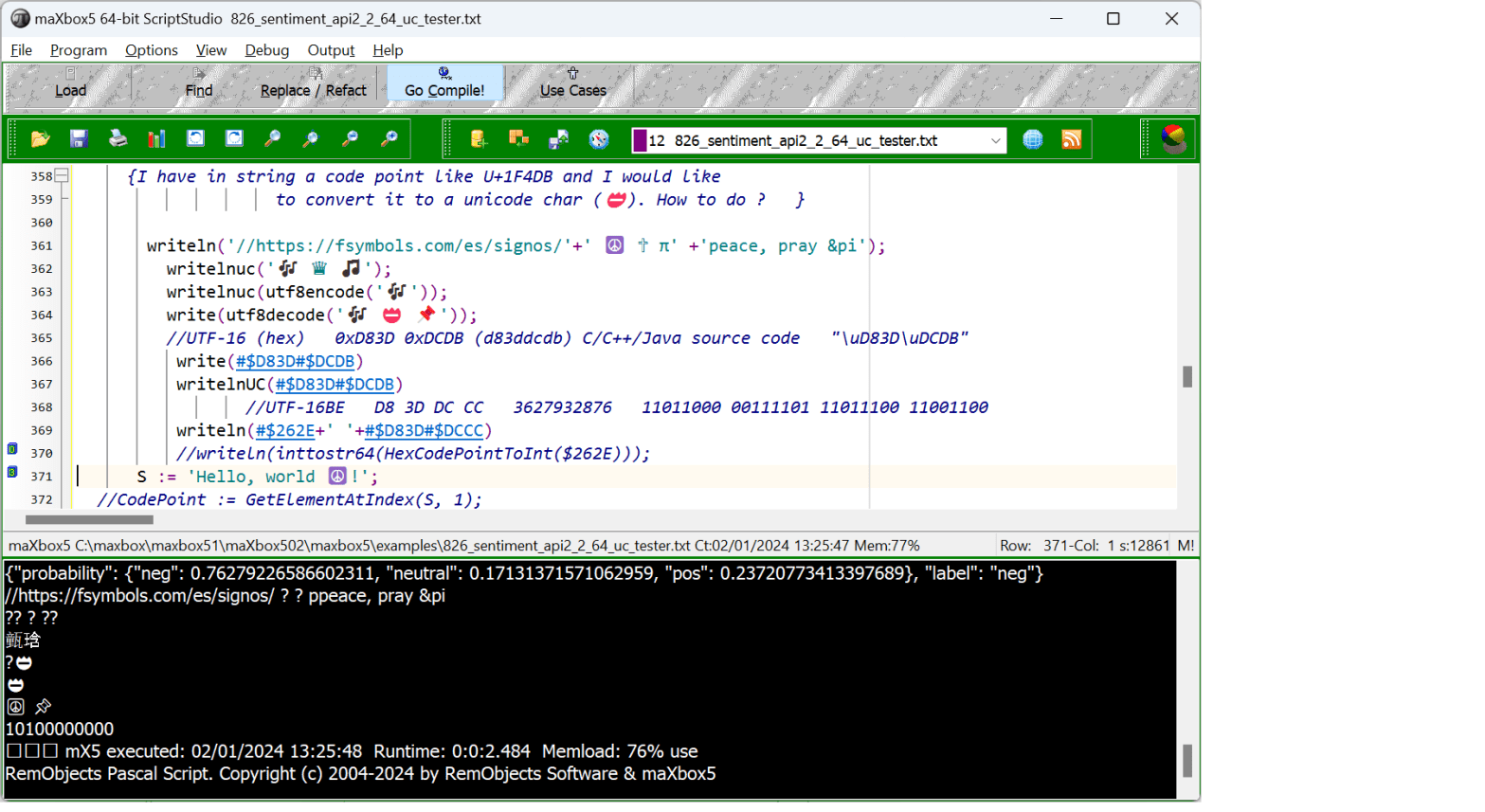
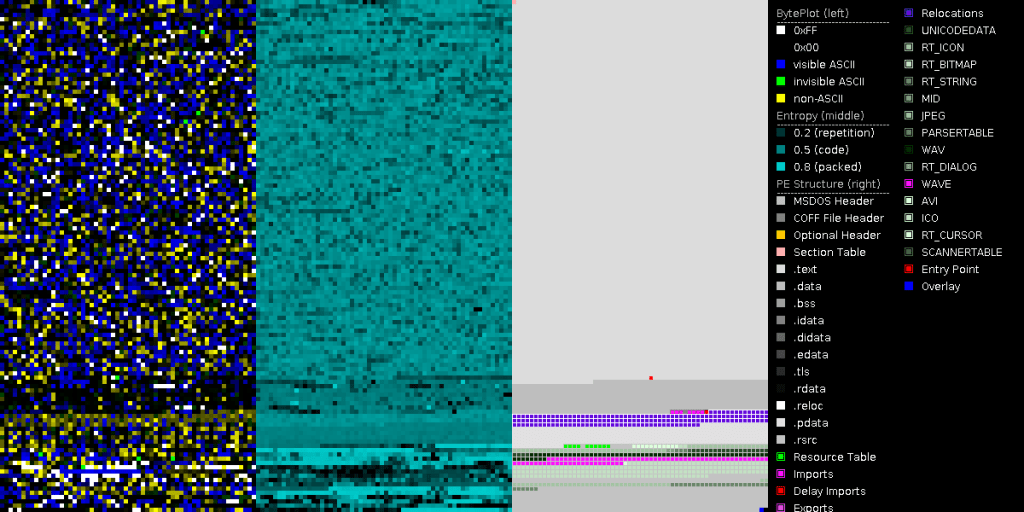
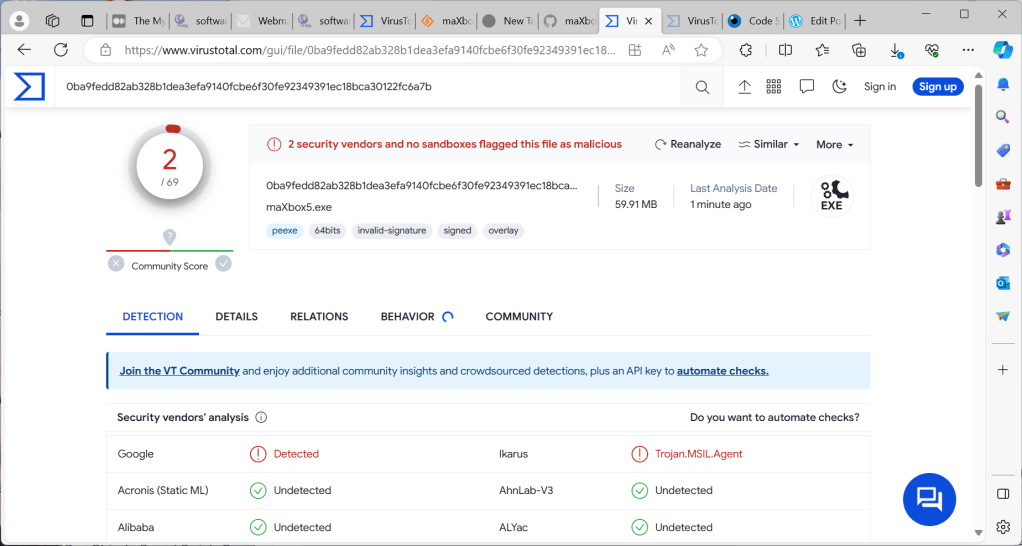
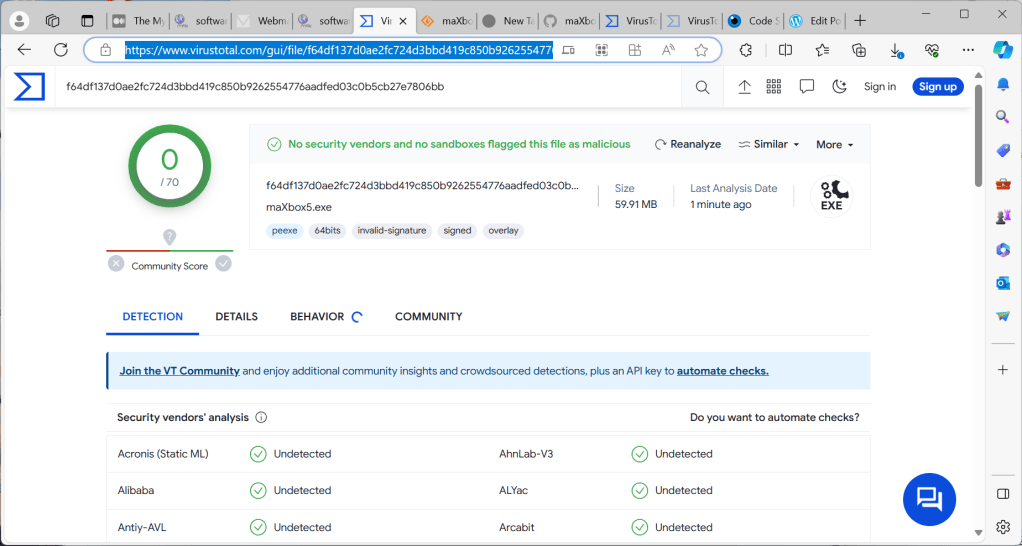
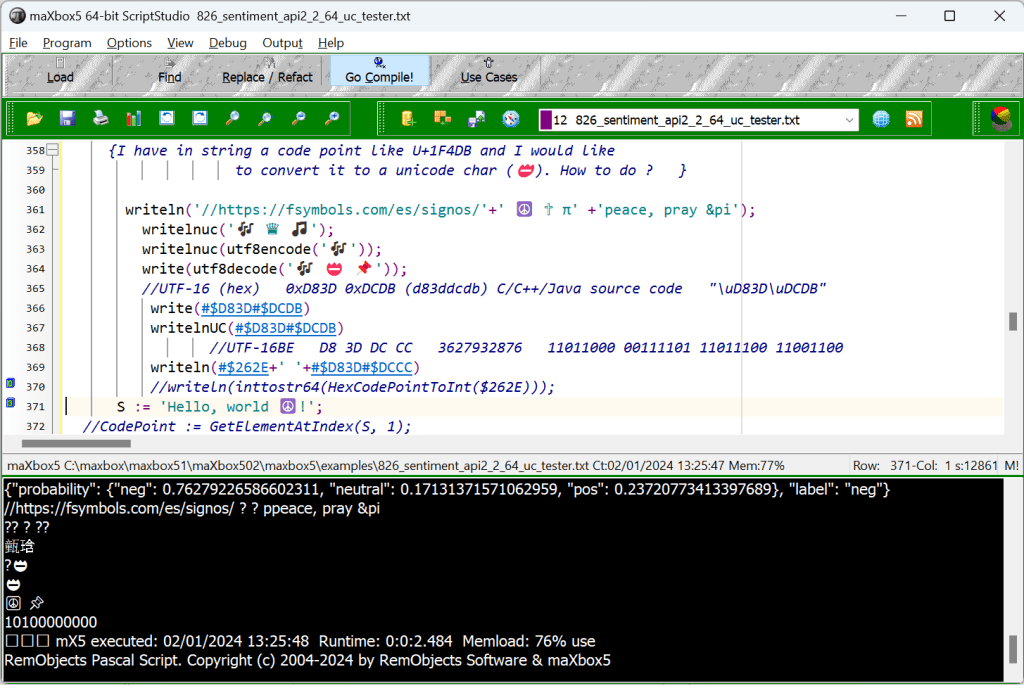
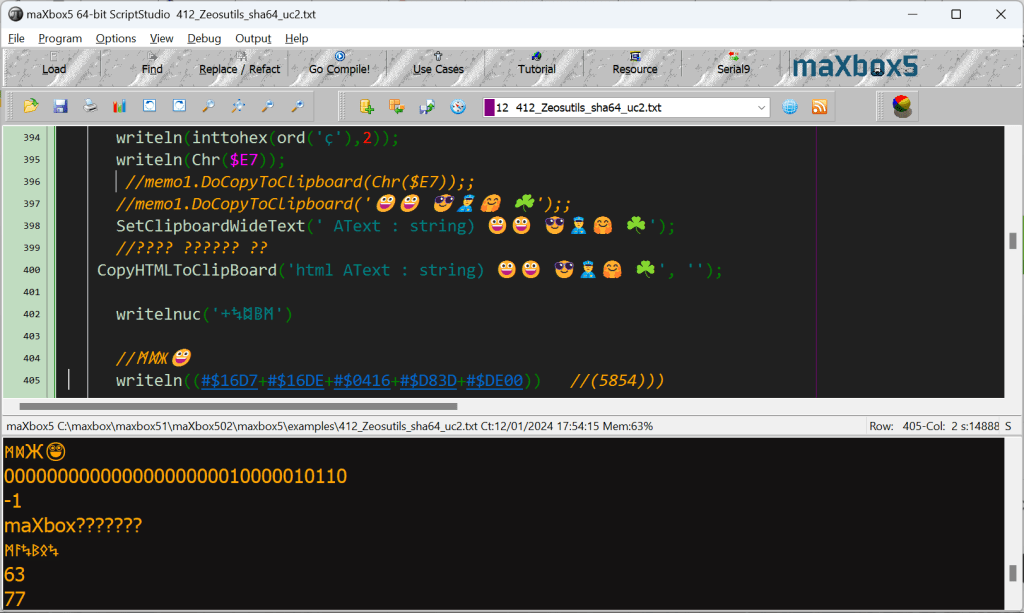
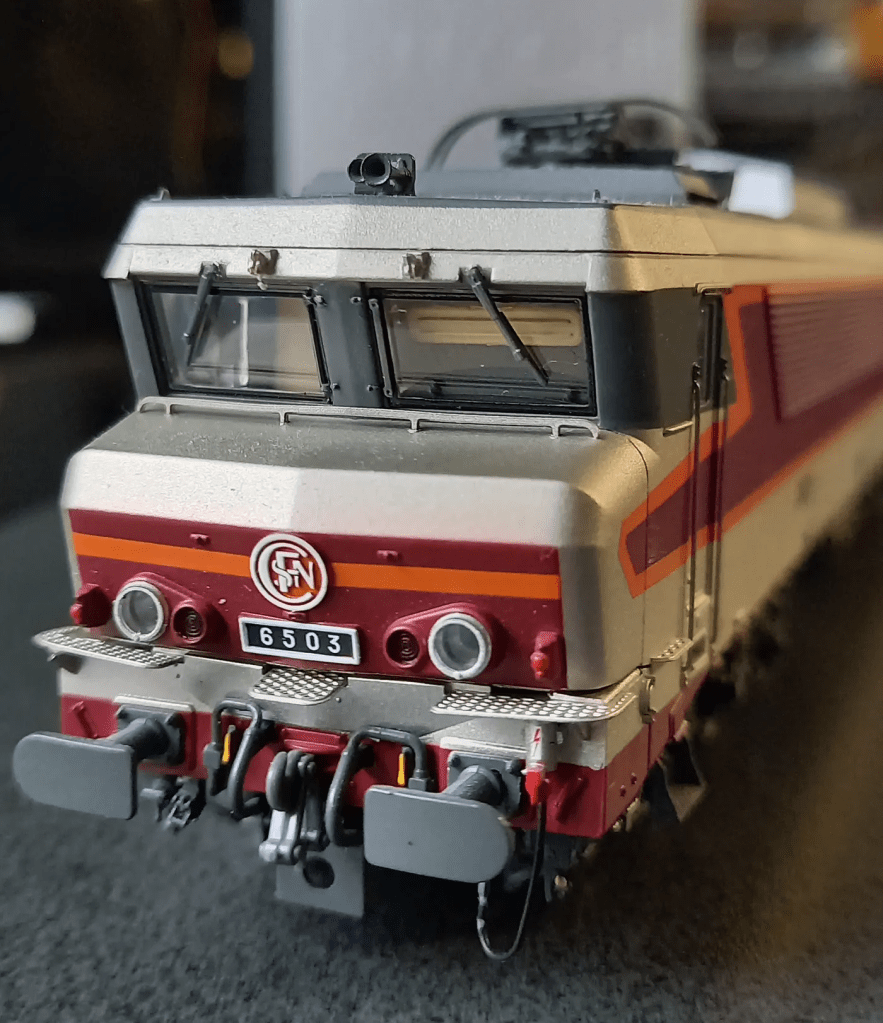
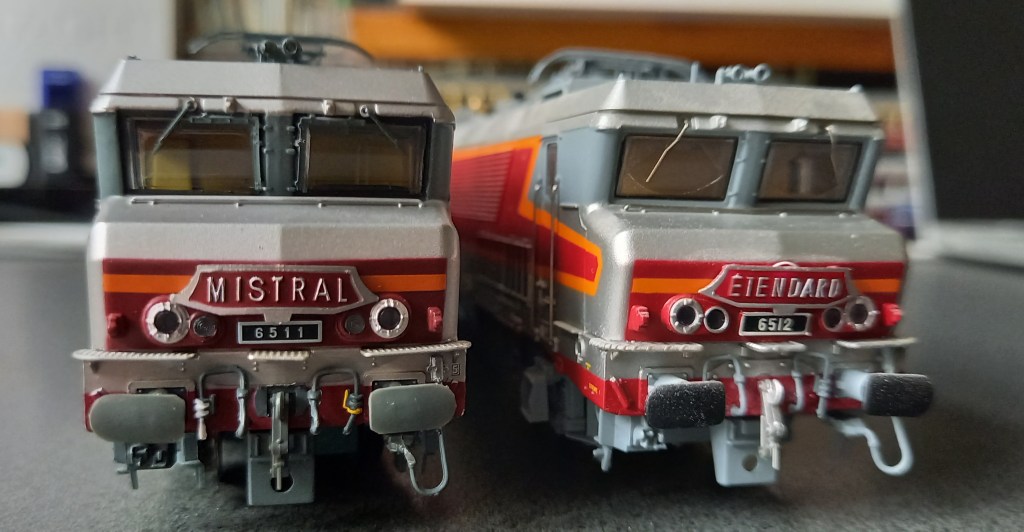
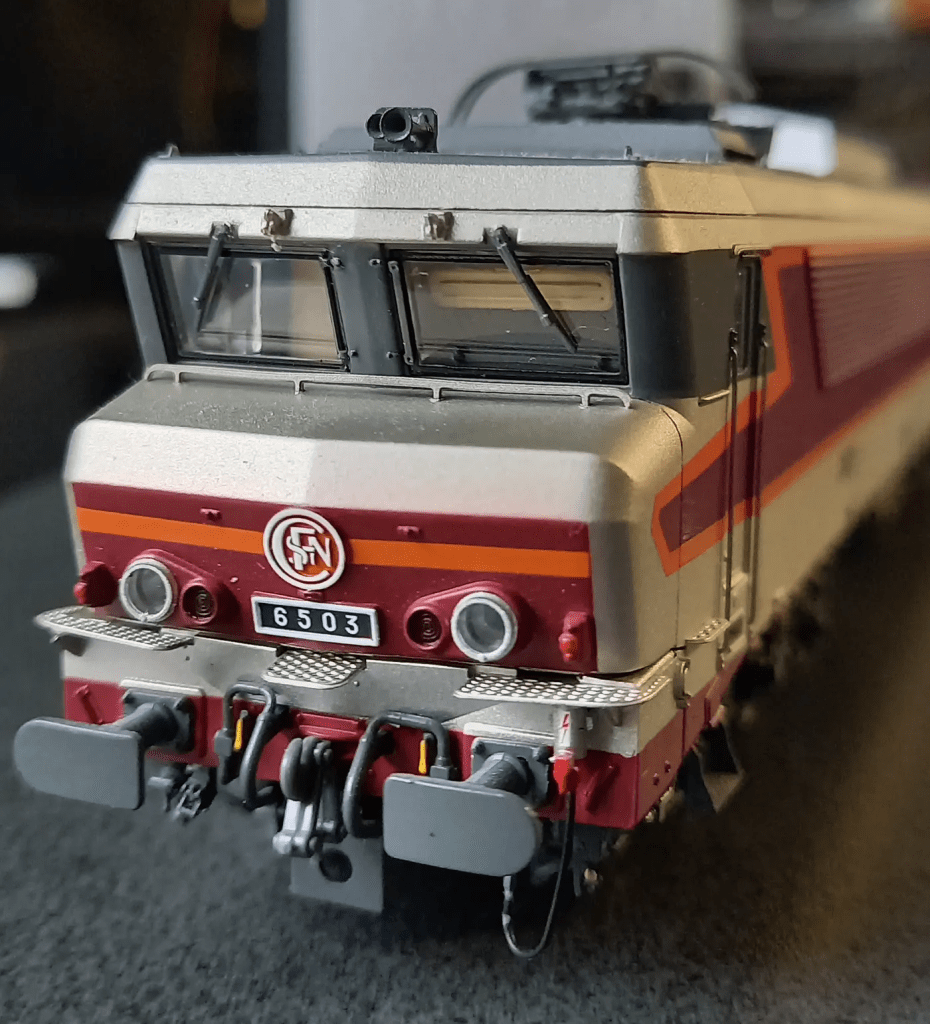
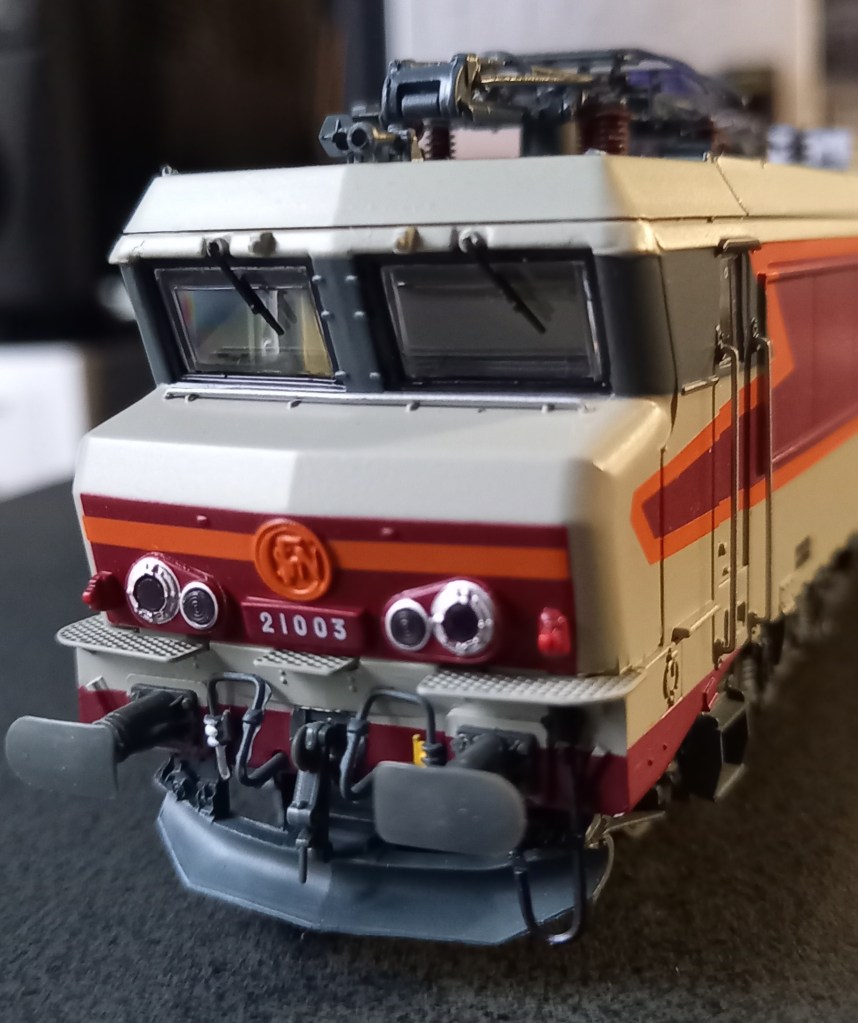
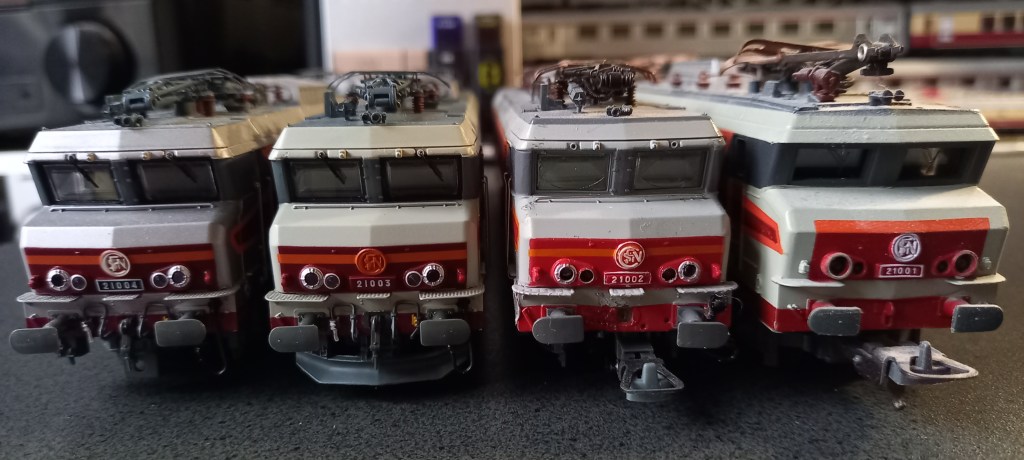

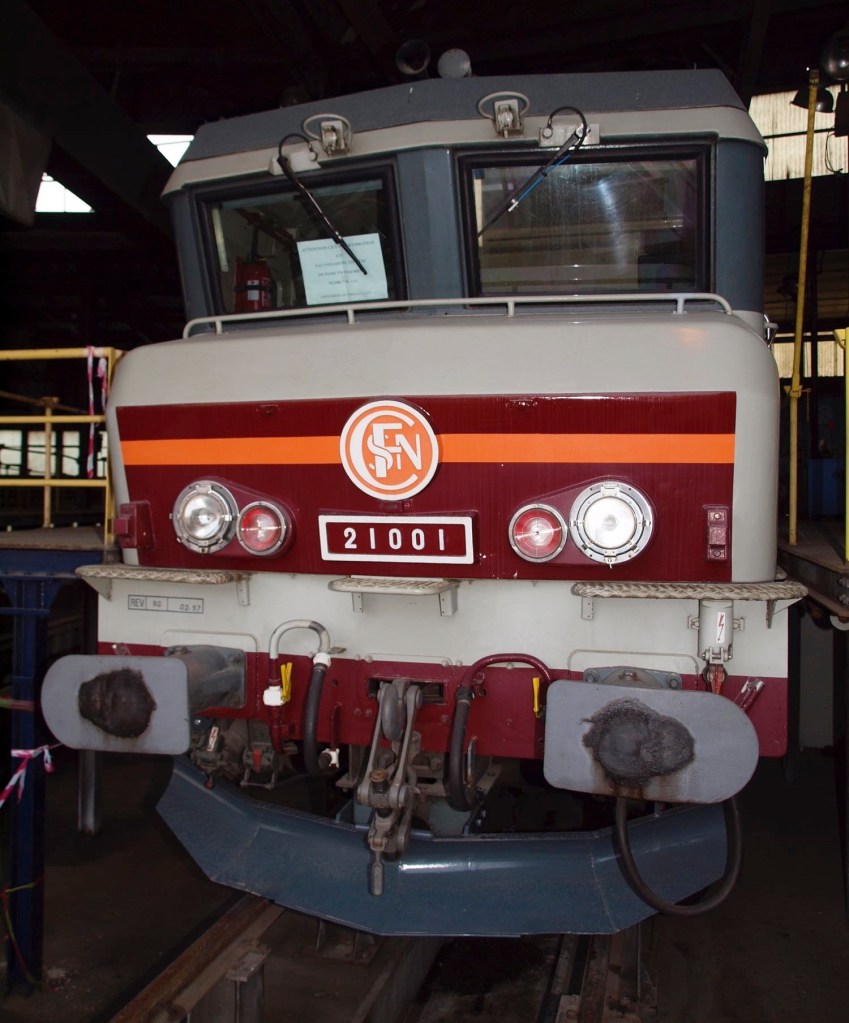
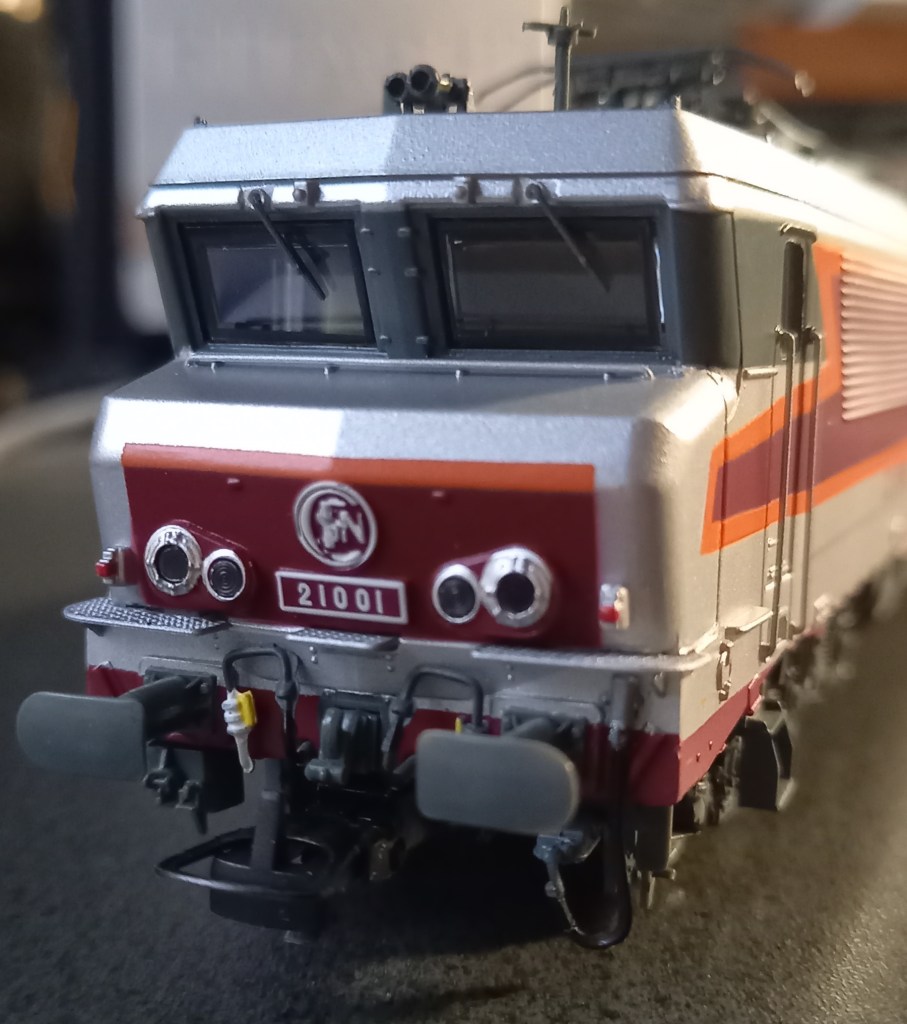
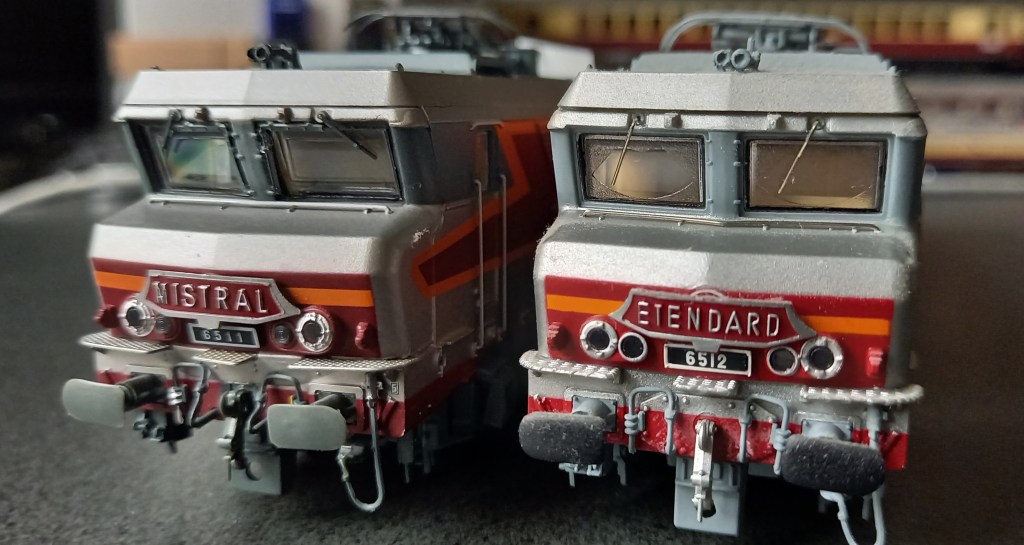
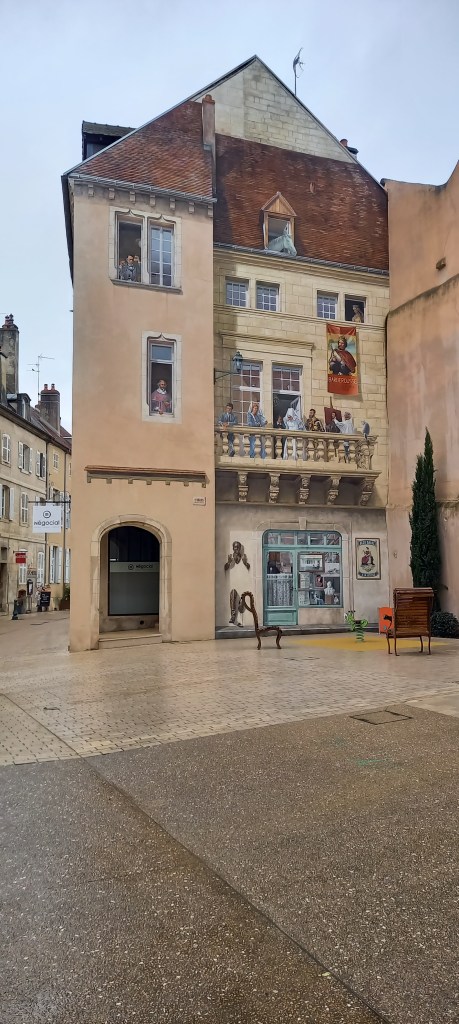

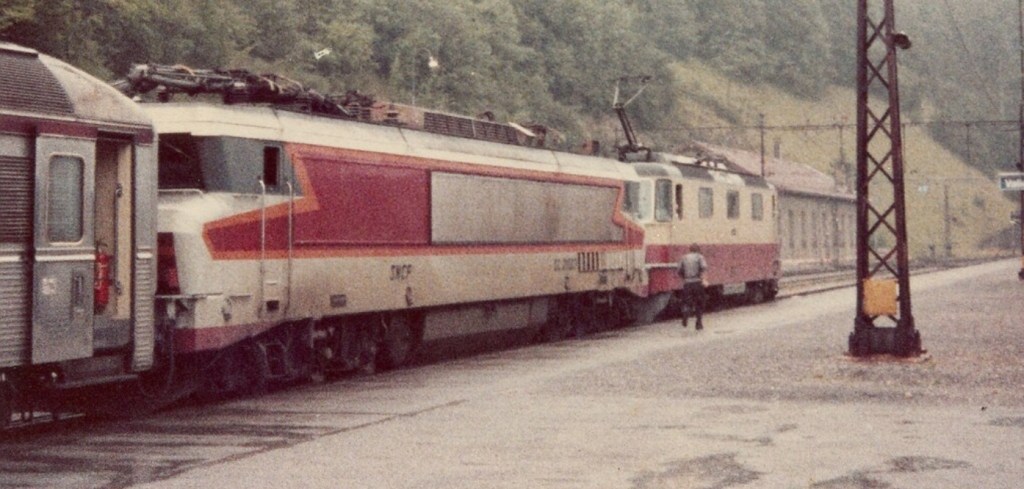
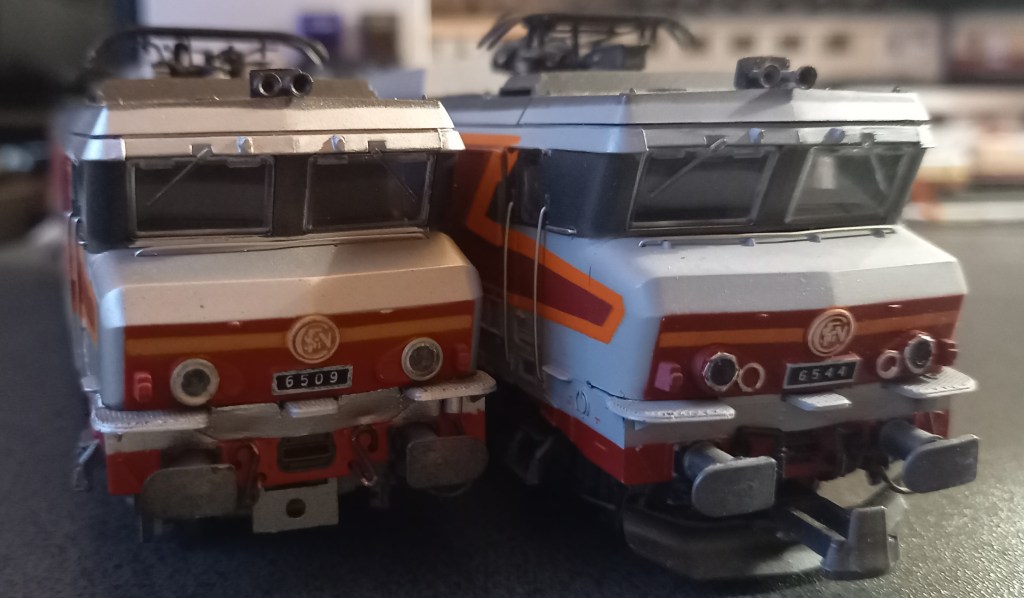
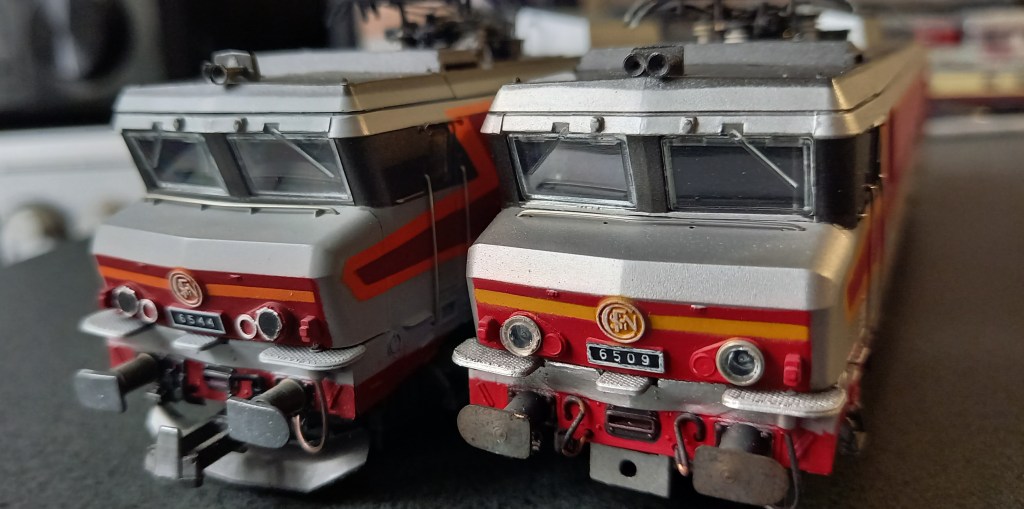





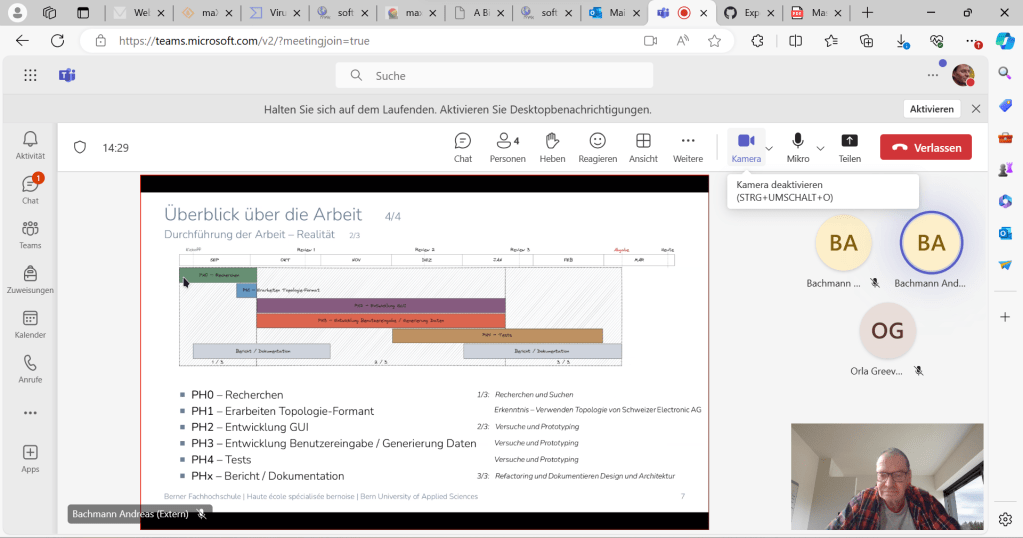
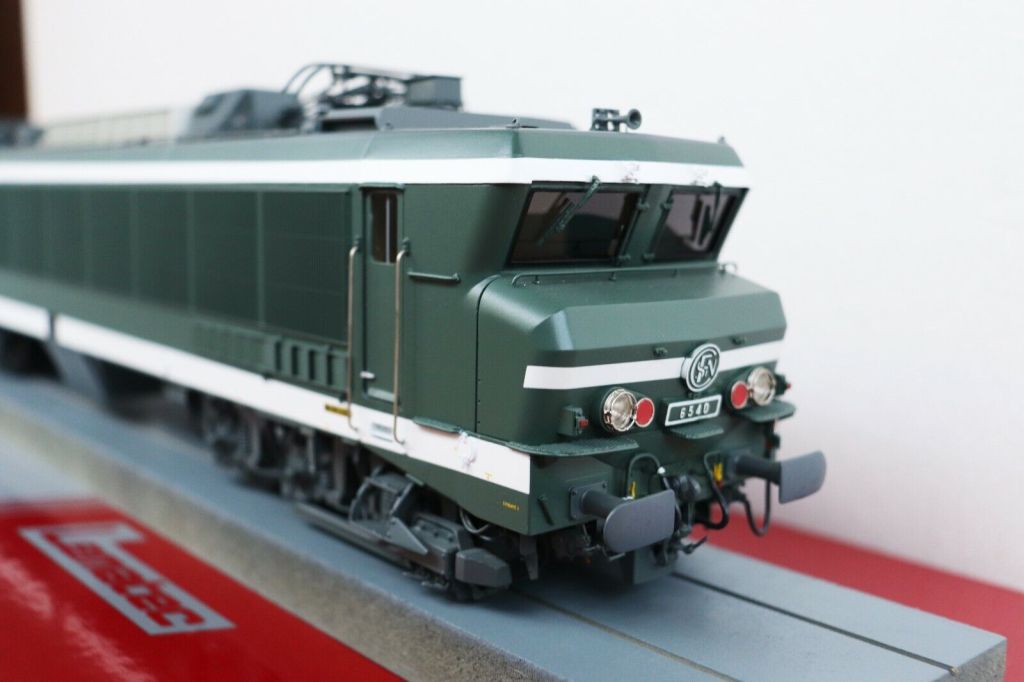


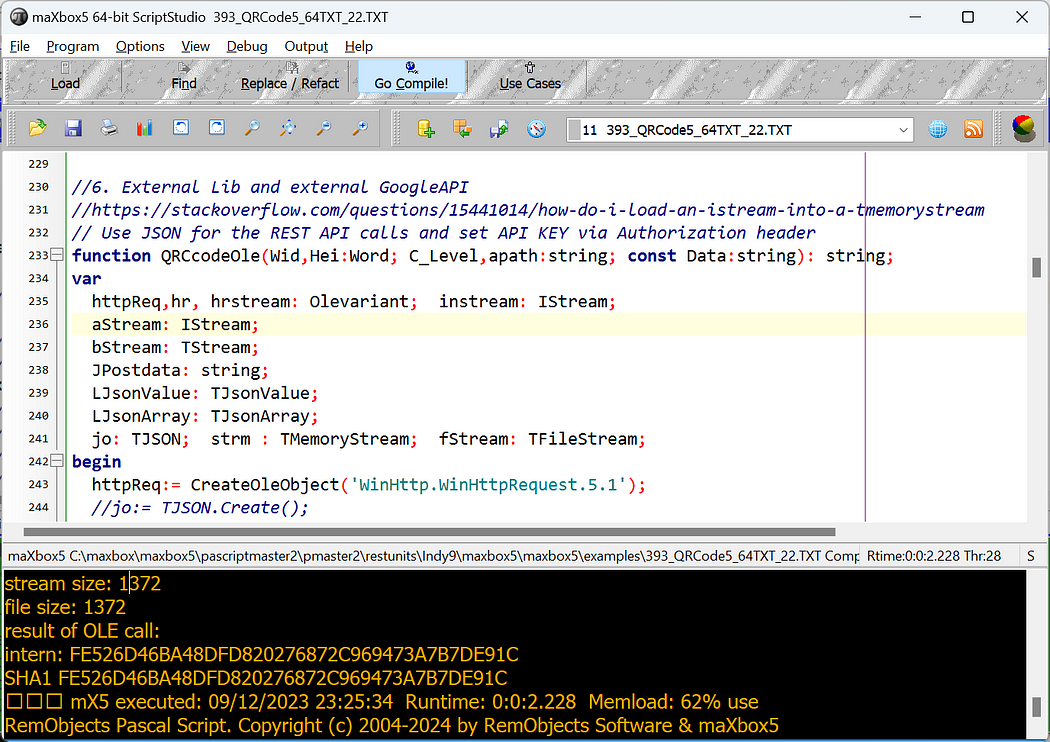
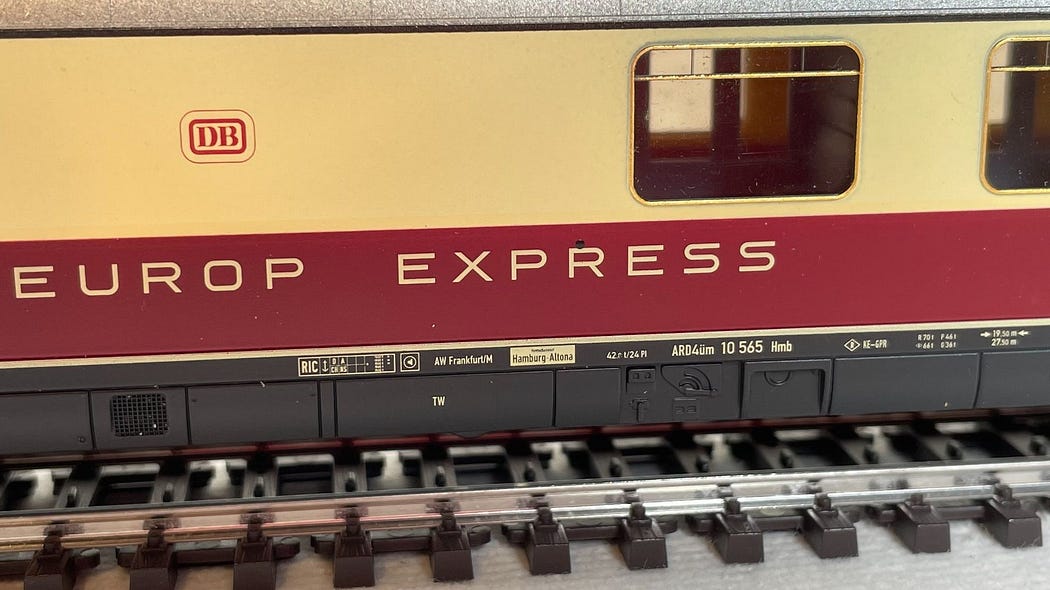
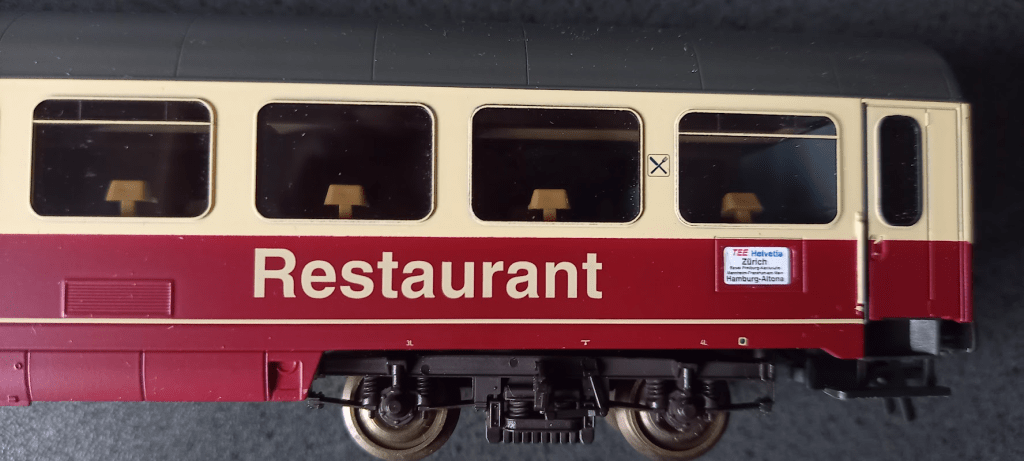



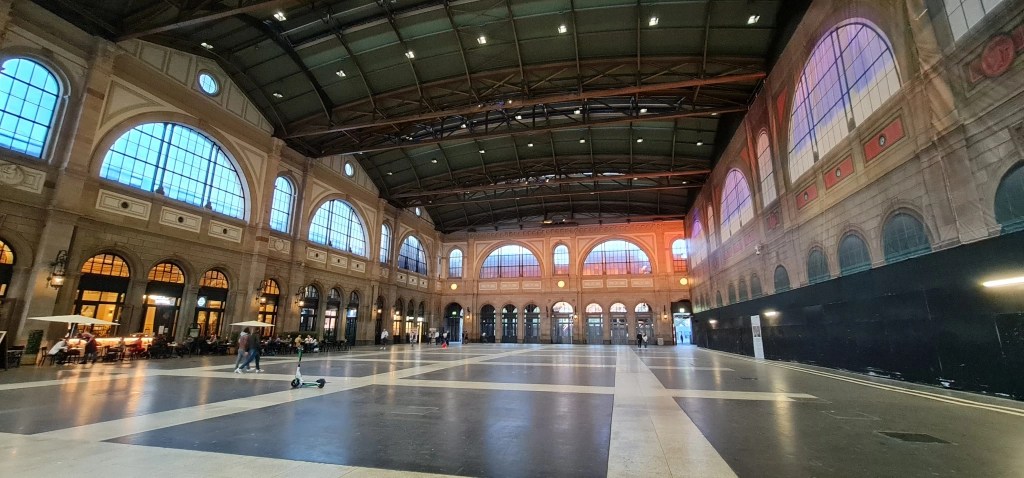
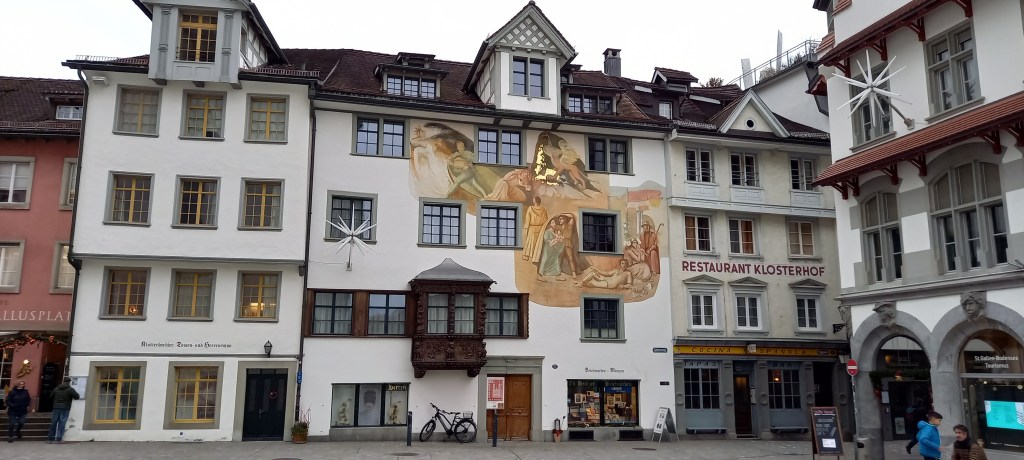
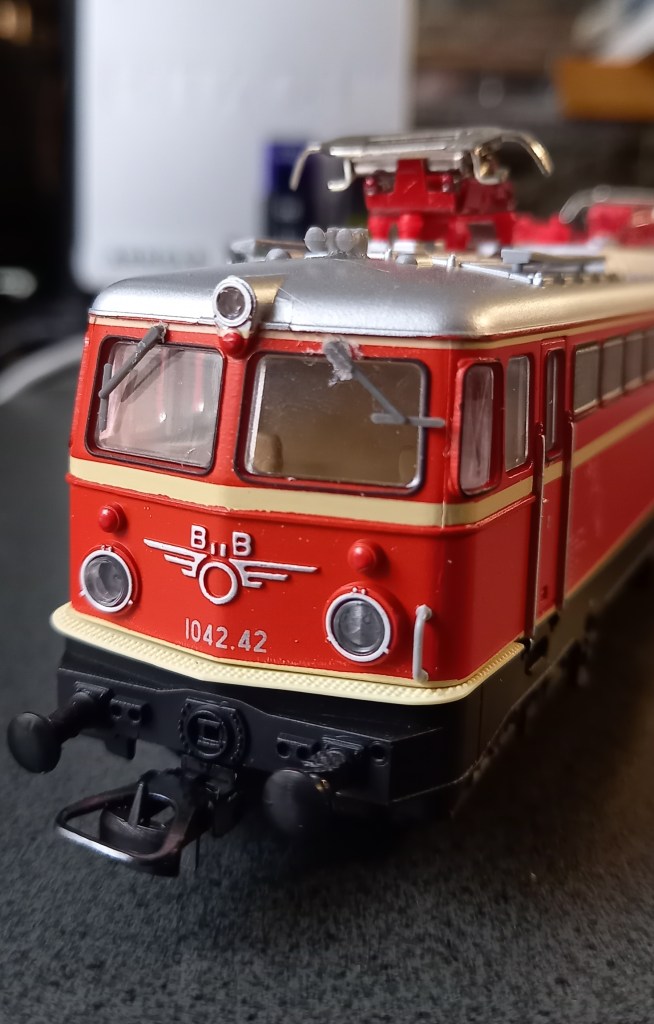




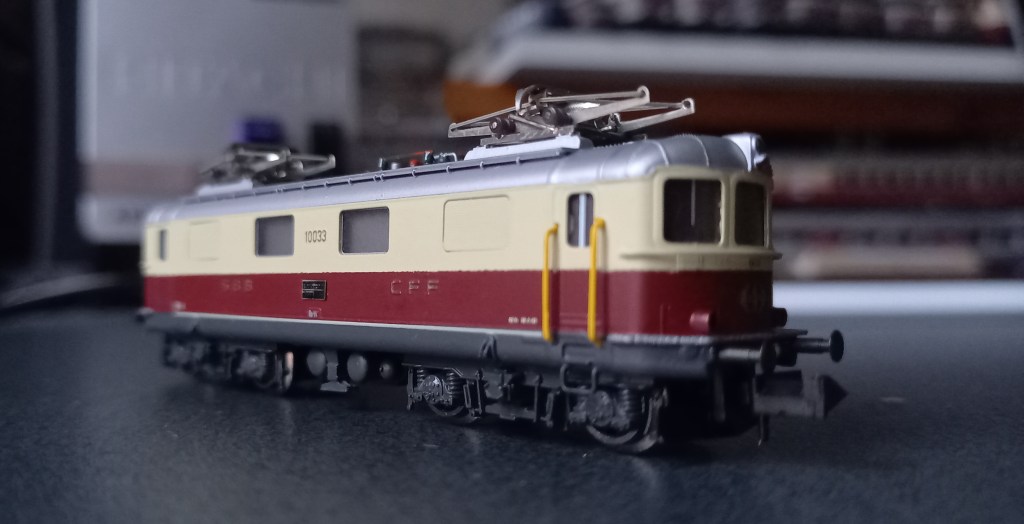
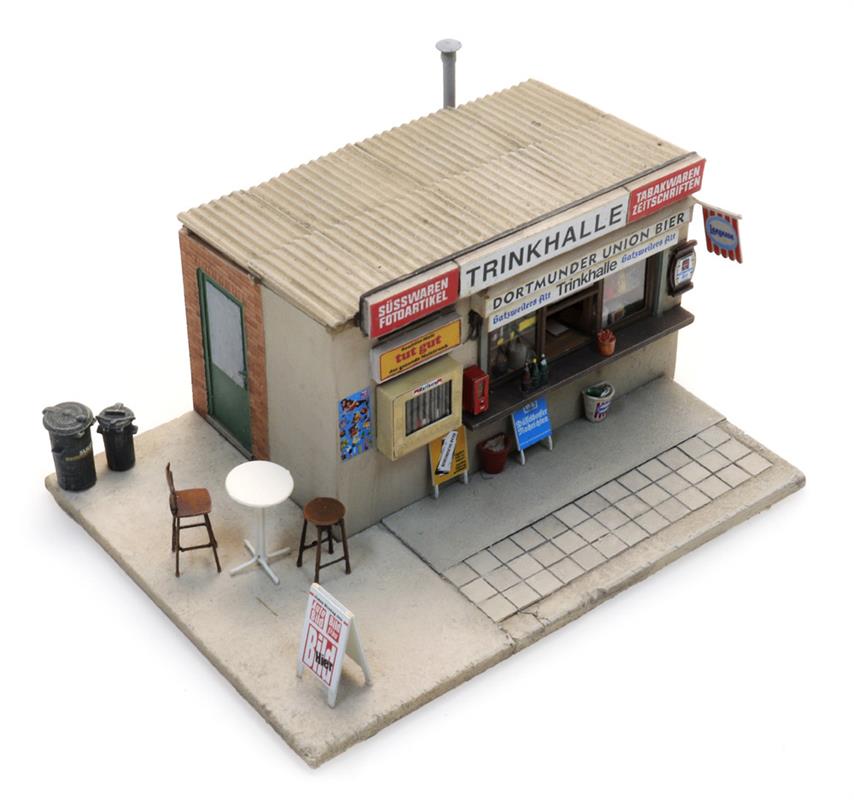
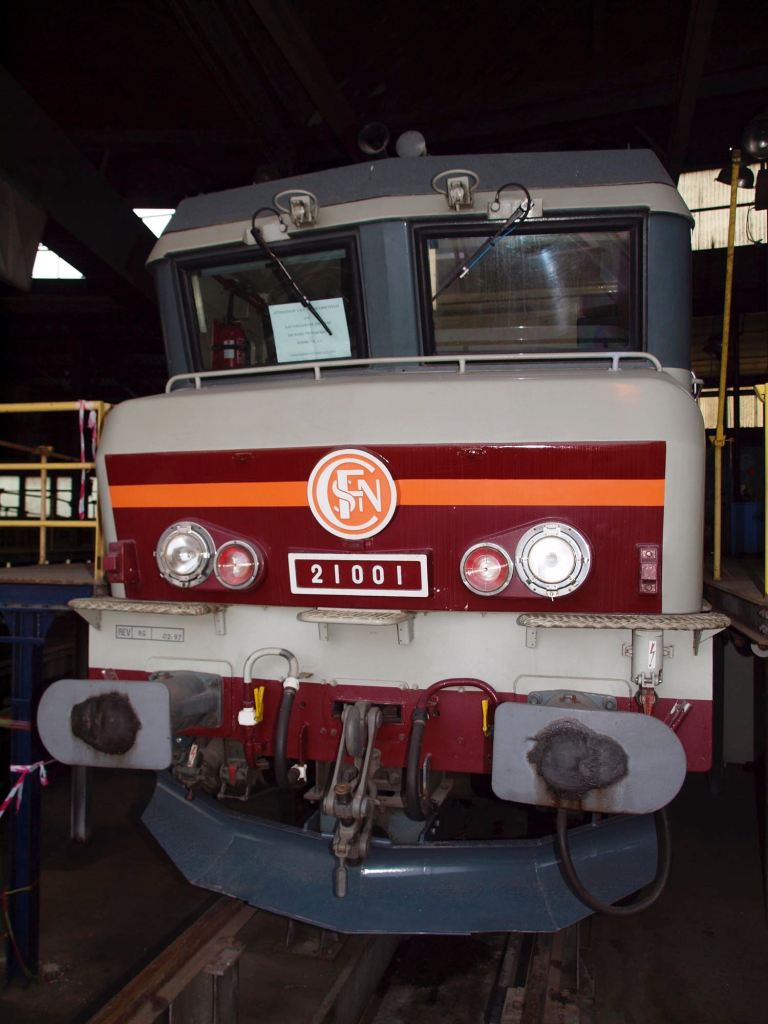

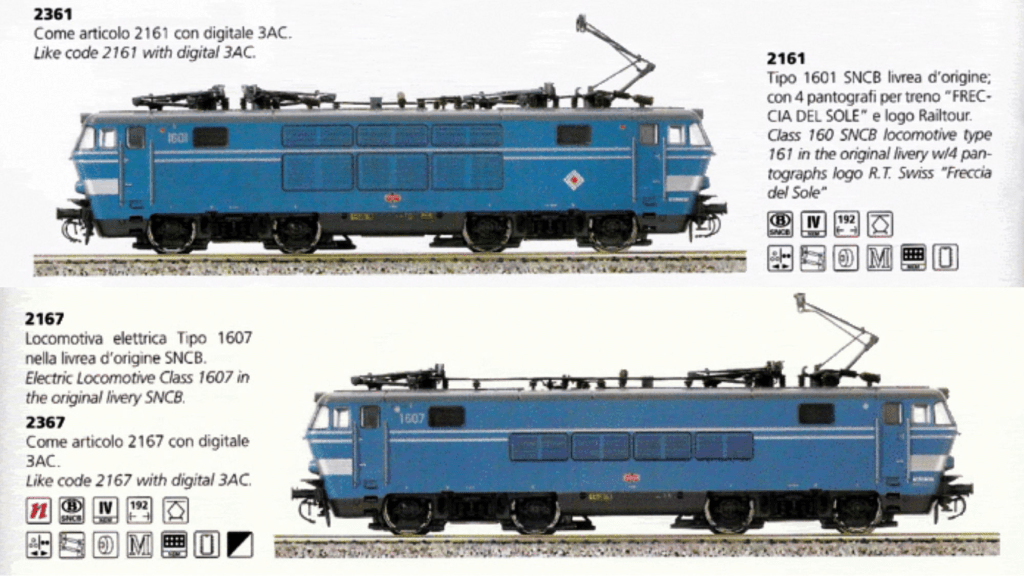
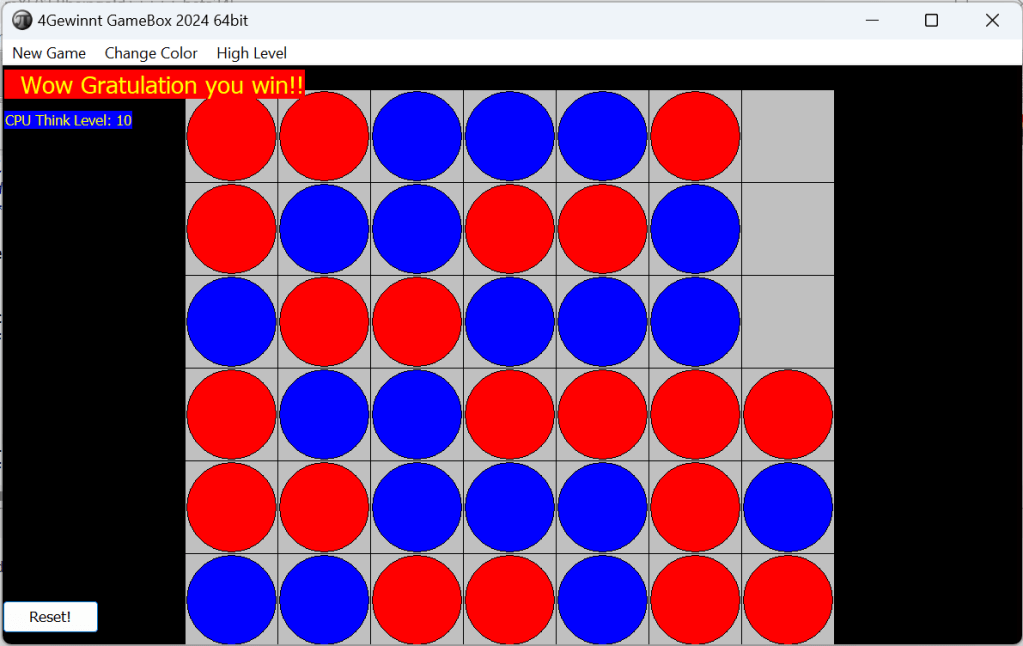
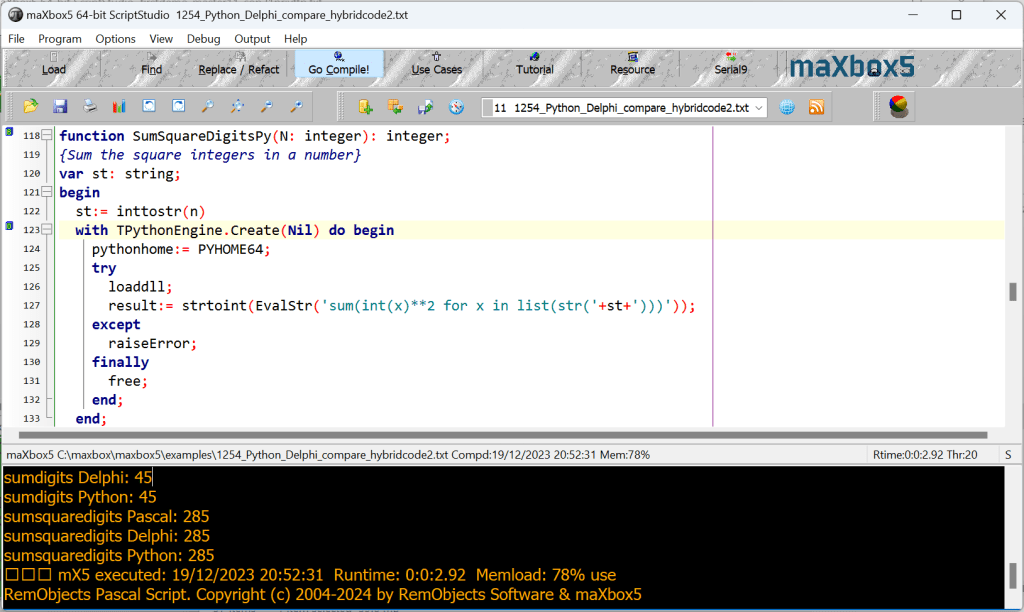
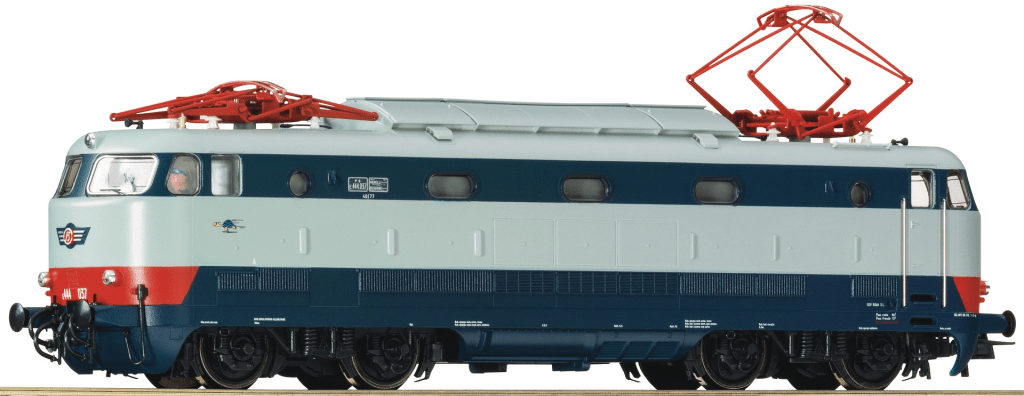
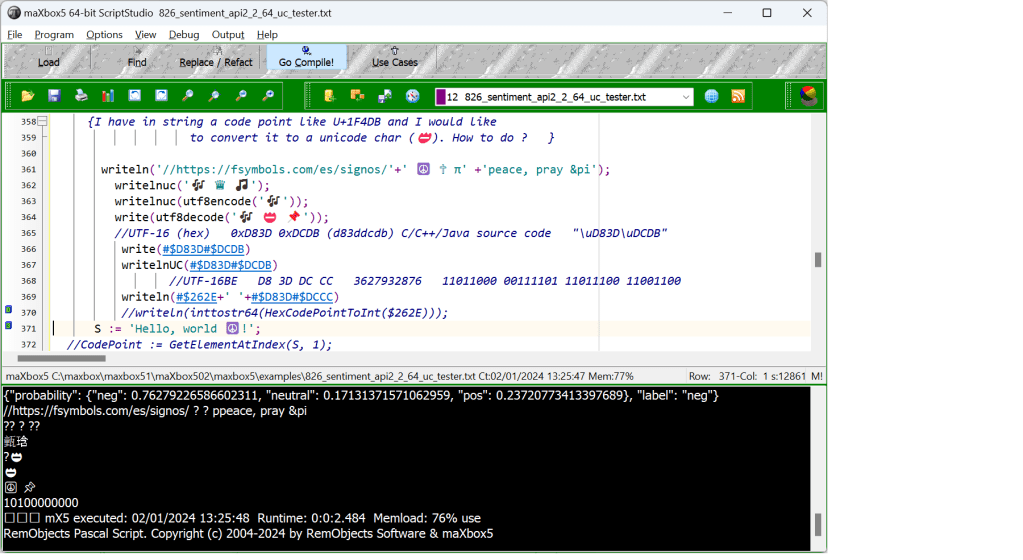
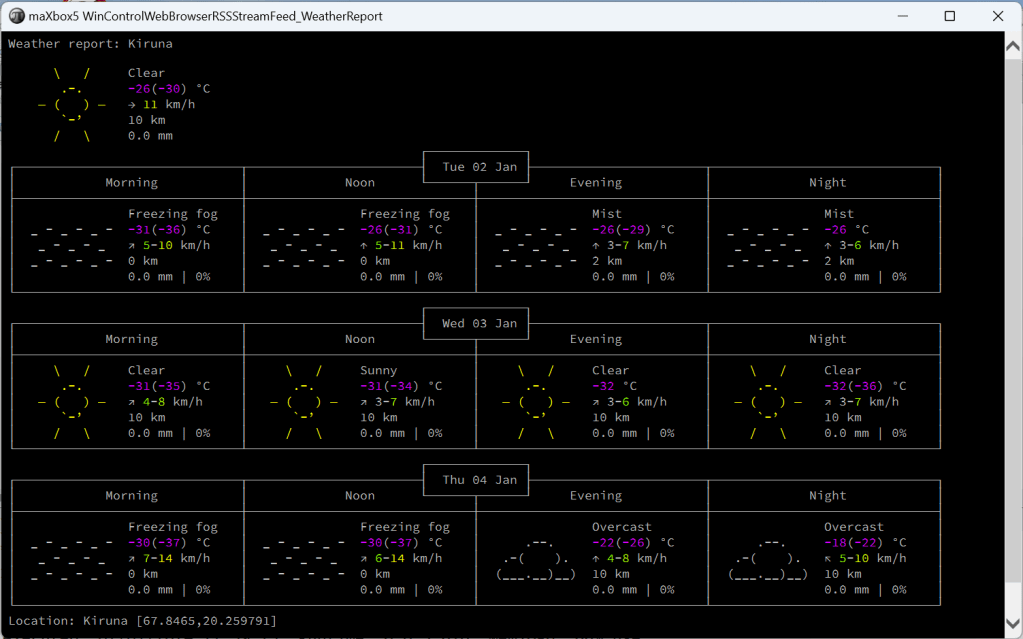
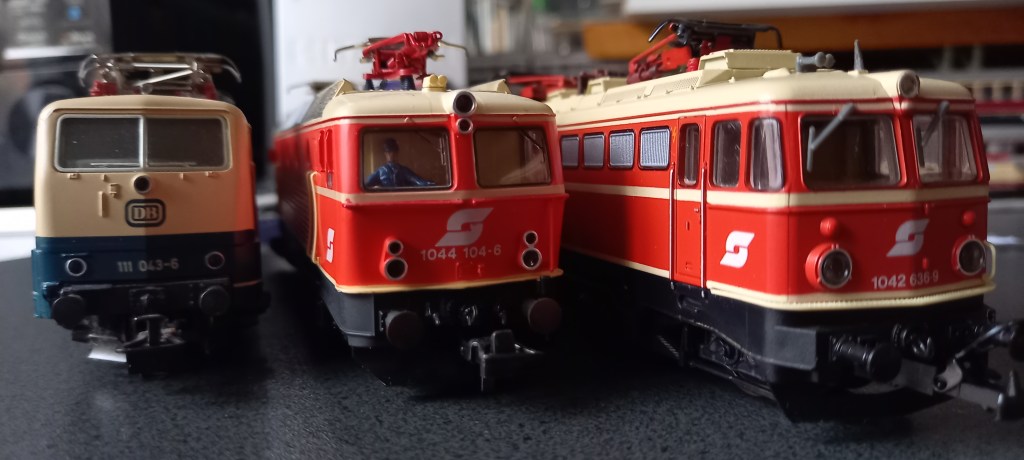
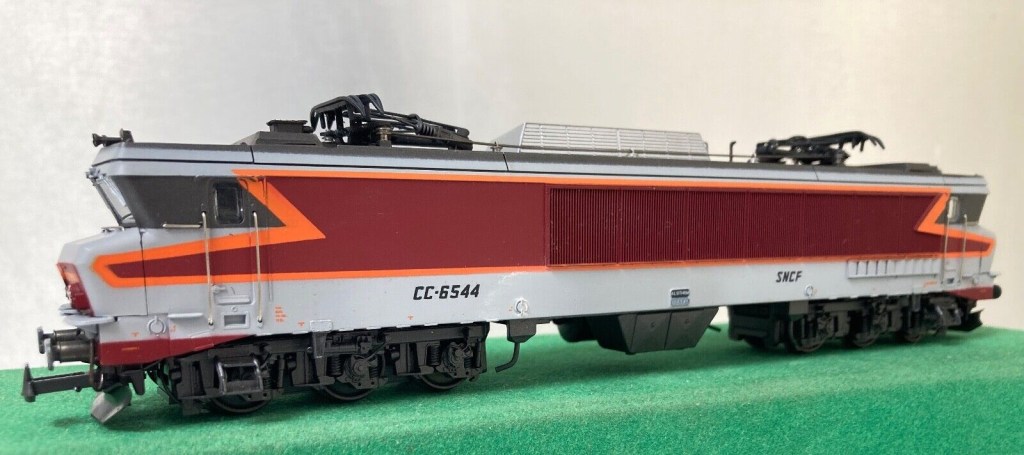
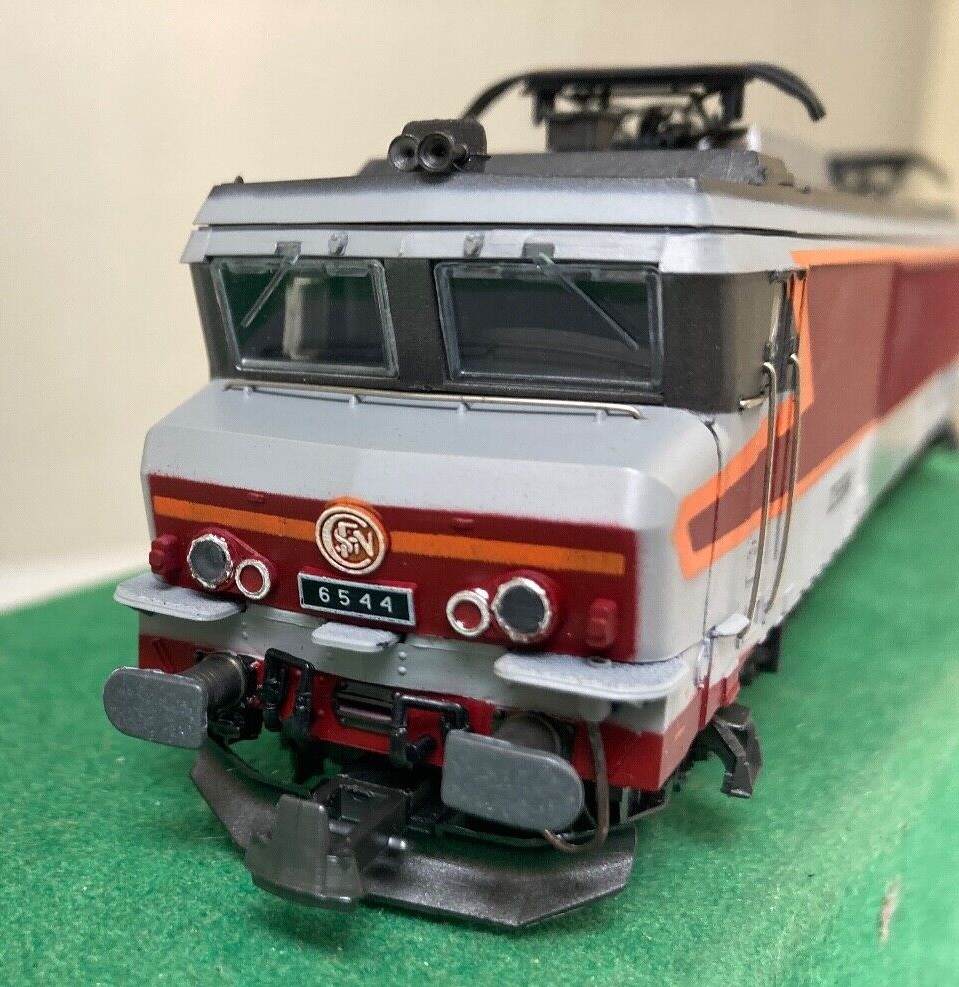
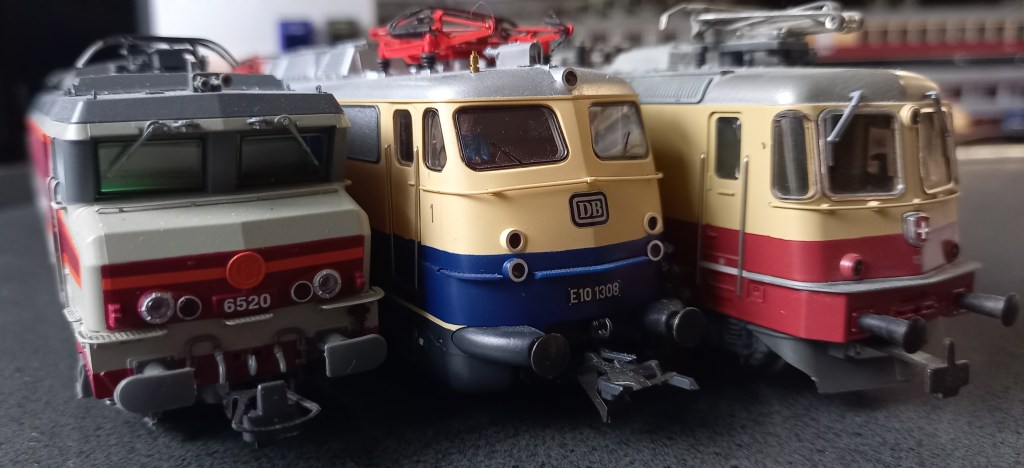
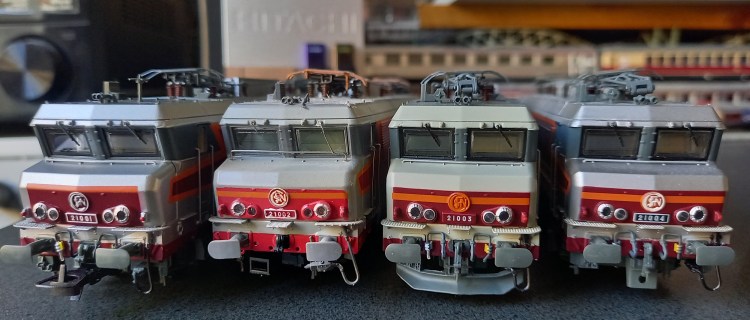
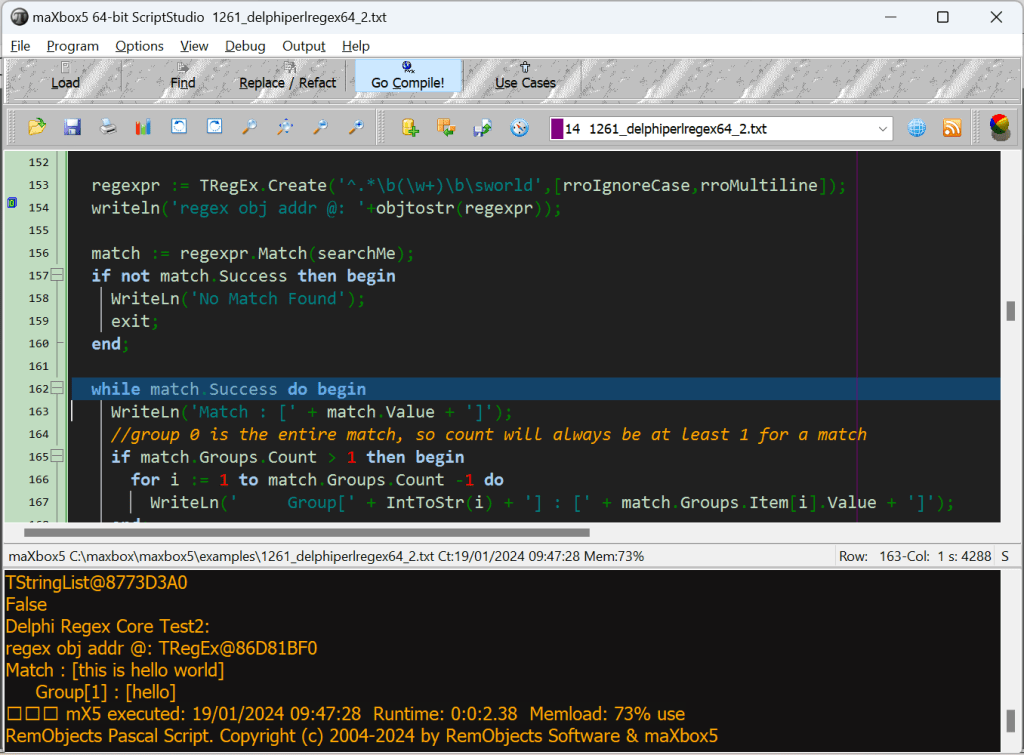

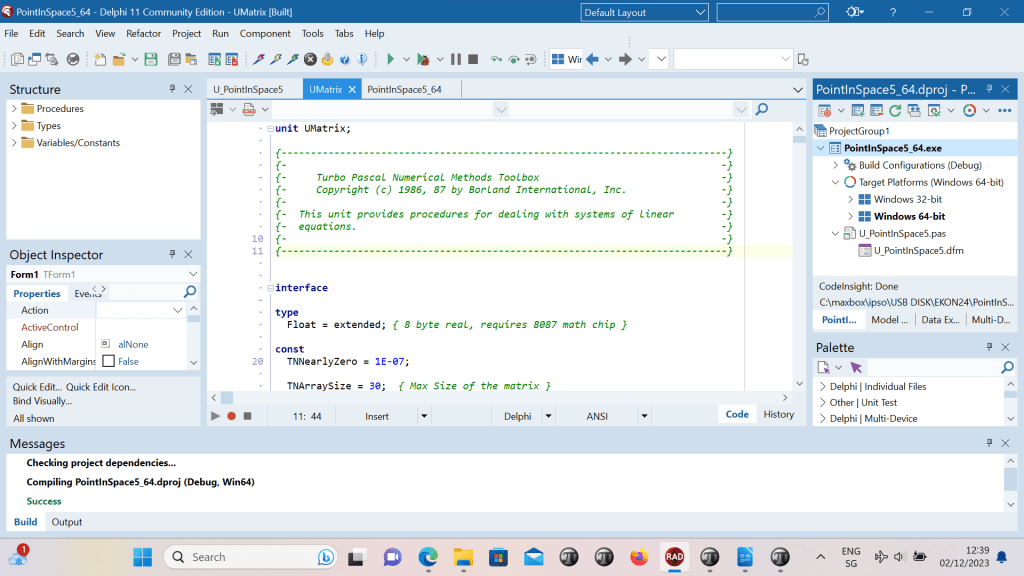
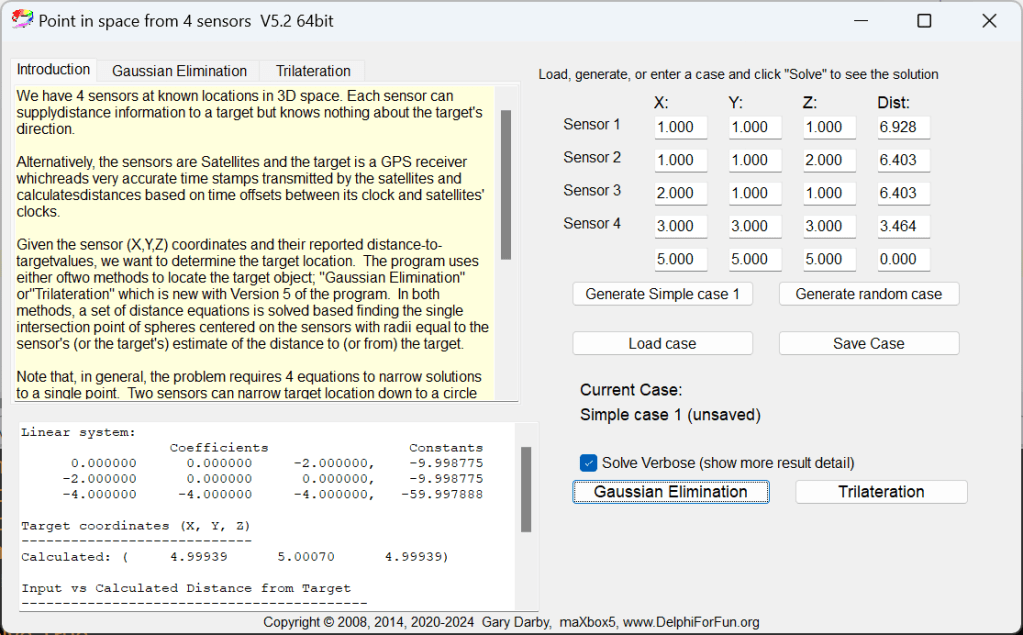
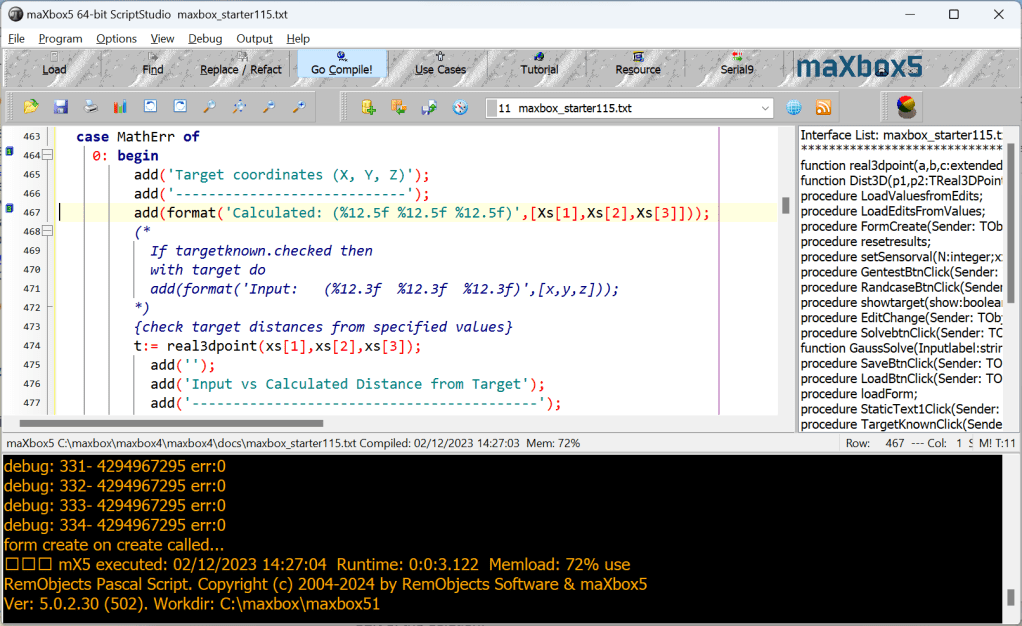

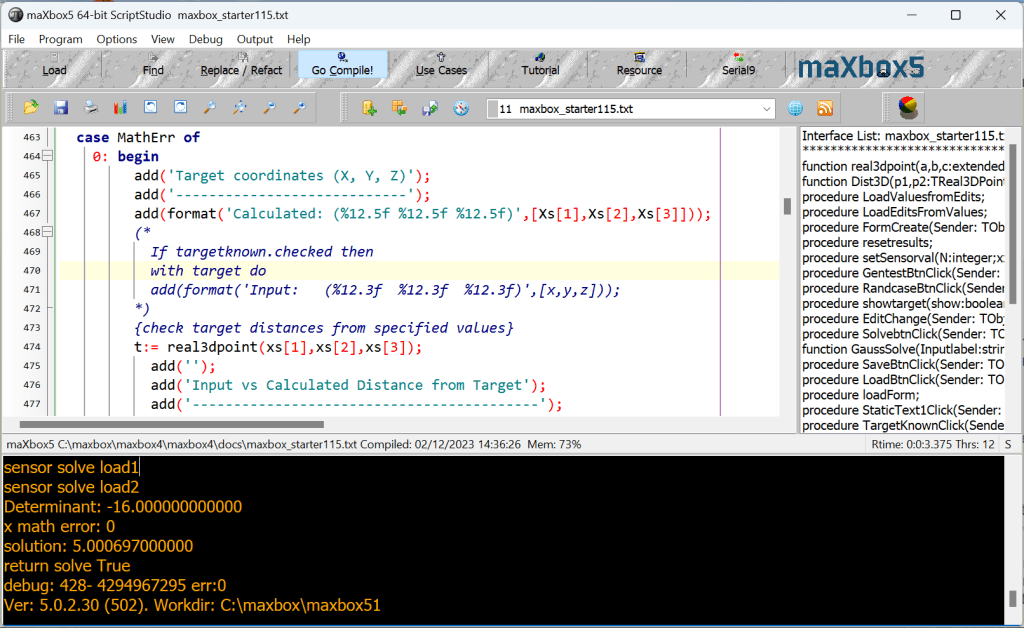
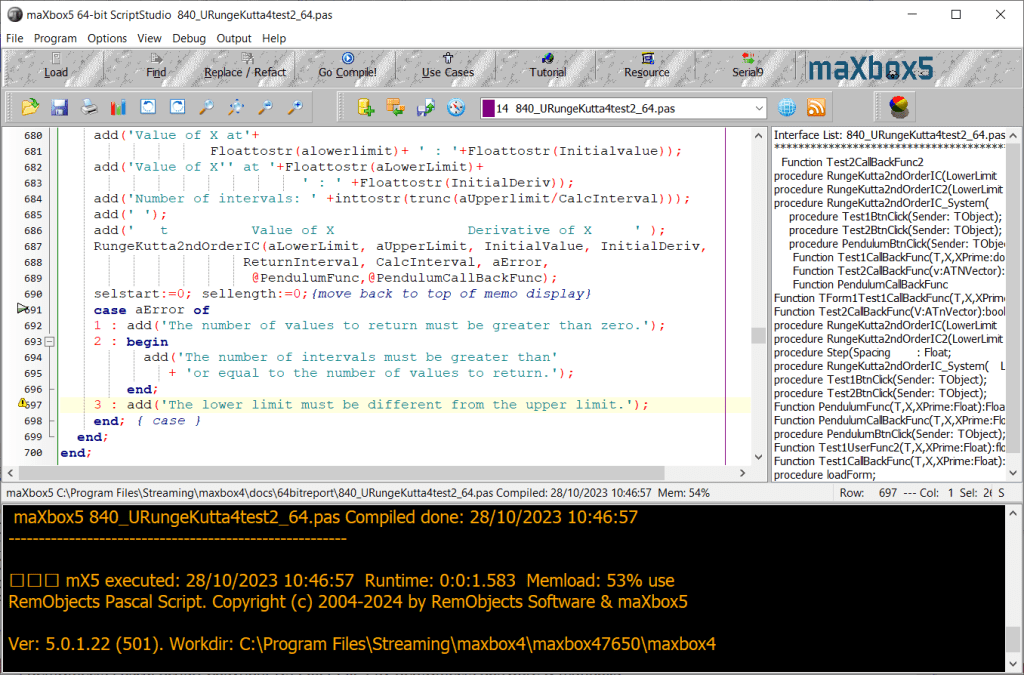
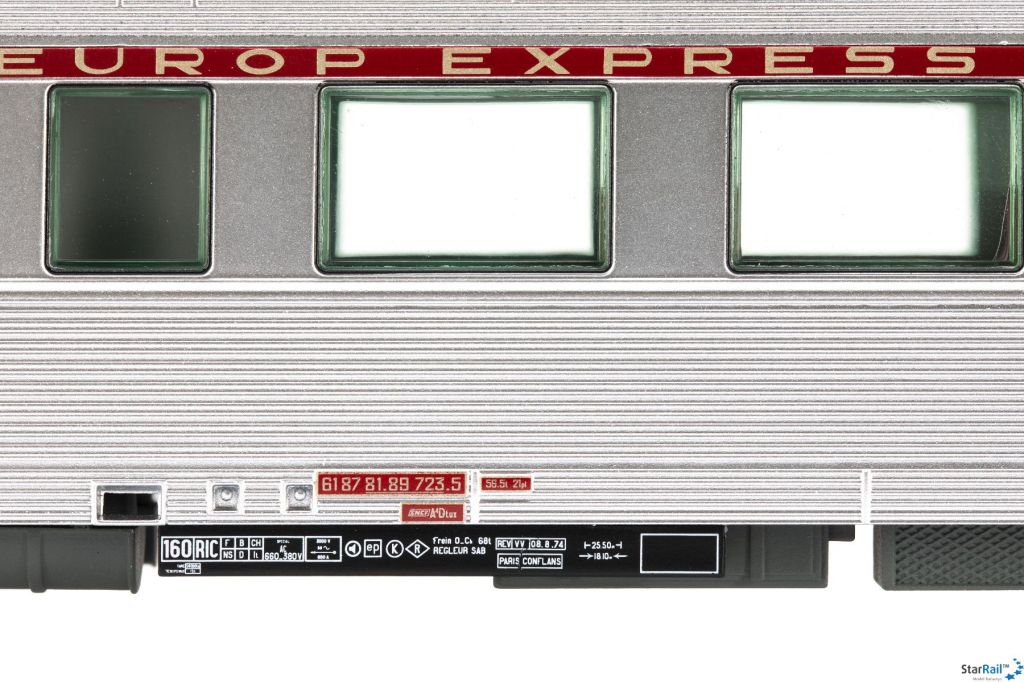

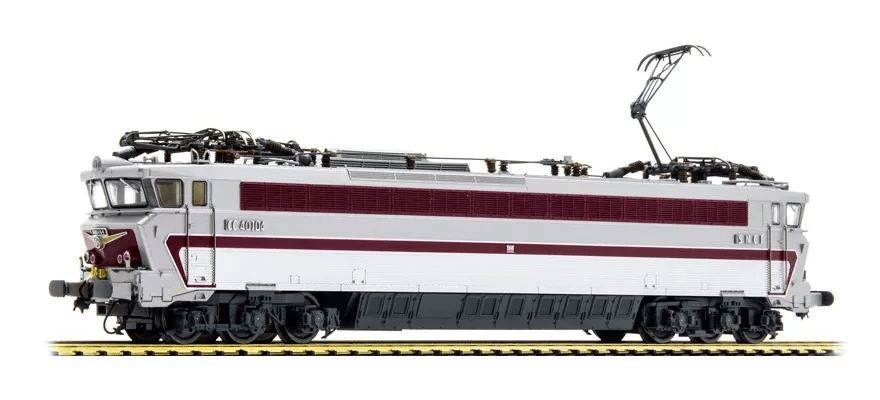
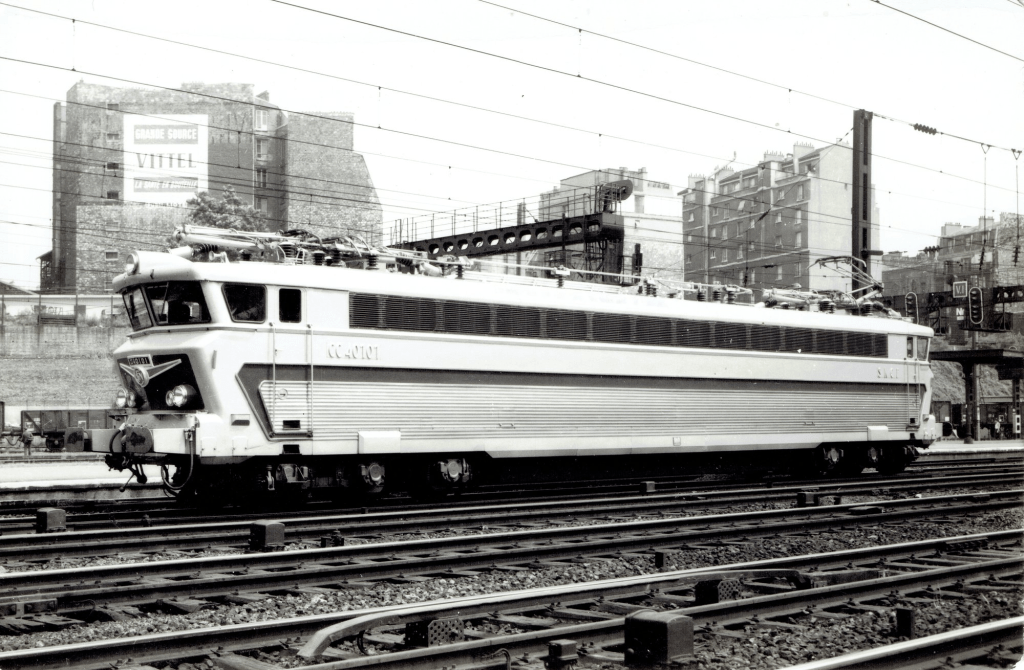
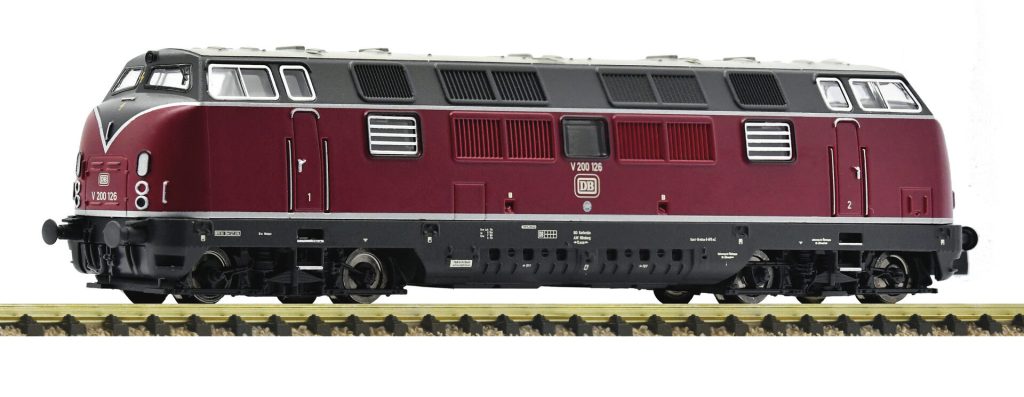
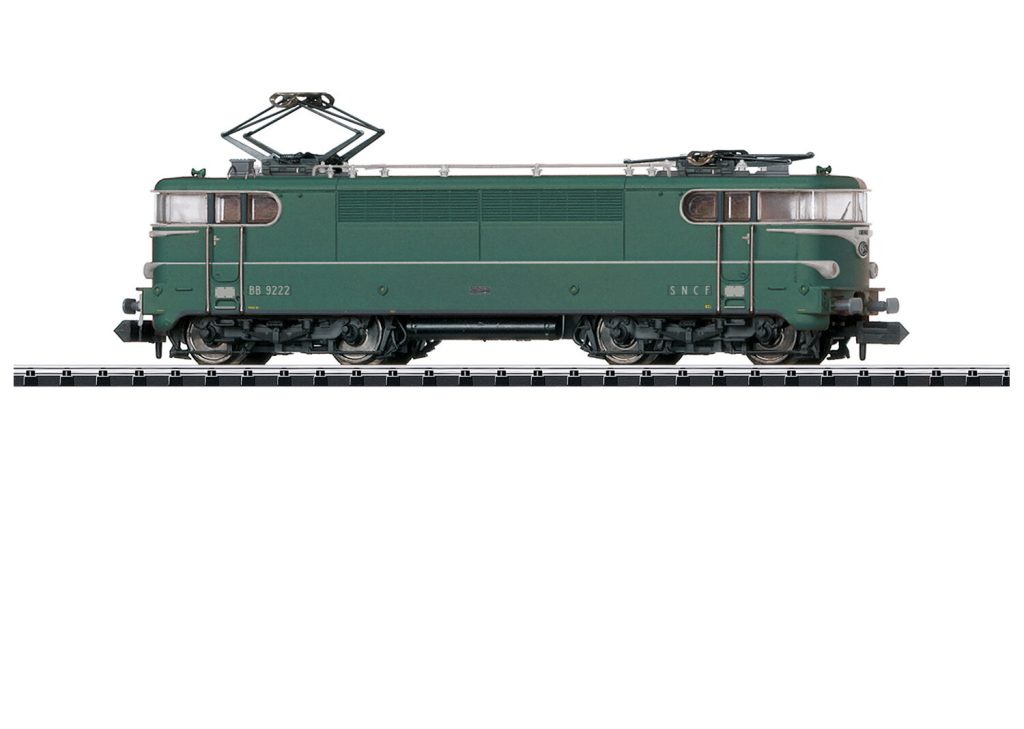
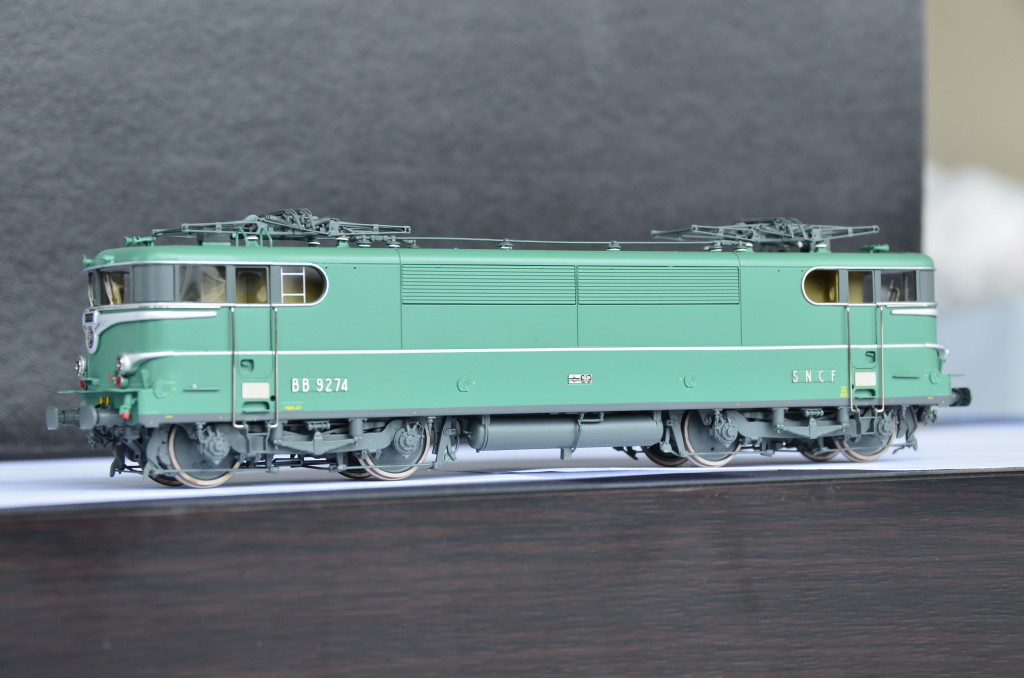
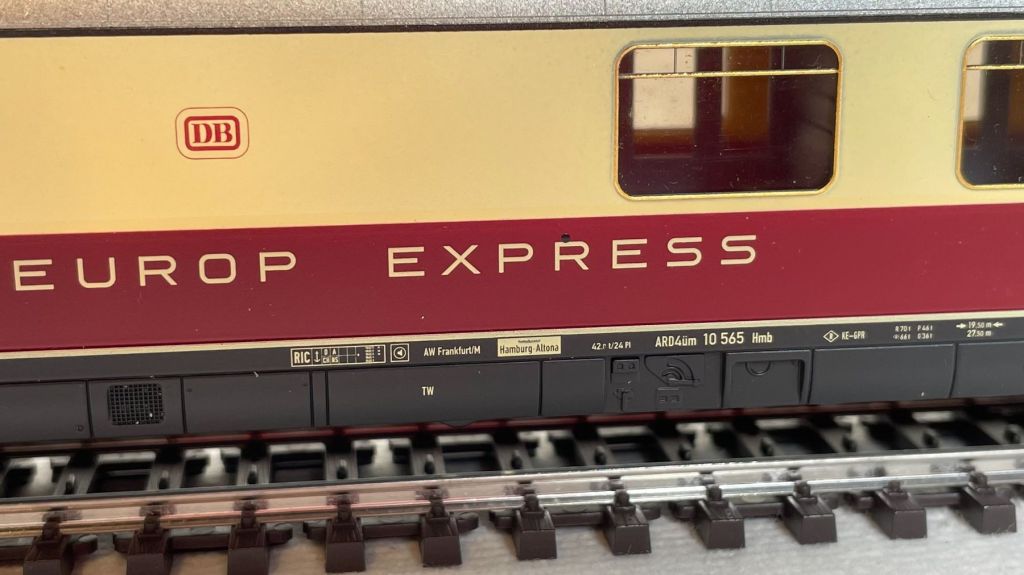
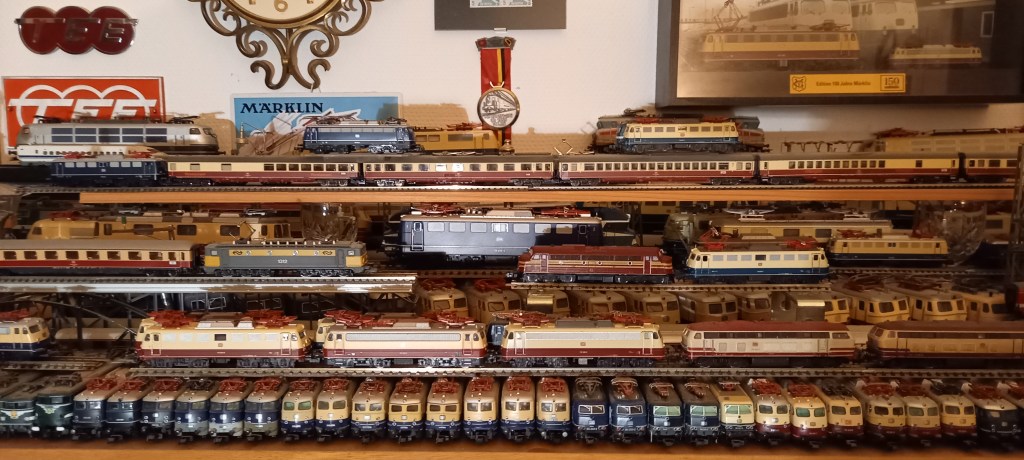
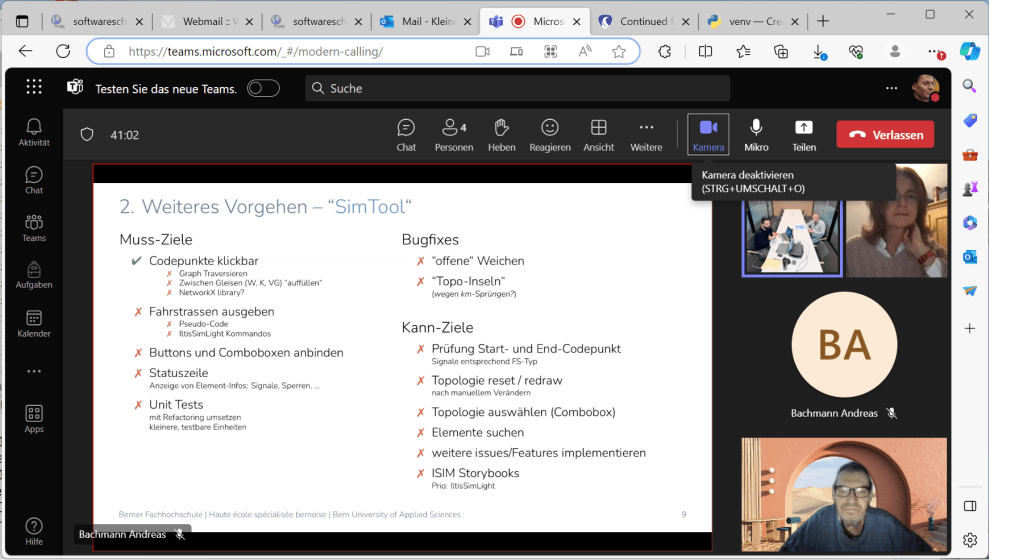
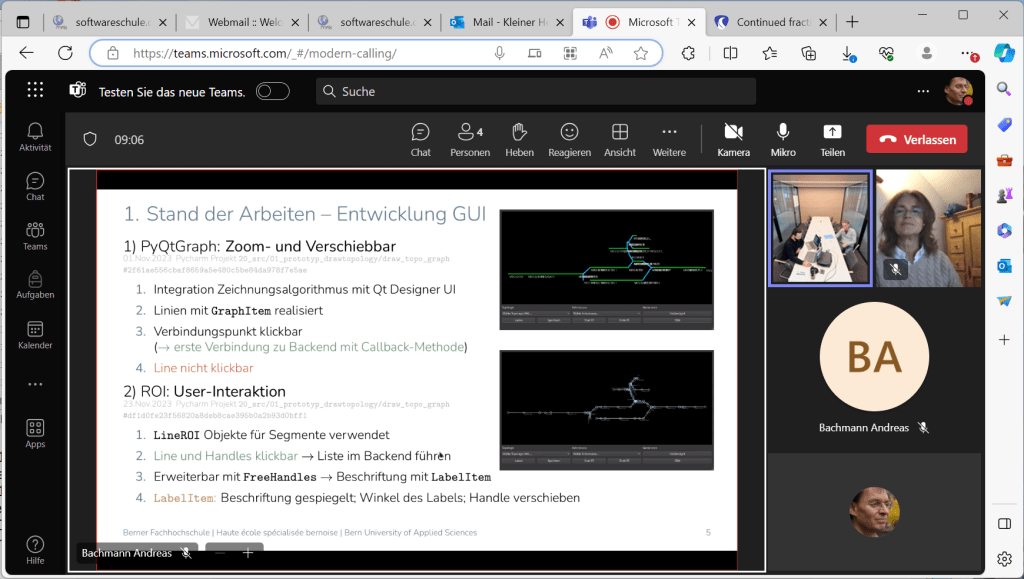
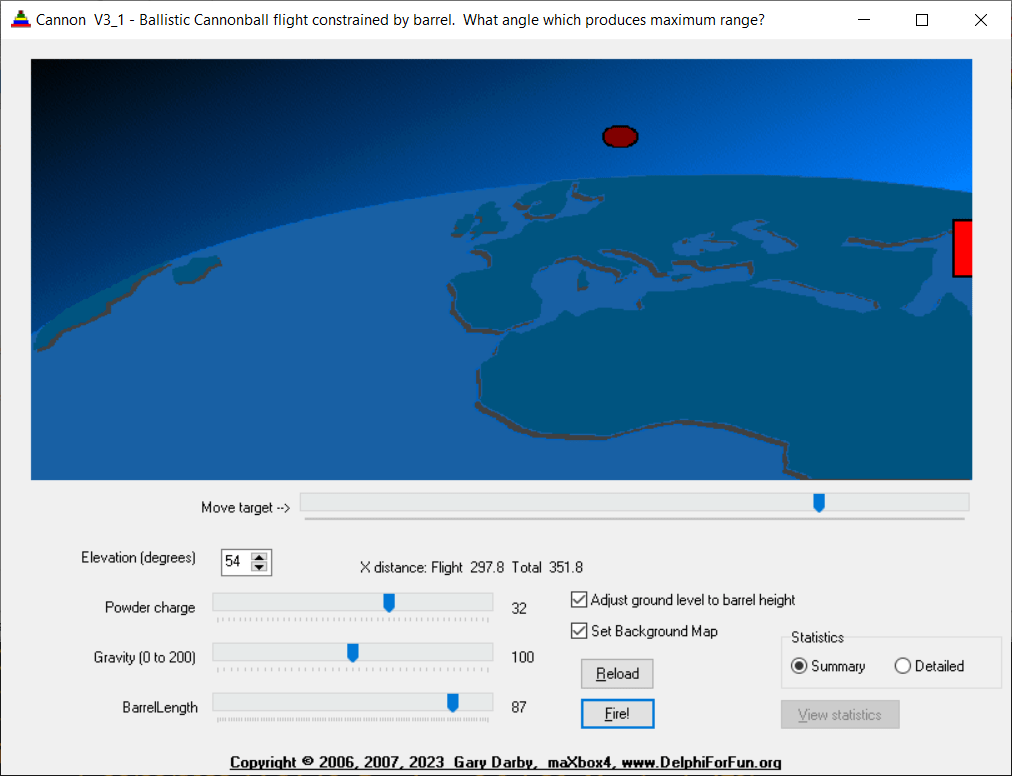

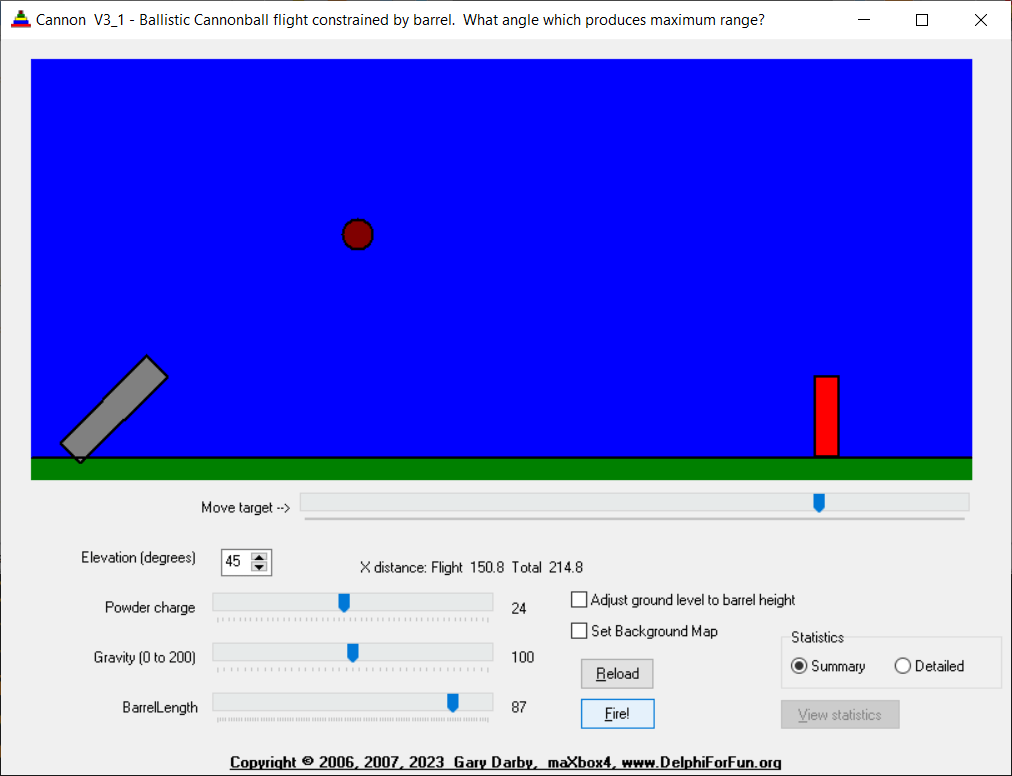
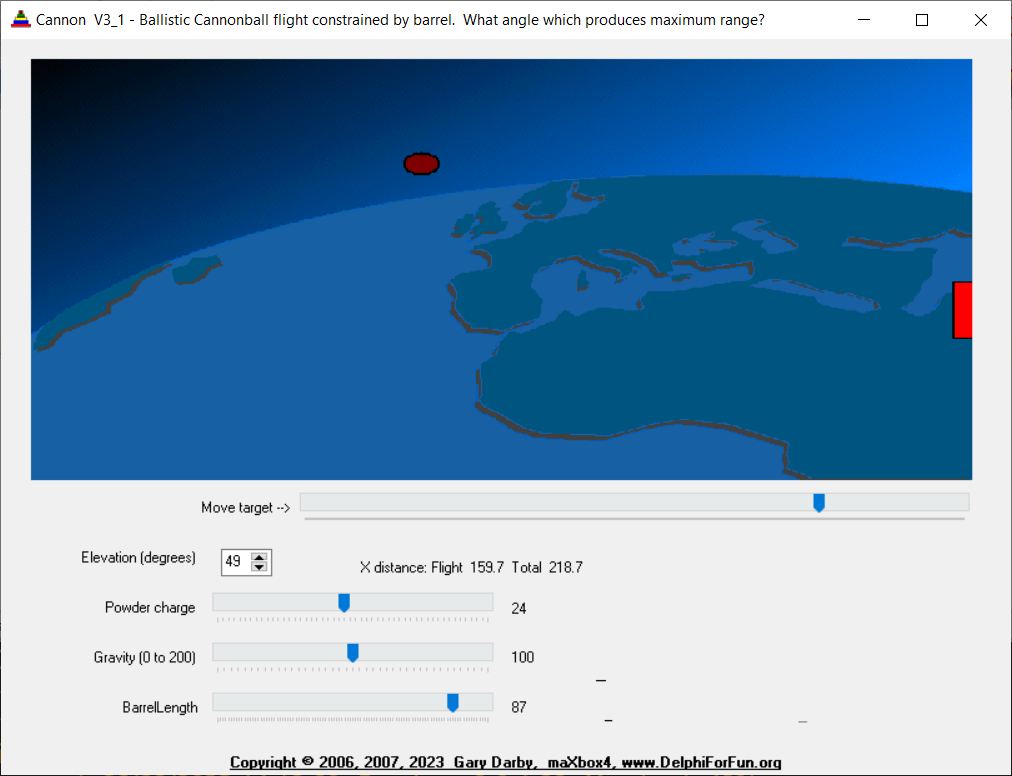
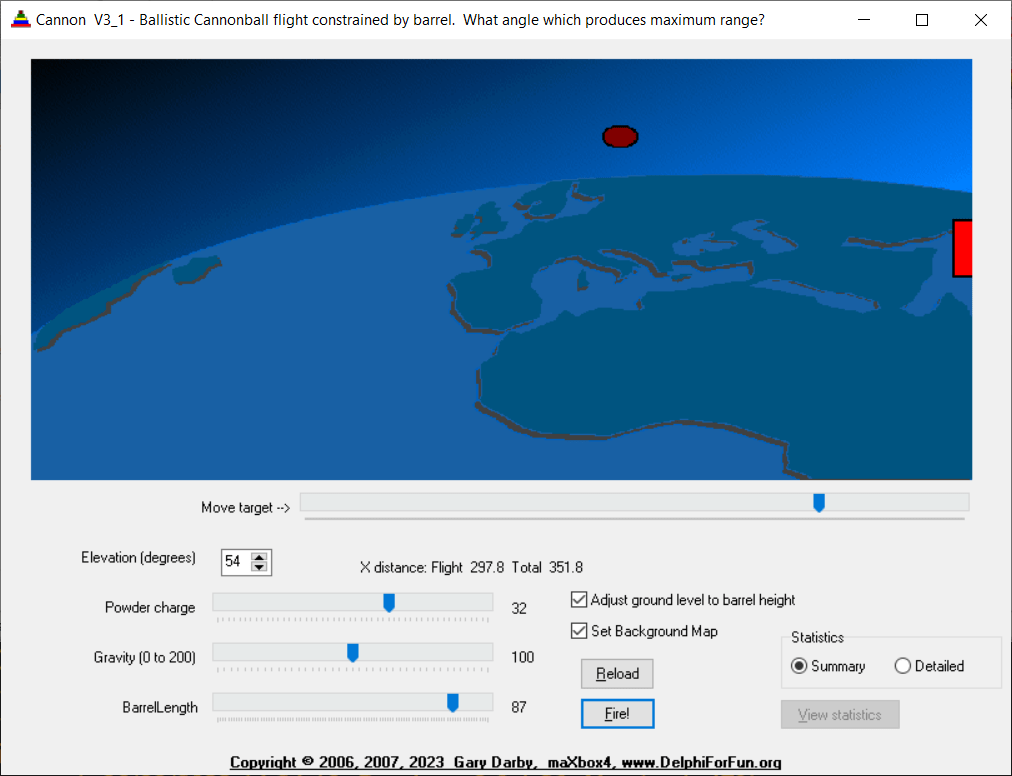

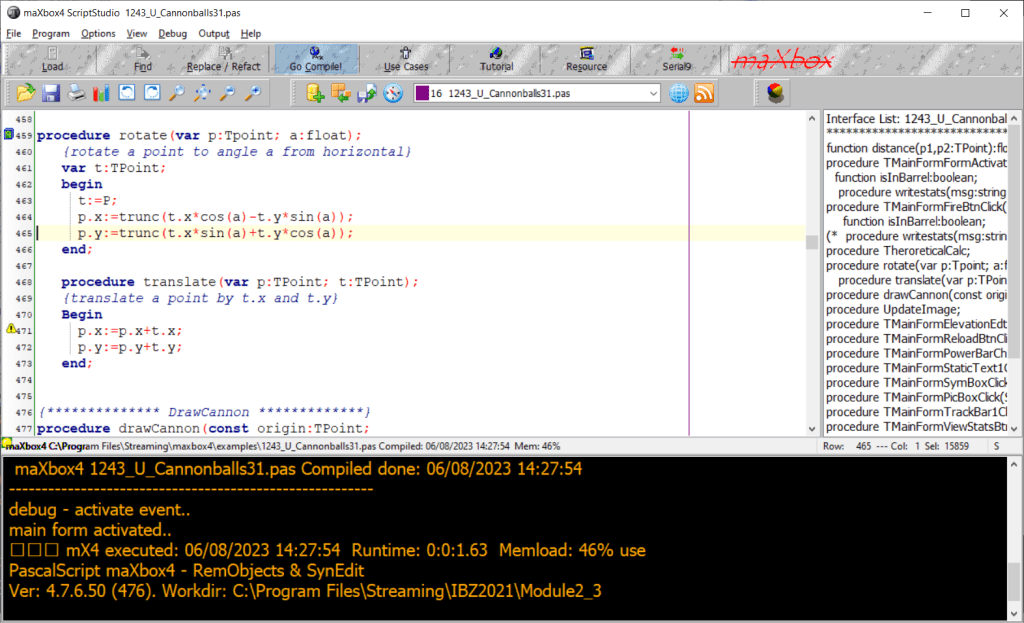
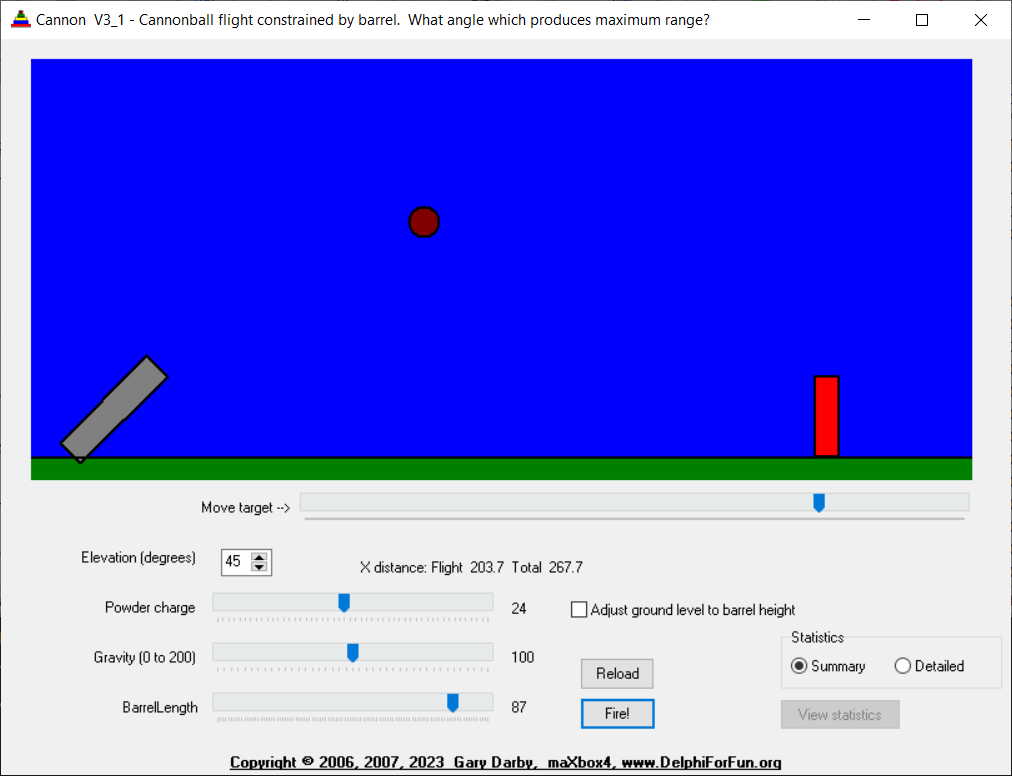

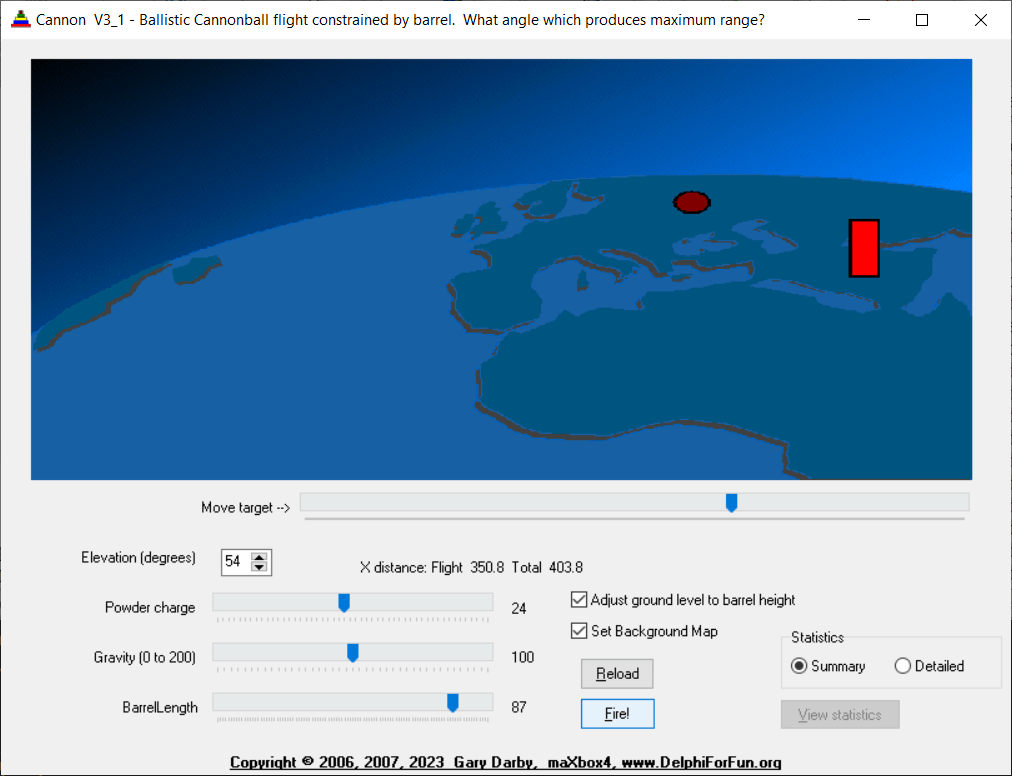
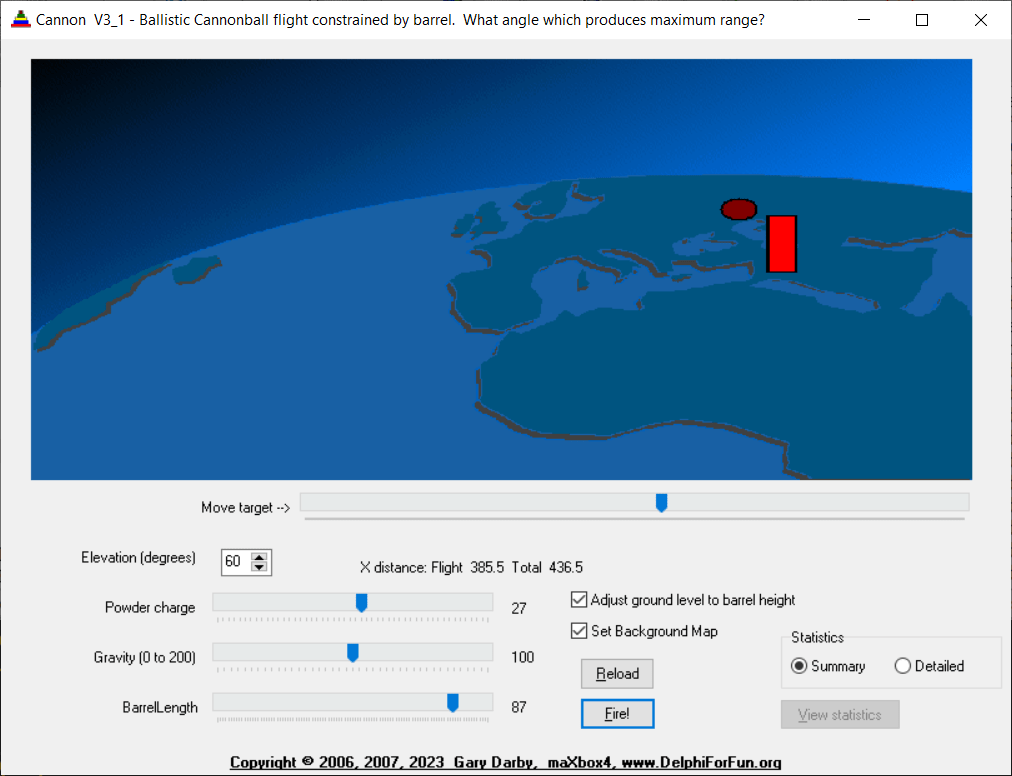


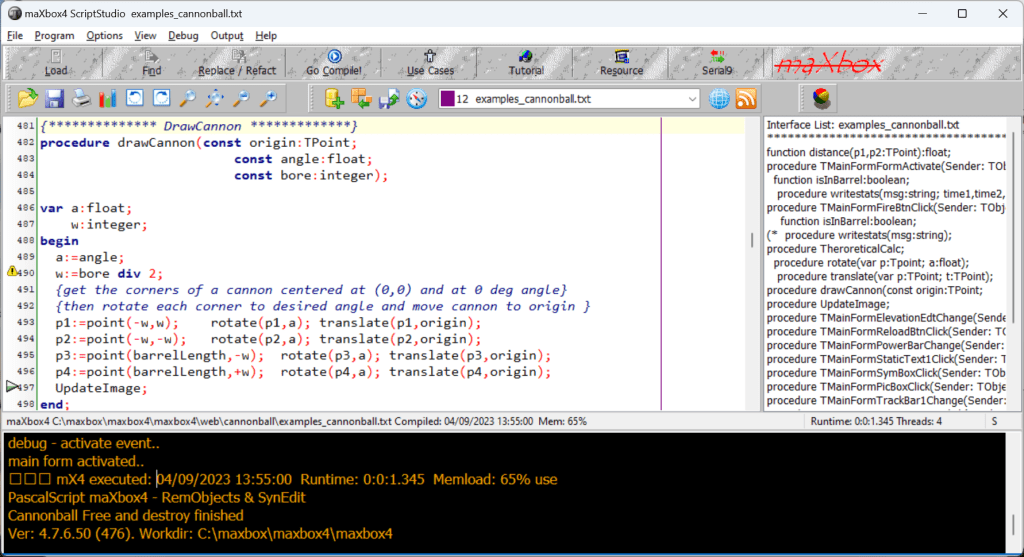

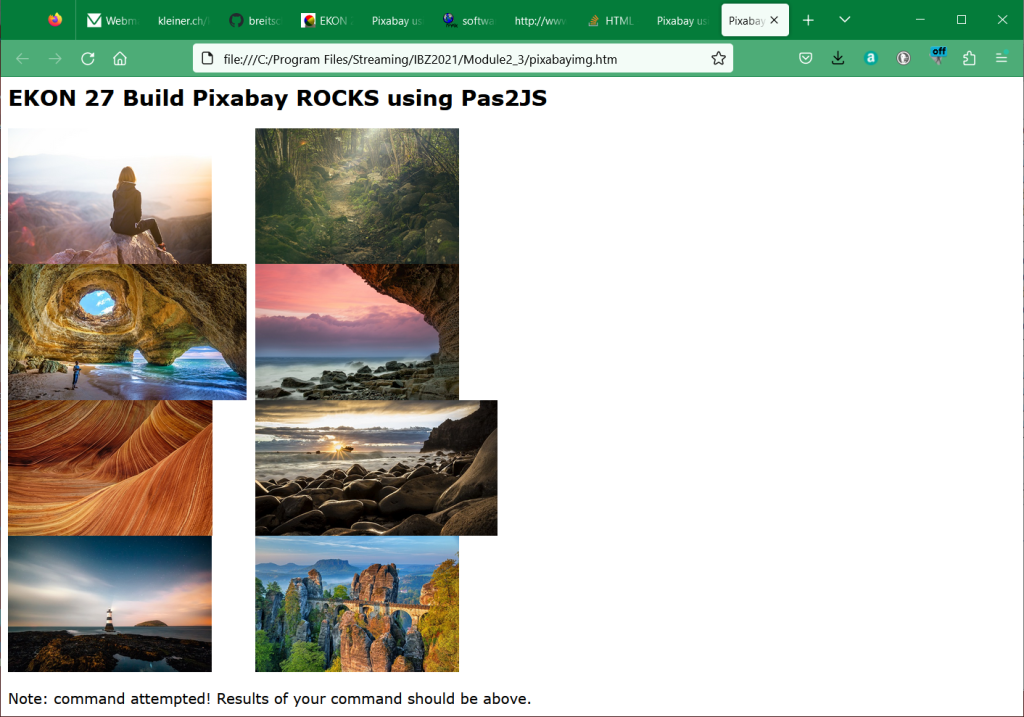

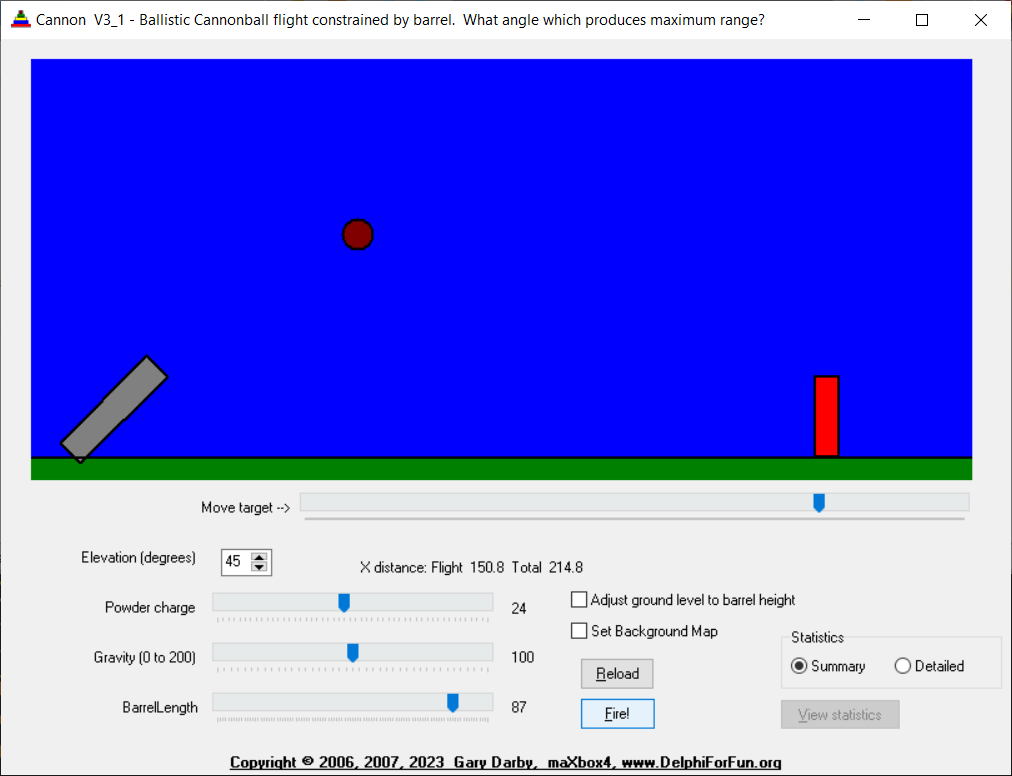
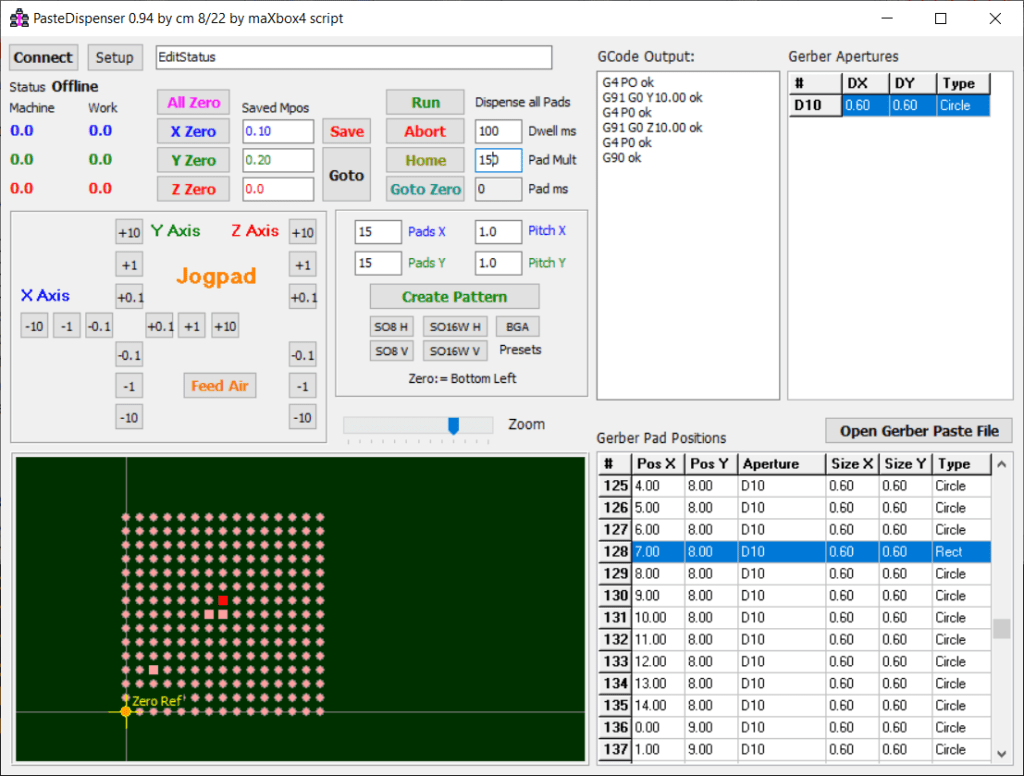

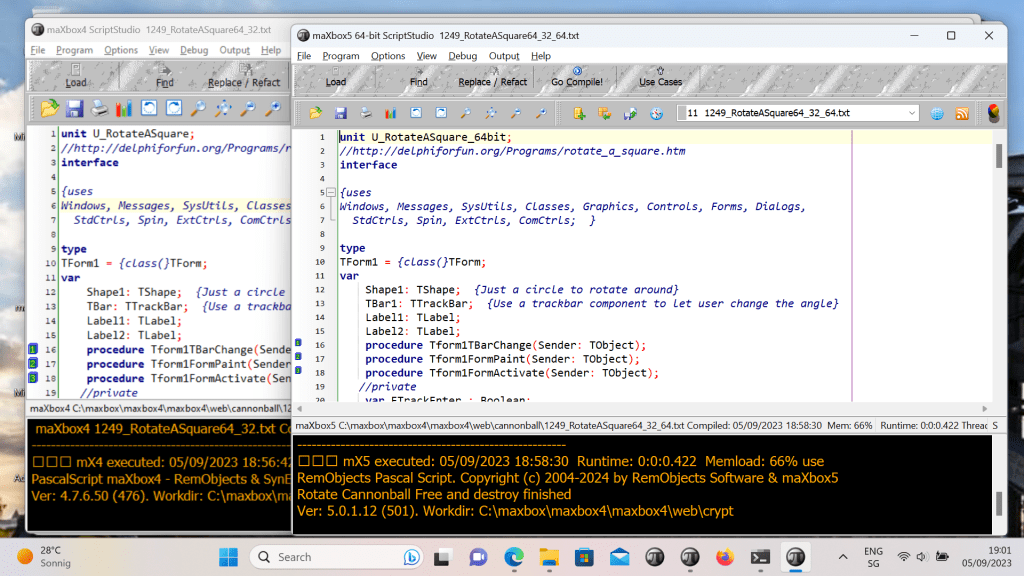
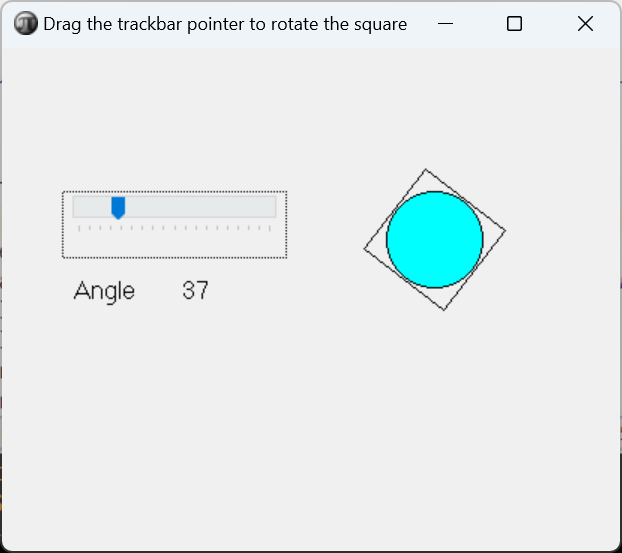
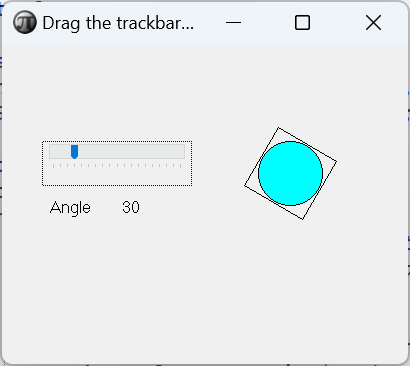
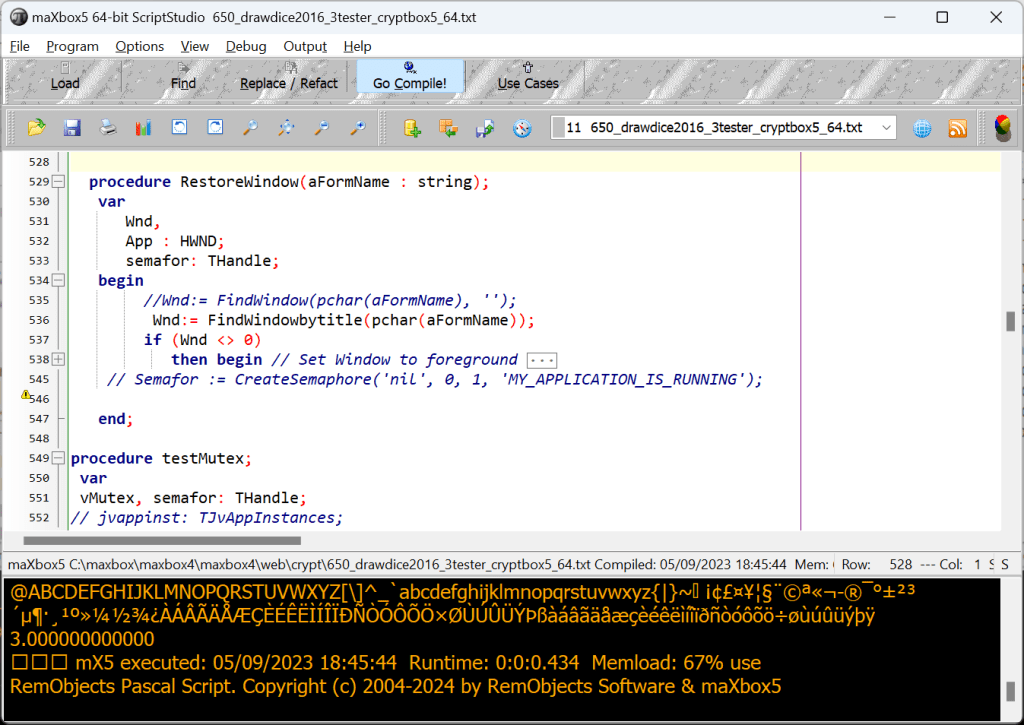
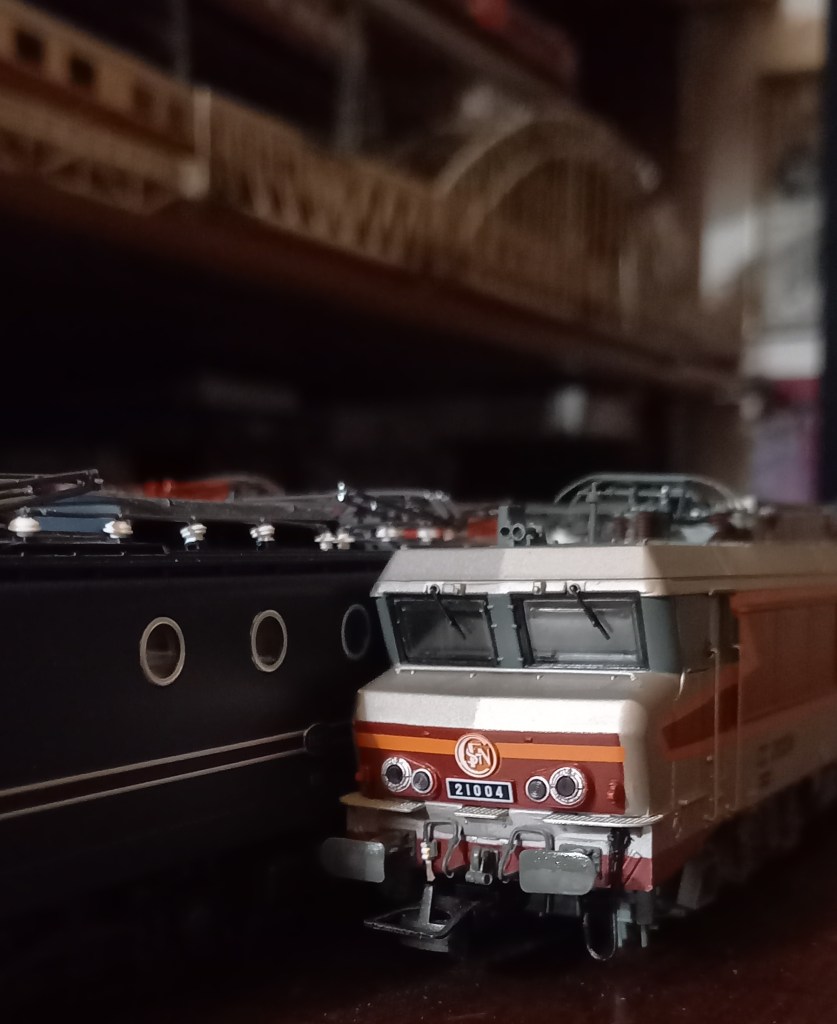
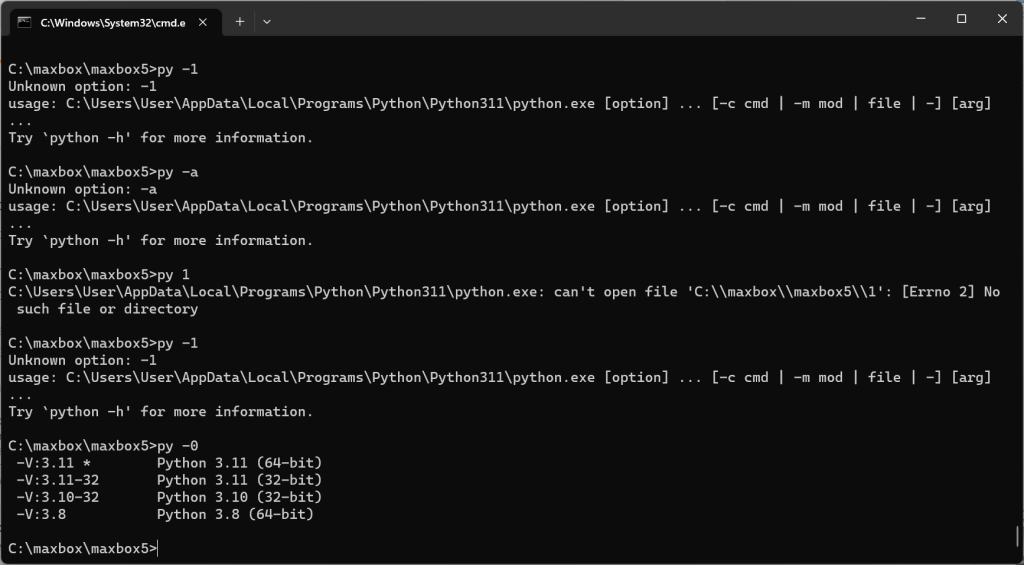
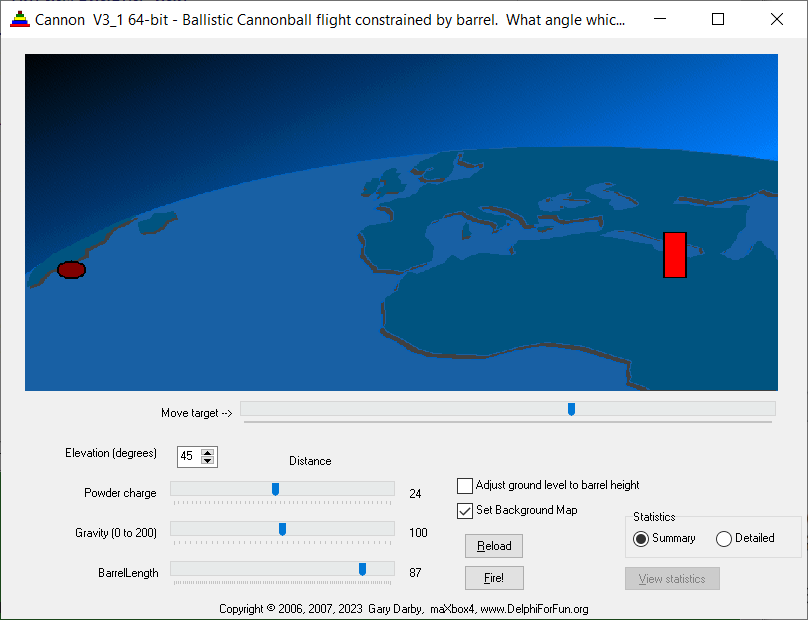
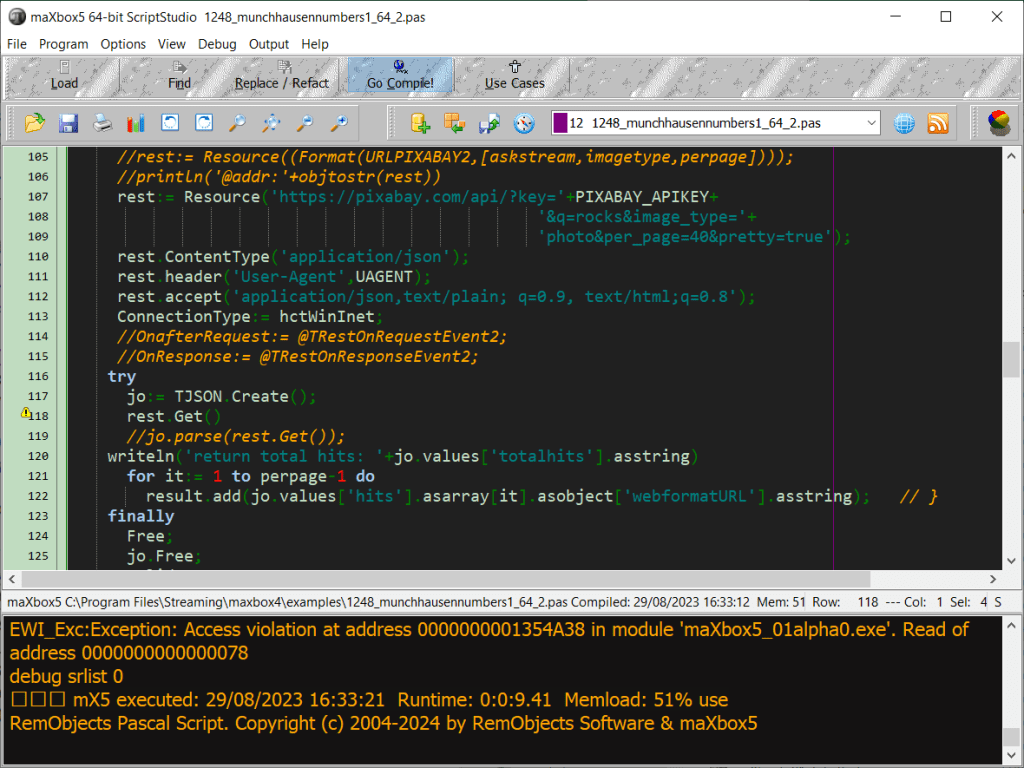
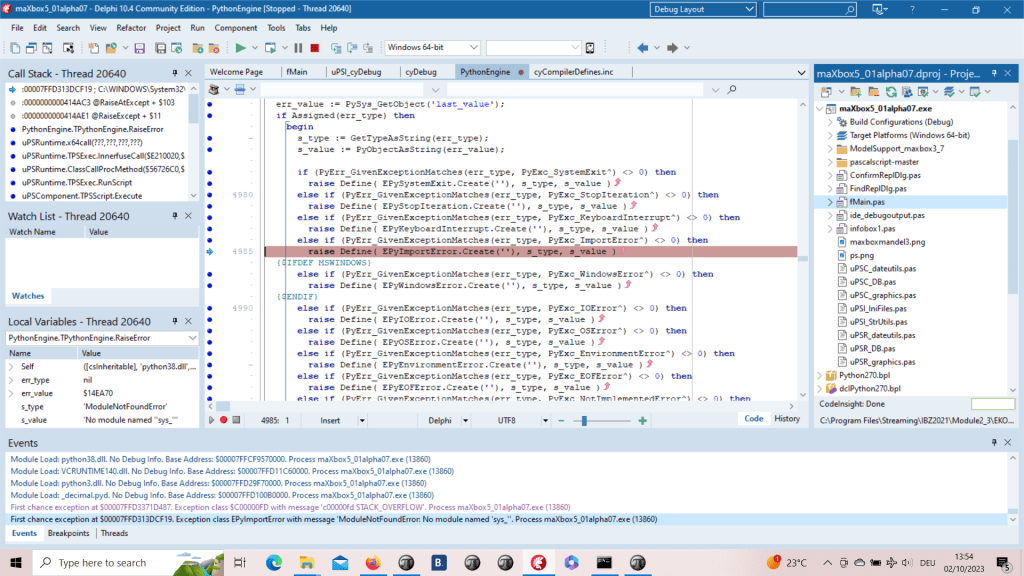


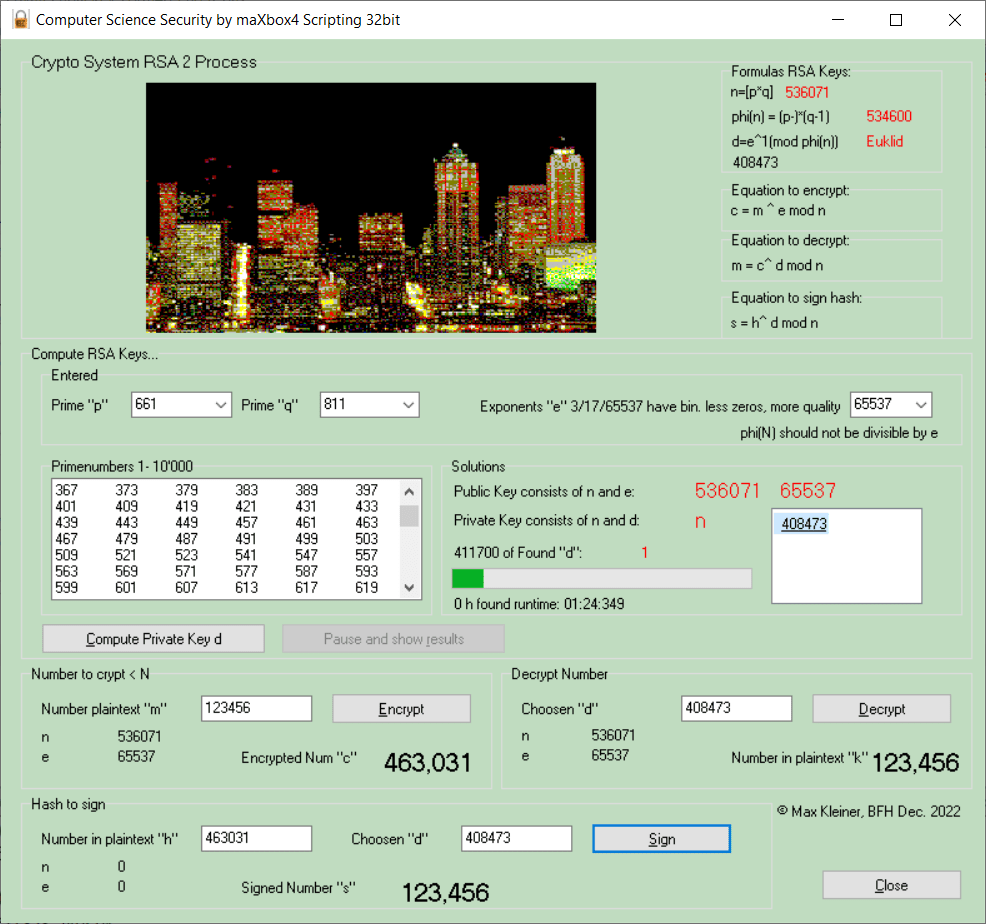
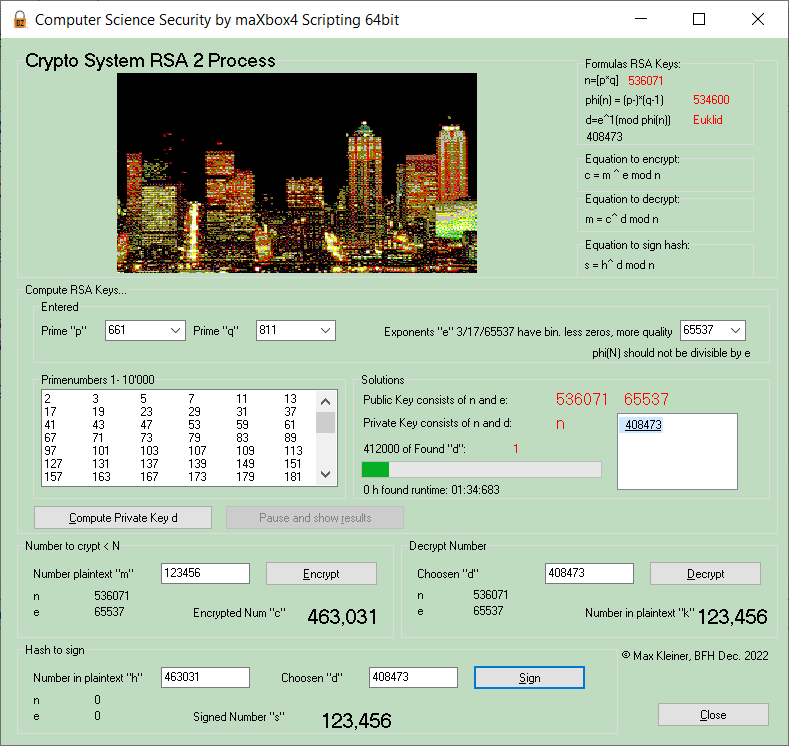
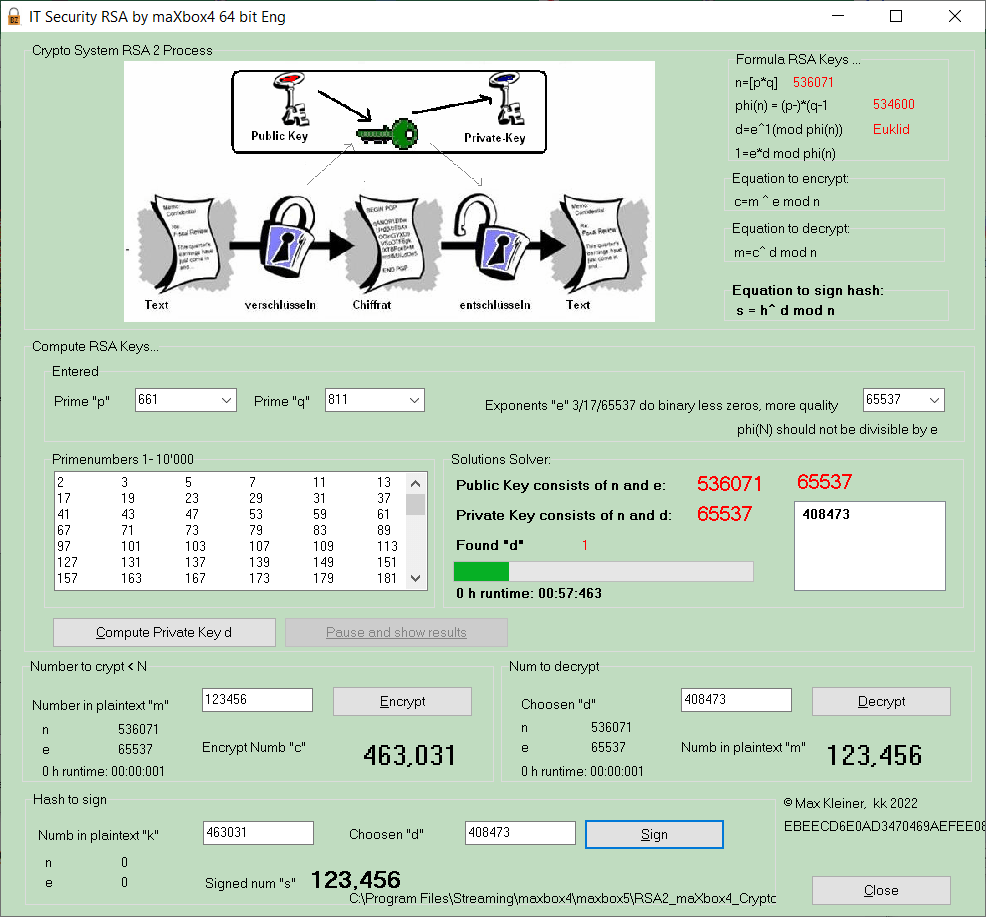
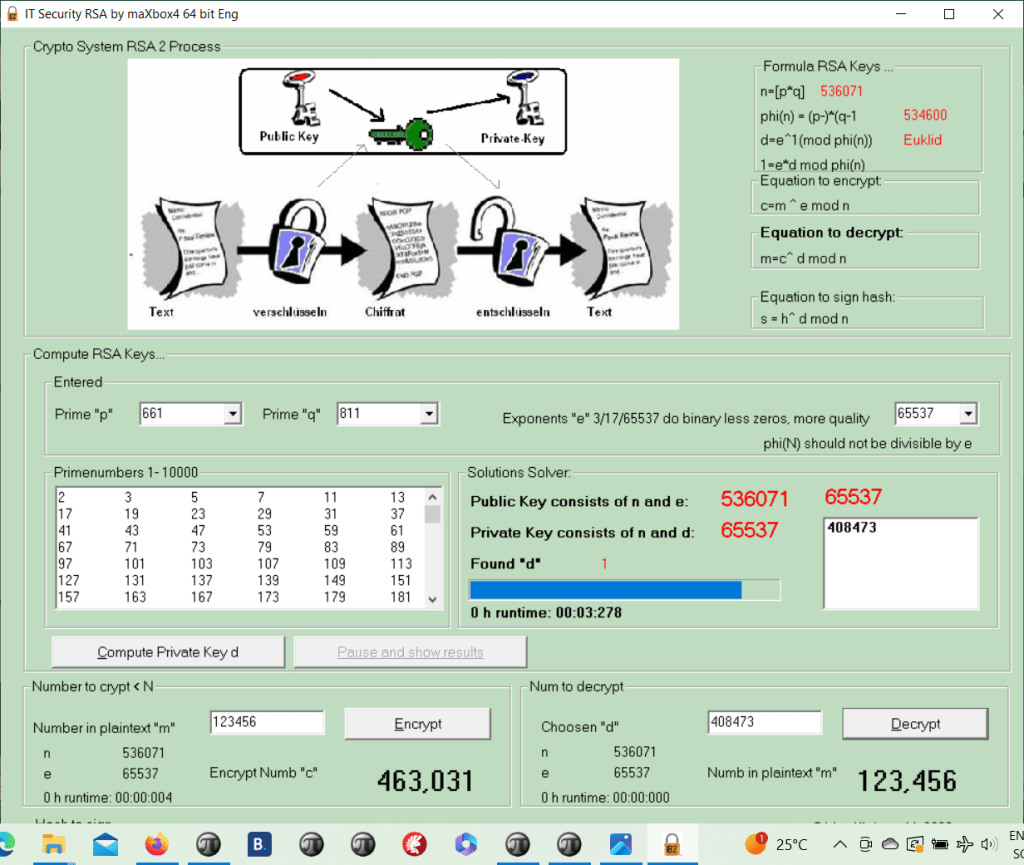
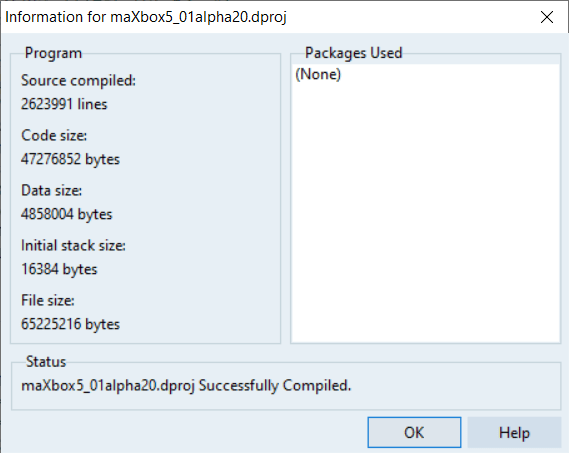
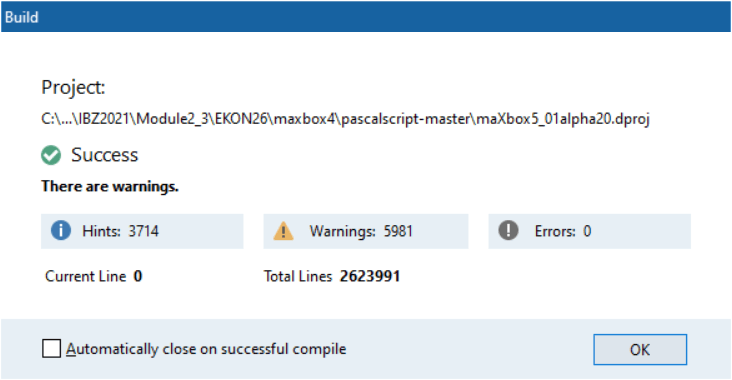
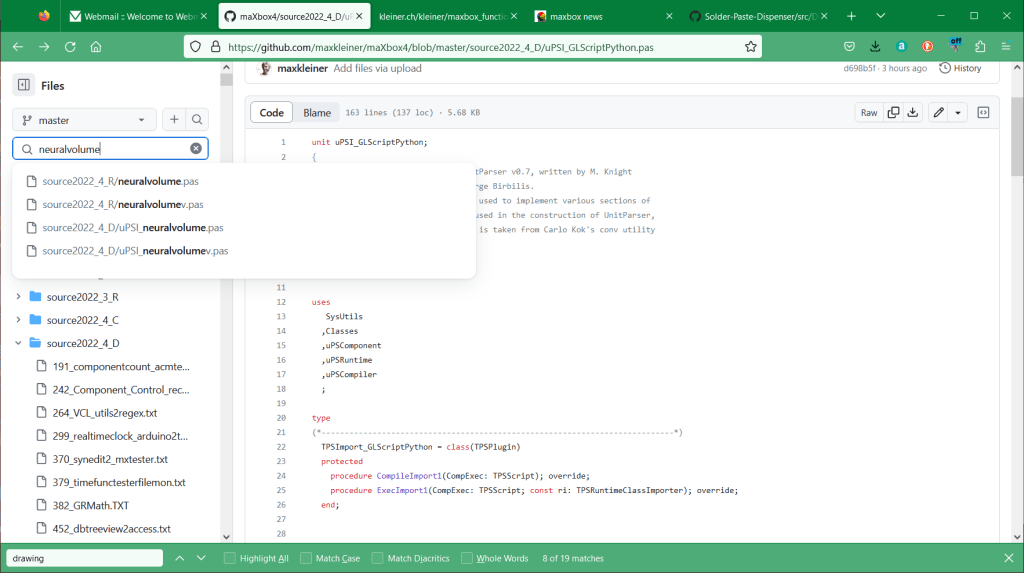
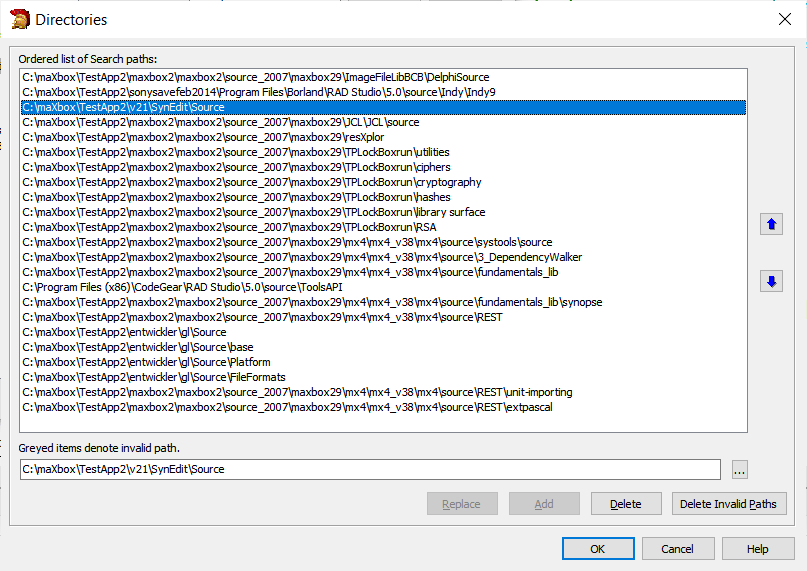
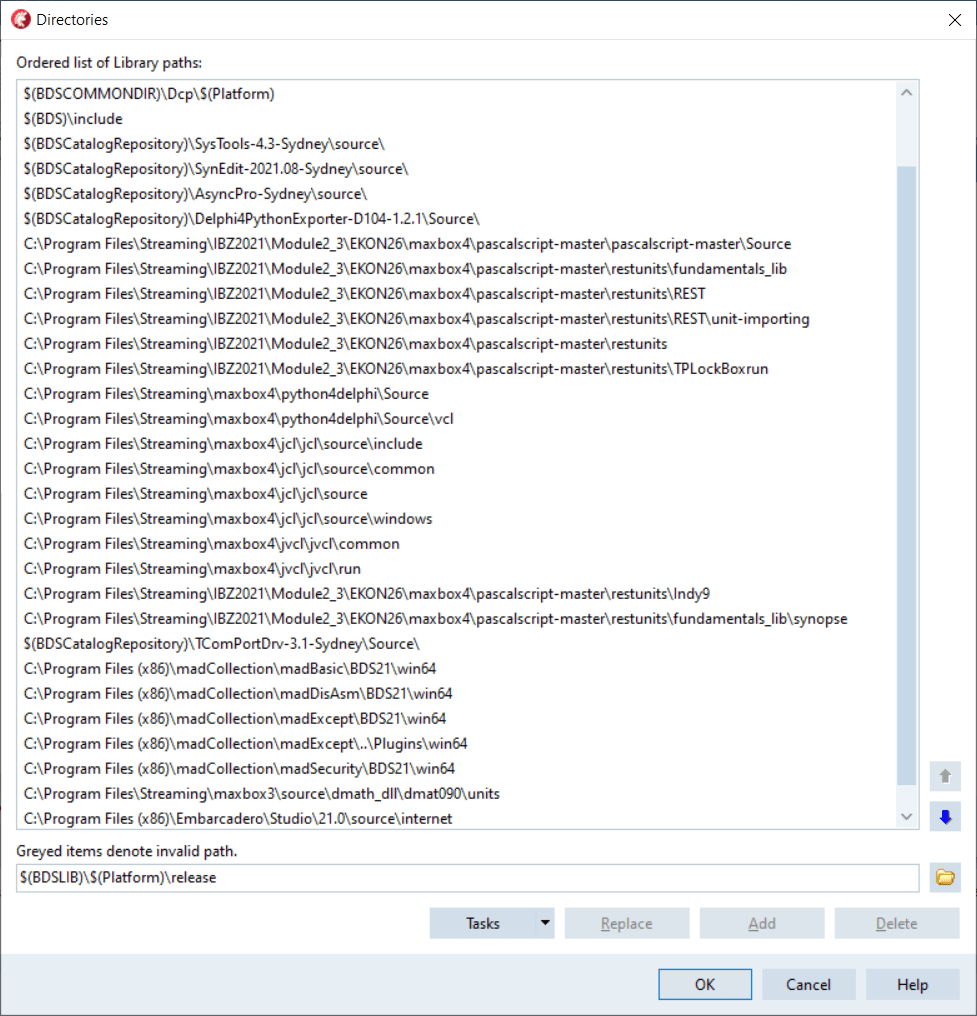
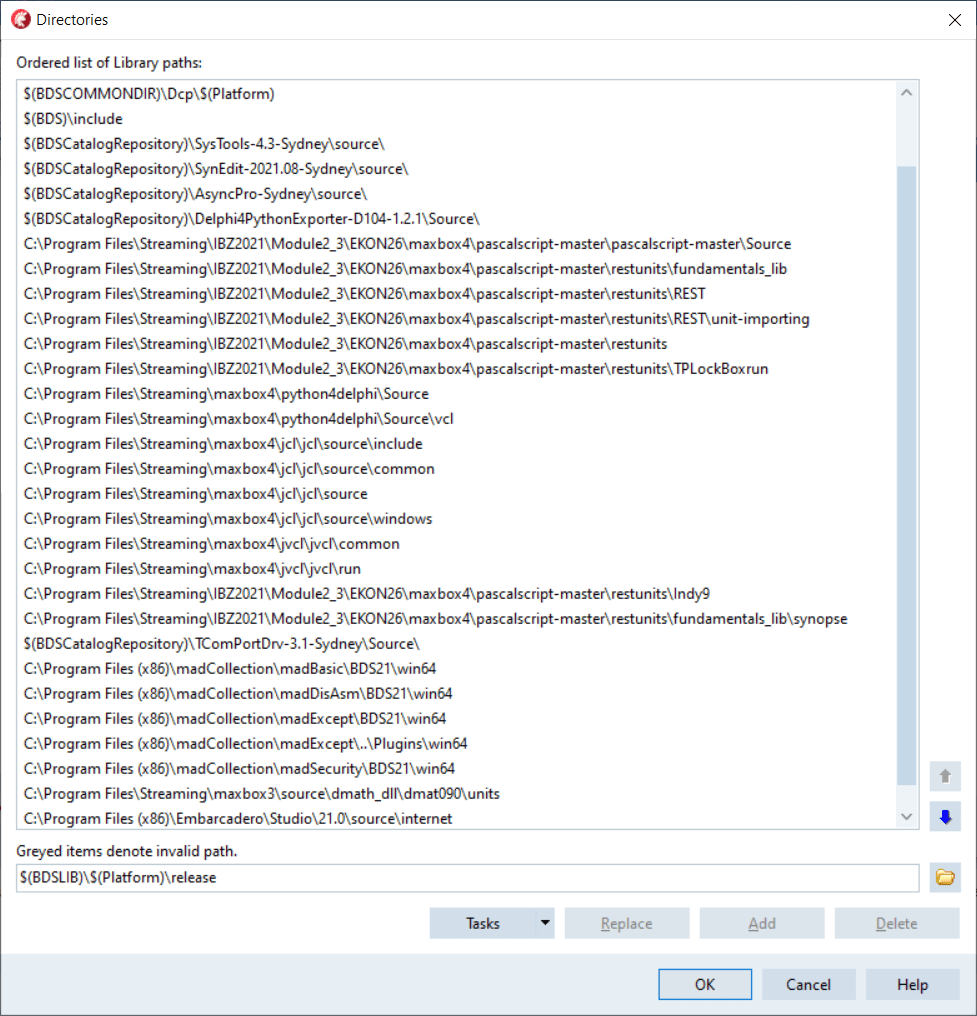
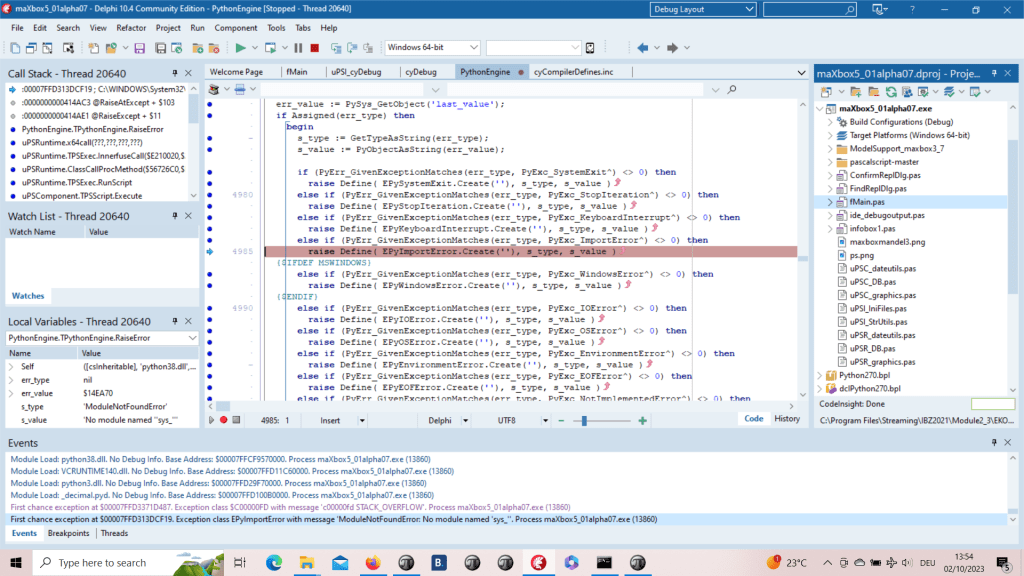
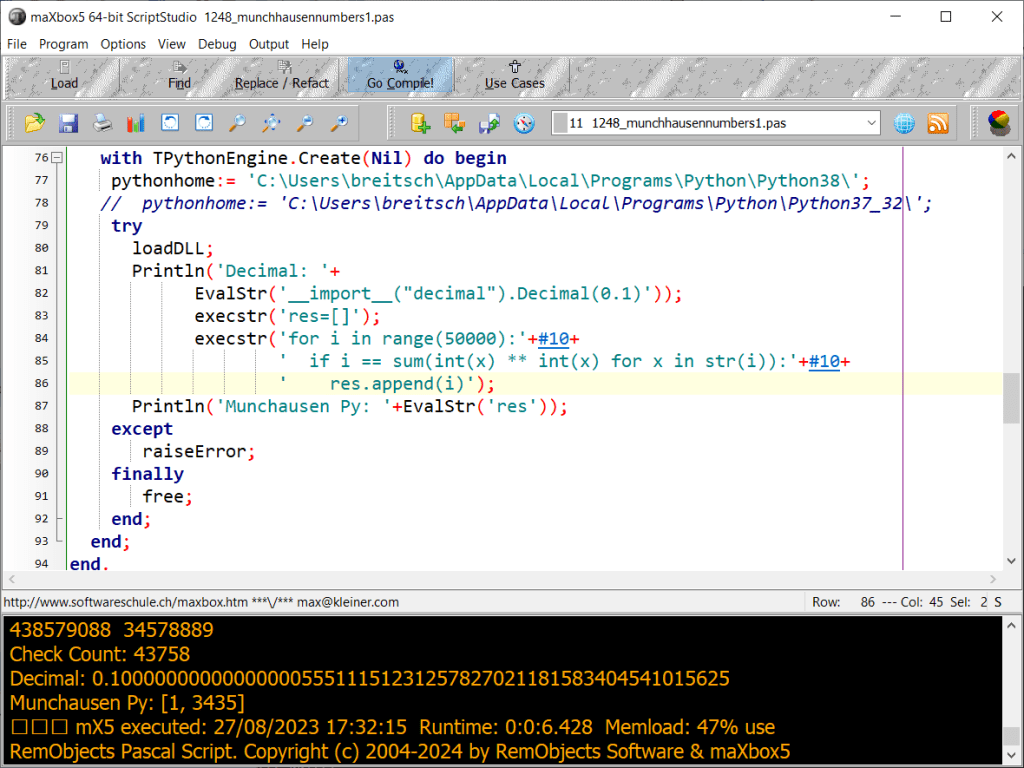
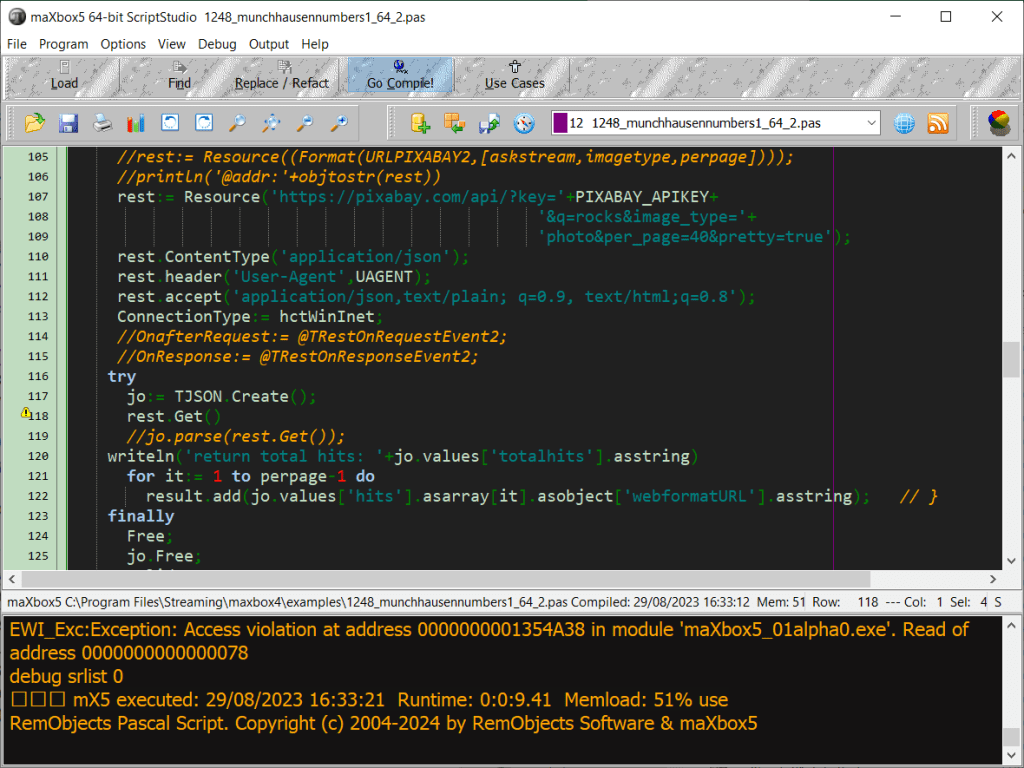
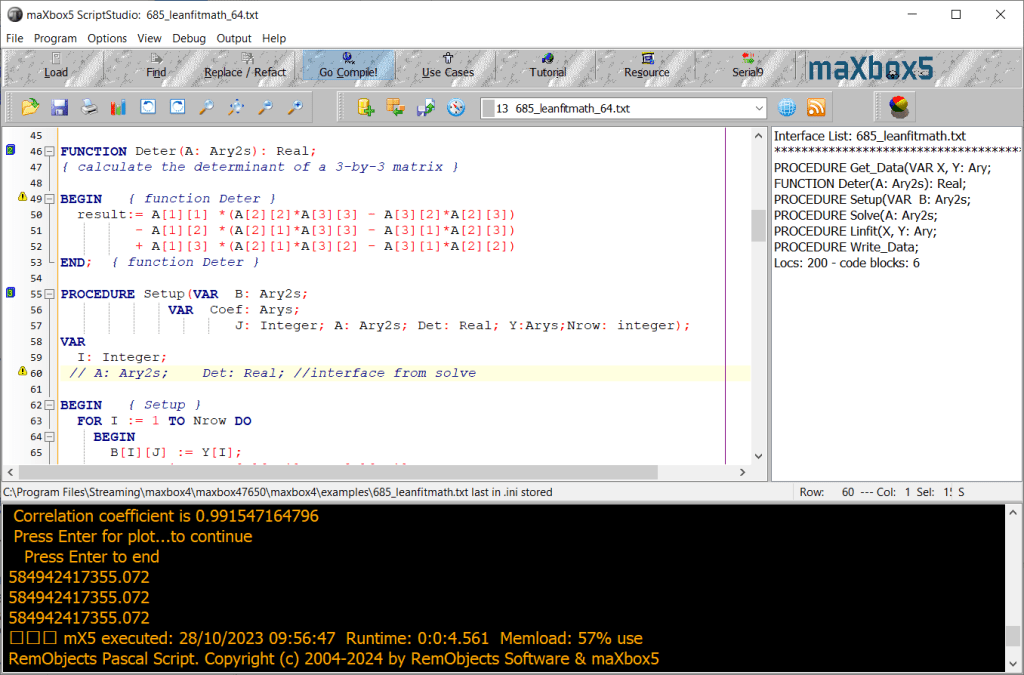

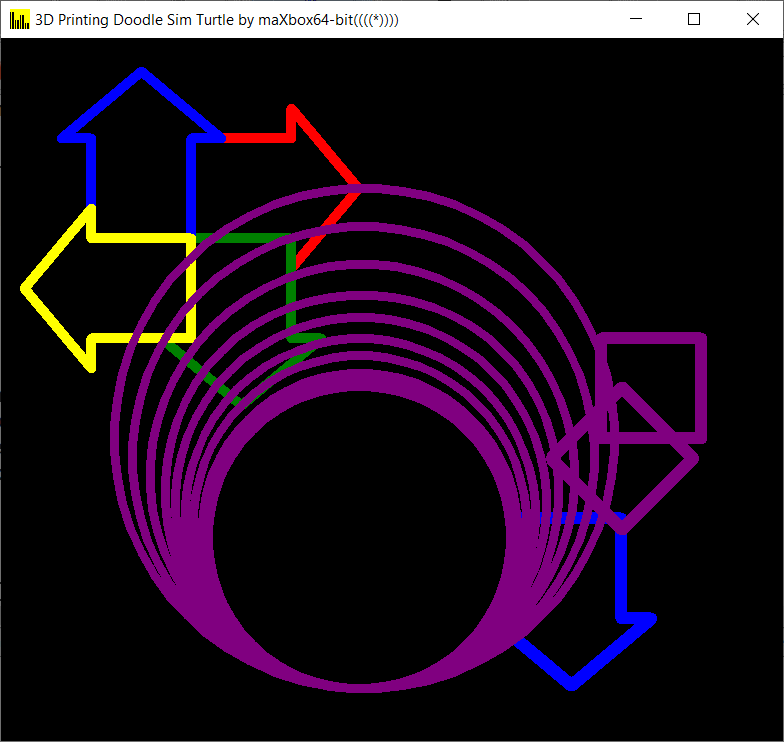
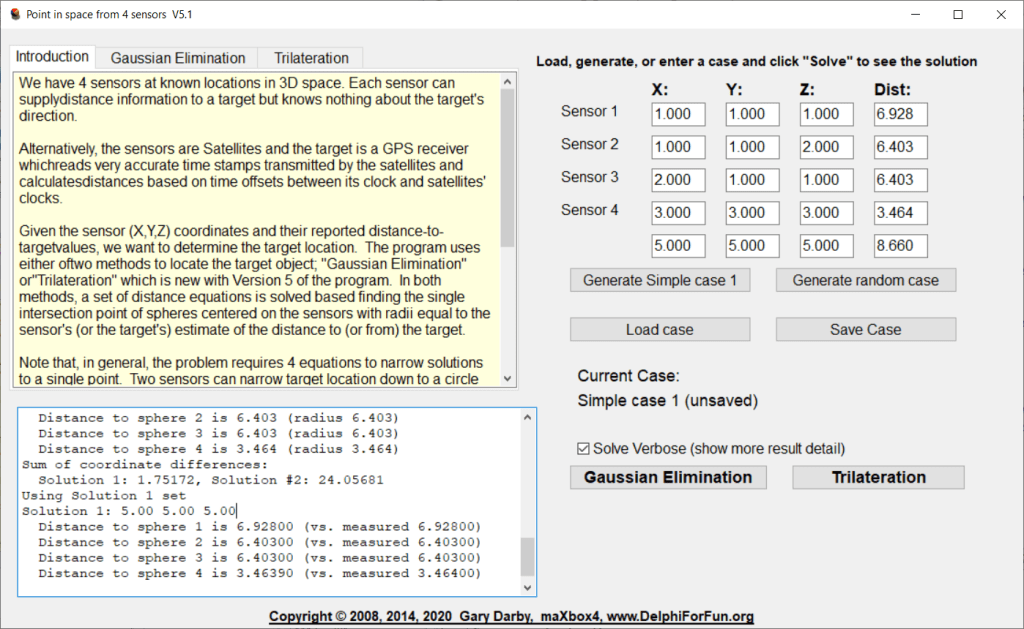

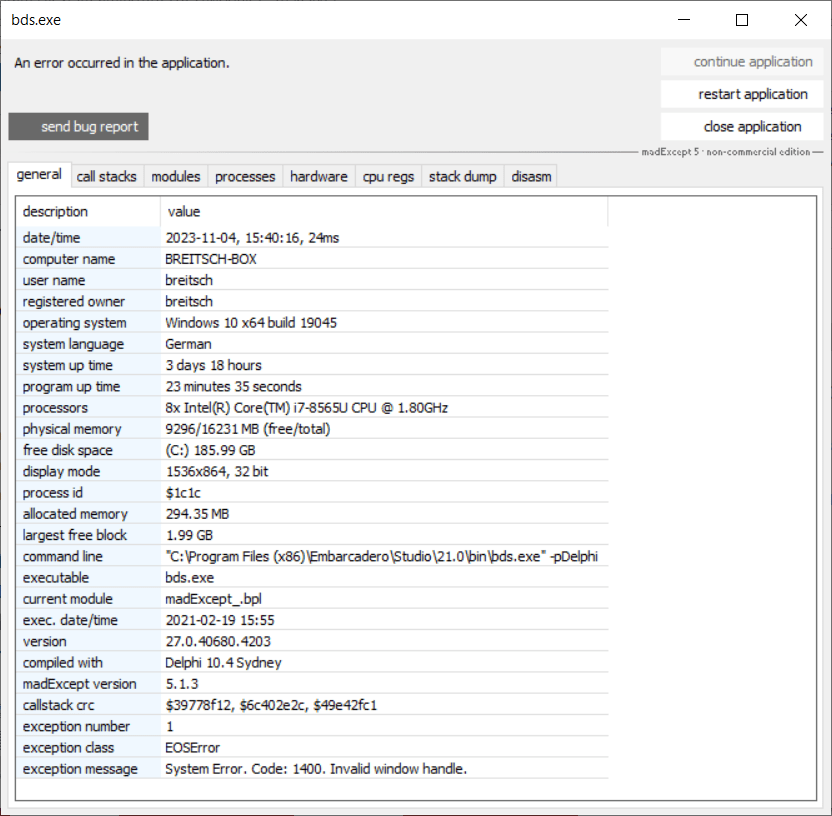

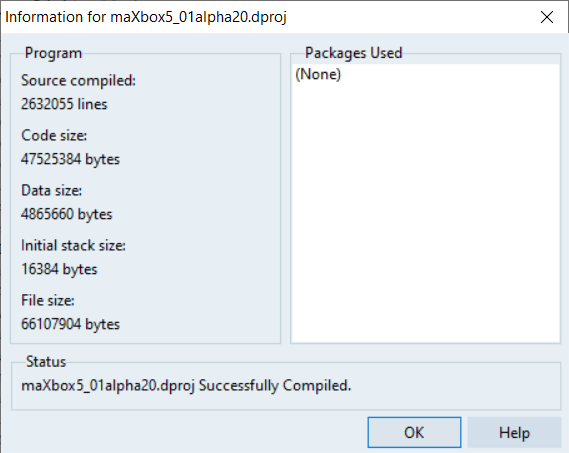
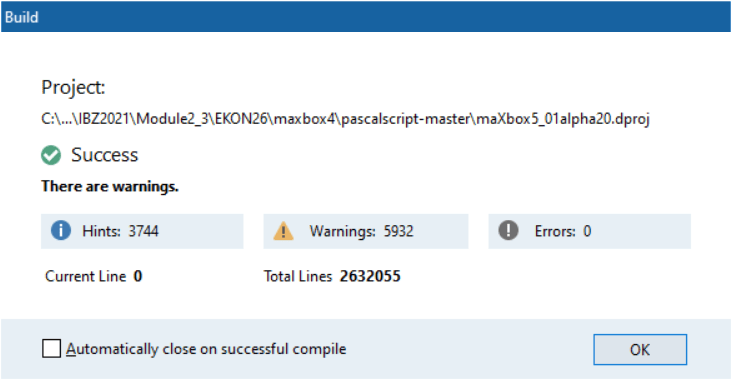
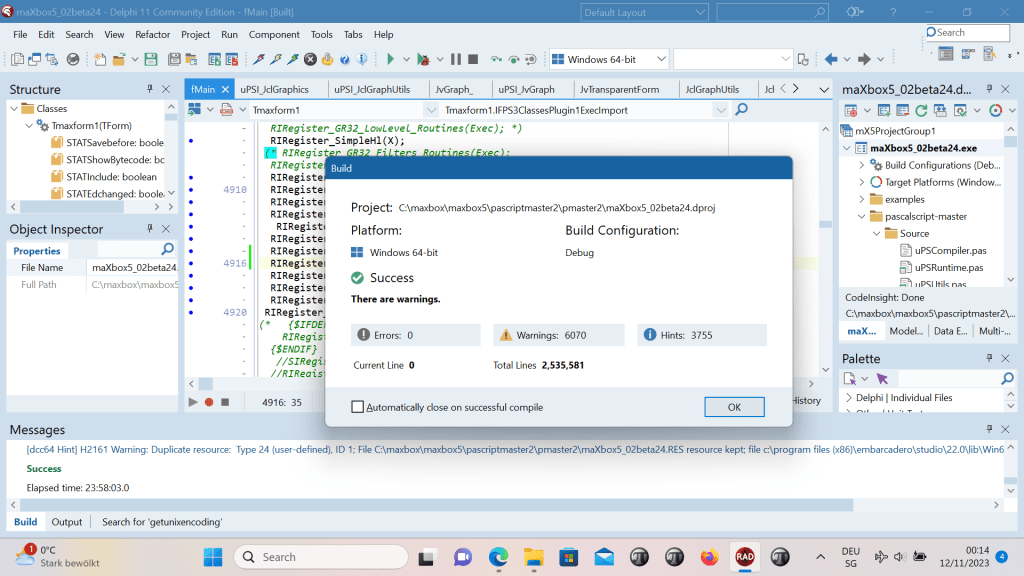
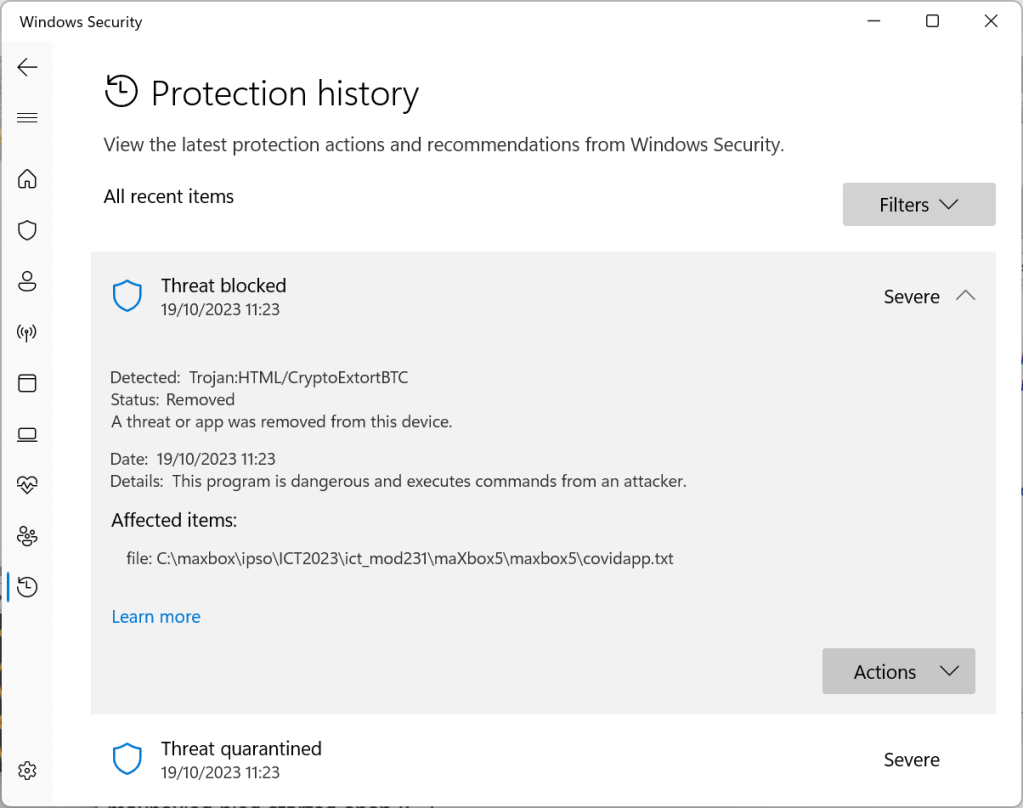
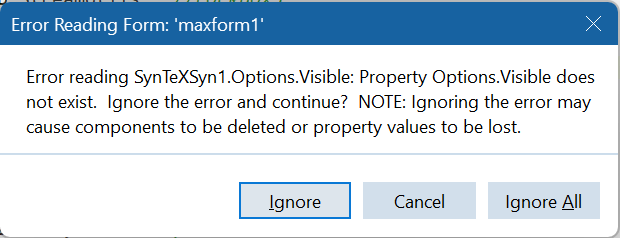
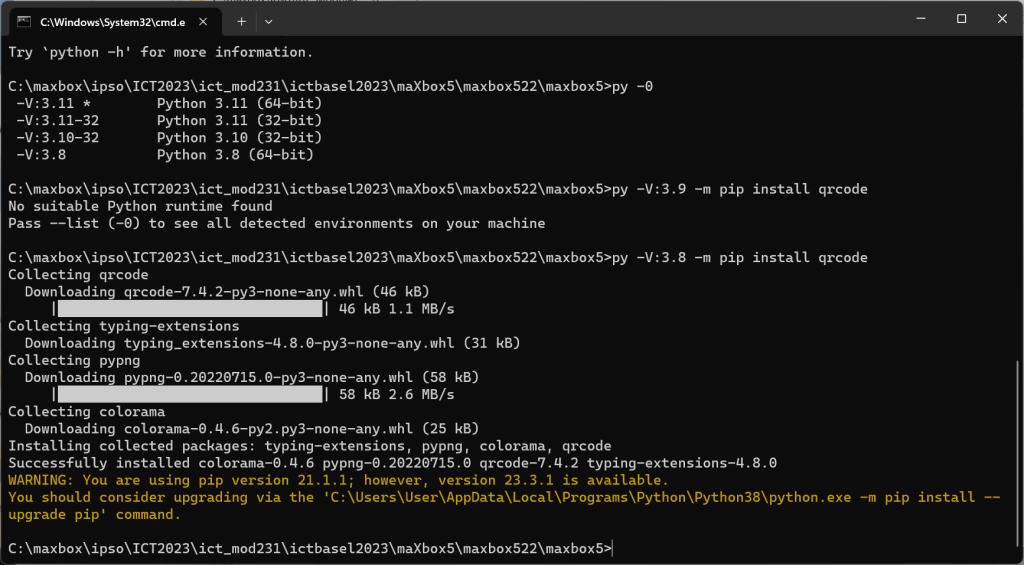
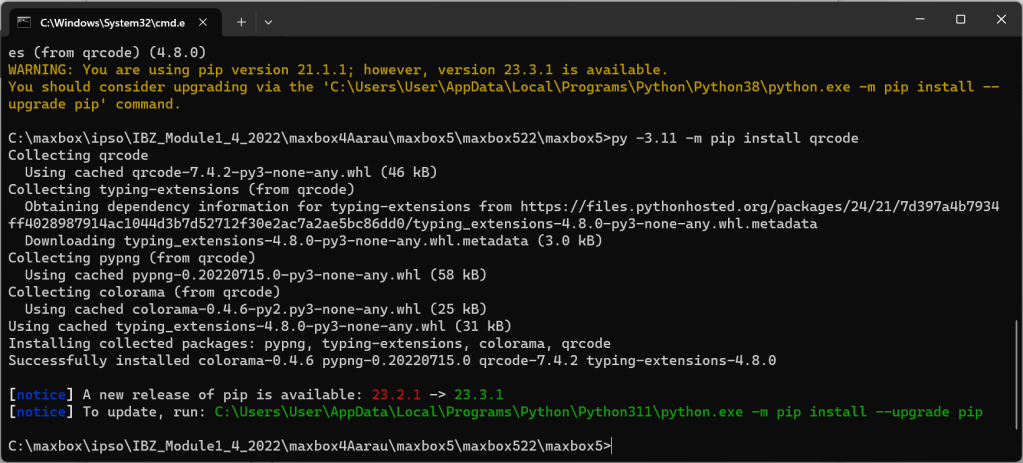
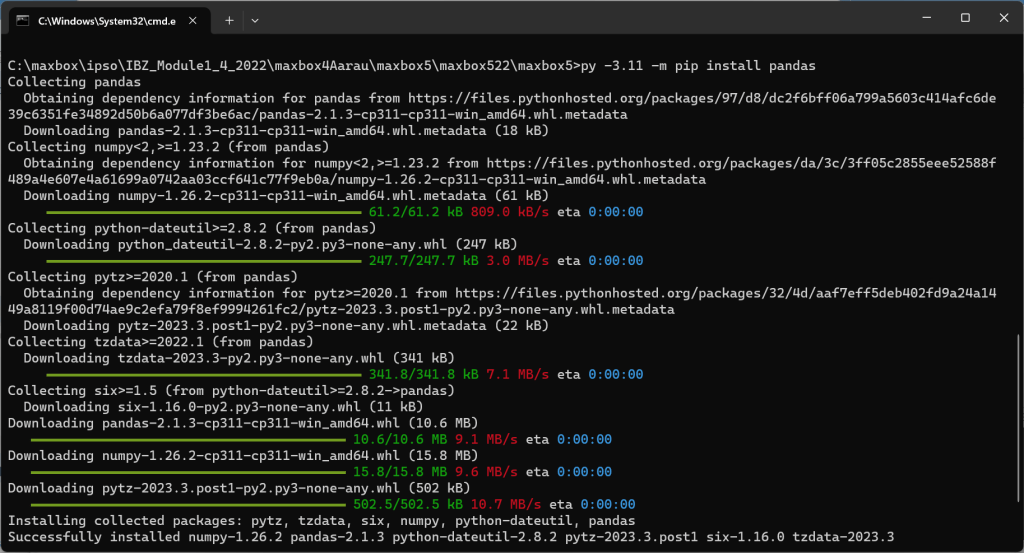
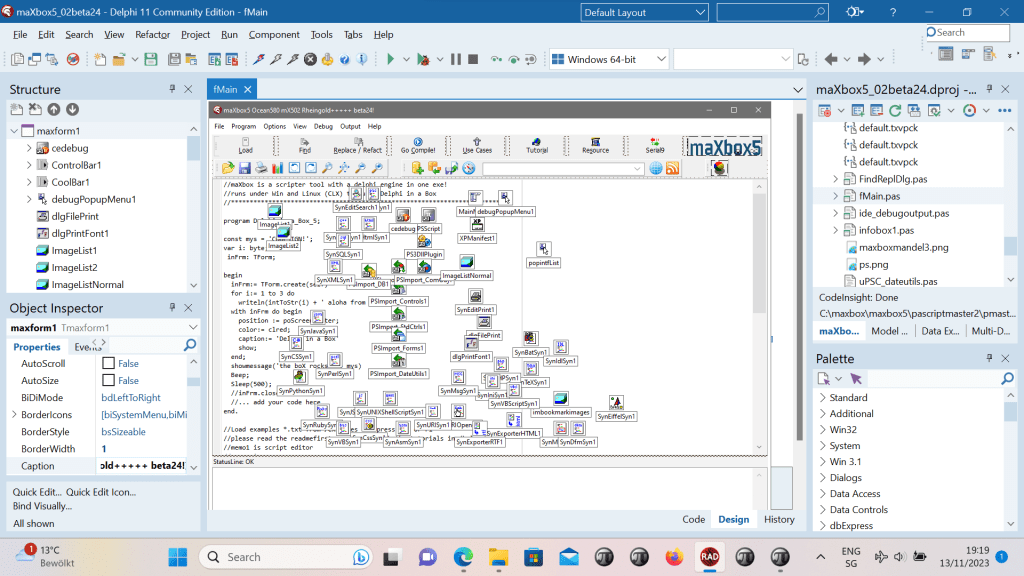
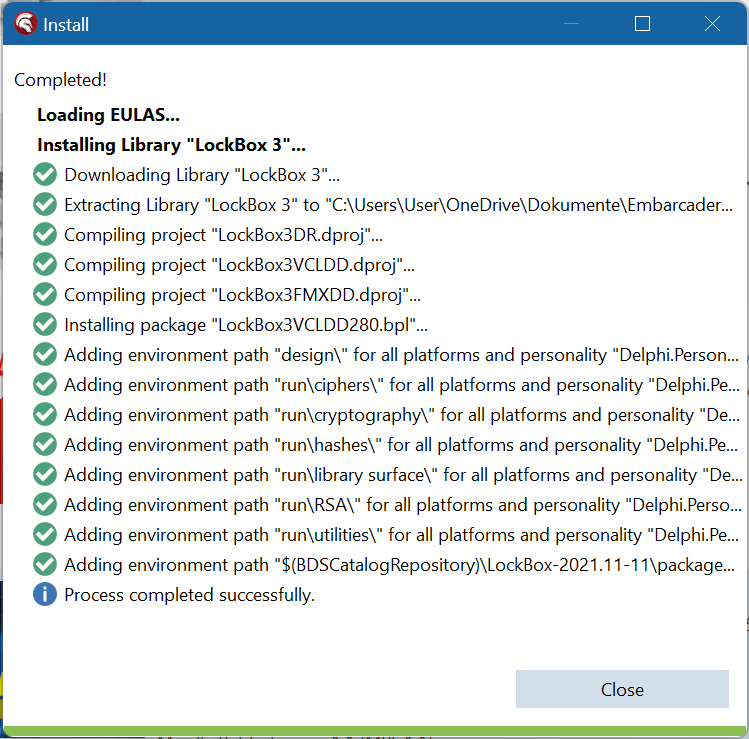

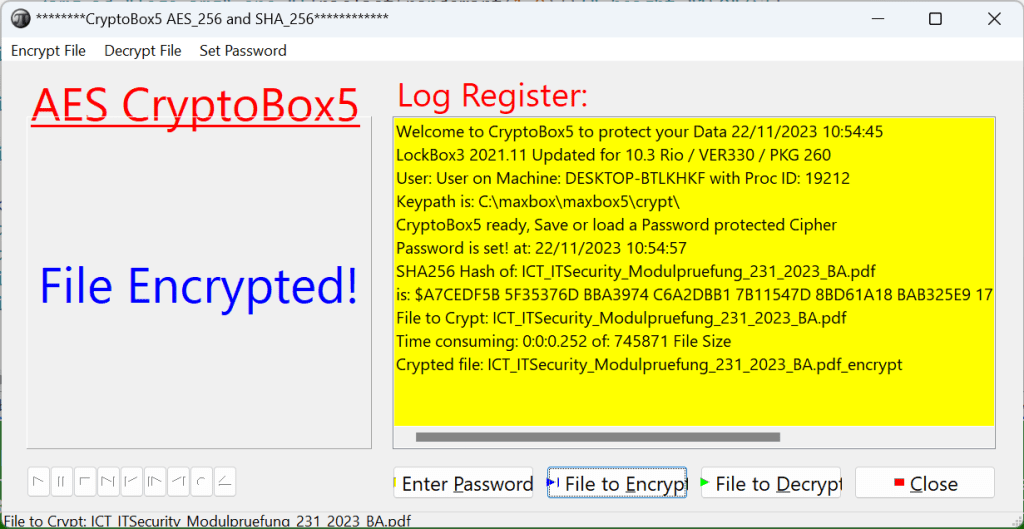
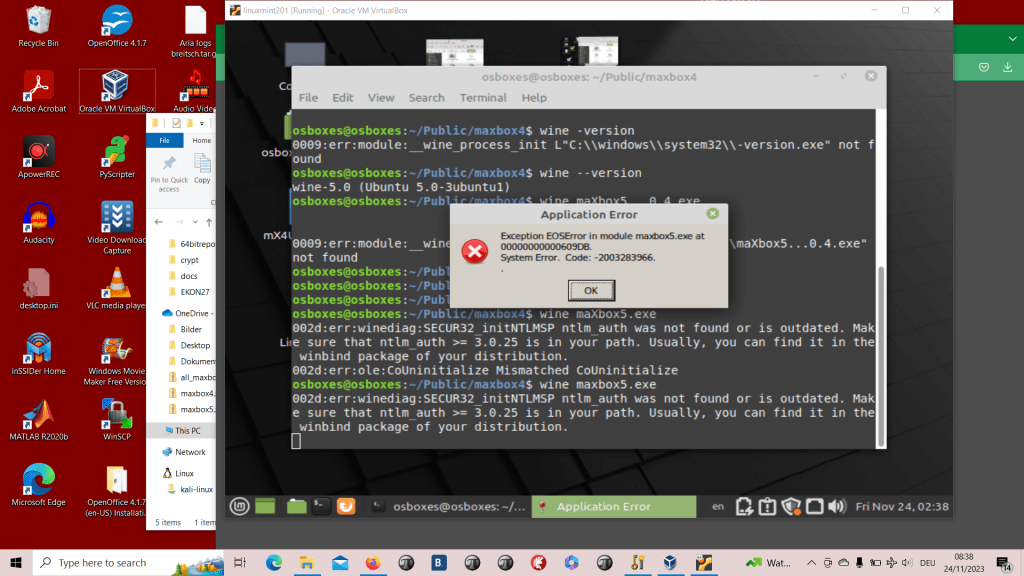

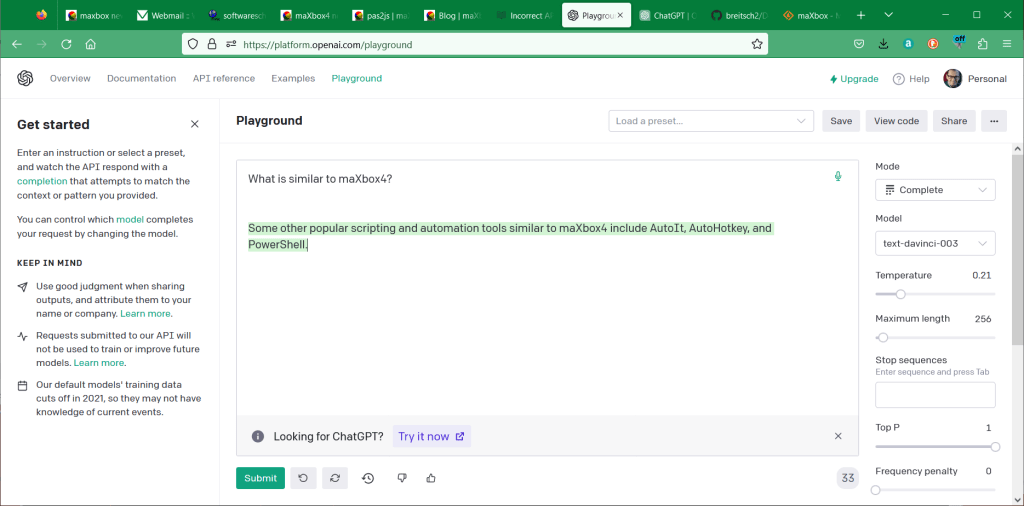
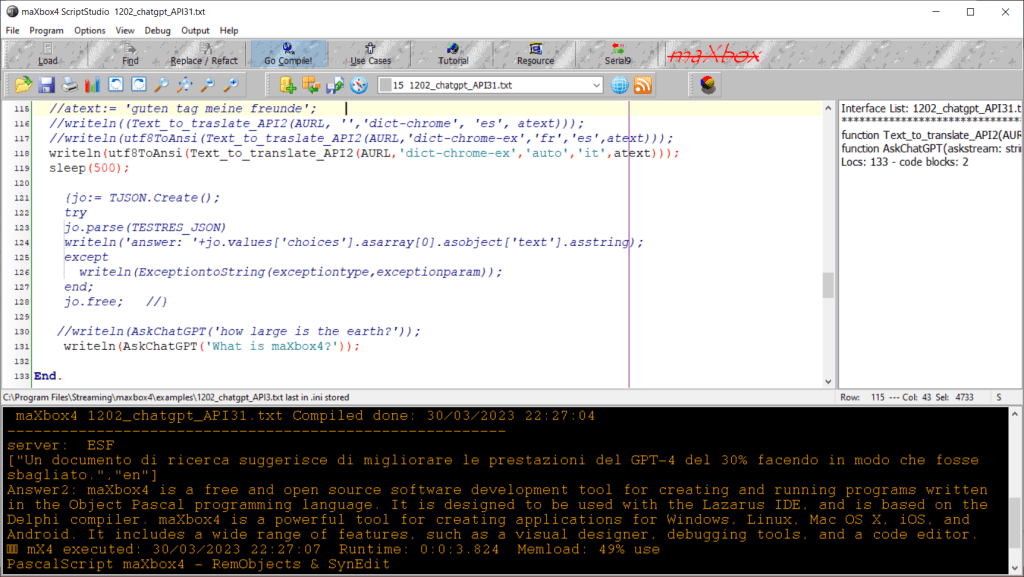
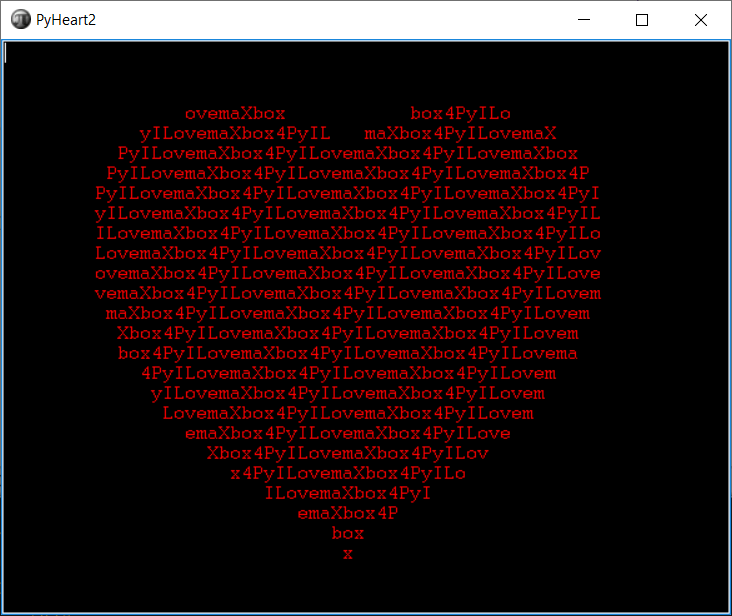
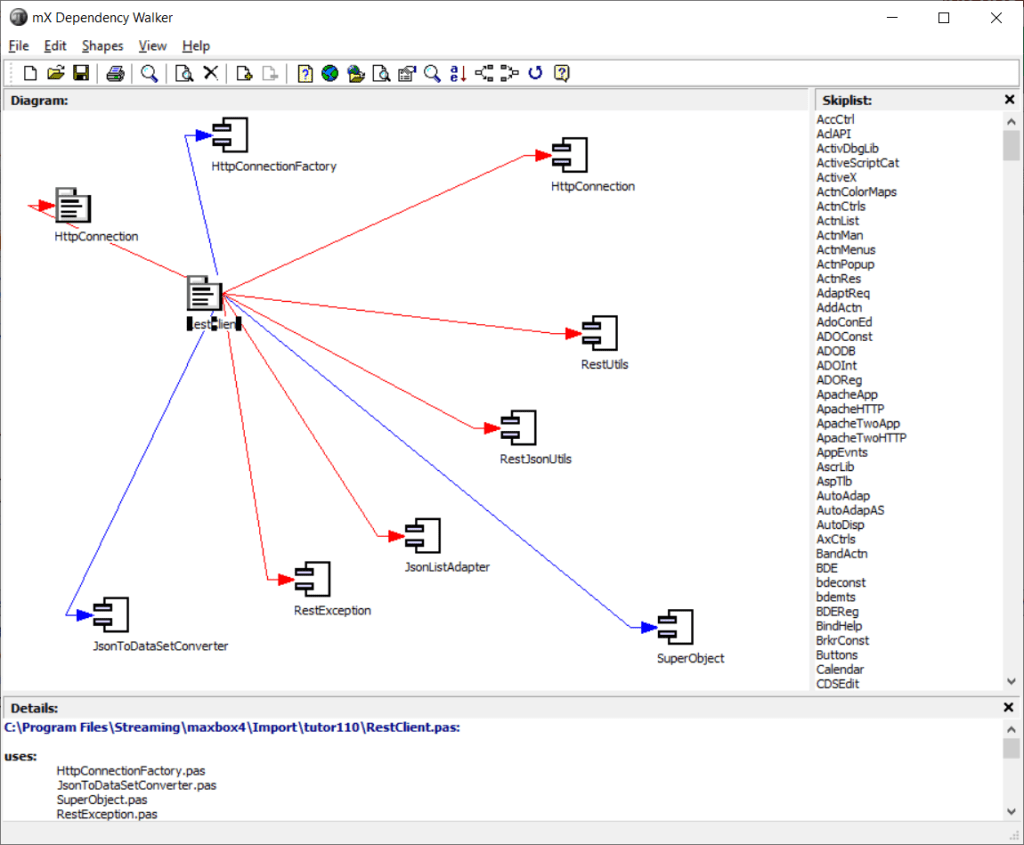





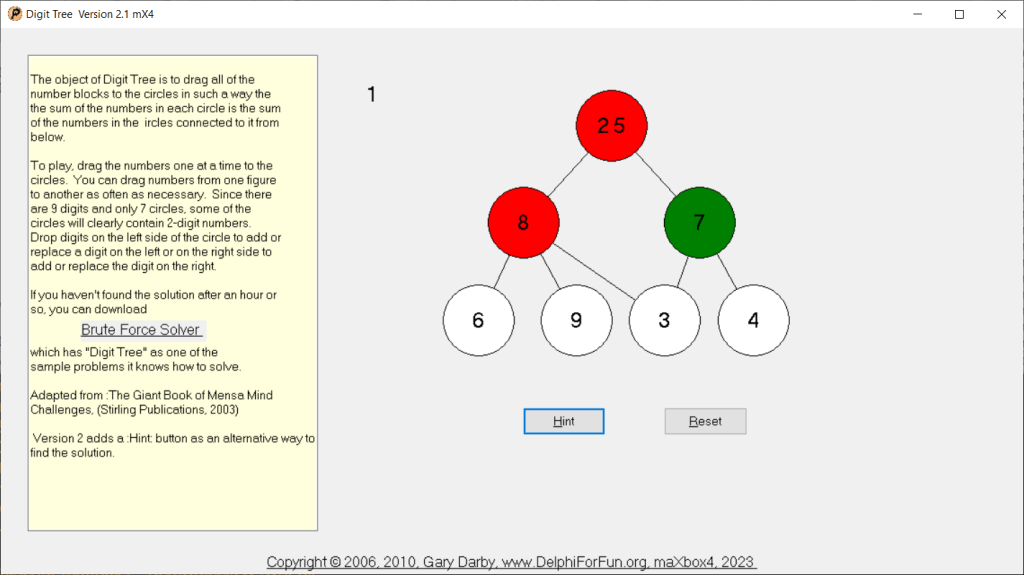
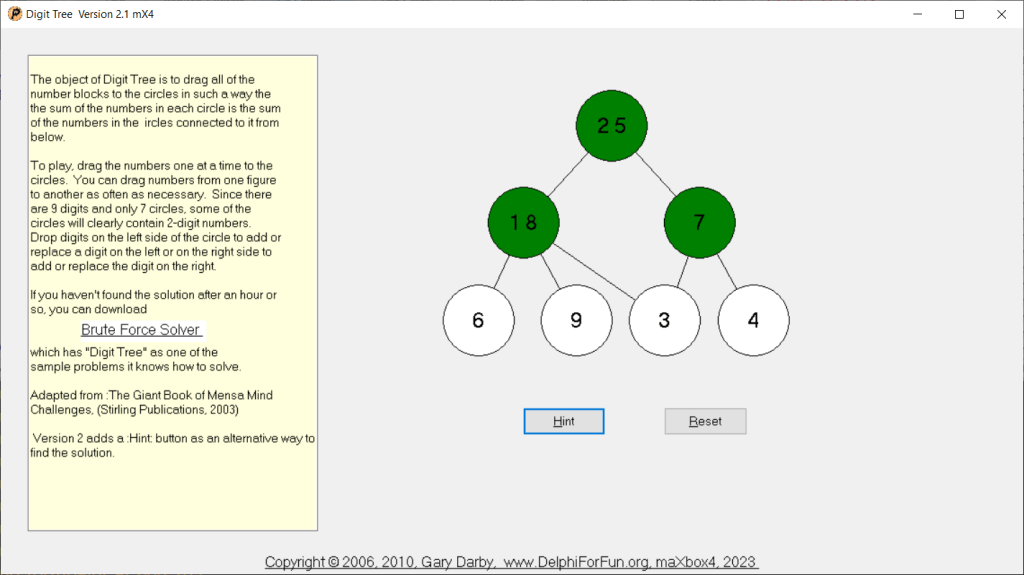


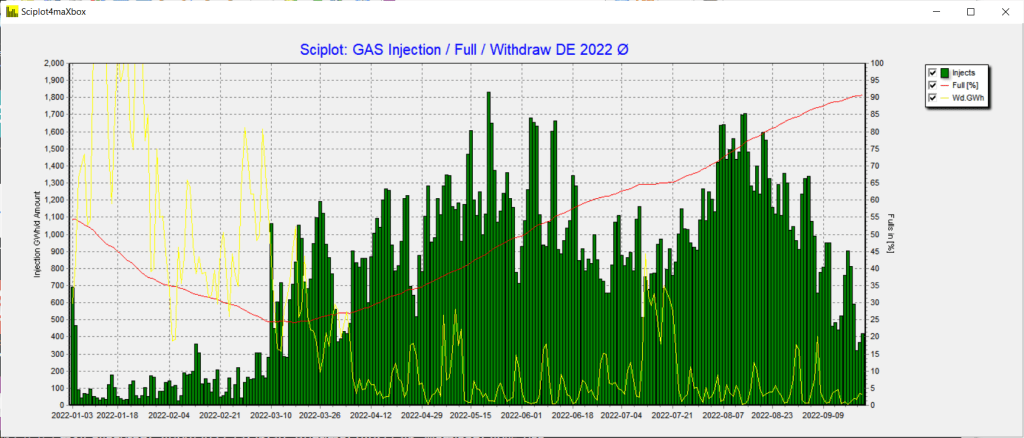
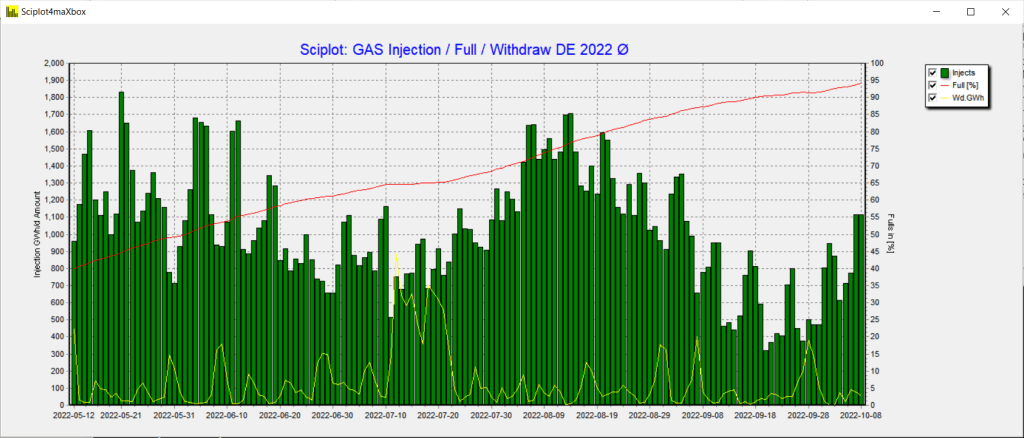

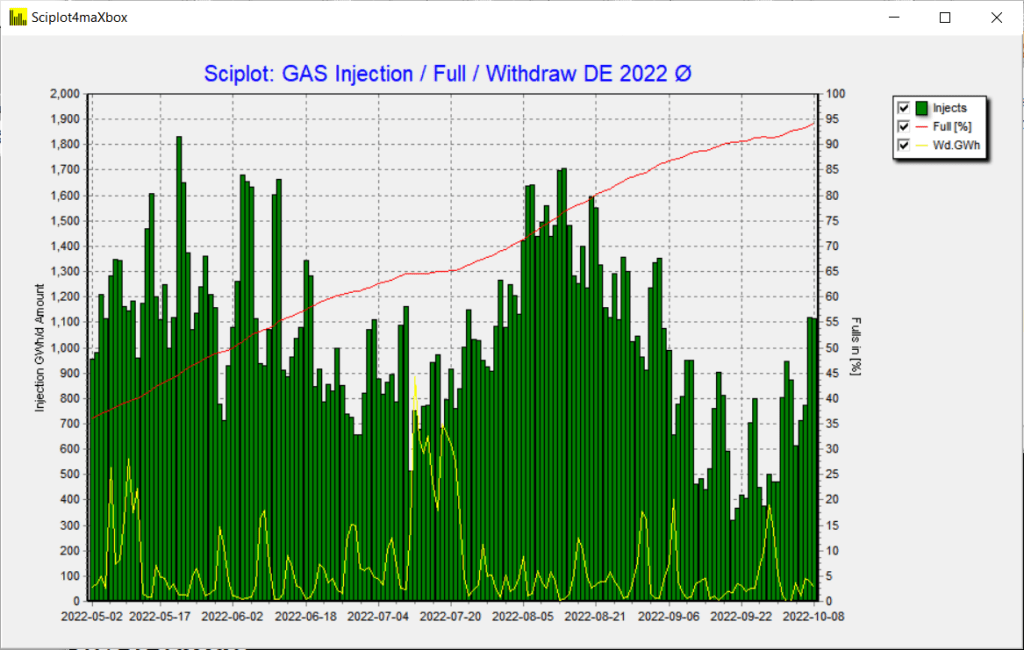





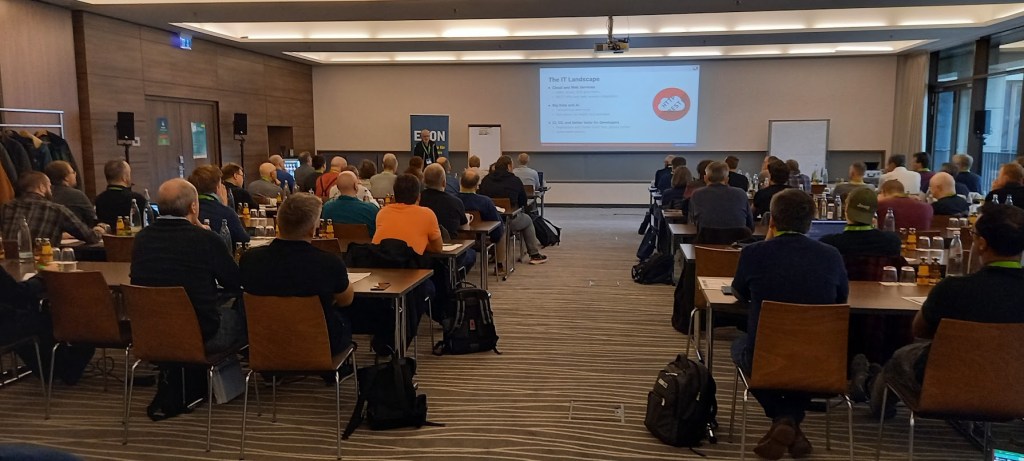

























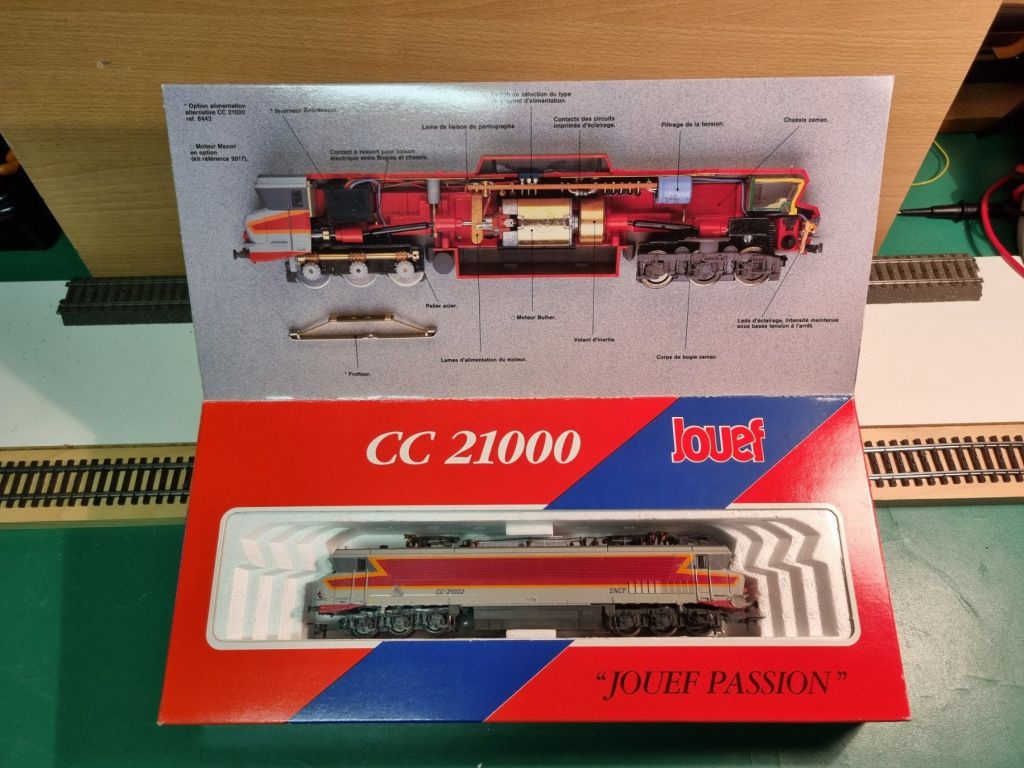
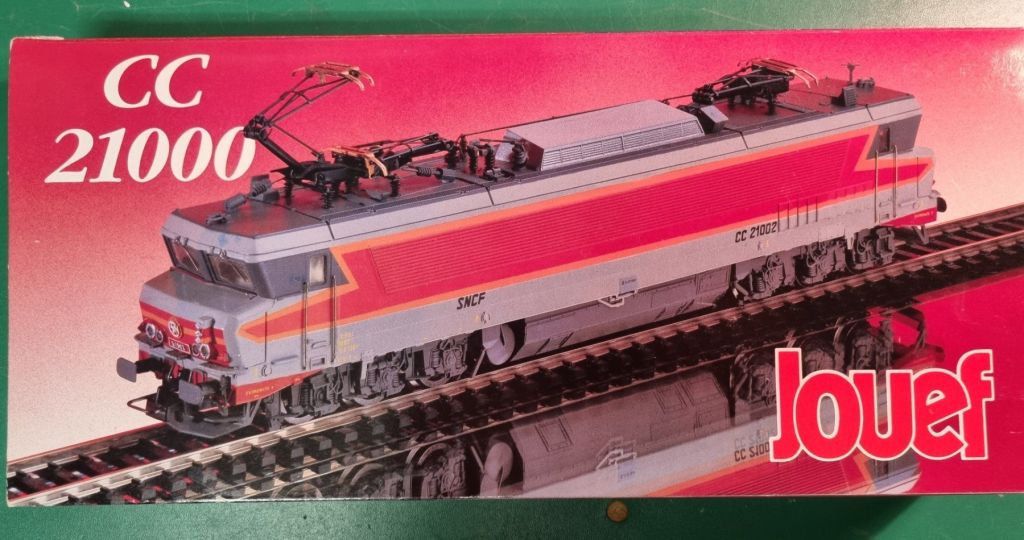



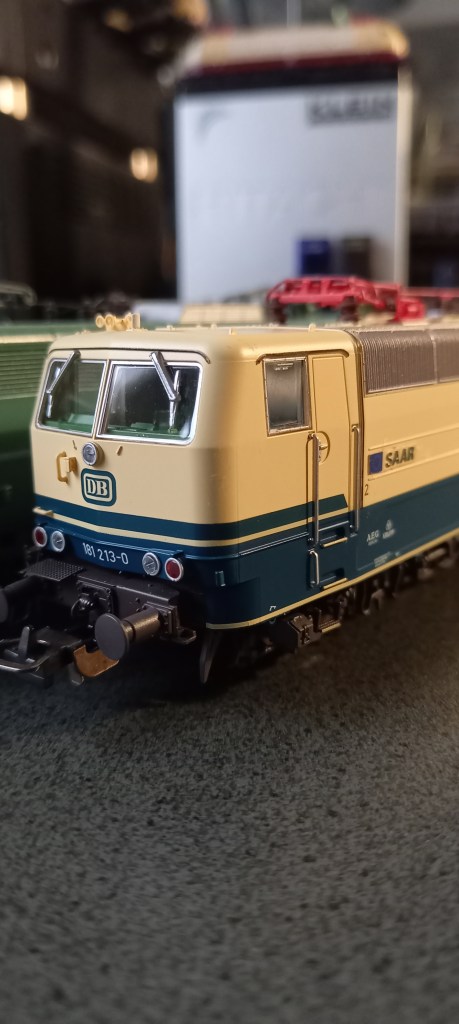
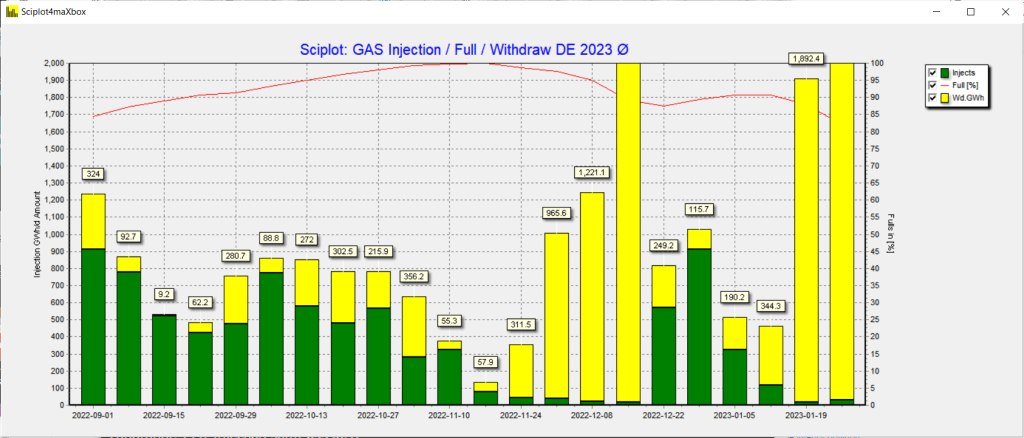
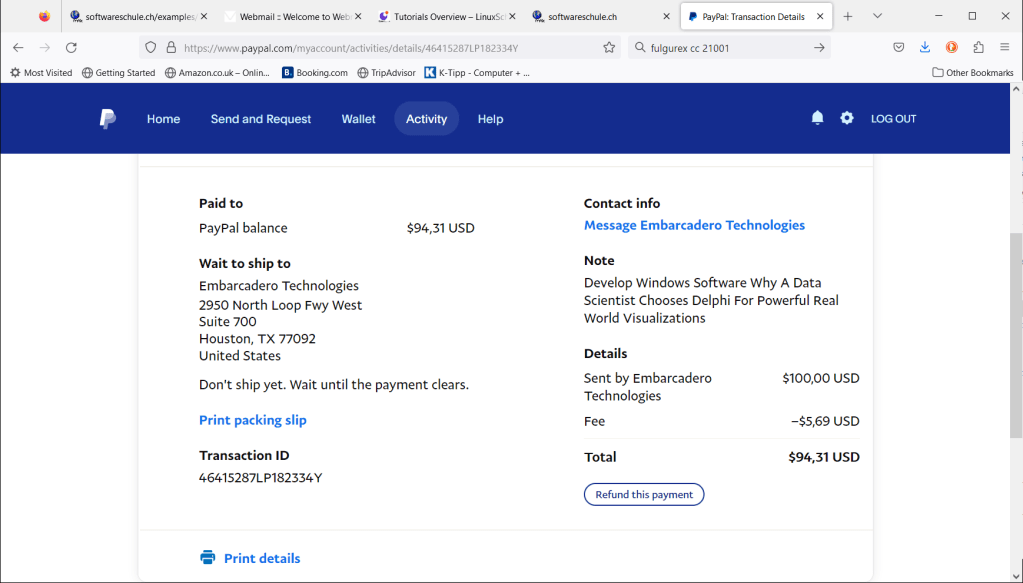

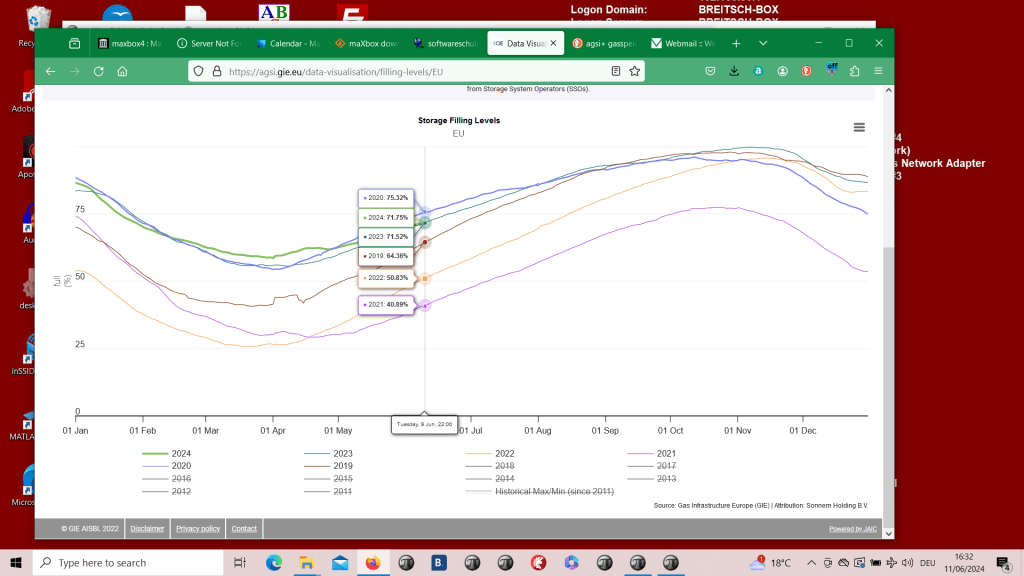
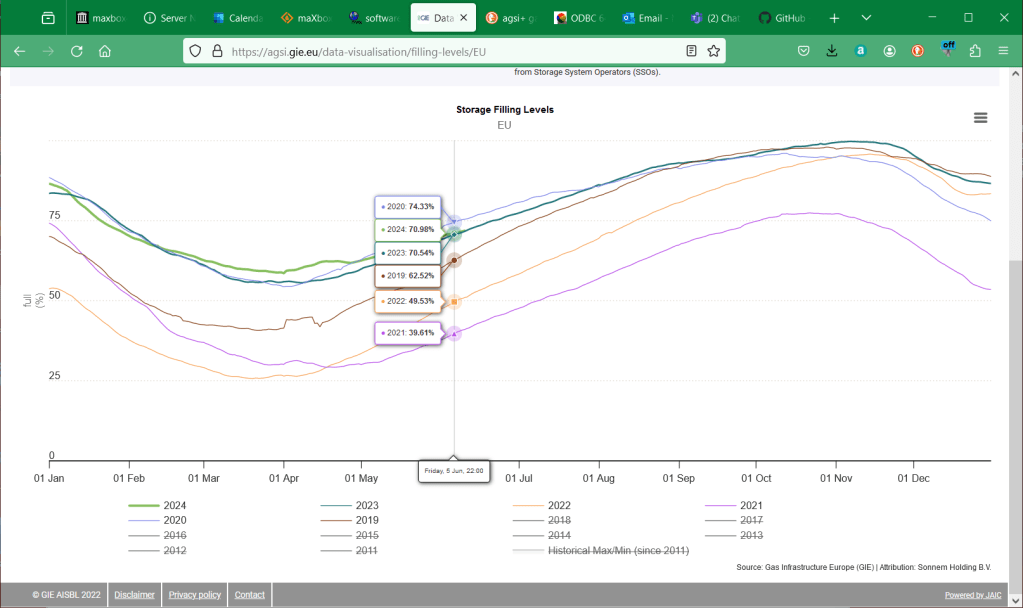

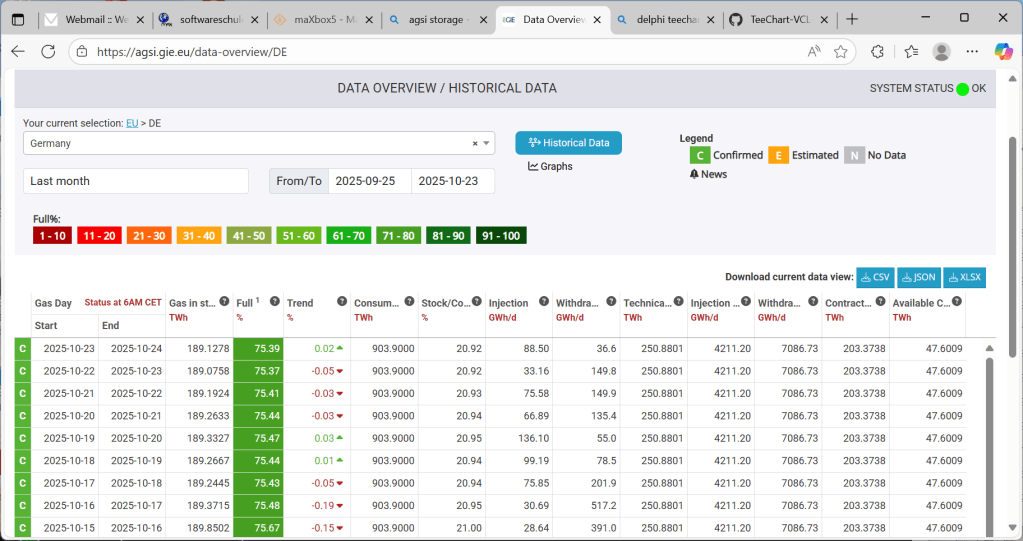
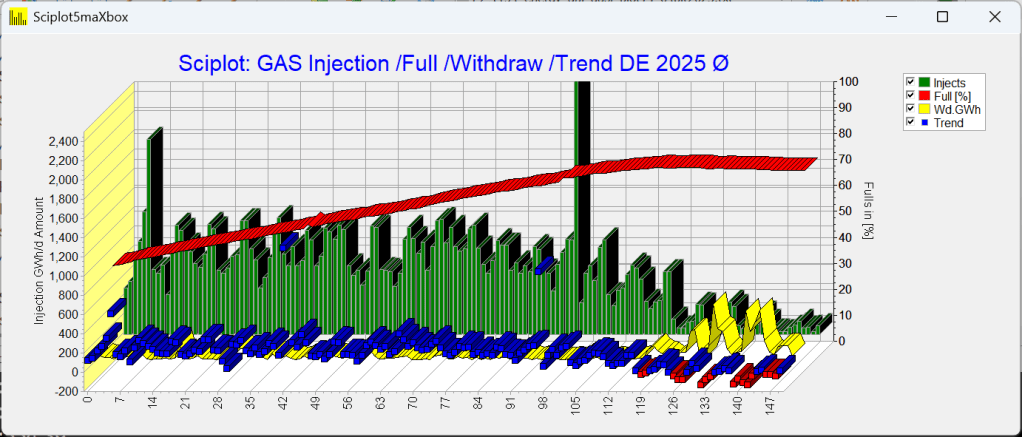
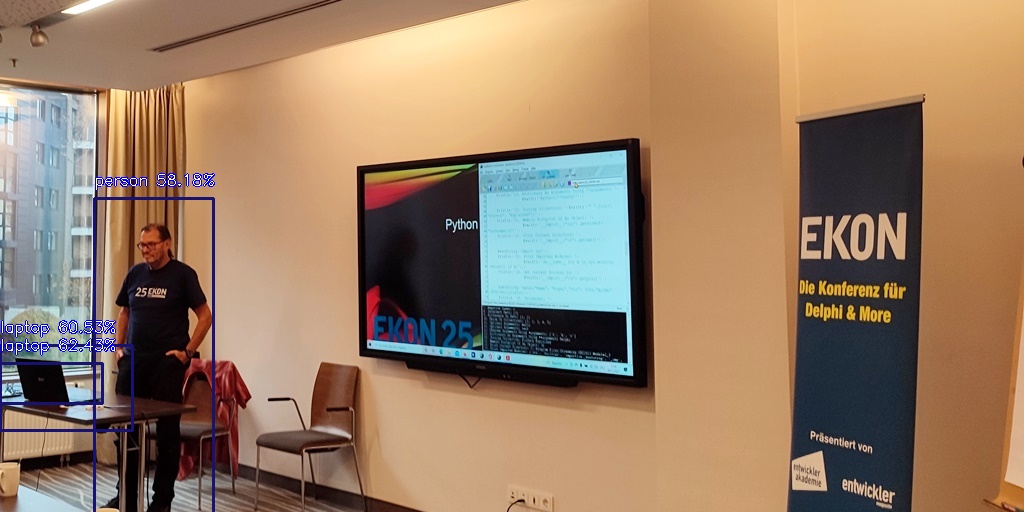

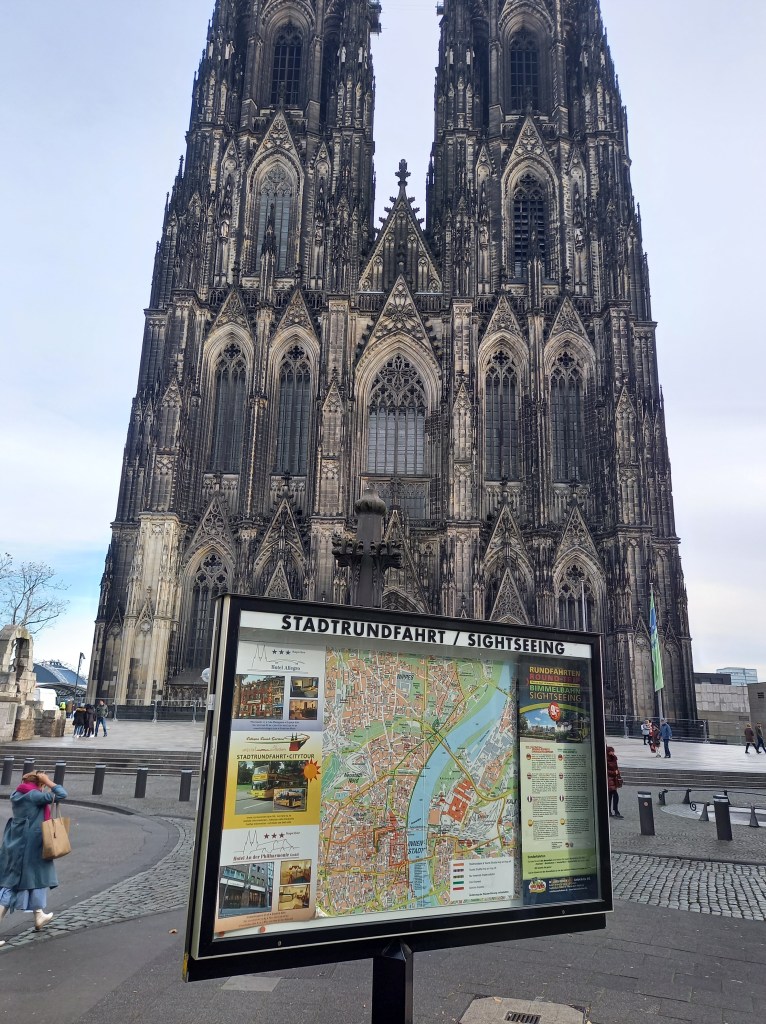
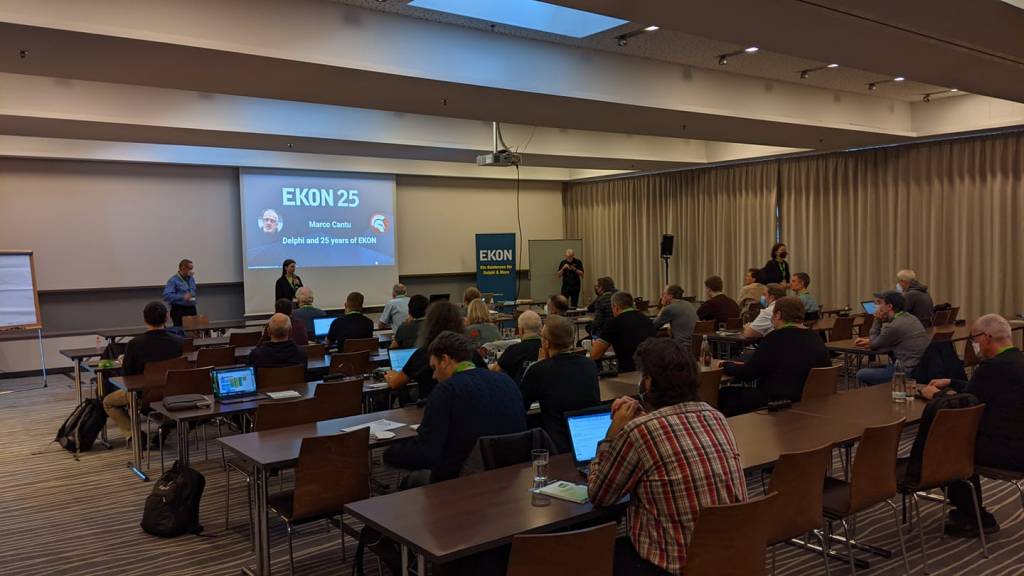














 Spring Fixed end point coordinates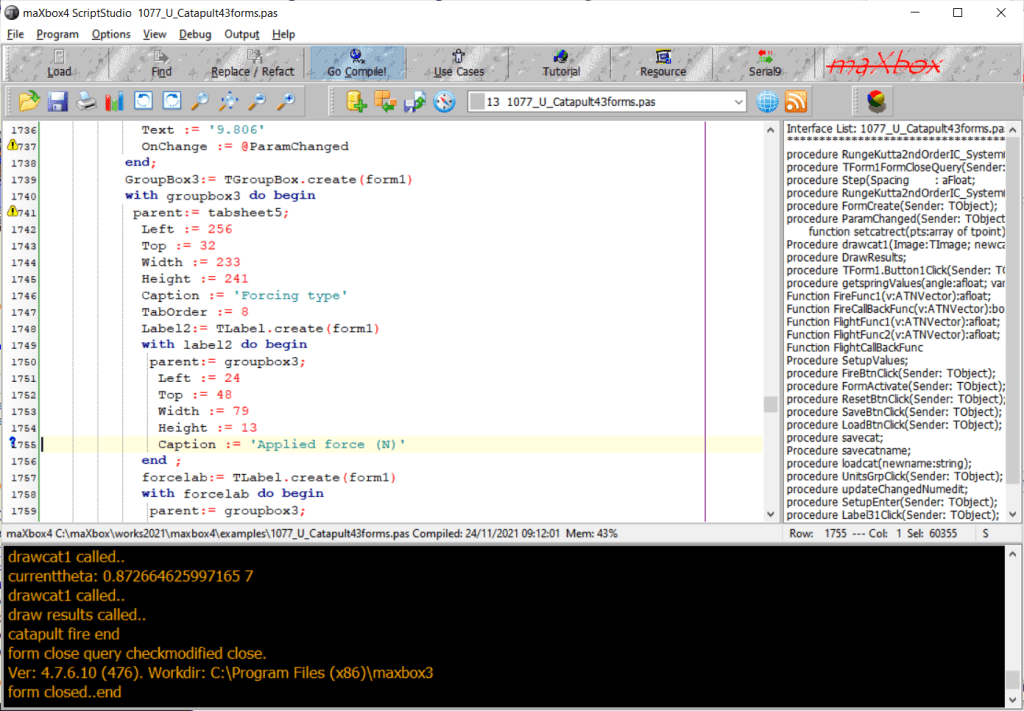
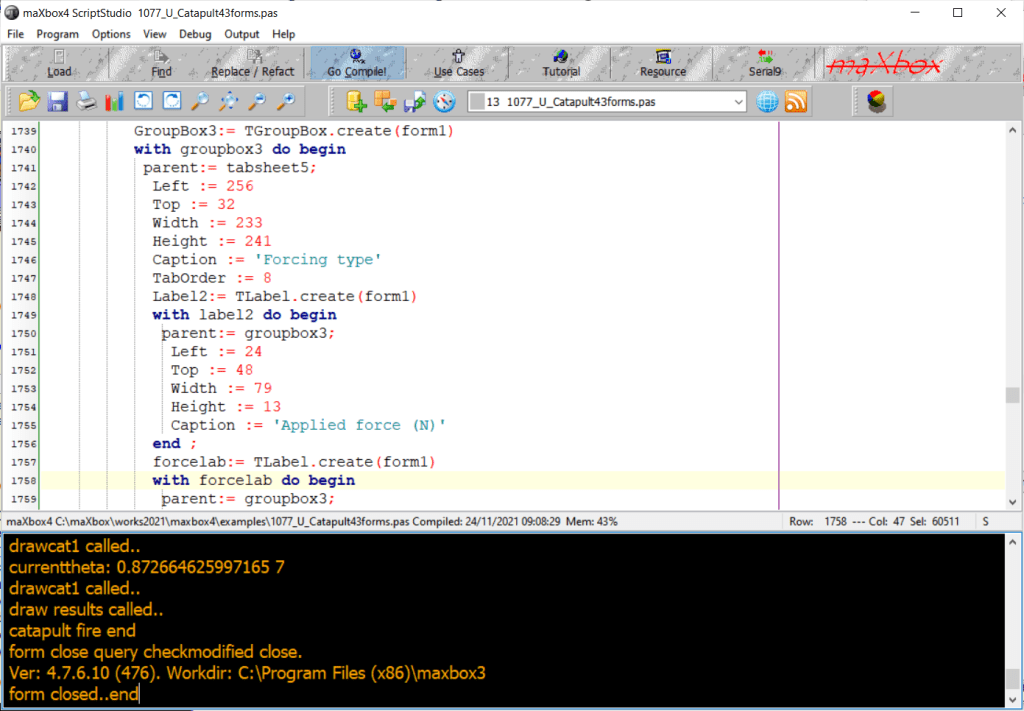
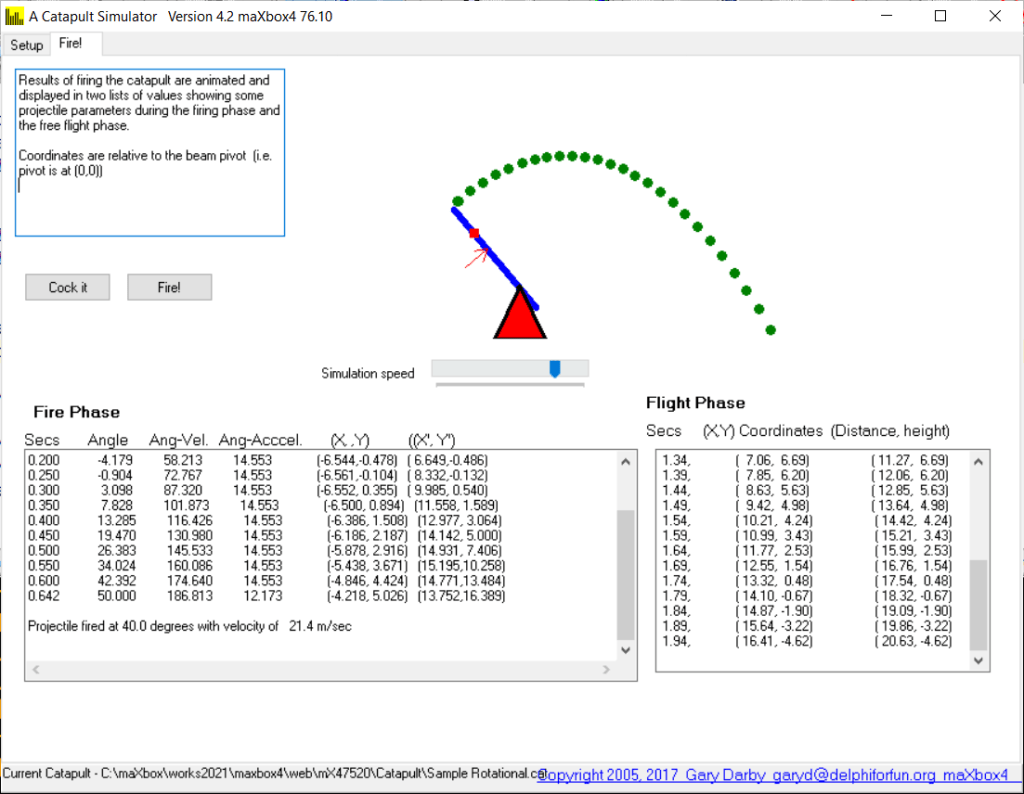

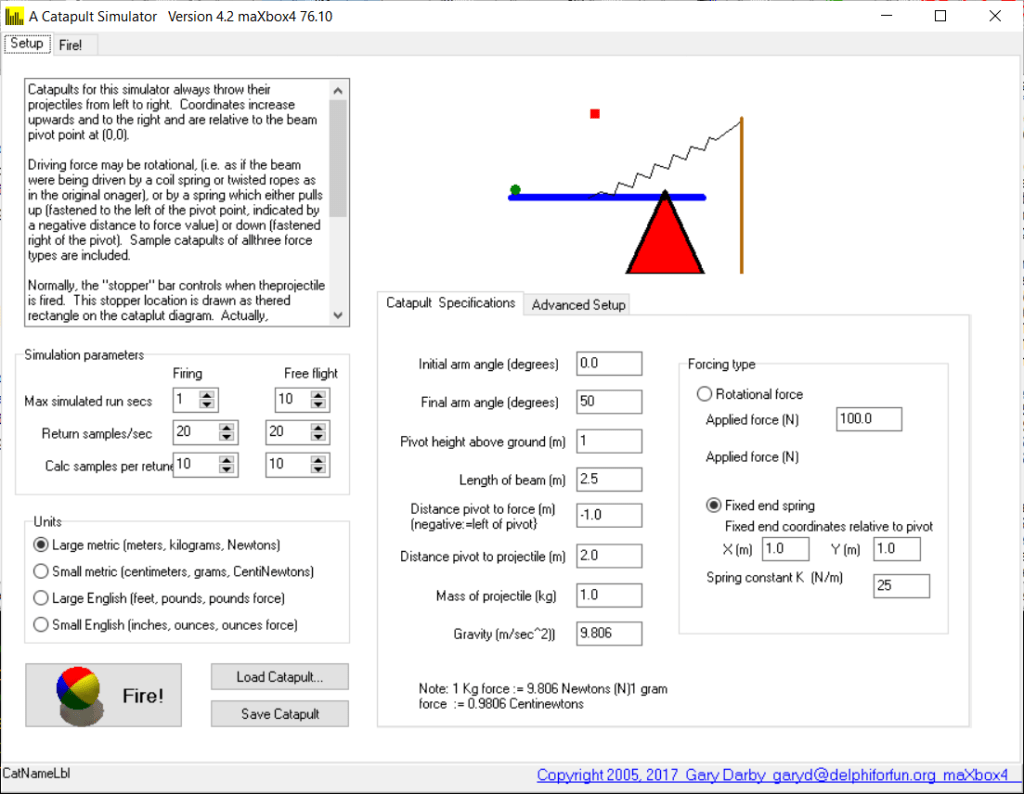

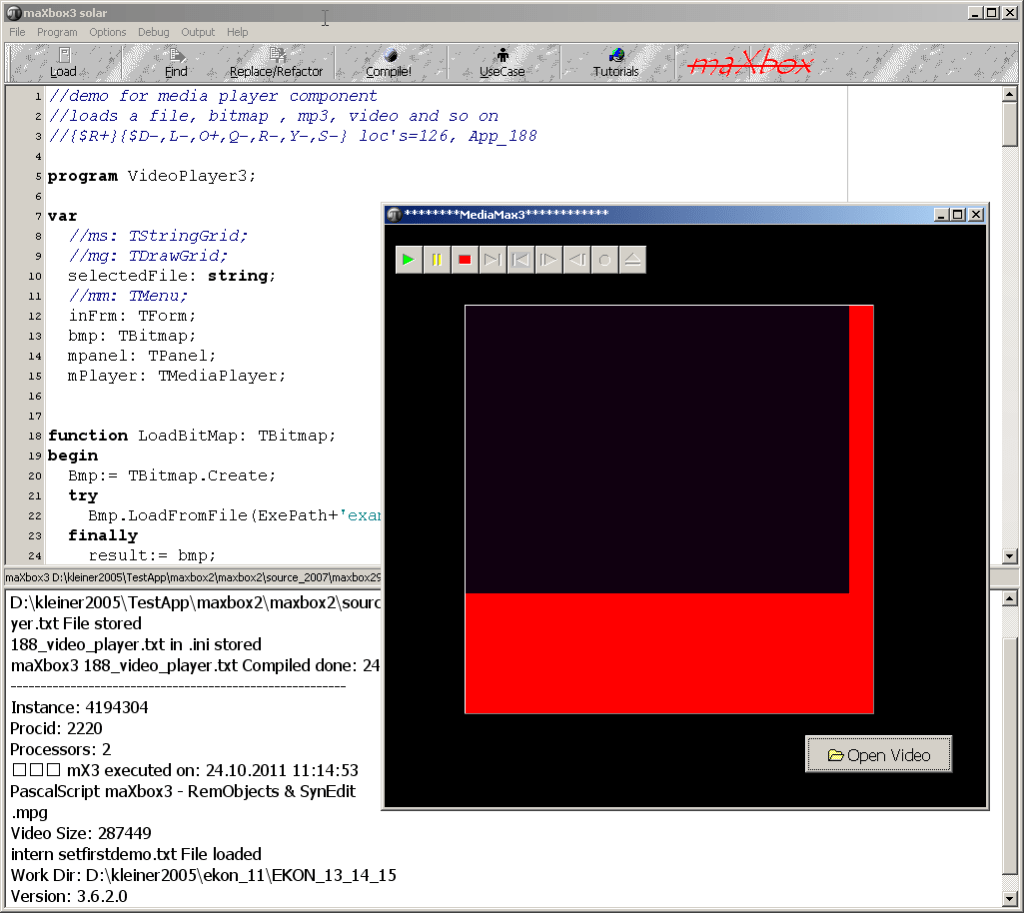




















































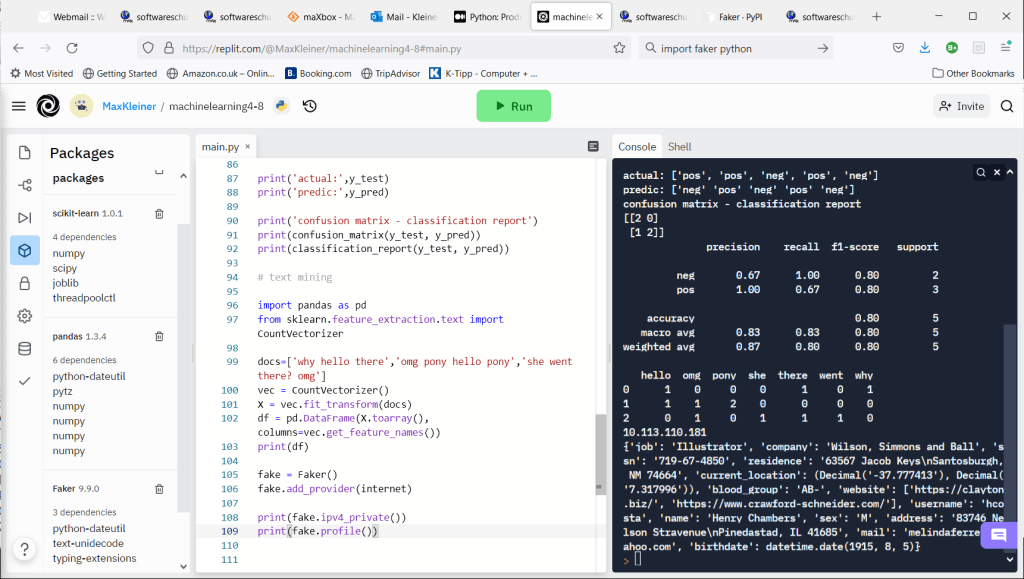




















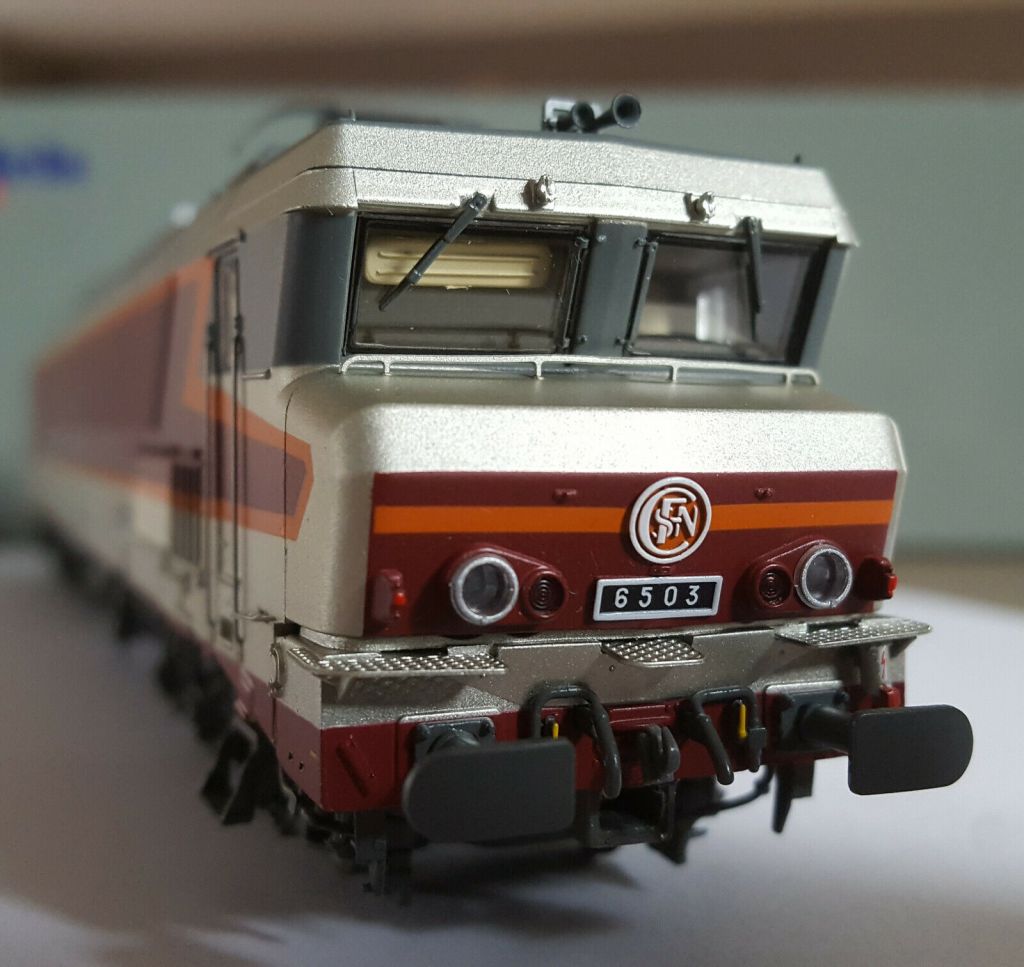

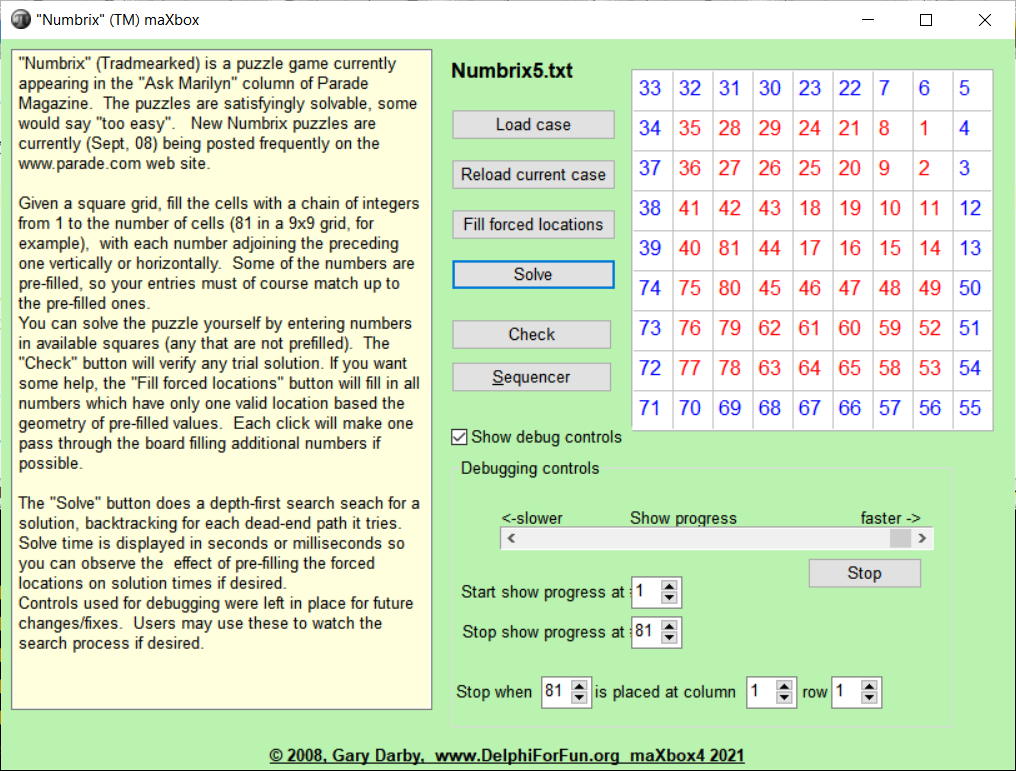
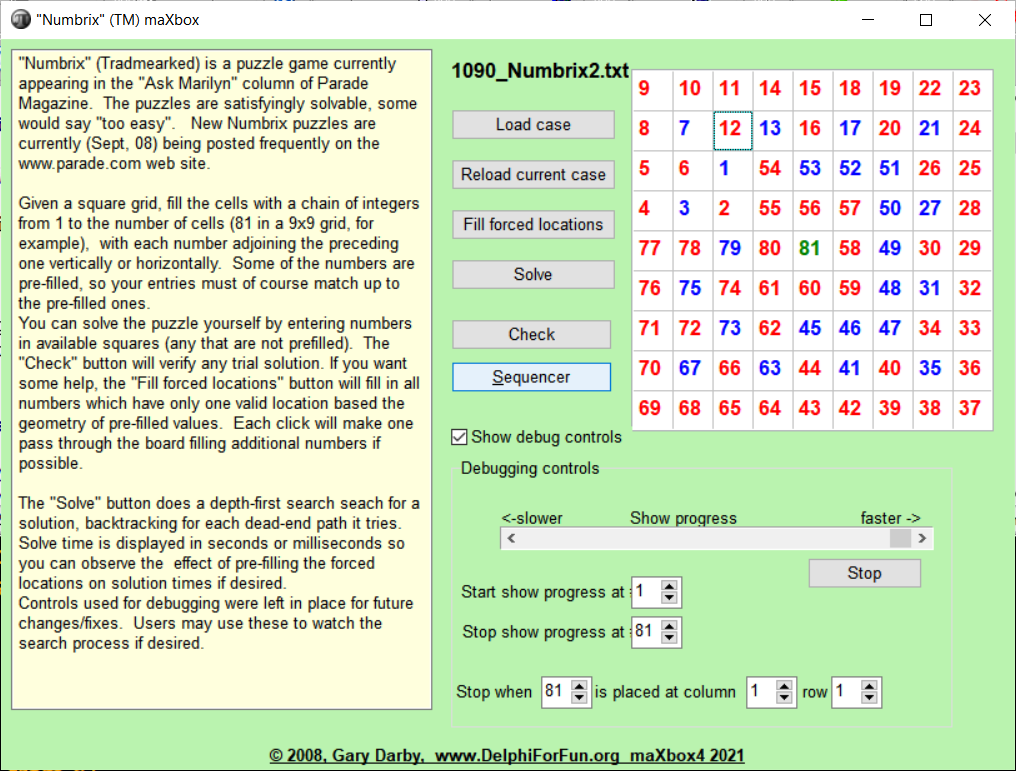
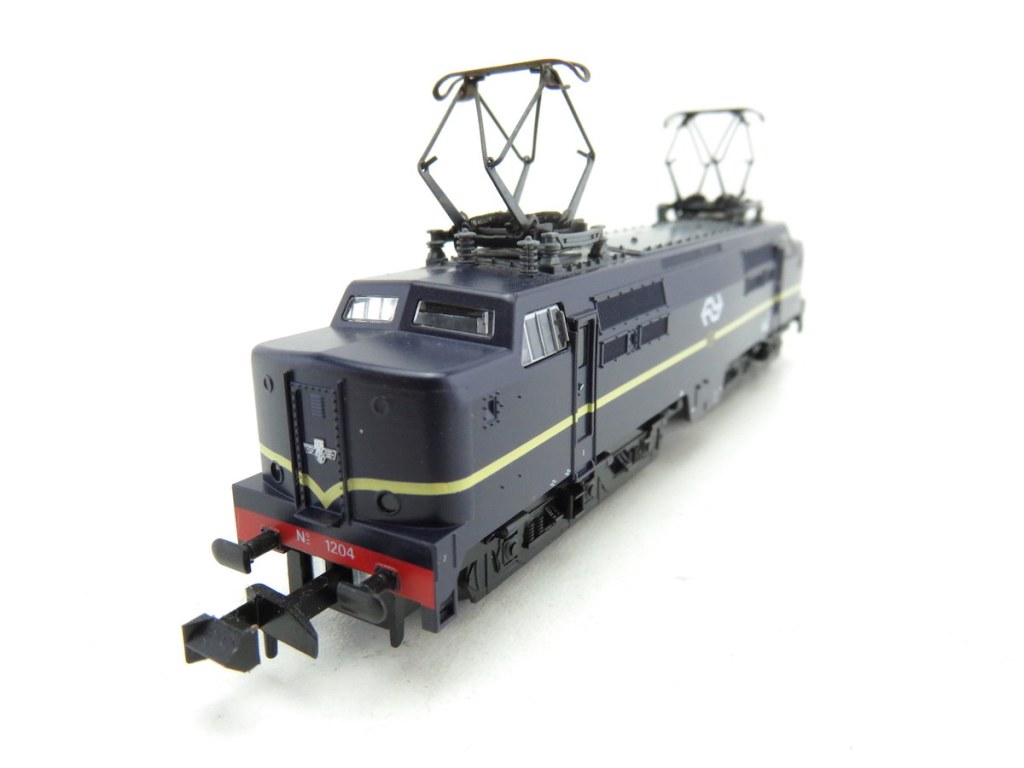

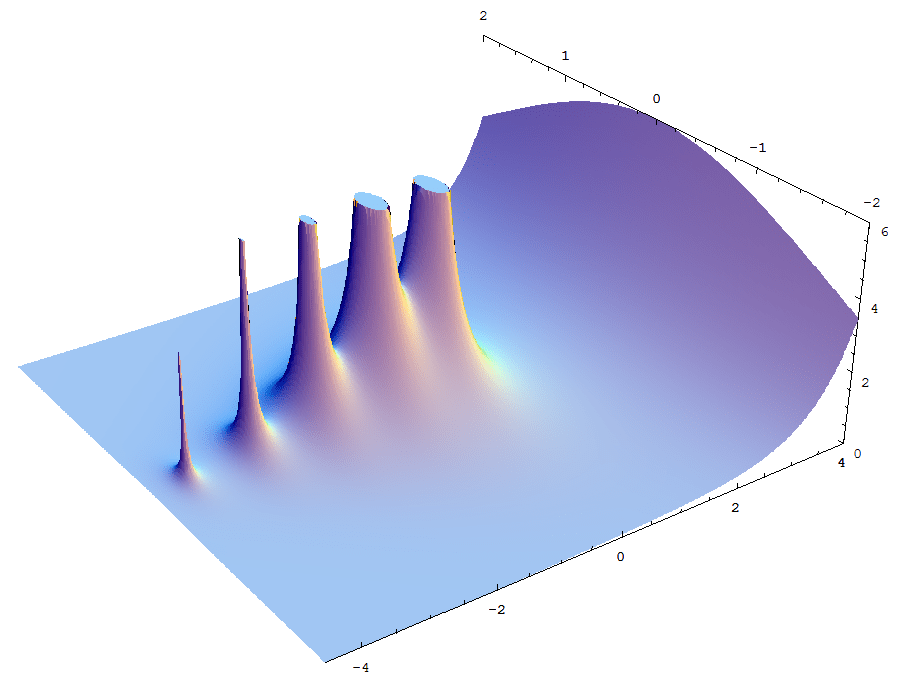
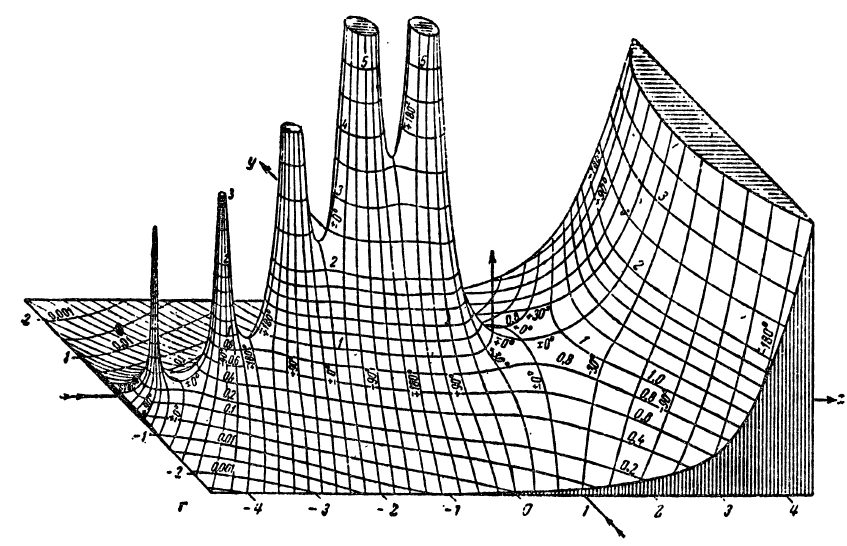
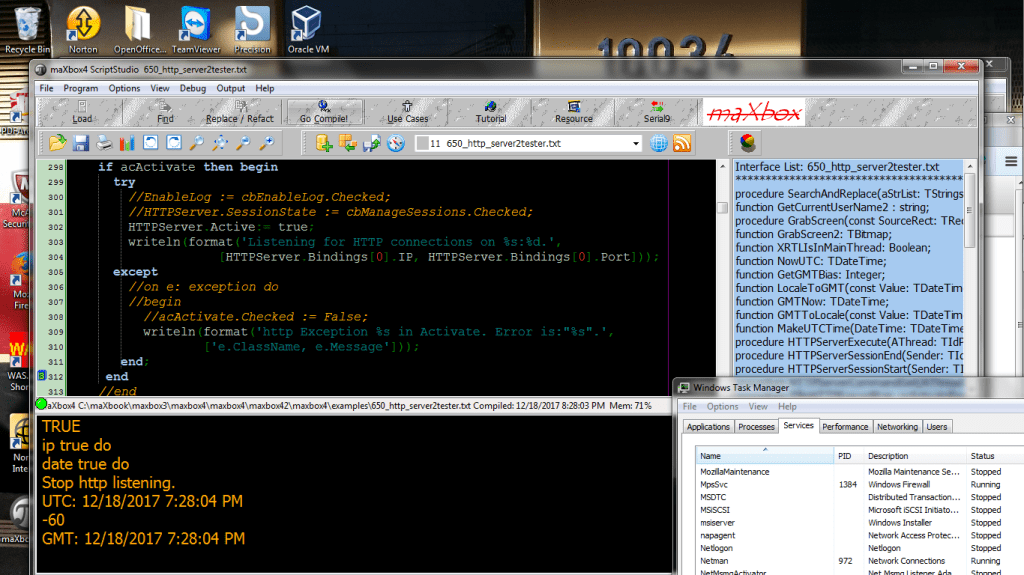
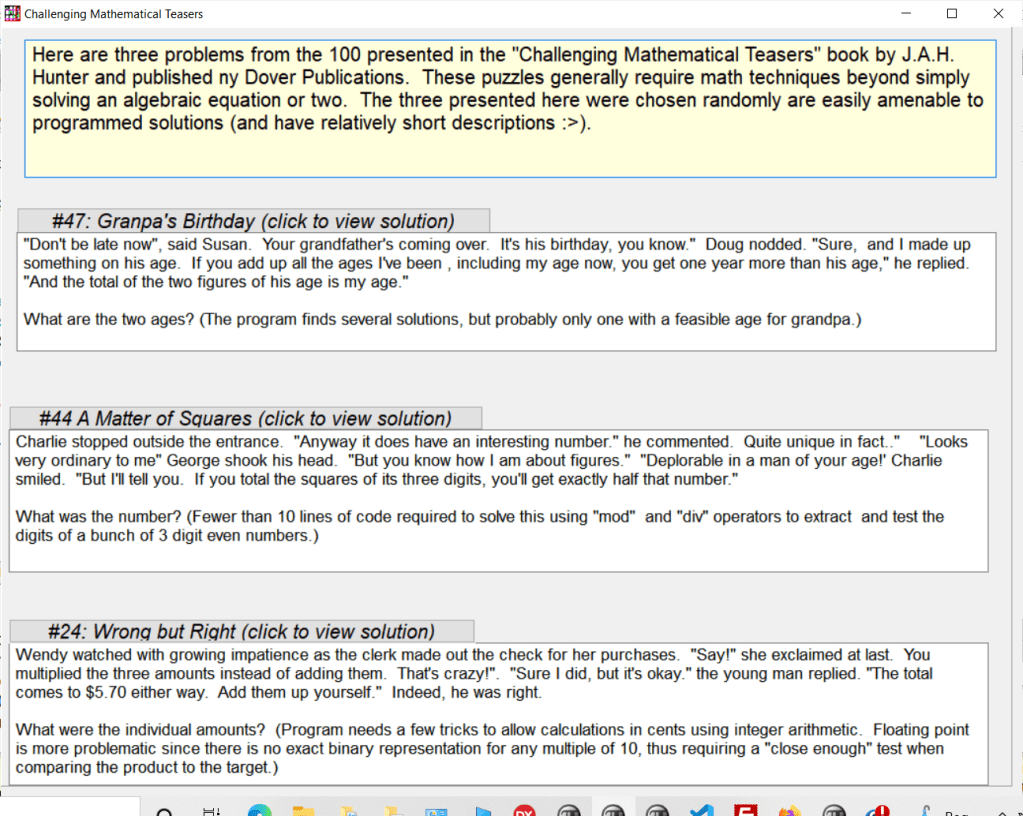
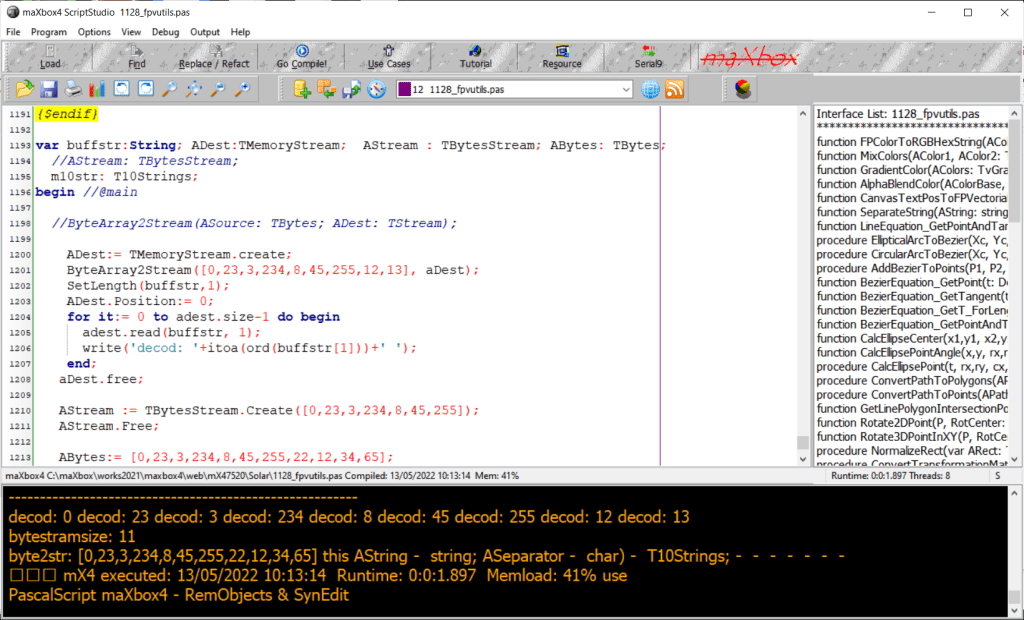

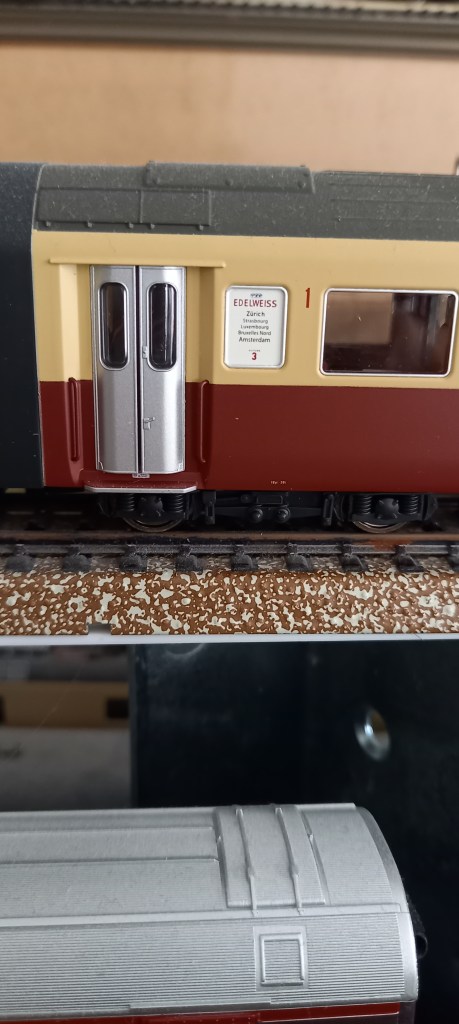
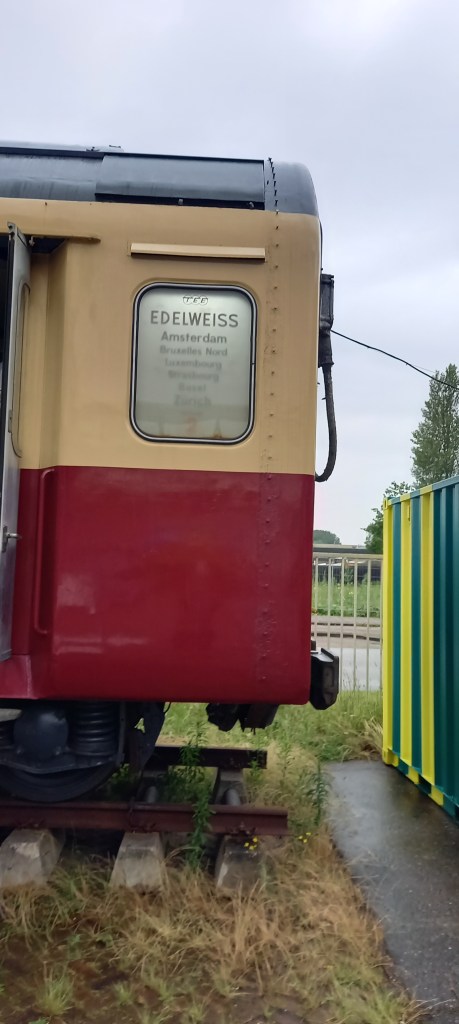
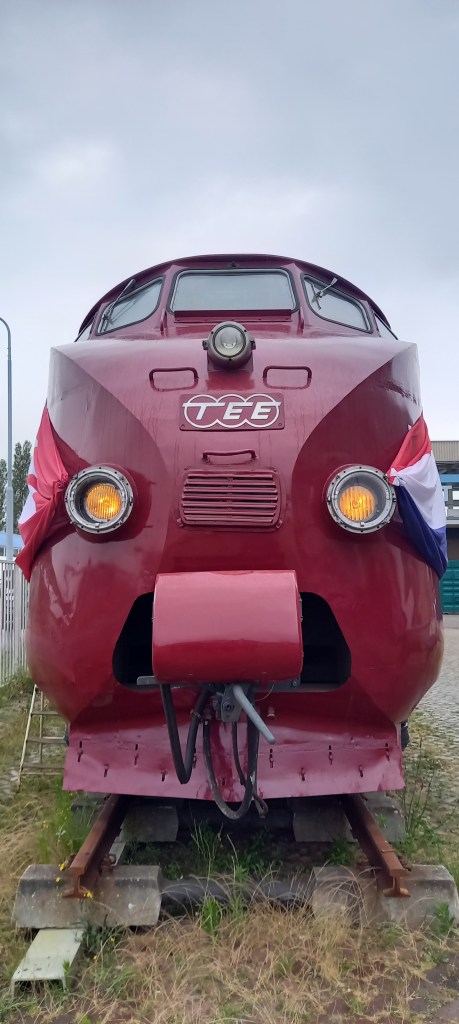





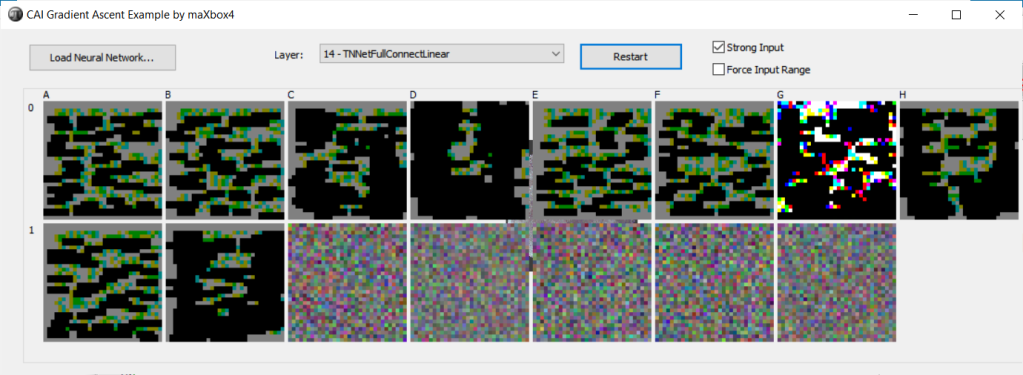


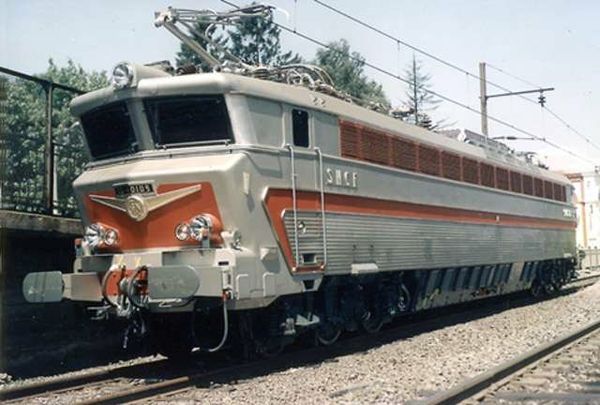

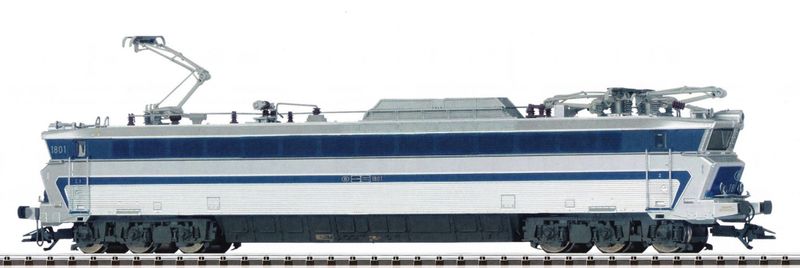
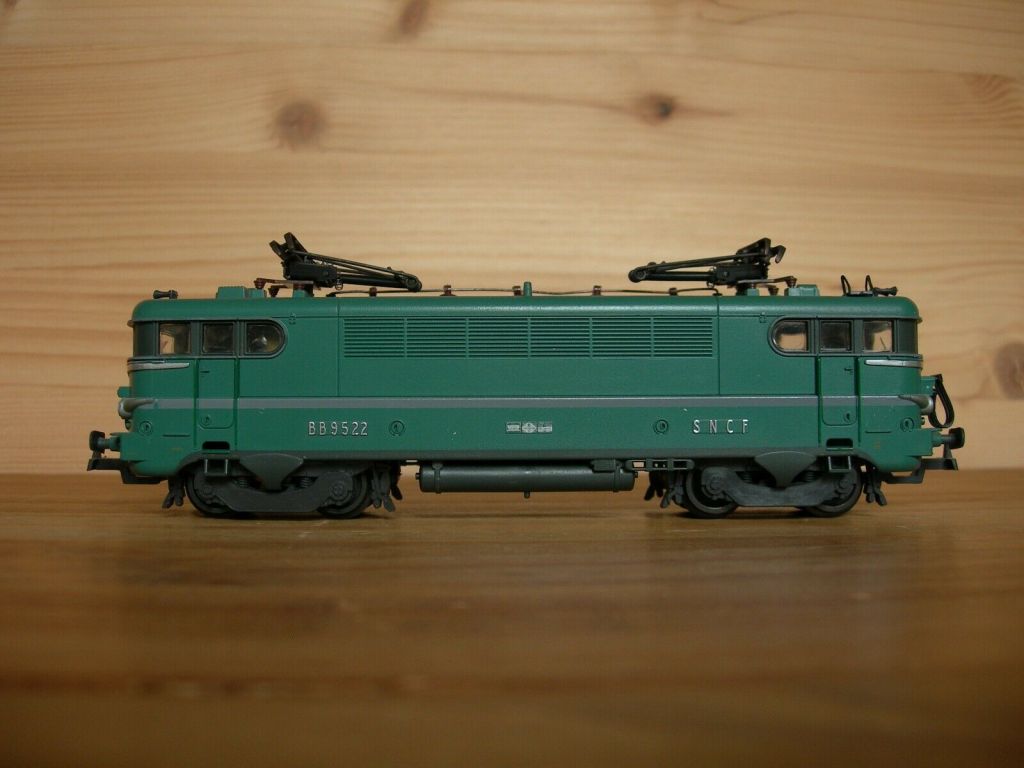



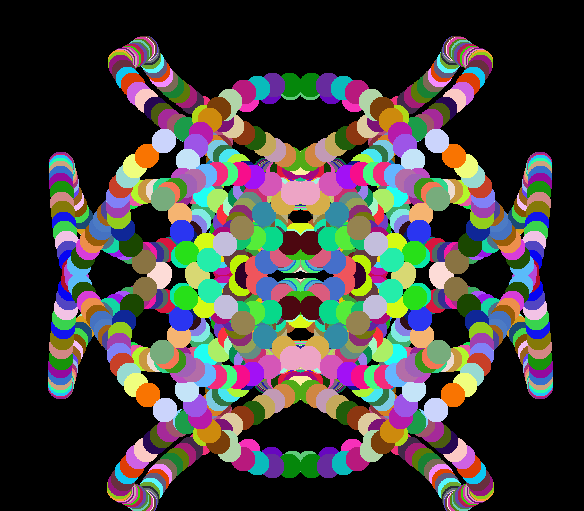
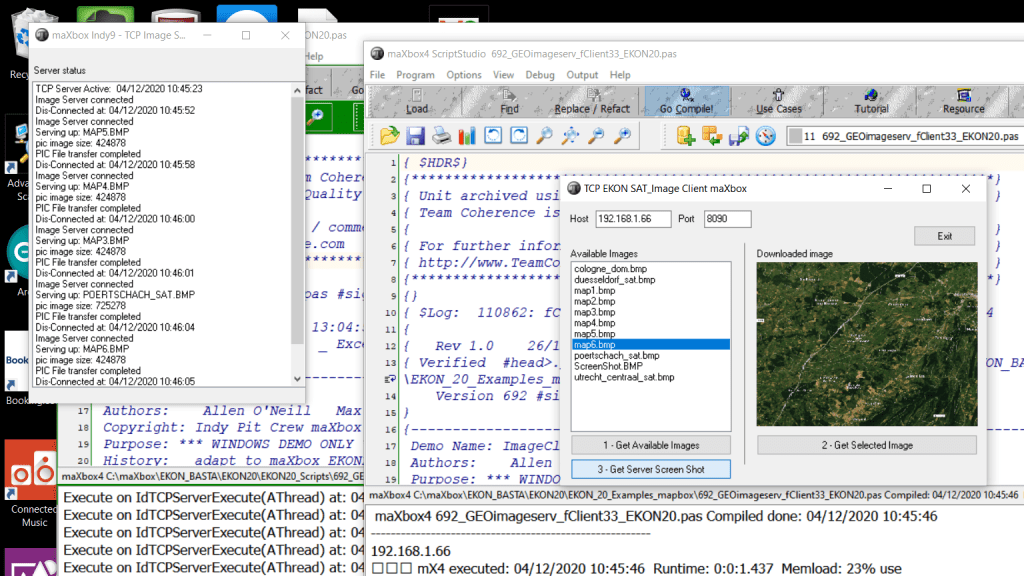


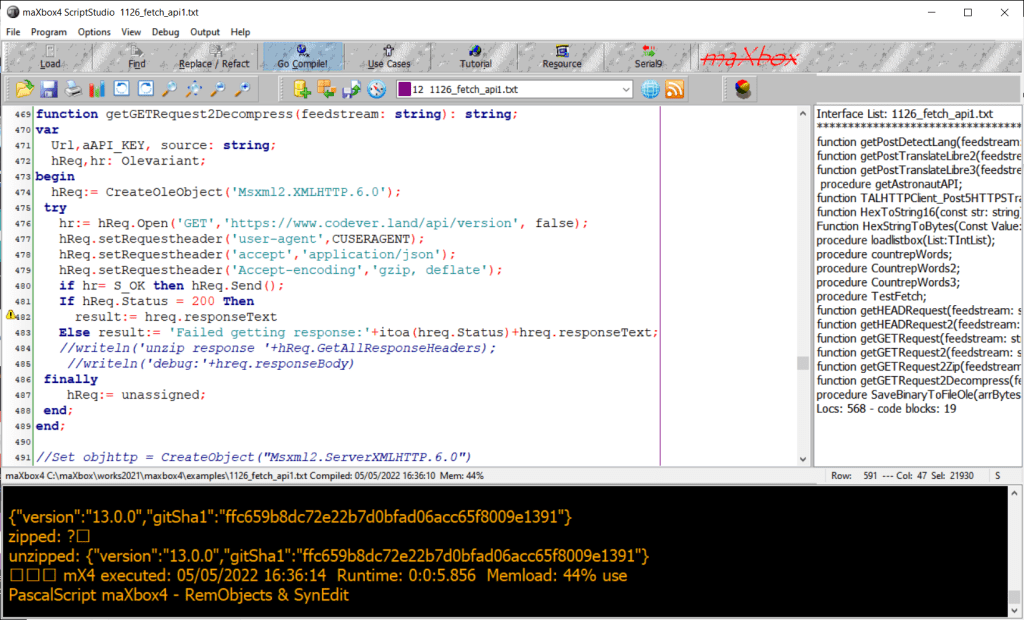
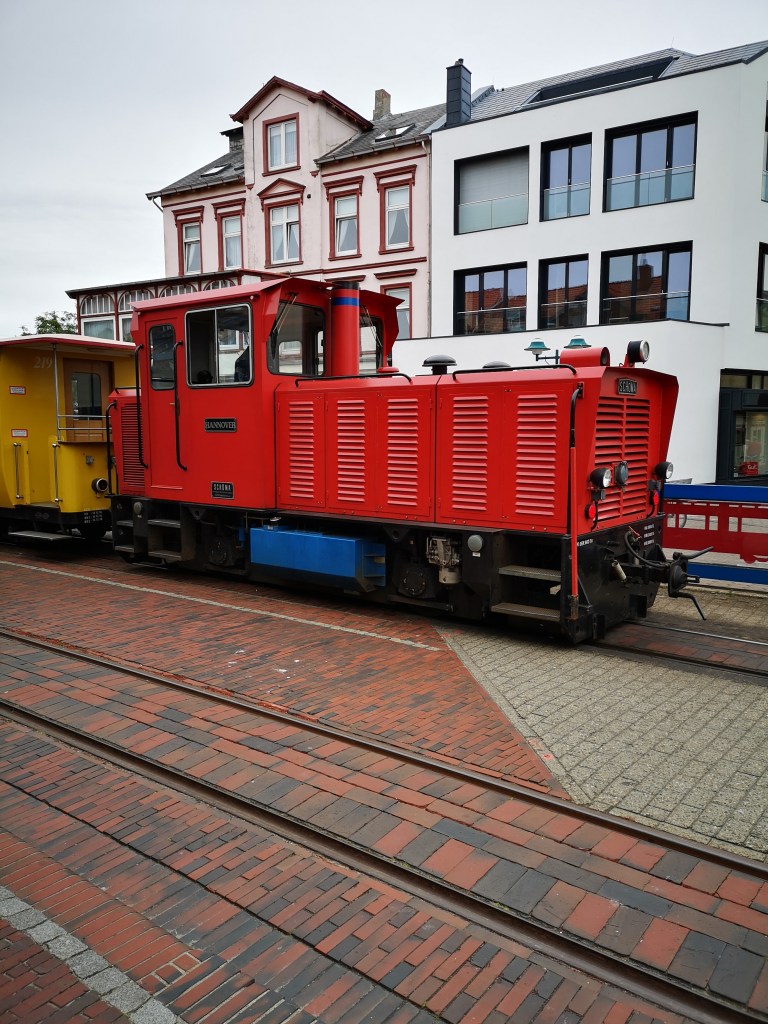

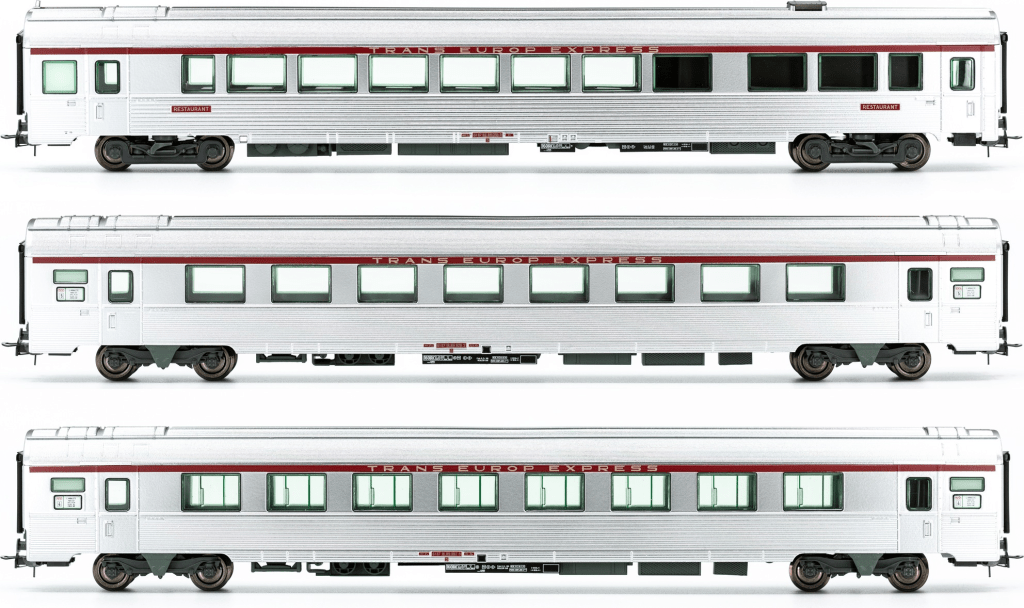
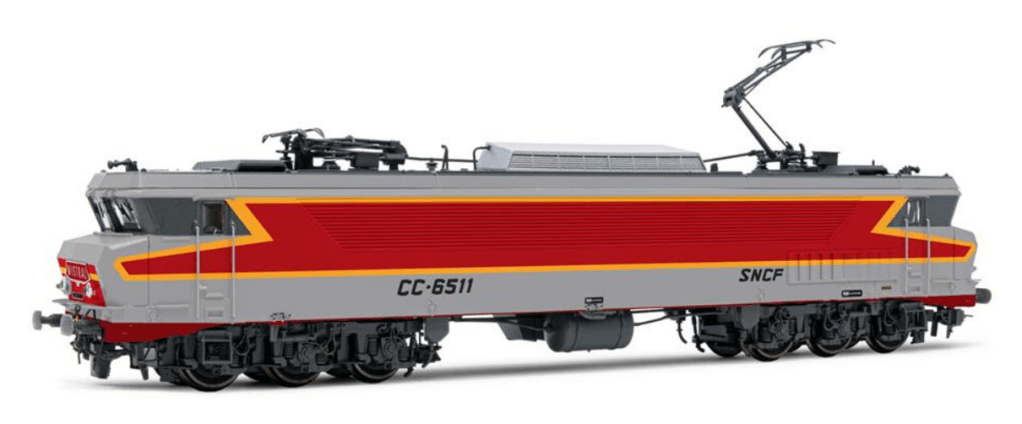
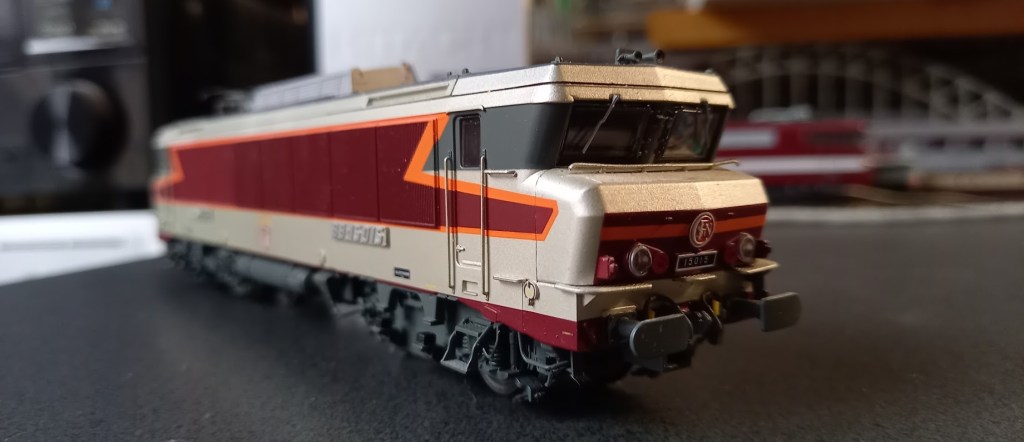
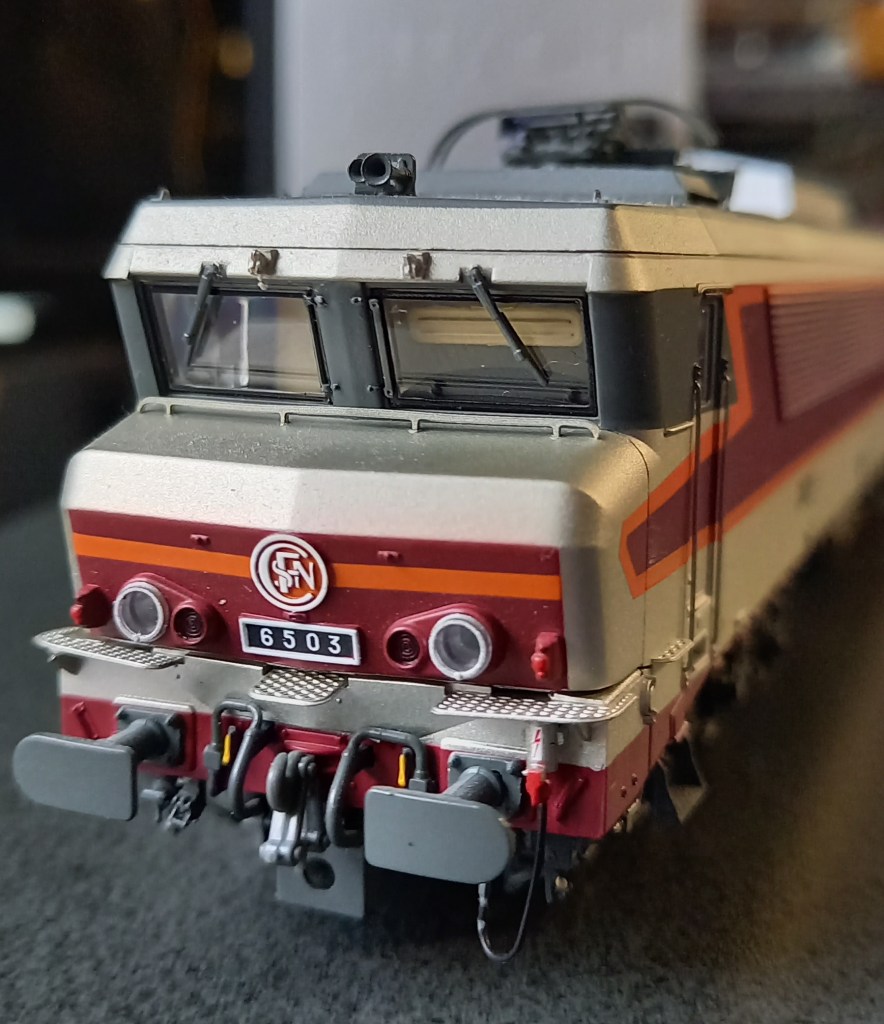
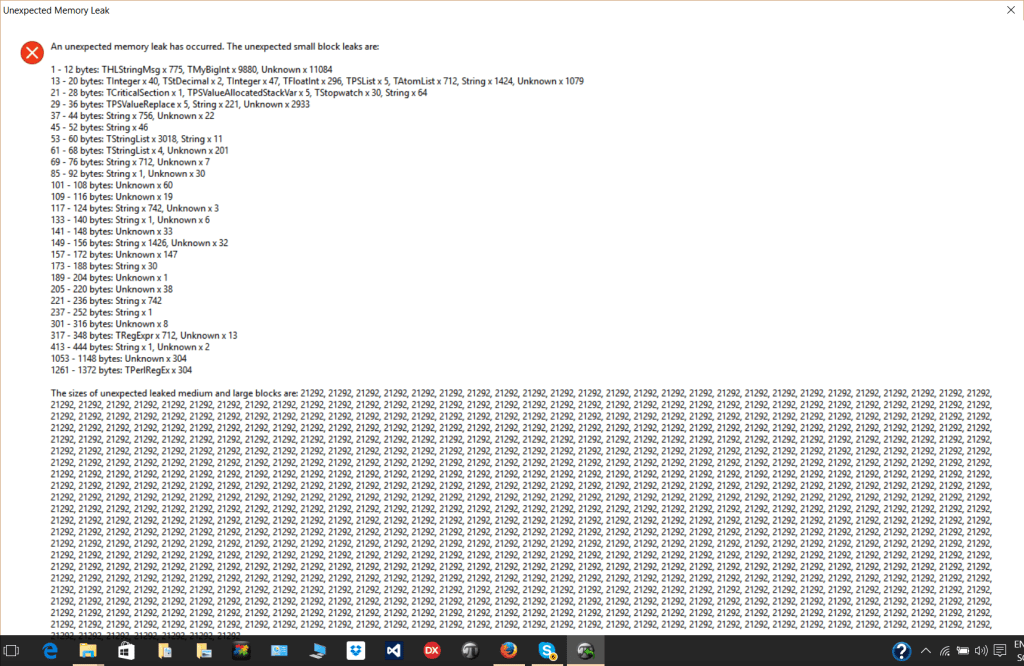

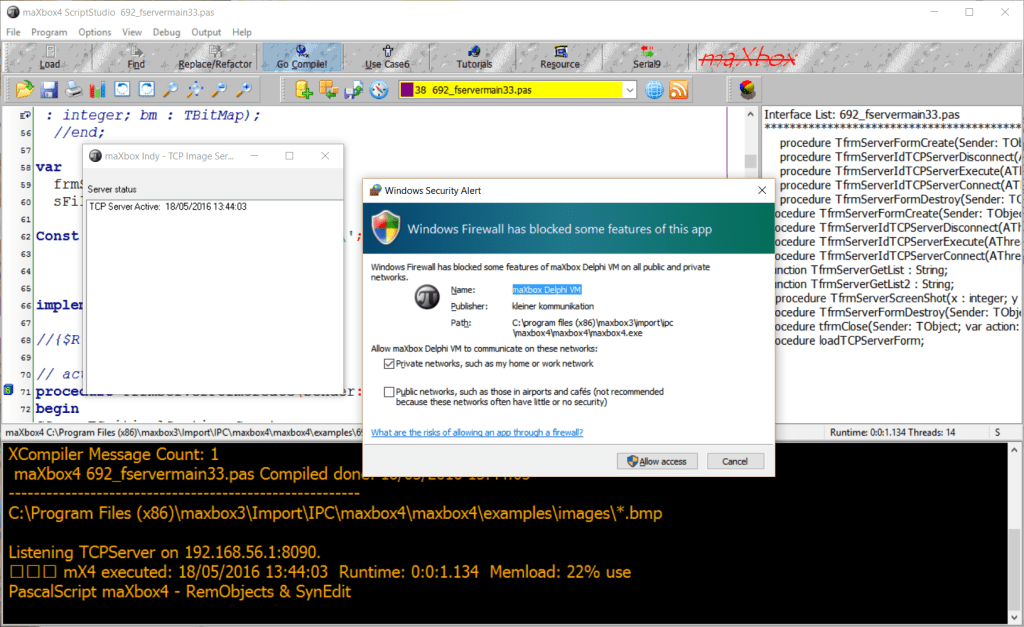
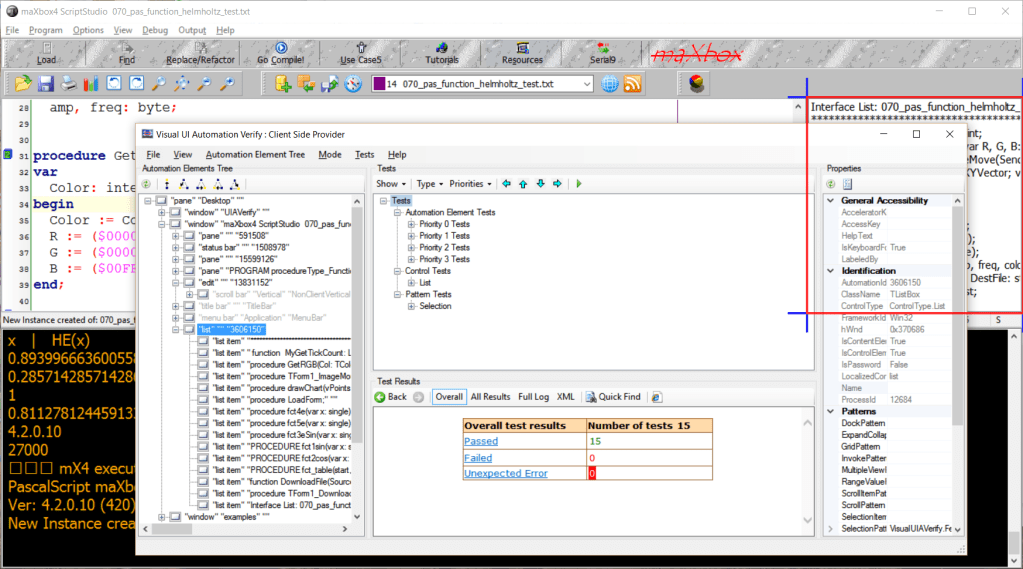
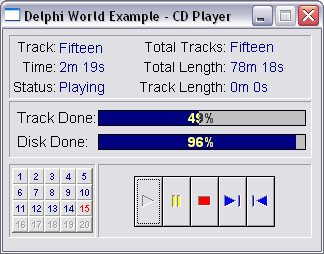
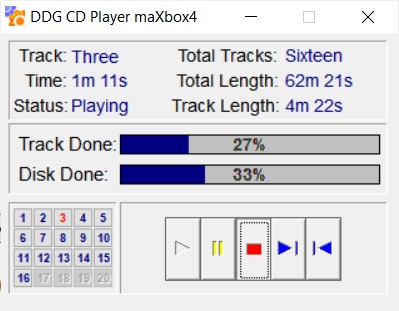
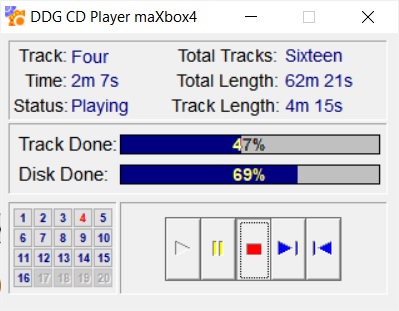

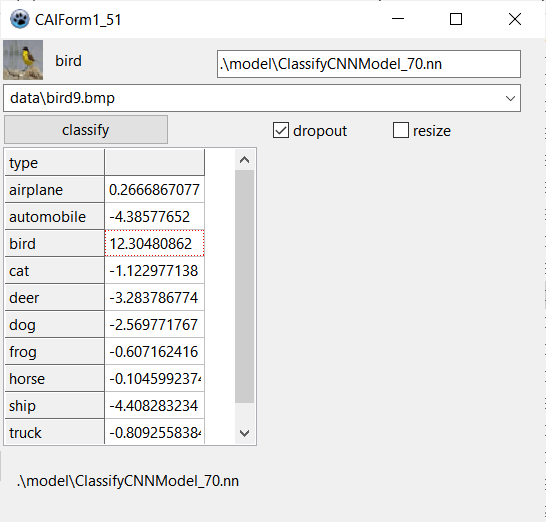


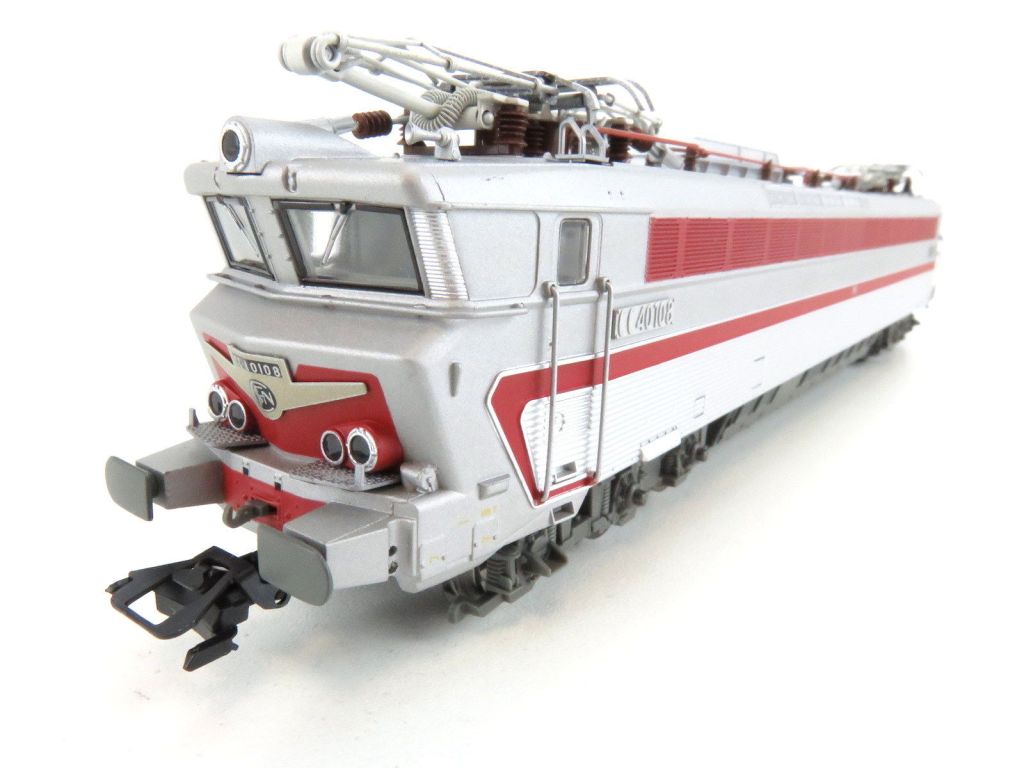
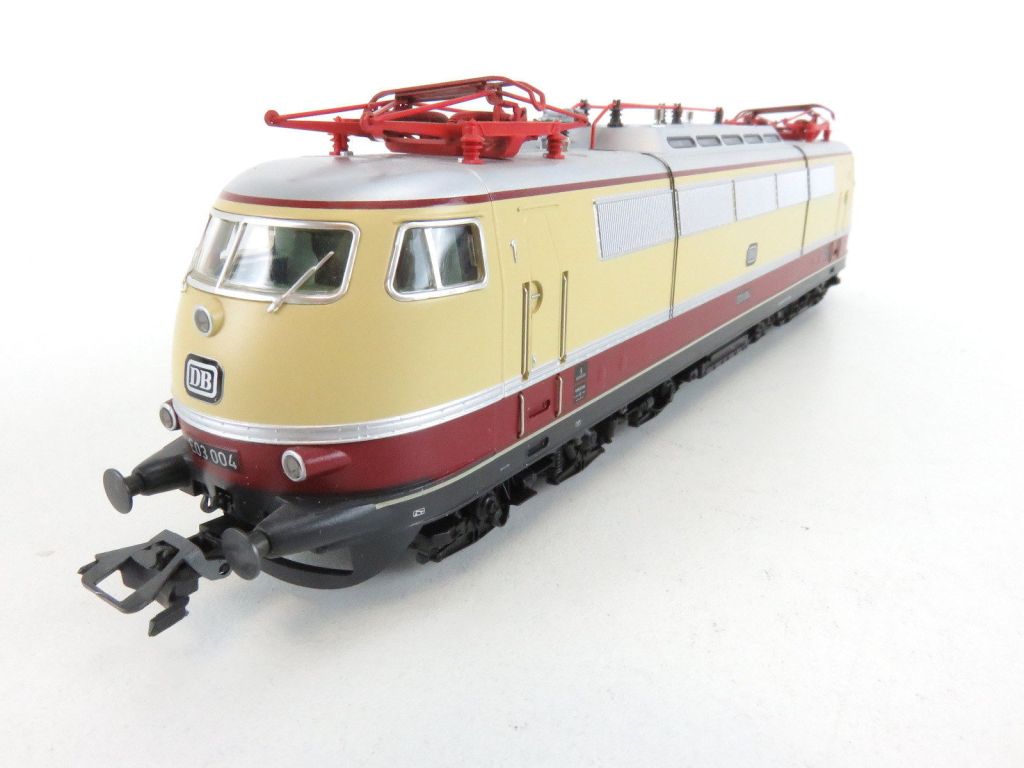


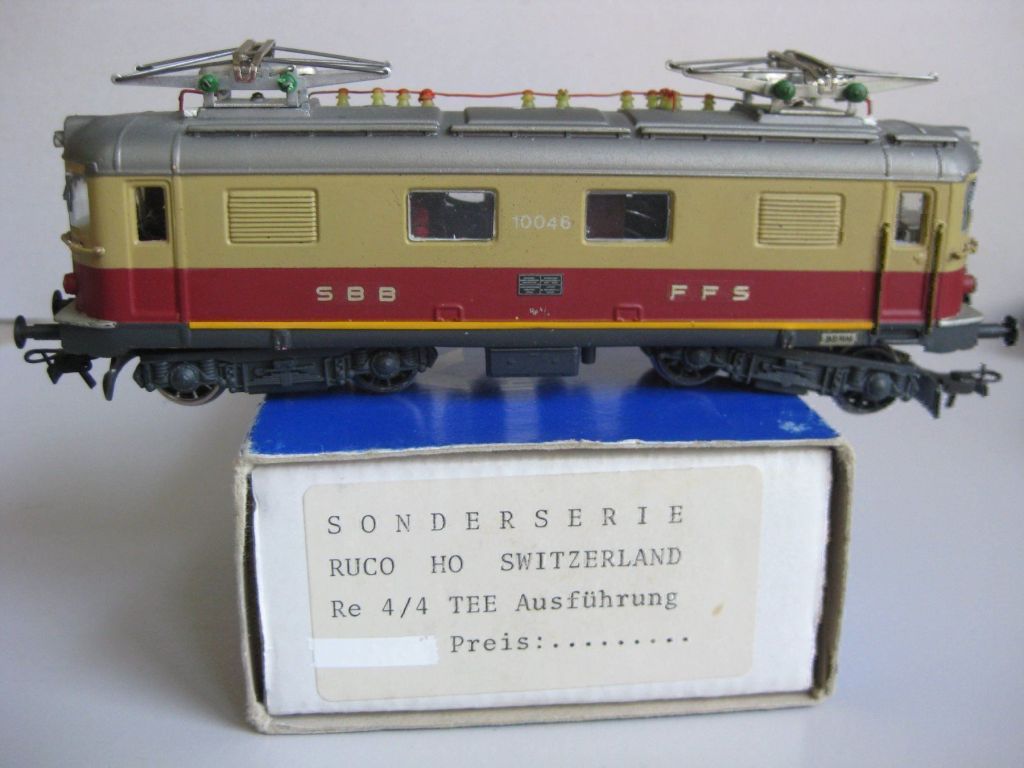
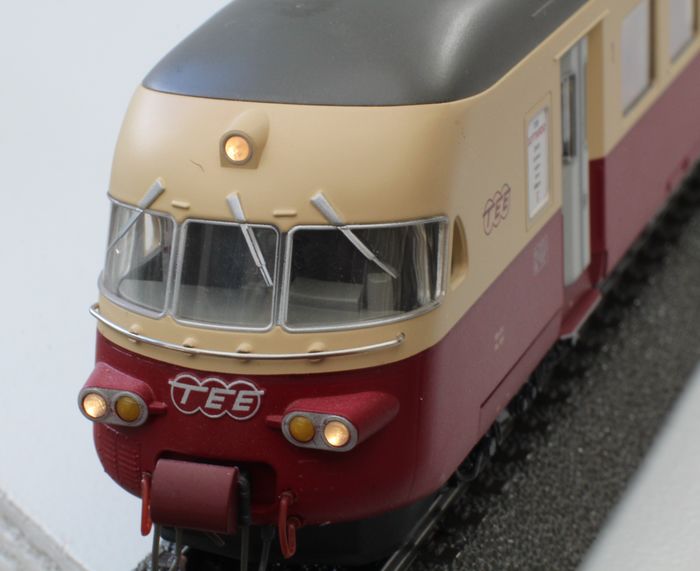



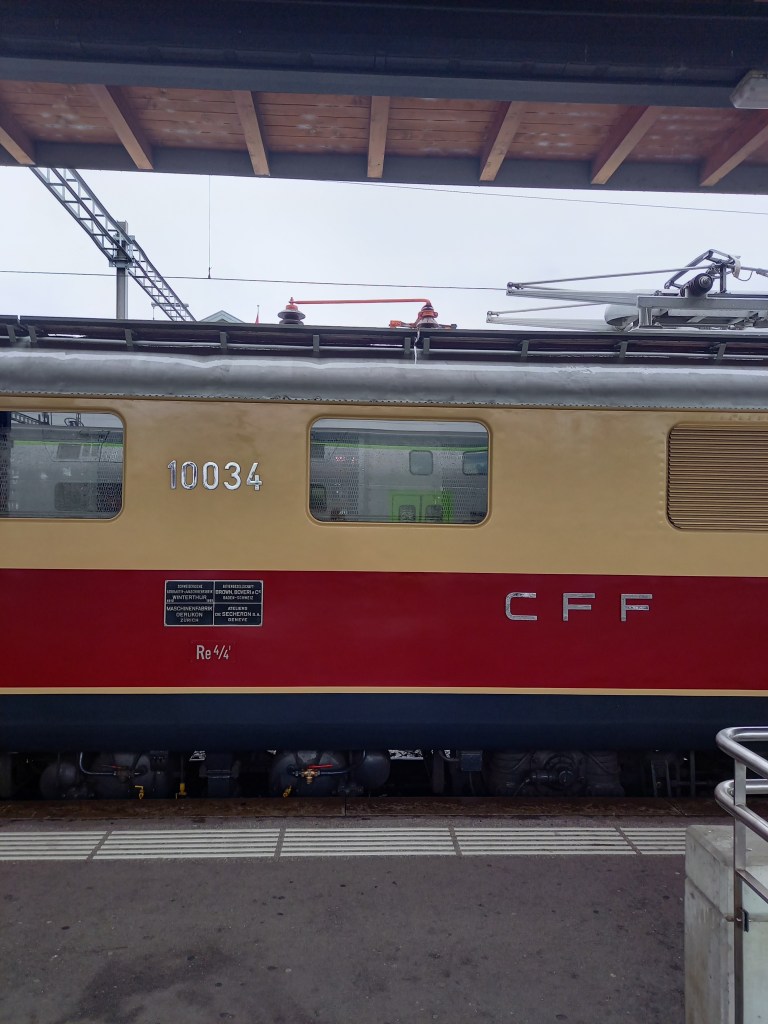
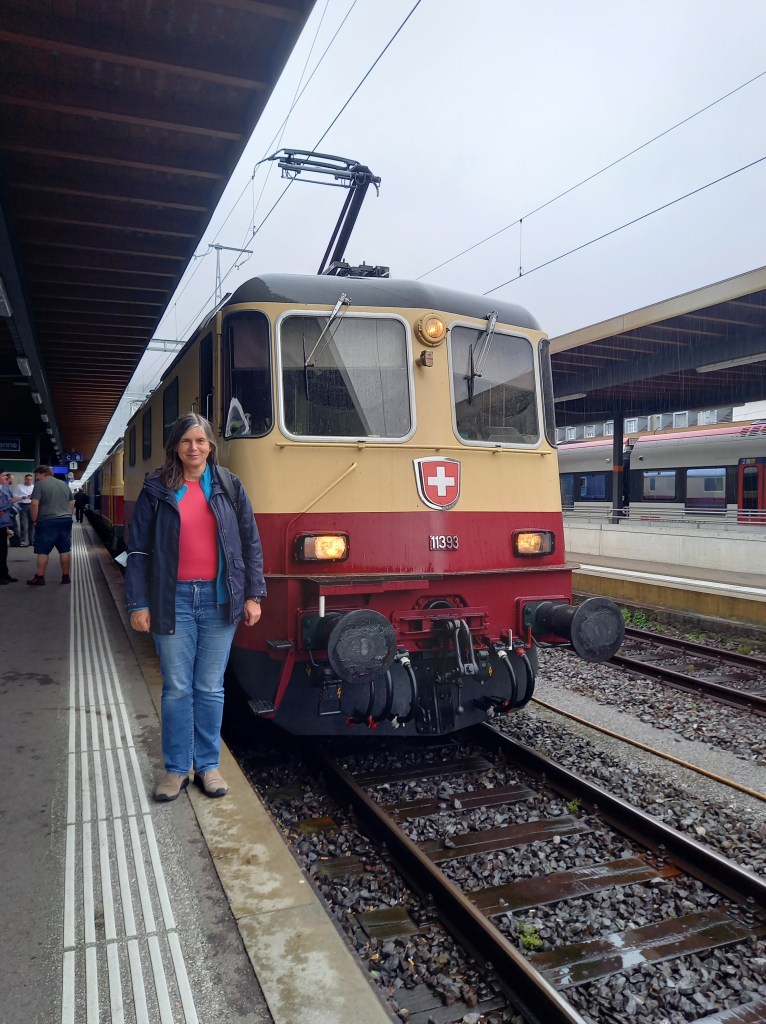
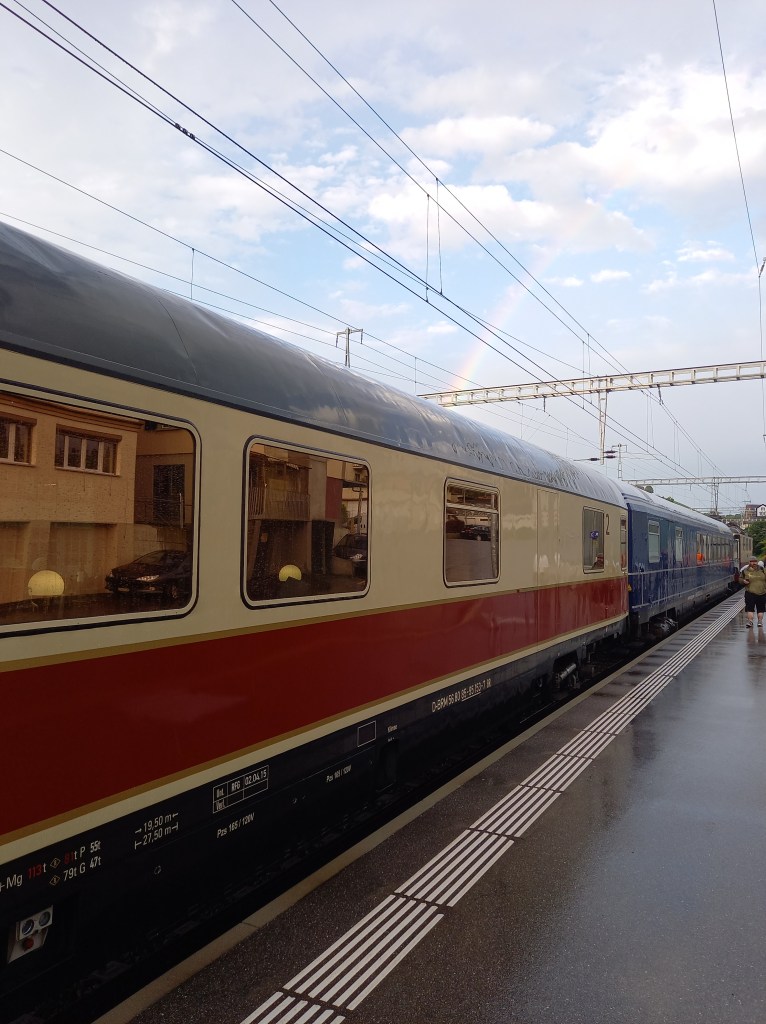
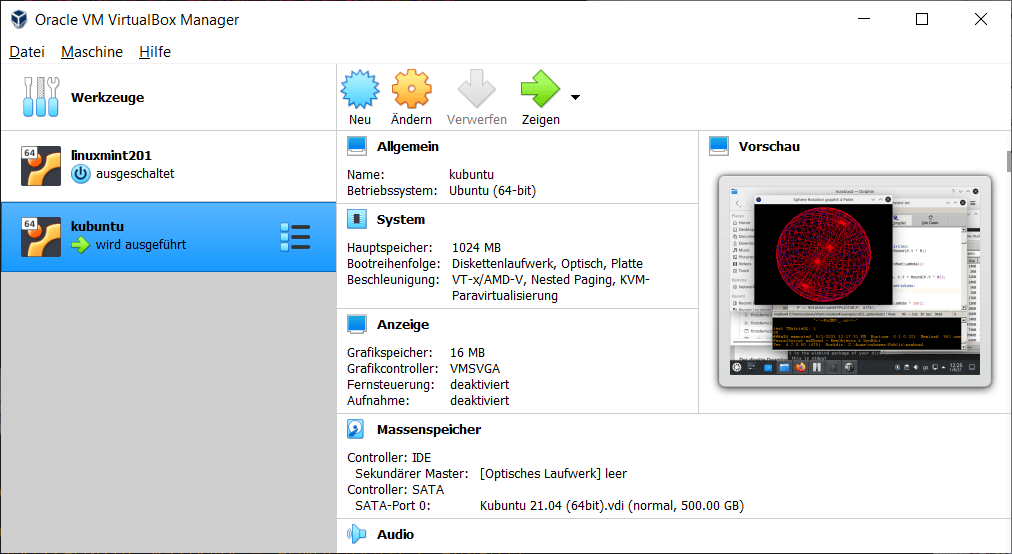


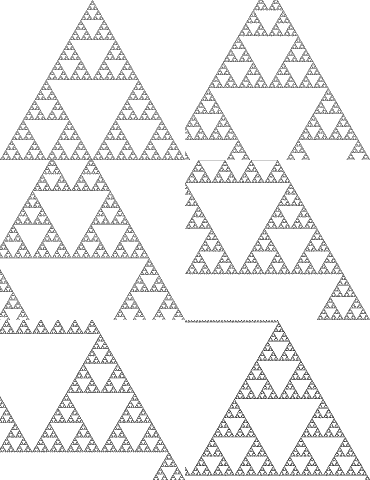
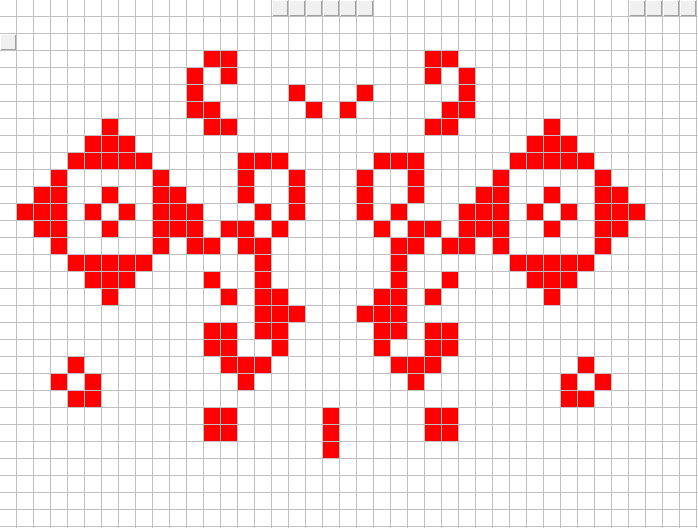



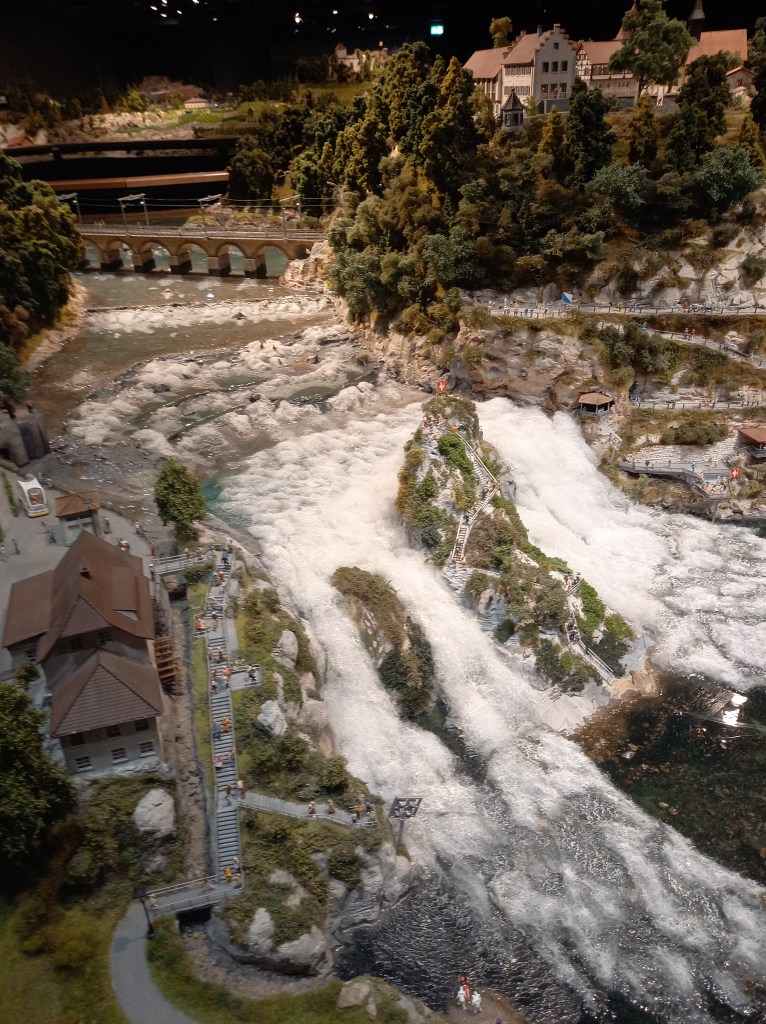

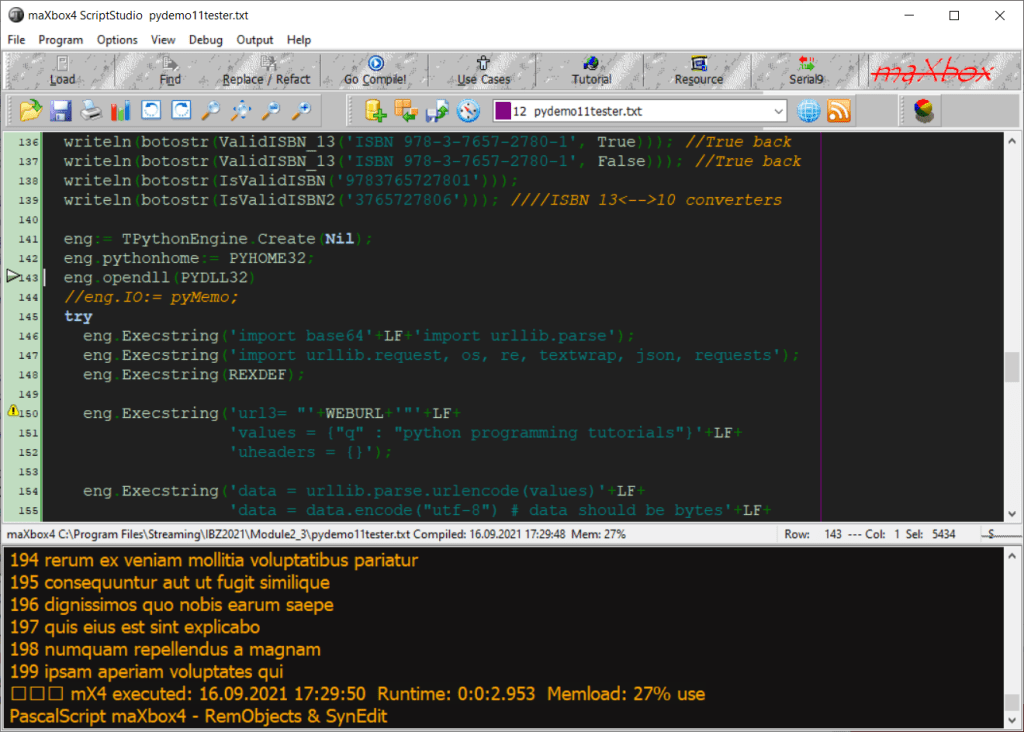
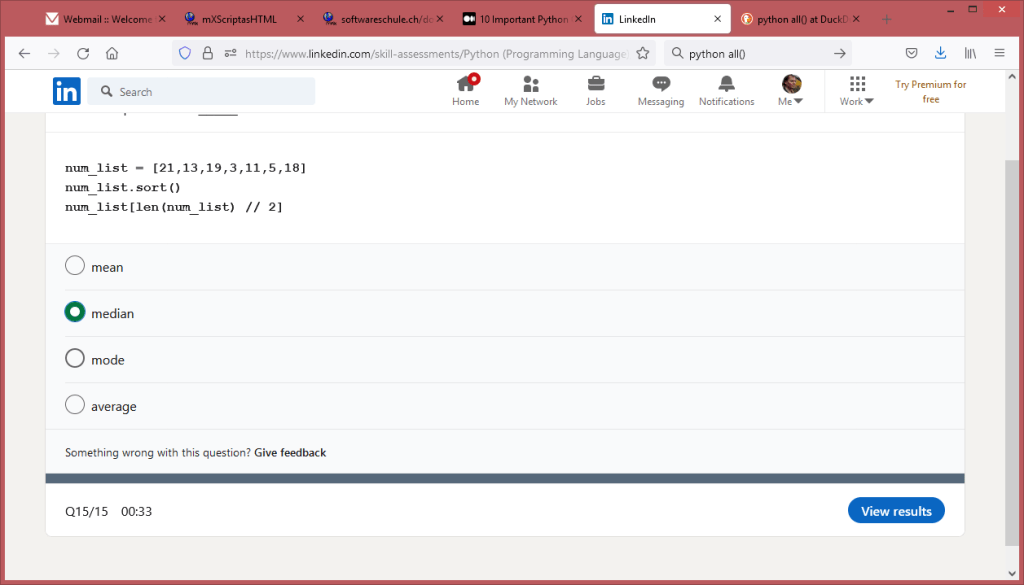
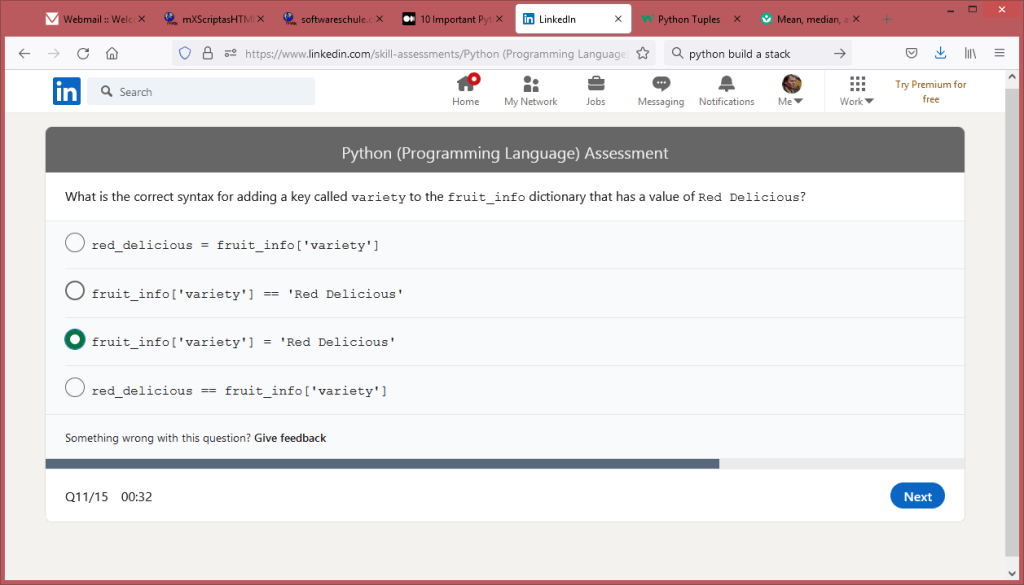


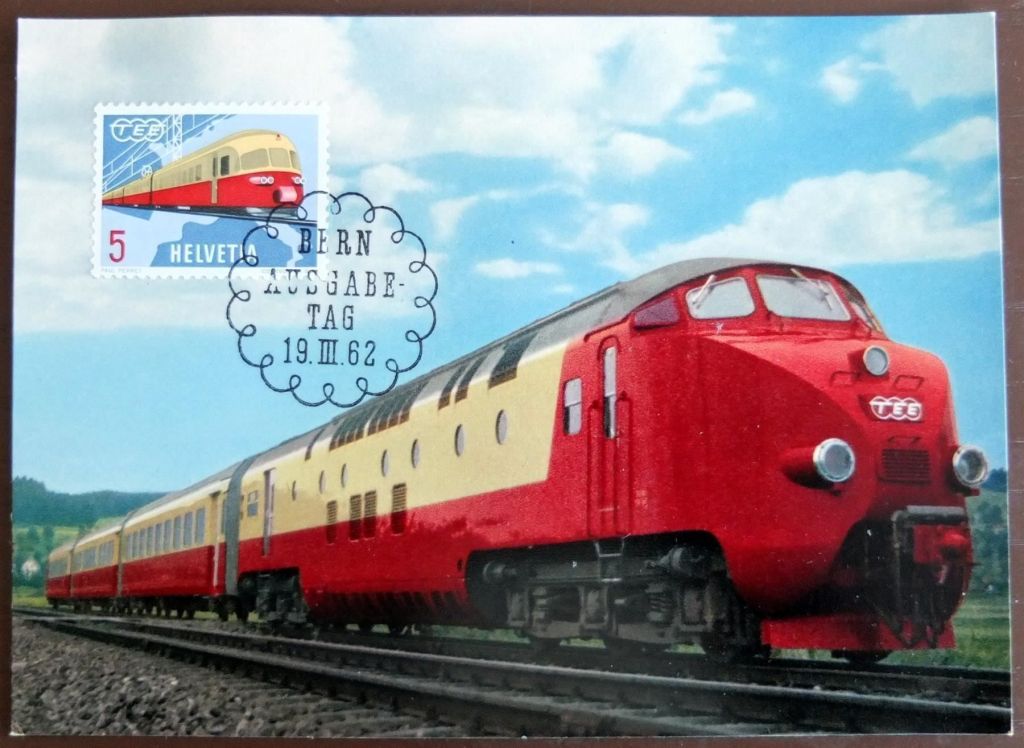



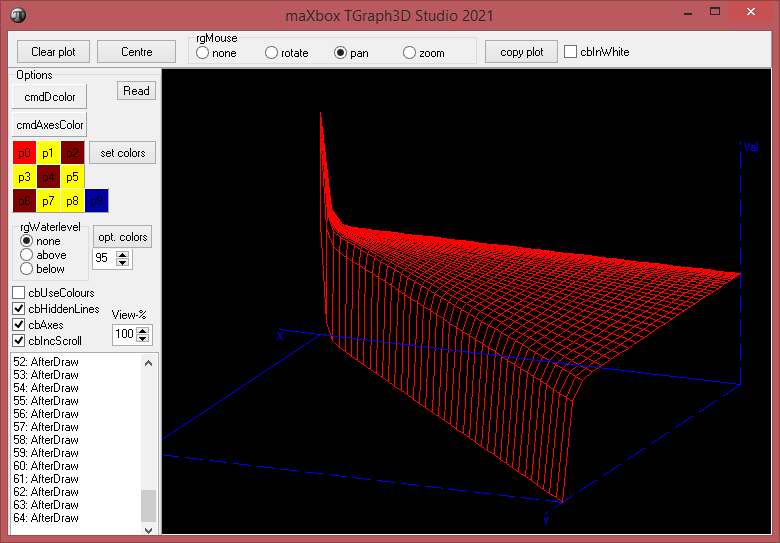
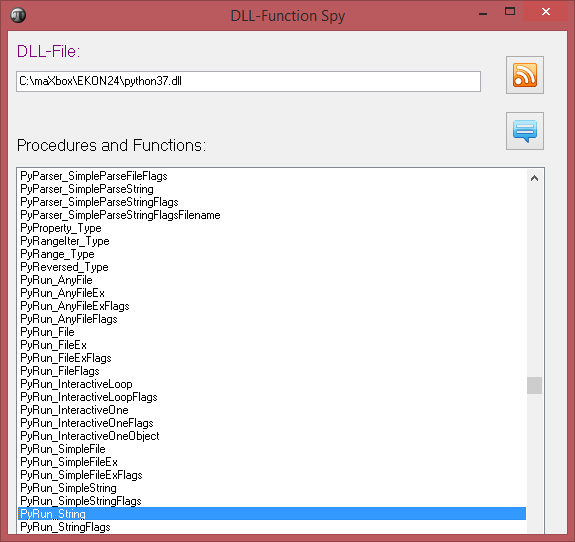
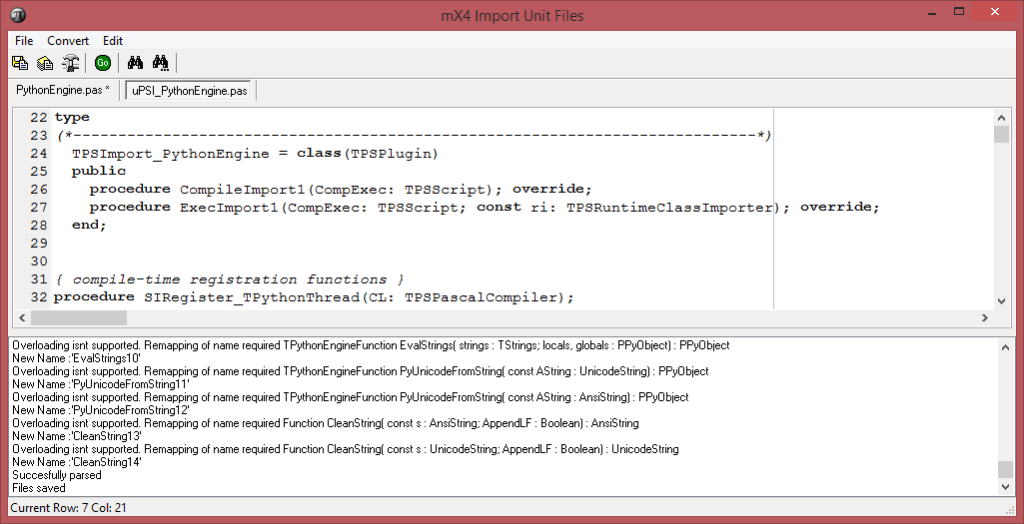






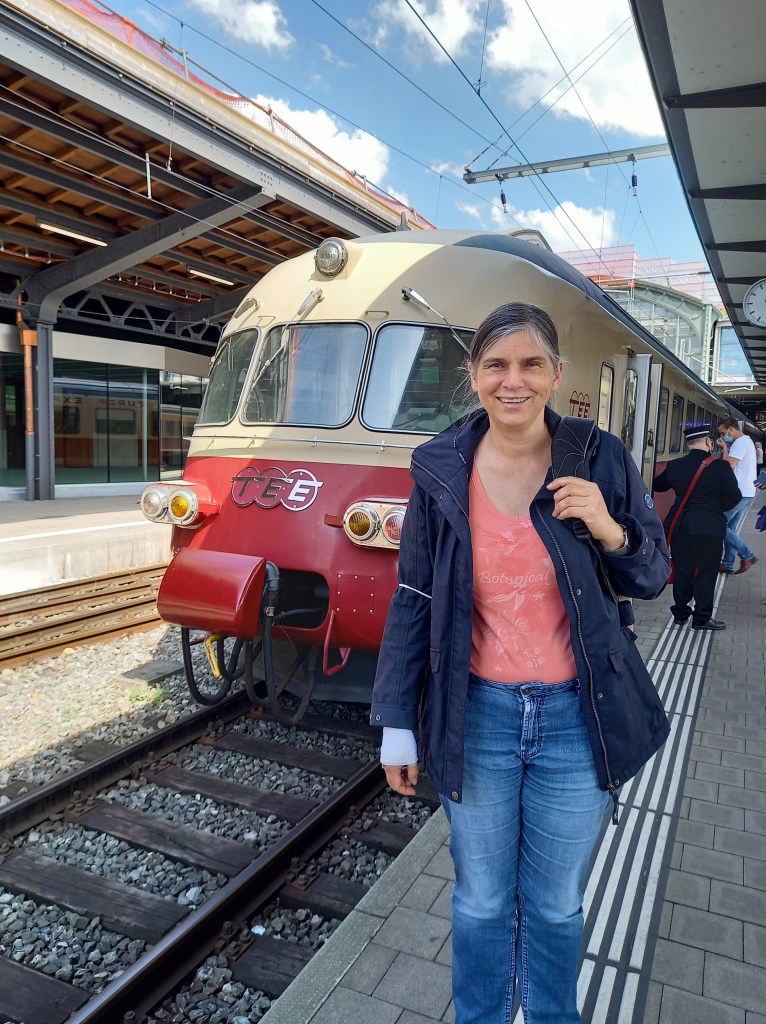
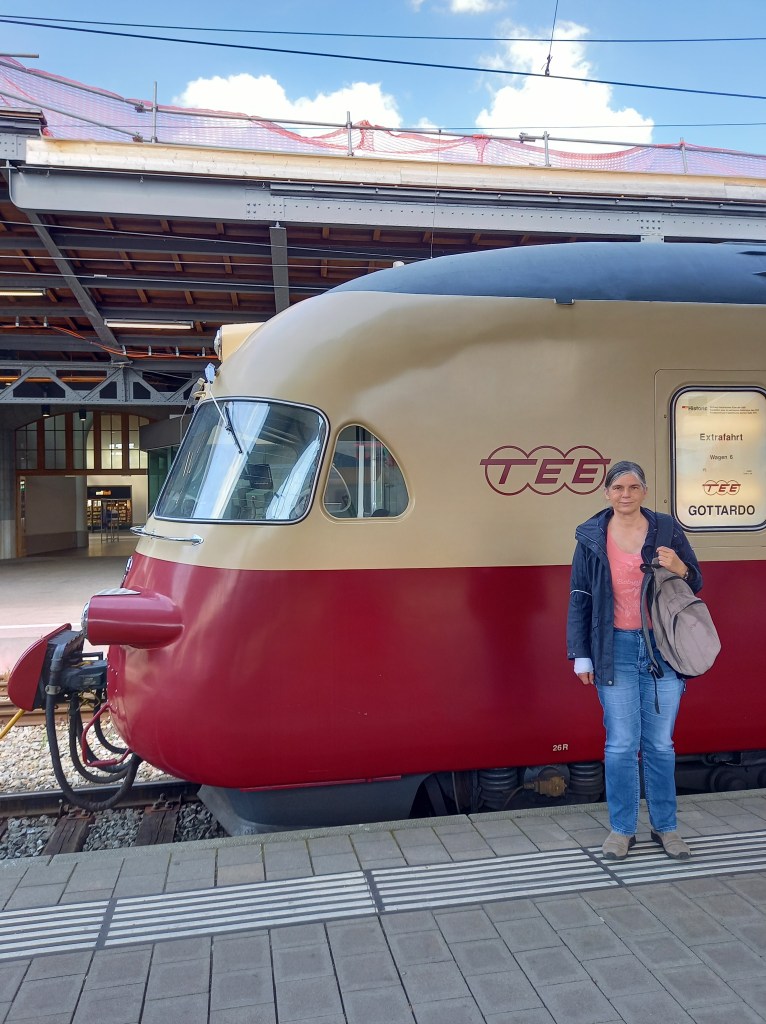
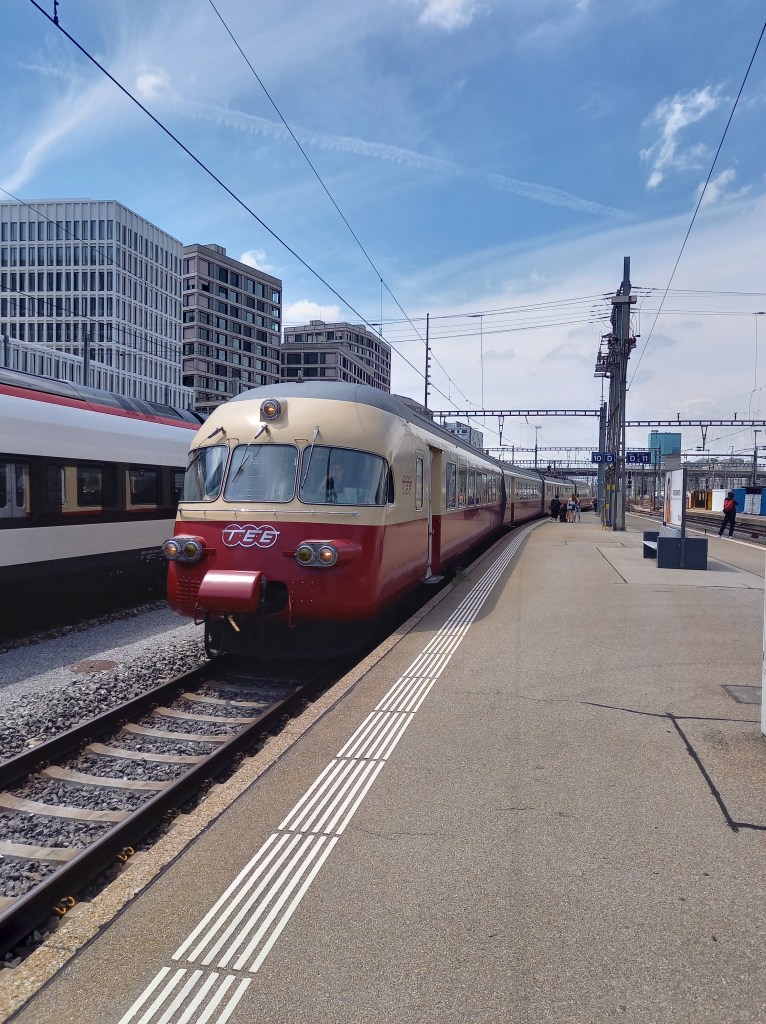


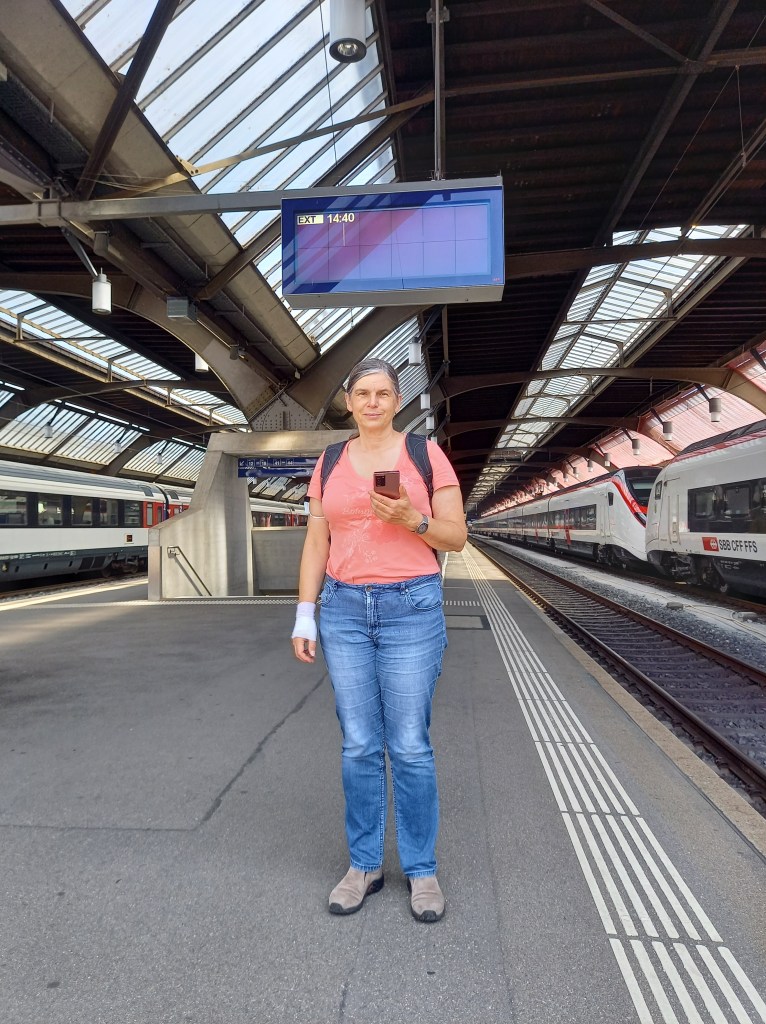





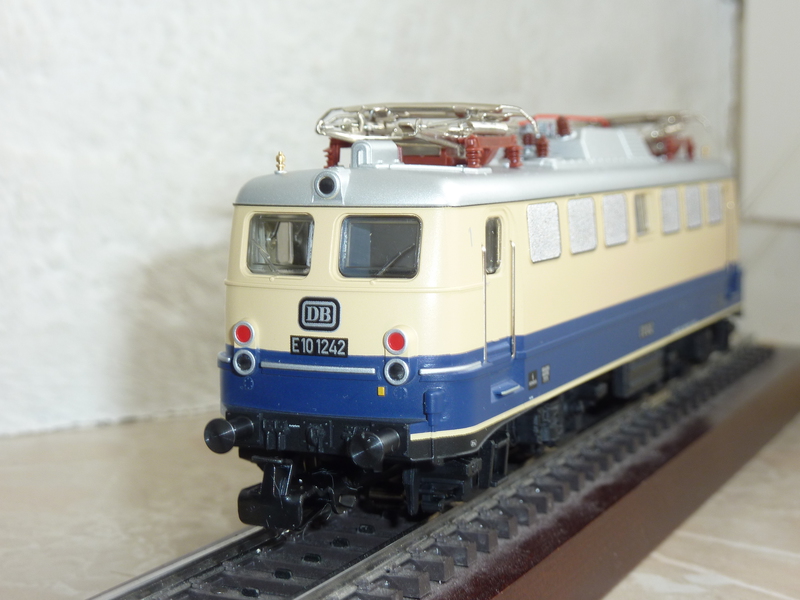
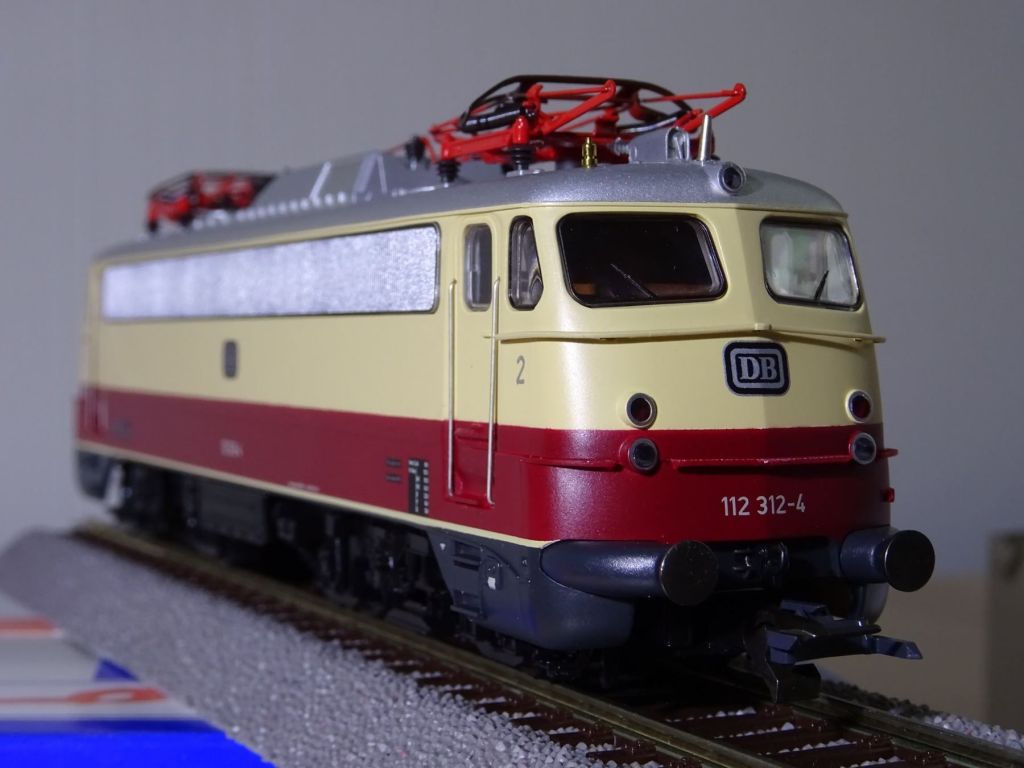
 Code Blog