In a future world you can decide belonging to SkyNet or Darknet, but you can not find the difference between an Android or Avatar cause humans doesn’t exist anymore.
Max Kleiner
Python for Delphi (P4D) is a set of free components that wrap up the Python DLL into Delphi and Lazarus (FPC). A DLL could be for example the ‘python37.dll’. They let you almost easily execute Python scripts, create new Python modules and new Python types. You can create Python extensions as DLLs and much more like scripting or automating your console. P4D provides different levels of functionality:
- Low-level access to the Python API
- High-level bi-directional interaction with Python
- Access to Python objects using Delphi custom variants (VarPyth.pas)
- Wrapping of Delphi objects for use in Python scripts using RTTI (WrapDelphi.pas)
- Creating Python extension modules with Delphi classes, records and functions
- Generate Scripts in maXbox from a Python engine.
P4D makes it, after some (tough) studies, very easy to use Python as a scripting language for Delphi applications. It also comes with an extensive range of demos and useful (video) tutorials.
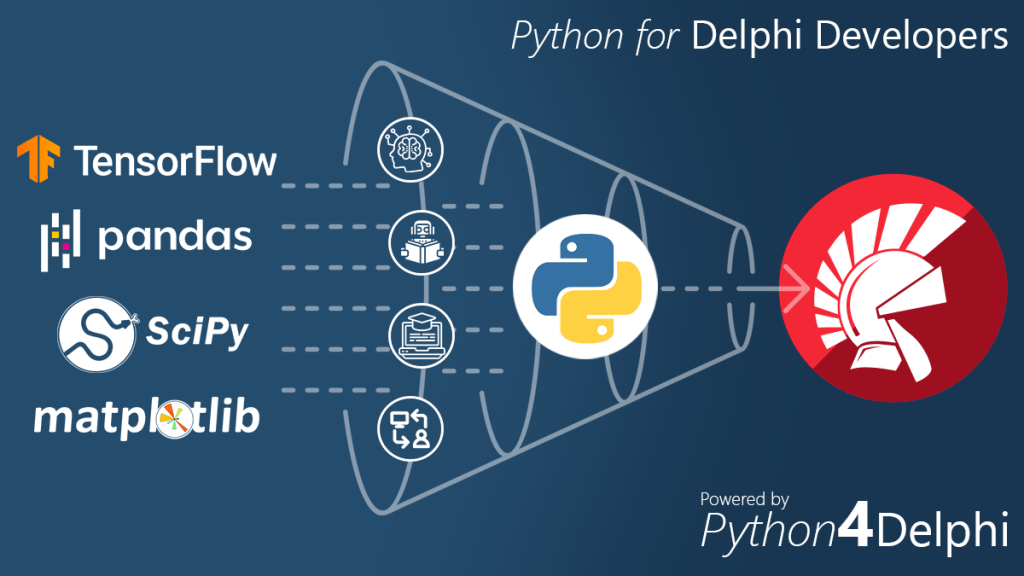
So a very first simple approach is to call the Python dll without a wrapper or mapper e.g. call the copyright function:
/if fileExistst(PYDLLPATH+ 'python37.dll';
  function getCopyRight: PChar;
      external 'Py_GetCopyright@C:\maXbox\EKON25\python37.dll stdcall';
Then we call the function with a pre-test:
function IsDLLOnSystem(DLLName:string): Boolean;
var ret: integer;
    good: boolean;
begin
  ret:= LoadLibrary(pchar(DLLNAME));
  Good:= ret>0;
  if good then FreeLibrary(ret);
  result:= Good;
end;

if isDLLOnSystem(PYDLLPATH+PYDLLNAME) then begin
  showmessage('py dll available');
  writeln(getCopyRight)
end;
Copyright (c) 2001-2019 Python Software Foundation.
All Rights Reserved.
Copyright (c) 2000 BeOpen.com.
All Rights Reserved.
Copyright (c) 1995-2001 Corporation for National Research Initiatives.
All Rights Reserved.
Copyright (c) 1991-1995 Stichting Mathematisch Centrum, Amsterdam.
All Rights Reserved.
We also use to invoke a Python script as an embedding const and use the dll functionality of Import(‘PyRun_SimpleString’);
procedure InitSysPath;
  var _path: PPyObject;
  const Script =
    'import sys' + sLineBreak+
    'sys.executable = r"%s"' + sLineBreak+
    'path = sys.path' + sLineBreak+
    'for i in range(len(path)-1, -1, -1):' + sLineBreak+
    '    if path[i].find("site-packages") > 0:' + sLineBreak+
    '        path.pop(i)' + sLineBreak+
    'import site' + sLineBreak+
    'site.main()' + sLineBreak+
    'del sys, path, i, site';
  begin
     if VenvPythonExe <> '' then
       ExecString(AnsiString(Format(Script, [VenvPythonExe])));
    _path := PySys_GetObject('path');
    if Assigned(FOnSysPathInit) then
      FOnSysPathInit(Self, _path);
  end;
How to use Python4Delphi
The best way to learn about how to use P4D is to try the extensive range of demos available. Also studying the unit tests for VarPyth and WrapDelphi can help understand what is possible with these two units and the main PythonEngine.pas.
Lets start with the VarPyth.pas unit.
This allows you to use Python objects like COM automation objects, inside your Delphi source code. This is a replacement, bugfixed of the former PythonAtom.pas that uses the new custom variant types introduced since Delphi6.
You may use these Python Variants in expressions just as you would any other Variants or automation e.g.:
var
 a: Integer; v: Variant;
begin
 v:= VarPythonEval('2 ** 3');
 a:= v;
The functions provided by this unit VarPyth.pas are largely self-explanatory.
What about the WrapDelphi.pas unit?
You can use P4D to create Python extension modules too that expose your own classes and functions to the Python interpreter. You may package your extension with setuptools and distribute it through PyPi. So if you have an existing object or unit in Delphi that you’d like to use in Python but you don’t want to modify that object to make it Python-aware, then you can wrap that object just for the purposes of supplying it to Python with a package.
Using TPyDelphiObject you can wrap any Delphi object exposing published properties and methods. Note that the conditional defines TYPEINFO and METHODINFO need to be on. As an example, if you have an existing Delphi class simply called TRGBColor:
TRGBColor = class
  private
    fRed, fGreen, fBlue: Integer;
  public
    property Red: read fRed write fRed;
    property Green: read fGreen write fGreen;
    property Blue: read fBlue write fBlue;
  end;
You want to use Color within some Python code but you don’t want to change anything about the class. So you make a wrapper inherited from TPyObject that provides some very basic services, such as getting and setting attributes of a Color, and getting a string representation:
TPyColor = class(TPyObject)
  private
     fColor: TRGBColor;
  public
     constructor Create( APythonType: TPythonType ); override;
     // Py Basic services
     function  GetAttr(key: PChar): PPyObject; override;
     function  SetAttr(key: PChar; value:PPyObject): Integer; override;
     function  Repr: PPyObject; override;
  end;
The project in the subdirectory Delphi generates a Python extension module (a DLL with extension “pyd” in Windows) that allows you to create user interfaces using Delphi from within Python. The whole VCL (almost and maybe) is wrapped with a few lines of code! The small demo TestApp.py gives you a flavour of what is possible. The machinery by which this is achieved is the WrapDelphi unit.
The subdirectory DemoModule demonstrates how to create Python extension modules using Delphi, that allow you to use in Python, functions defined in Delphi. Compile the project and run test.py from the command prompt (e.g. py test.py). The generated pyd file should be in the same directory as the Python file. This project should be easily adapted to use with Lazarus and FPC.
The subdirectory RttiModule contains a project that does the same as the DemoModule, but using extended RTTI to export Delphi functions. This currently is not supported by FPC.
The unit PythonEngine.pas is the main core-unit of the framework. You are responsible for creating one and only one TPythonEngine. Usually you just drop it on your main form. Most of the Python/C API is presented as member functions of the engine.
type
  TPythonVersionProp = record
    DllName     : string;
    RegVersion  : string;
    APIVersion  : Integer;
  end;

  ...
  Py_BuildValue             := Import('Py_BuildValue');
  Py_Initialize             := Import('Py_Initialize');
  PyModule_GetDict          := Import('PyModule_GetDict');
  PyObject_Str              := Import('PyObject_Str');
  PyRun_String              := Import('PyRun_String');
  PyRun_SimpleString        := Import('PyRun_SimpleString');
  PyDict_GetItemString      := Import('PyDict_GetItemString');
  PySys_SetArgv             := Import('PySys_SetArgv');
  Py_Exit                   := Import('Py_Exit');
  ...
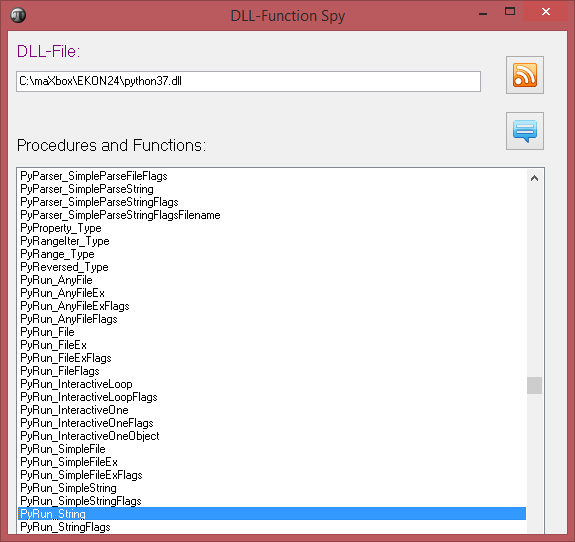
Let’s take a last look at the functionality of PyRun_SimpleString mentioned first within the const script.
http://www.softwareschule.ch/examples/1016_newsfeed_sentiment_integrate2.txt
PyRun_SimpleString: function(str: PAnsiChar): Integer; cdecl;
We see that we have to pass a PAnsiChar in cdecl convention and map to ExecString (PyRun_String:):
procedure TPythonEngine.ExecString(const command : AnsiString);
begin
  Py_XDecRef(Run_CommandAsObject(command, file_input));
end;
Conclusion
The P4D library provides a bidirectional bridge between Delphi and Python. It allows Delphi applications to access Python modules and run Python scripts. On the other side it makes Delphi/Lazarus objects, records, interfaces, and classes accessible to Python, giving Python the ability to use this methods.
Before you try the demos please see the Wiki topic “How Python for Delphi finds your Python distribution” at
https://github.com/pyscripter/python4delphi/wiki/FindingPython
You will need to adjust the demos accordingly, to successfully load the Python distribution that you have installed in your PC, e.g. C:\Users\max\AppData\Local\Programs\Python\Python36\.
PythonEngine: The core of Python for Delphi. Provides the Python
API with dll mapper and runtime configuration.
VarPyth: VarPyth wraps Python types as Delphi custom variants.
WrapDelphi: Uses RTTI (in a DLL) so you can use Delphi objects
from Python without writing individual wrapper
classes or methods.
TPythonGUIInputOutput: Provides a Python console you can drop on a form and execute a Python script from a memo.
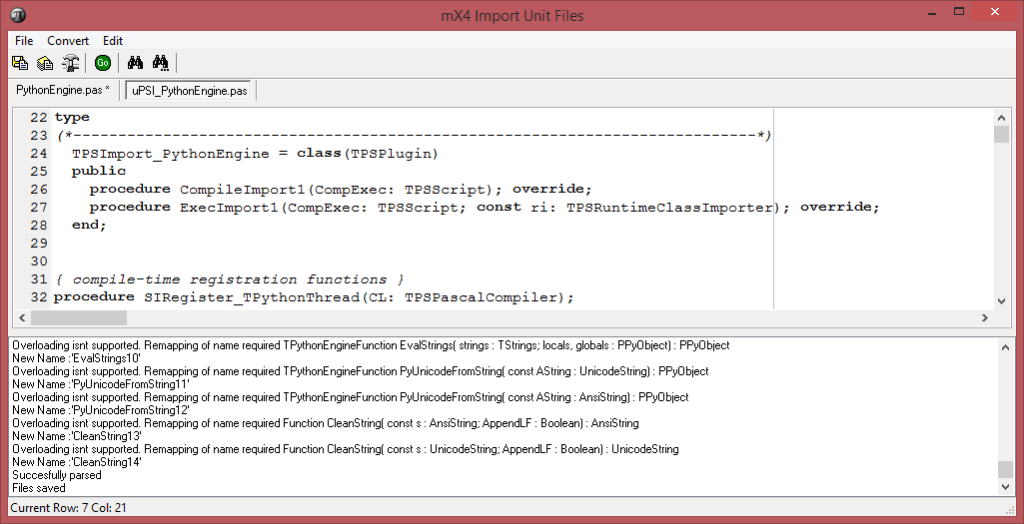
The TPythonEngine class is the single global engine block shared by all Python code. VarPyth wraps Python types and vars as Delphi custom variants. VarPyth requires at least Delphi v6.
This Tutorials folder contains text and video, webinar tutorials accompanied with slides and demo source code. Next time I’ll show a few bidirectional demos with implementation details.

Wiki P4D topics
- Installation
- Supported Platforms
- How Python for Delphi finds your Python distribution (read before trying the demos)
Learn about Python for Delphi
Dealing with internals of Python means also you get the original stack-trace errors back like (TPythonEngine.RaiseError;):
File "C:\Users\max\AppData\Local\Programs\Python\Python36\lib\site-packages\pandas\core\indexing.py", line 1304, in _validate_read_indexer raise KeyError(f"{not_found} not in index") KeyError: "['id', 'links', 'published_parsed', 'published', 'title_detail', 'guidislink', 'link', 'summary_detail'] not in index"
The script can be found:
http://www.softwareschule.ch/examples/1016_newsfeed_sentiment_integrate2.txt
Ref Video:
https://github.com/pyscripter/python4delphi/wiki/FindingPython
You will need to adjust the demos accordingly, to successfully load the Python distribution that you have installed on your computer.
Doc: https://maxbox4.wordpress.com
Appendix: Catalog of the Demos:
{*—————————————————————————-*)
Demo01  A simple Python evaluator
Demo02  Evaluate a Python expression
Demo03  Defining Python/Delphi vars
Demo04  Defining Python/Delphi vars (advanced case)
Demo05  Defining a new Module
Demo06  Defining a new Type
Demo07  Using Delphi methods as Python functions
Demo08  Using Delphi classes for new Python types
Demo09  Making a Python module as a Dll
Demo10_FireDAC Database demo using FireDAC
Demo11  Using Threads inside Python
Demo16  Using a TDelphiVar or Module methods
Demo17  Using variant arrays of 2 dimensions
Demo19  C++ Builder: this is a replicate of the Delphi Demo05
Demo20  C++ Builder: this is a replicate of the Delphi Demo08
Demo21  Using Events in TPythonModule or TPythonType
Demo22  Using Threading, Windows Console and Command line arguments
Demo23  Using Threading and Delphi log window
Demo25  Using VarPyth.pas
Demo26  Demo8 revisited to allow the new Python type to be subclassed
Demo27  Container indexing
Demo28  Iterator
Demo29  Using Python Imaging Library (PIL)
Demo30  Using Named Parameters
Demo31  Using WrapDelphi to access Delphi Form attributes
Demo32  Demo08 revisited using WrapDelphi
Demo33  Using Threads inside Python
Demo34  Dynamically creating, destroying and recreating PythonEngine.












 Code Blog
For more insights I did an Overview of the Project in a 7 pages handout.
Overview of P4D: http://www.softwareschule.ch/download/maxbox_starter86.pdf
LikeLike
You mention DLL loading, but what about us Linux users, … ? “.so” loading ? -> help !
LikeLike
We do have Linux as Mac (darwin) too:
https://github.com/maxkleiner/python4delphi/blob/master/Source/PythonEngine.pas
{$IFDEF _so_files}
PYTHON_KNOWN_VERSIONS: array[1..8] of TPythonVersionProp =
(
(DllName: ‘libpython3.3m.so’; RegVersion: ‘3.3’; APIVersion: 1013),
(DllName: ‘libpython3.4m.so’; RegVersion: ‘3.4’; APIVersion: 1013),
(DllName: ‘libpython3.5m.so’; RegVersion: ‘3.5’; APIVersion: 1013),
(DllName: ‘libpython3.6m.so’; RegVersion: ‘3.6’; APIVersion: 1013),
(DllName: ‘libpython3.7m.so’; RegVersion: ‘3.7’; APIVersion: 1013),
(DllName: ‘libpython3.8.so’; RegVersion: ‘3.8’; APIVersion: 1013),
(DllName: ‘libpython3.9.so’; RegVersion: ‘3.9’; APIVersion: 1013),
(DllName: ‘libpython3.10.so’; RegVersion: ‘3.10’; APIVersion: 1013)
);
{$ENDIF}
For Linux we load as:
//Linux: need here RTLD_GLOBAL, so Python can do “import ctypes”
FDLLHandle := THandle(dlopen(PAnsiChar(AnsiString(GetDllPath+DllName)),
RTLD_LAZY+RTLD_GLOBAL));
{$ENDIF}
Please have a look at:
//#######################################################
//## ##
//## Global procedures ##
//## ##
//#######################################################
function GetPythonEngine : TPythonEngine;
function PythonOK : Boolean;
function PythonToDelphi( obj : PPyObject ) : TPyObject;
function IsDelphiObject( obj : PPyObject ) : Boolean;
procedure PyObjectDestructor( pSelf : PPyObject); cdecl;
procedure FreeSubtypeInst(ob:PPyObject); cdecl;
procedure Register;
function PyType_HasFeature(AType : PPyTypeObject; AFlag : Integer) : Boolean;
function SysVersionFromDLLName(const DLLFileName : string): string;
procedure PythonVersionFromDLLName(LibName: string; out MajorVersion, MinorVersion: integer);
LikeLike