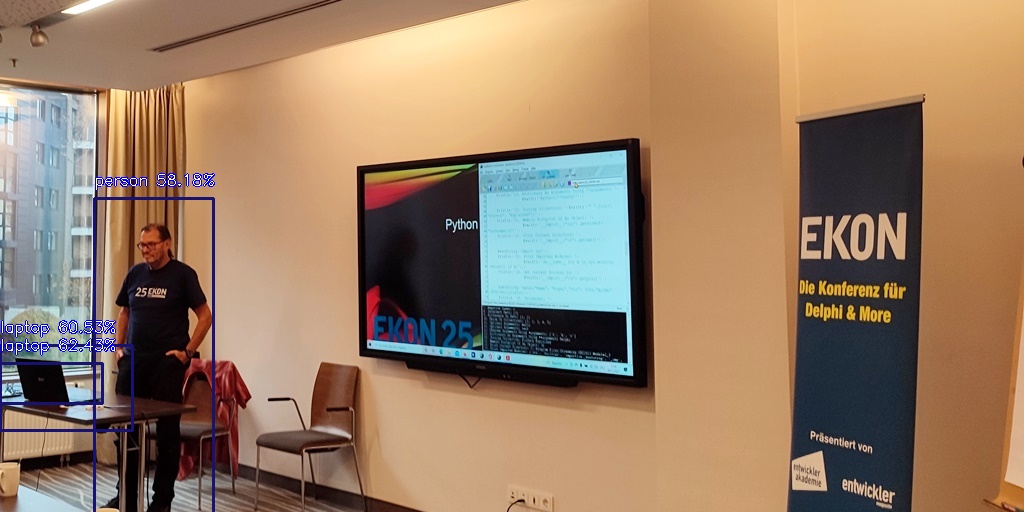
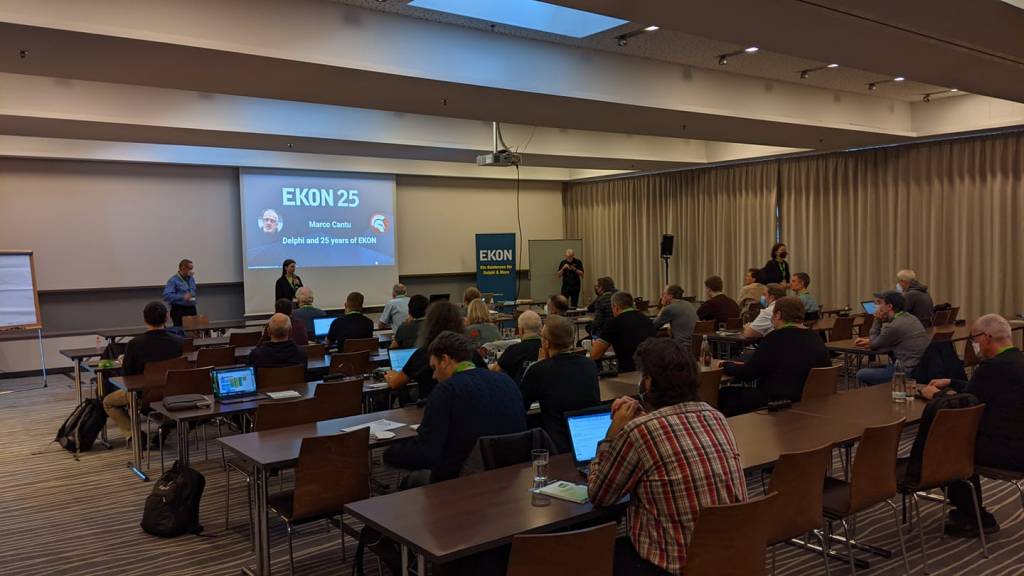
EKON 25 is the most traditional Delphi conference and offers a deep dive for the modern developer and architect aiming to transform technologies into valuable business solutions. We always focus on the big picture: Delphi innovations, Cross platforms, IoT, Data Bases, Frameworks, Tools, Delphi fundamentals, Web, maXbox and Cloud technologies, as well as professional insights.
First I got TensorFlow to running with Microsoft Visual C++ 2015-2022 Redistributable (x64) – 14.30.30704 first to install.
Then I needed ImageAI:
C:\Users\breitsch\AppData\Local\Programs\Python\Python38>python -m pip install imageai
Collecting imageai
Using cached imageai-2.1.6-py3-none-any.whl (160 kB)
Requirement already satisfied: matplotlib==3.3.2 in c:\users\breitsch\appdata\local\programs\python\python38\lib\site-packages (from imageai) (3.3.2)
Collecting opencv-python
Downloading opencv_python-4.5.4.58-cp38-cp38-win_amd64.whl (35.1 MB)
|¦¦¦¦¦¦¦¦¦¦¦¦¦¦¦¦¦¦¦¦¦¦¦¦¦¦¦¦¦¦¦¦| 35.1 MB 6.4 MB/s
Collecting keras==2.4.3
Using cached Keras-2.4.3-py2.py3-none-any.whl (36 kB)
Collecting pillow==7.0.0
Downloading Pillow-7.0.0-cp38-cp38-win_amd64.whl (2.0 MB)
|¦¦¦¦¦¦¦¦¦¦¦¦¦¦¦¦¦¦¦¦¦¦¦¦¦¦¦¦¦¦¦¦| 2.0 MB 1.6 MB/s
Collecting keras-resnet==0.2.0
Using cached keras-resnet-0.2.0.tar.gz (9.3 kB)
Collecting scipy==1.4.1
Downloading scipy-1.4.1-cp38-cp38-win_amd64.whl (31.0 MB)
|¦¦¦¦¦¦¦¦¦¦¦¦¦¦¦¦¦¦¦¦¦¦¦¦¦¦¦¦¦¦¦¦| 31.0 MB 6.4 MB/s
Collecting numpy==1.19.3
Downloading numpy-1.19.3-cp38-cp38-win_amd64.whl (13.3 MB)
|¦¦¦¦¦¦¦¦¦¦¦¦¦¦¦¦¦¦¦¦¦¦¦¦¦¦¦¦¦¦¦¦| 13.3 MB 6.8 MB/s
Requirement already satisfied: h5py==2.10.0 in c:\users\breitsch\appdata\local\programs\python\python38\lib\site-packages (from imageai) (2.10.0)
Requirement already satisfied: python-dateutil>=2.1 in c:\users\breitsch\appdata\local\programs\python\python38\lib\site-packages (from matplotlib==3.3.2->imageai) (2.8.1)
Requirement already satisfied: kiwisolver>=1.0.1 in c:\users\breitsch\appdata\local\programs\python\python38\lib\site-packages (from matplotlib==3.3.2->imageai) (1.2.0)
Requirement already satisfied: certifi>=2020.06.20 in c:\users\breitsch\appdata\local\programs\python\python38\lib\site-packages (from matplotlib==3.3.2->imageai) (2020.6.20)
Requirement already satisfied: pyparsing!=2.0.4,!=2.1.2,!=2.1.6,>=2.0.3 in c:\users\breitsch\appdata\local\programs\python\python38\lib\site-packages (from matplotlib==3.3.2->imageai) (2.4.7)
Requirement already satisfied: cycler>=0.10 in c:\users\breitsch\appdata\local\programs\python\python38\lib\site-packages (from matplotlib==3.3.2->imageai) (0.10.0)
Collecting pyyaml
Downloading PyYAML-6.0-cp38-cp38-win_amd64.whl (155 kB)
|¦¦¦¦¦¦¦¦¦¦¦¦¦¦¦¦¦¦¦¦¦¦¦¦¦¦¦¦¦¦¦¦| 155 kB …
Requirement already satisfied: six in c:\users\breitsch\appdata\local\programs\python\python38\lib\site-packages (from h5py==2.10.0->imageai) (1.15.0)
Building wheels for collected packages: keras-resnet
Building wheel for keras-resnet (setup.py) … done
Created wheel for keras-resnet: filename=keras_resnet-0.2.0-py2.py3-none-any.whl size=20490 sha256=d2422d60d9cced0f8187ffaee05bfde5170fd975a30feab18548dc676ba07077
Stored in directory: c:\users\breitsch\appdata\local\pip\cache\wheels\be\90\98\9d455f04a7ca277366b36c660c89d171ff5abb7bdd8a8b8e75
Successfully built keras-resnet
Installing collected packages: numpy, opencv-python, scipy, pyyaml, keras, pillow, keras-resnet, imageai
Attempting uninstall: numpy
Found existing installation: numpy 1.18.5
Uninstalling numpy-1.18.5:
Successfully uninstalled numpy-1.18.5
Attempting uninstall: scipy
Found existing installation: scipy 1.5.2
Uninstalling scipy-1.5.2:
Successfully uninstalled scipy-1.5.2
Attempting uninstall: pillow
Found existing installation: Pillow 7.2.0
Uninstalling Pillow-7.2.0:
Successfully uninstalled Pillow-7.2.0
ERROR: After October 2020 you may experience errors when installing or updating packages. This is because pip will change the way that it resolves dependency conflicts.
We recommend you use –use-feature=2020-resolver to test your packages with the new resolver before it becomes the default.

Next step was to install TensorFlow:
tensorflow 2.3.1 requires numpy<1.19.0,>=1.16.0, but you’ll have numpy 1.19.3 which is incompatible.
Successfully installed imageai-2.1.6 keras-2.4.3 keras-resnet-0.2.0 numpy-1.19.3 opencv-python-4.5.4.58 pillow-7.0.0 pyyaml-6.0 scipy-1.4.1
WARNING: You are using pip version 20.2.3; however, version 21.3.1 is available.
You should consider upgrading via the ‘C:\Users\breitsch\AppData\Local\Programs\Python\Python38\python.exe -m pip install –upgrade pip’ command.
Technically, it’s not an error, it’s a warning. It’s mainly just verbose, so you can safely ignore it. To silence it, do this in the correct order. You will also need to restart your kernel for now.
import os
os.environ[‘TF_CPP_MIN_LOG_LEVEL’] = ‘3’
import tensorflow as tf
2021-10-30 10:50:47.532288: W tensorflow/stream_executor/platform/default/dso_loader.cc:59] Could not load dynamic library ‘cudart64_101.dll’; dlerror: cudart64_101.dll not found
2021-10-30 10:50:47.532312: I tensorflow/stream_executor/cuda/cudart_stub.cc:29] Ignore above cudart dlerror if you do not have a GPU set up on your machine.
2021-10-30 10:50:49.434662: W tensorflow/stream_executor/platform/default/dso_loader.cc:59] Could not load dynamic library ‘nvcuda.dll’; dlerror: nvcuda.dll not found
2021-10-30 10:50:49.434691: W tensorflow/stream_executor/cuda/cuda_driver.cc:312] failed call to cuInit: UNKNOWN ERROR (303)
2021-10-30 10:50:49.439066: I tensorflow/stream_executor/cuda/cuda_diagnostics.cc:169] retrieving CUDA diagnostic information for host: BREITSCH-BOX
2021-10-30 10:50:49.439194: I tensorflow/stream_executor/cuda/cuda_diagnostics.cc:176] hostname: BREITSCH-BOX
2021-10-30 10:50:49.440299: I tensorflow/core/platform/cpu_feature_guard.cc:142] This TensorFlow binary is optimized with oneAPI Deep Neural Network Library (oneDNN)to use the following CPU instructions in performance-critical operations: AVX2
To enable them in other operations, rebuild TensorFlow with the appropriate compiler flags.
2021-10-30 10:50:49.461185: I tensorflow/compiler/xla/service/service.cc:168] XLA service 0x1bba71e4320 initialized for platform Host (this does not guarantee that XLA will be used). Devices:
2021-10-30 10:50:49.461227: I tensorflow/compiler/xla/service/service.cc:176] StreamExecutor device (0): Host, Default Version
this first line fine

In the end we need a pretrained model. yolo-tiny.h5
Traceback (most recent call last):
File “C:\Program Files\Streaming\IBZ2021\Module2_3\992_oma_objectdetector21.py”, line 49, in detector.loadModel()
File “C:\Users\breitsch\AppData\Local\Programs\Python\Python38\lib\site-packages\imageai\Detection__init__.py”, line 195, in loadModel
model.load_weights(self.modelPath)
File “C:\Users\breitsch\AppData\Local\Programs\Python\Python38\lib\site-packages\tensorflow\python\keras\engine\training.py”, line 2204, in load_weights
with h5py.File(filepath, ‘r’) as f:
File “C:\Users\breitsch\AppData\Local\Programs\Python\Python38\lib\site-packages\h5py_hl\files.py”, line 406, in init
fid = make_fid(name, mode, userblock_size,
File “C:\Users\breitsch\AppData\Local\Programs\Python\Python38\lib\site-packages\h5py_hl\files.py”, line 173, in make_fid
fid = h5f.open(name, flags, fapl=fapl)
File “h5py_objects.pyx”, line 54, in h5py._objects.with_phil.wrapper
File “h5py_objects.pyx”, line 55, in h5py._objects.with_phil.wrapper
File “h5py\h5f.pyx”, line 88, in h5py.h5f.open
OSError: Unable to open file (unable to open file: name = ‘./crypt/models/yolo-tiny.h5’, errno = 2, error message = ‘No such file or directory’, flags = 0, o_flags = 0)
The Result:
C:\maXbox\works2021\maxbox4>pip3 install wget
Collecting wget
Downloading https://files.pythonhosted.org/packages/47/6a/62e288da7bcda82b935f
f0c6cfe542970f04e29c756b0e147251b2fb251f/wget-3.2.zip
Building wheels for collected packages: wget
Building wheel for wget (setup.py) … done
Stored in directory: C:\Users\Max\AppData\Local\pip\Cache\wheels\40\15\30\7d8f
7cea2902b4db79e3fea550d7d7b85ecb27ef992b618f3f
Successfully built wget
Installing collected packages: wget
Successfully installed wget-3.2
WARNING: You are using pip version 19.1, however version 21.3.1 is available.
You should consider upgrading via the ‘python -m pip install –upgrade pip’ comm
and.
no console attached..
2021-11-14 15:35:41.808611: W tensorflow/stream_executor/platform/default/dso_loader.cc:64] Could not load dynamic library ‘cudart64_110.dll’; dlerror: cudart64_110.dll not found
2021-11-14 15:35:41.808653: I tensorflow/stream_executor/cuda/cudart_stub.cc:29] Ignore above cudart dlerror if you do not have a GPU set up on your machine.
2021-11-14 15:35:47.777464: W tensorflow/stream_executor/platform/default/dso_loader.cc:64] Could not load dynamic library ‘cudart64_110.dll’; dlerror: cudart64_110.dll not found
2021-11-14 15:35:47.778953: W tensorflow/stream_executor/platform/default/dso_loader.cc:64] Could not load dynamic library ‘cublas64_11.dll’; dlerror: cublas64_11.dll not found
2021-11-14 15:35:47.780421: W tensorflow/stream_executor/platform/default/dso_loader.cc:64] Could not load dynamic library ‘cublasLt64_11.dll’; dlerror: cublasLt64_11.dll not found
2021-11-14 15:35:47.781861: W tensorflow/stream_executor/platform/default/dso_loader.cc:64] Could not load dynamic library ‘cufft64_10.dll’; dlerror: cufft64_10.dll not found
2021-11-14 15:35:47.783291: W tensorflow/stream_executor/platform/default/dso_loader.cc:64] Could not load dynamic library ‘curand64_10.dll’; dlerror: curand64_10.dll not found
2021-11-14 15:35:47.784715: W tensorflow/stream_executor/platform/default/dso_loader.cc:64] Could not load dynamic library ‘cusolver64_11.dll’; dlerror: cusolver64_11.dll not found
2021-11-14 15:35:47.786130: W tensorflow/stream_executor/platform/default/dso_loader.cc:64] Could not load dynamic library ‘cusparse64_11.dll’; dlerror: cusparse64_11.dll not found
2021-11-14 15:35:47.787515: W tensorflow/stream_executor/platform/default/dso_loader.cc:64] Could not load dynamic library ‘cudnn64_8.dll’; dlerror: cudnn64_8.dll not found
2021-11-14 15:35:47.787556: W tensorflow/core/common_runtime/gpu/gpu_device.cc:1850] Cannot dlopen some GPU libraries. Please make sure the missing libraries mentioned above are installed properly if you would like to use GPU. Follow the guide at https://www.tensorflow.org/install/gpu for how to download and setup the required libraries for your platform.
Skipping registering GPU devices…
2021-11-14 15:35:47.787860: I tensorflow/core/platform/cpu_feature_guard.cc:151] This TensorFlow binary is optimized with oneAPI Deep Neural Network Library (oneDNN) to use the following CPU instructions in performance-critical operations: AVX AVX2
To enable them in other operations, rebuild TensorFlow with the appropriate compiler flags.
C:\maXbox\works2021\maxbox4\992_oma_objectdetector21.py:56: DeprecationWarning: ‘detectCustomObjectsFromImage()’ function has been deprecated and will be removed in future versions of ImageAI.
Kindly use ‘detectObjectsFromImage()’
minimum_percentage_probability=40.0)
WARNING: Logging before flag parsing goes to stderr.
W1114 15:35:48.381193 16336 ag_logging.py:146] AutoGraph could not transform .predict_function at 0x00000228002AA268> and will run it as-is.
Please report this to the TensorFlow team. When filing the bug, set the verbosity to 10 (on Linux, export AUTOGRAPH_VERBOSITY=10) and attach the full output.
Cause: ‘arguments’ object has no attribute ‘posonlyargs’
To silence this warning, decorate the function with @tf.autograph.experimental.do_not_convert
this first line fine
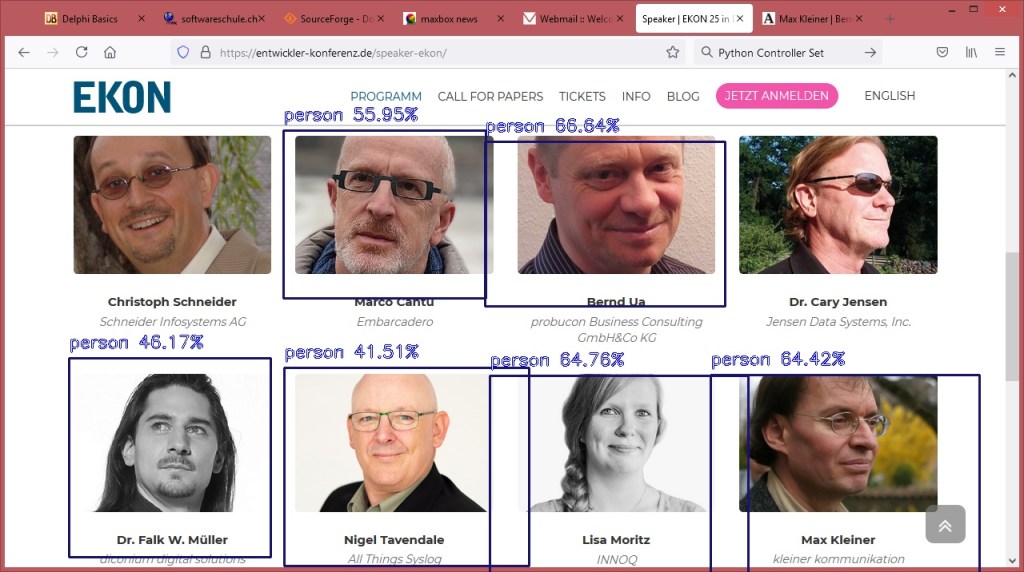
person : 55.95281720161438
person : 66.63782596588135
person : 46.17394208908081
person : 41.51414334774017
person : 64.7615909576416
person : 64.41770792007446
integrate image detector compute ends…
elapsedSeconds:= 14.6140739
no console attached..
mX4 executed: 14/11/2021 15:35:56 Runtime: 0:0:17.227 Memload: 44% use











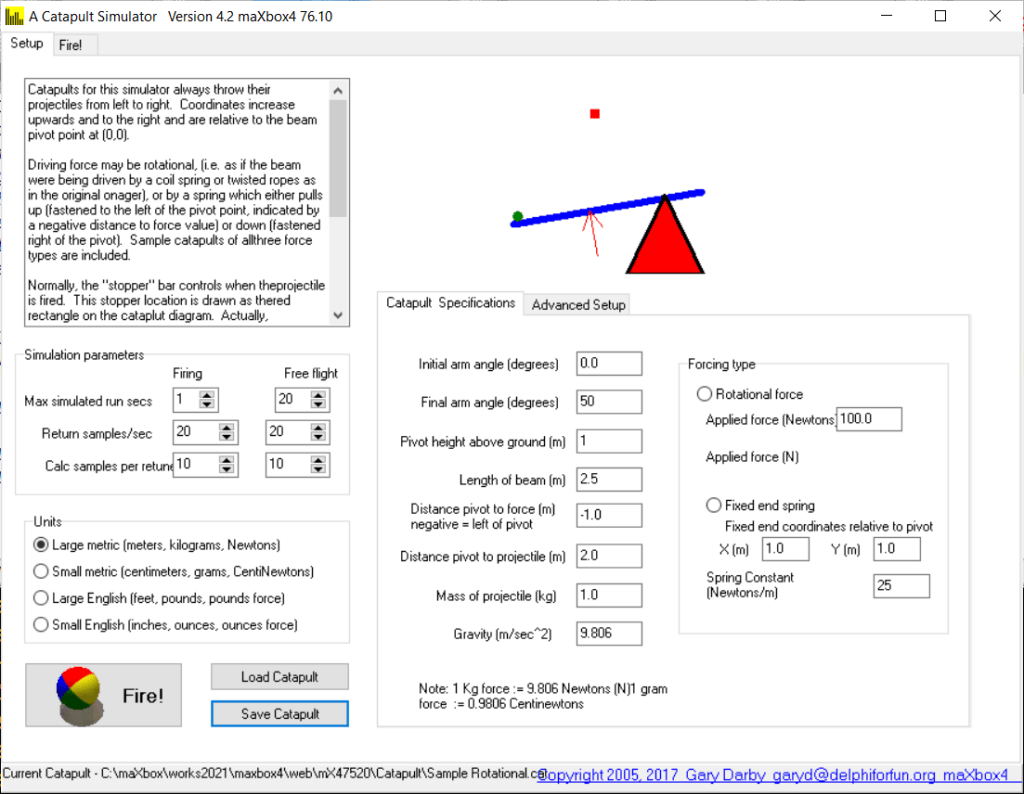
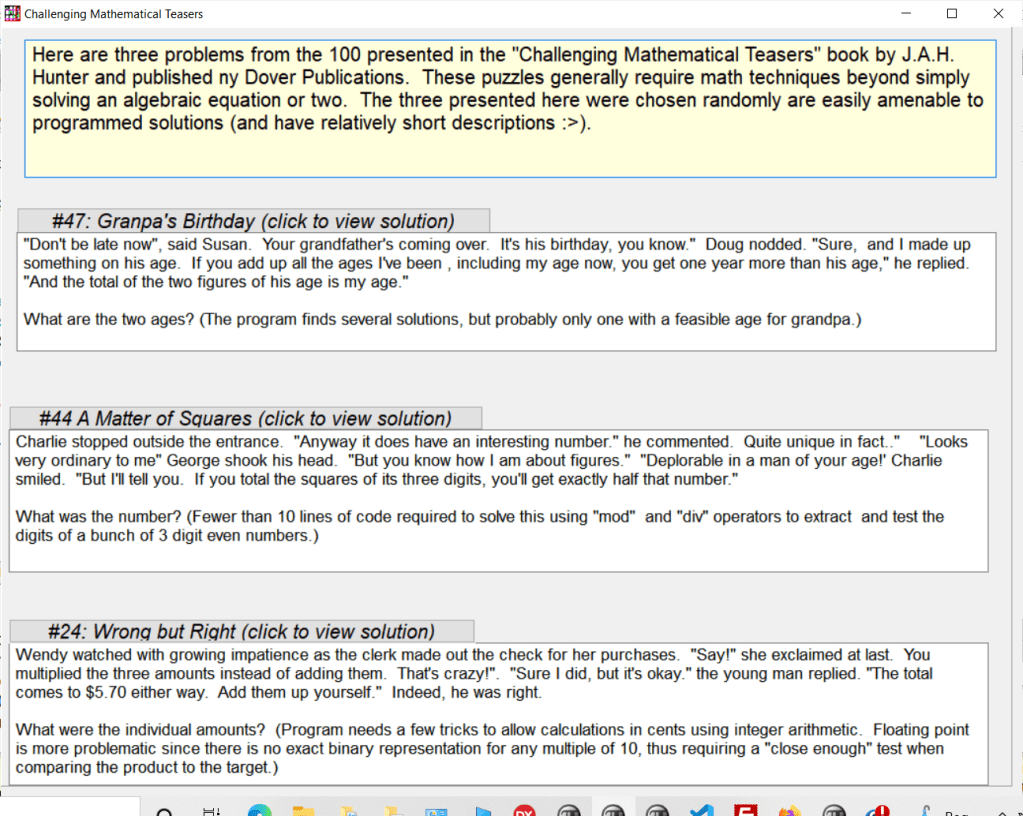
Catapult Simulator (tension or torsion)
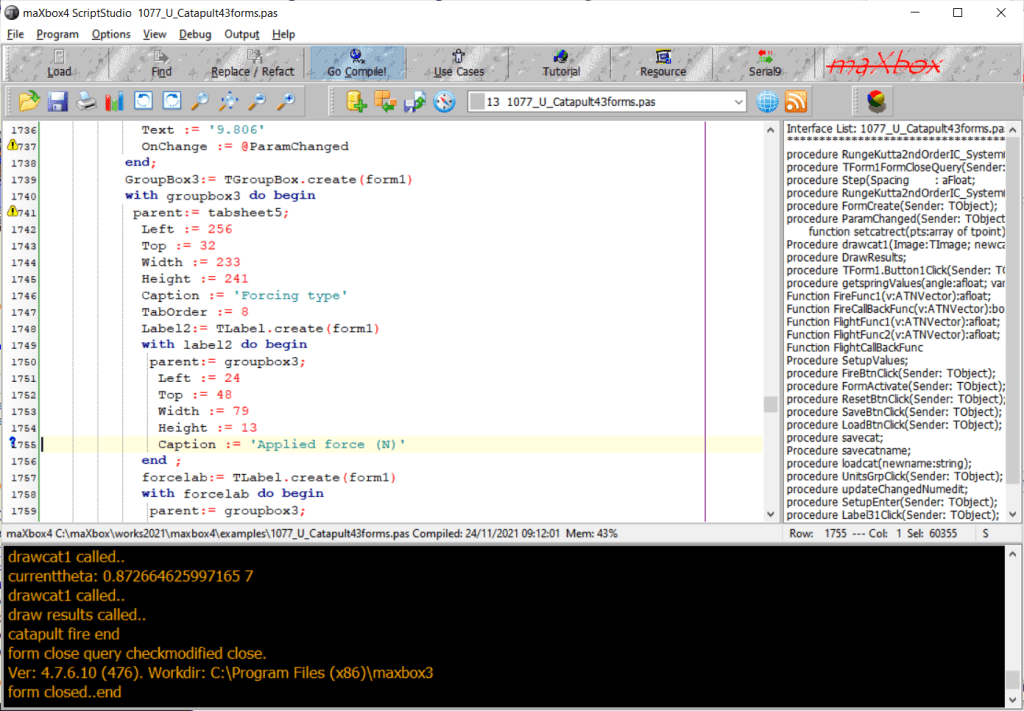
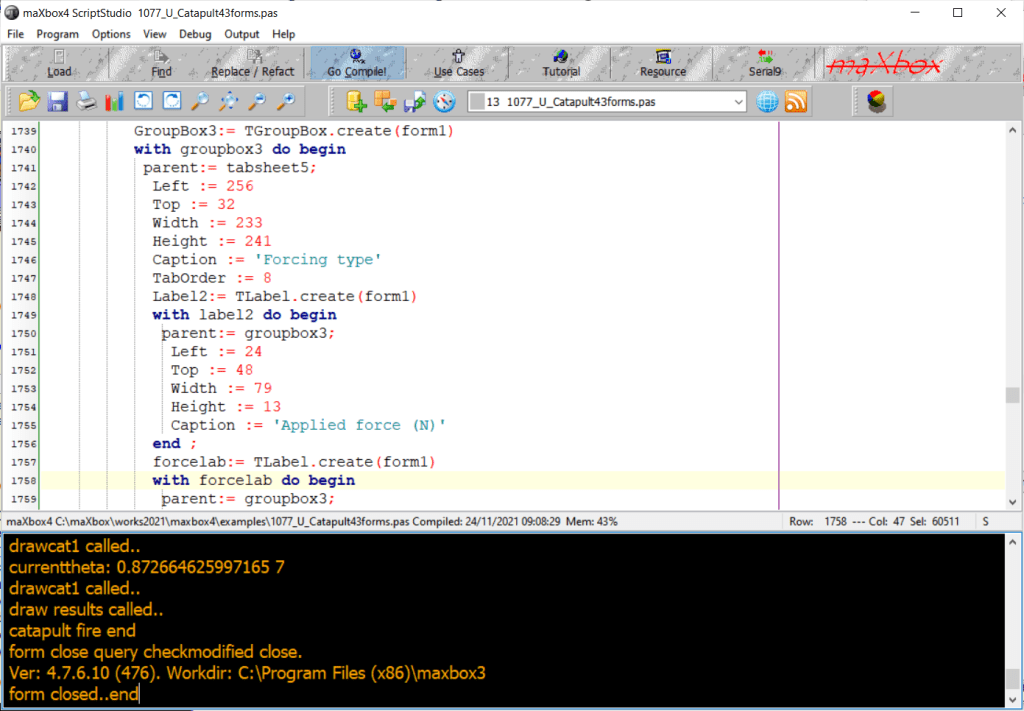
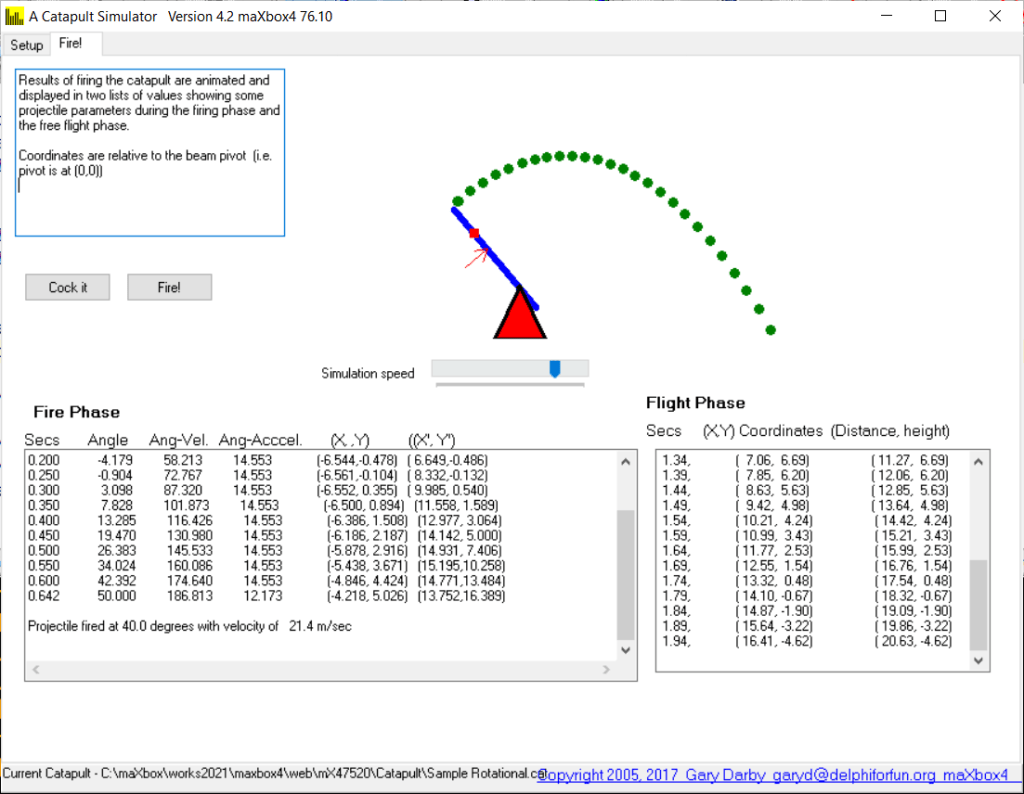
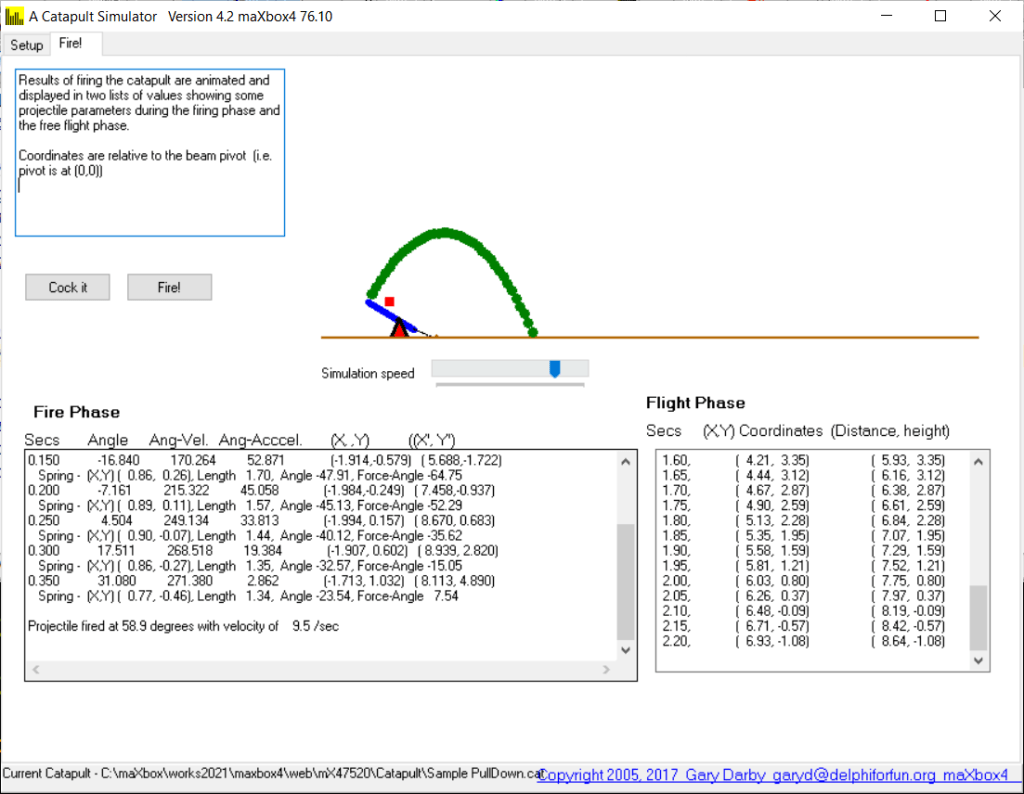
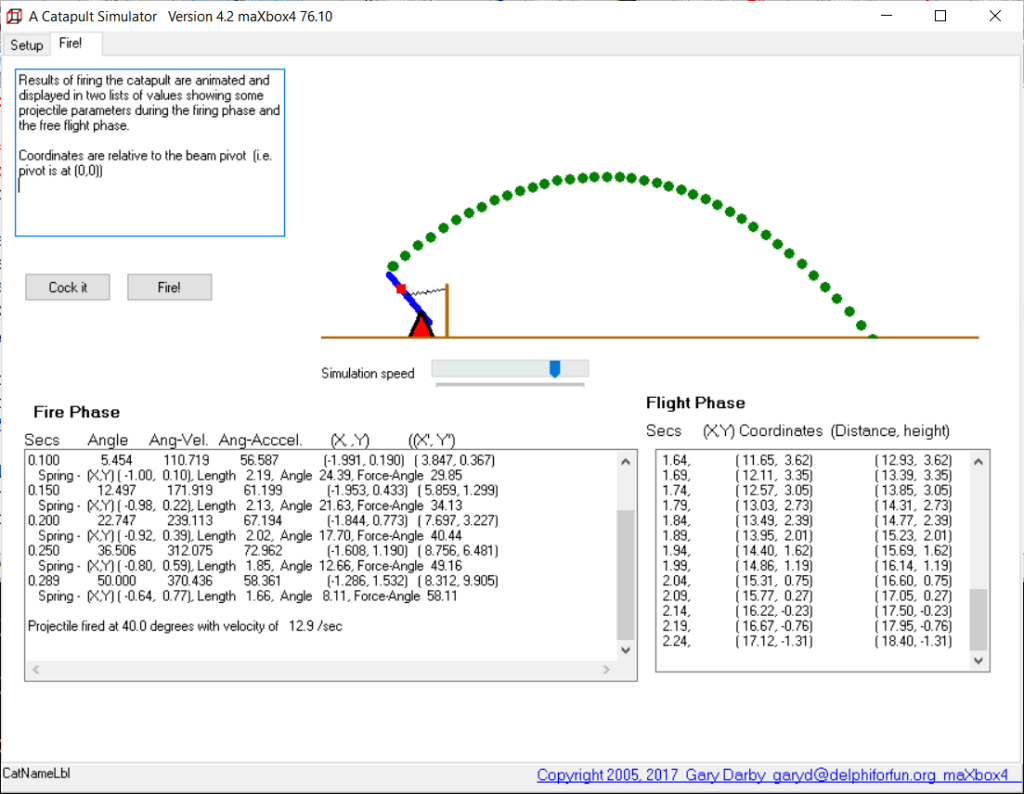
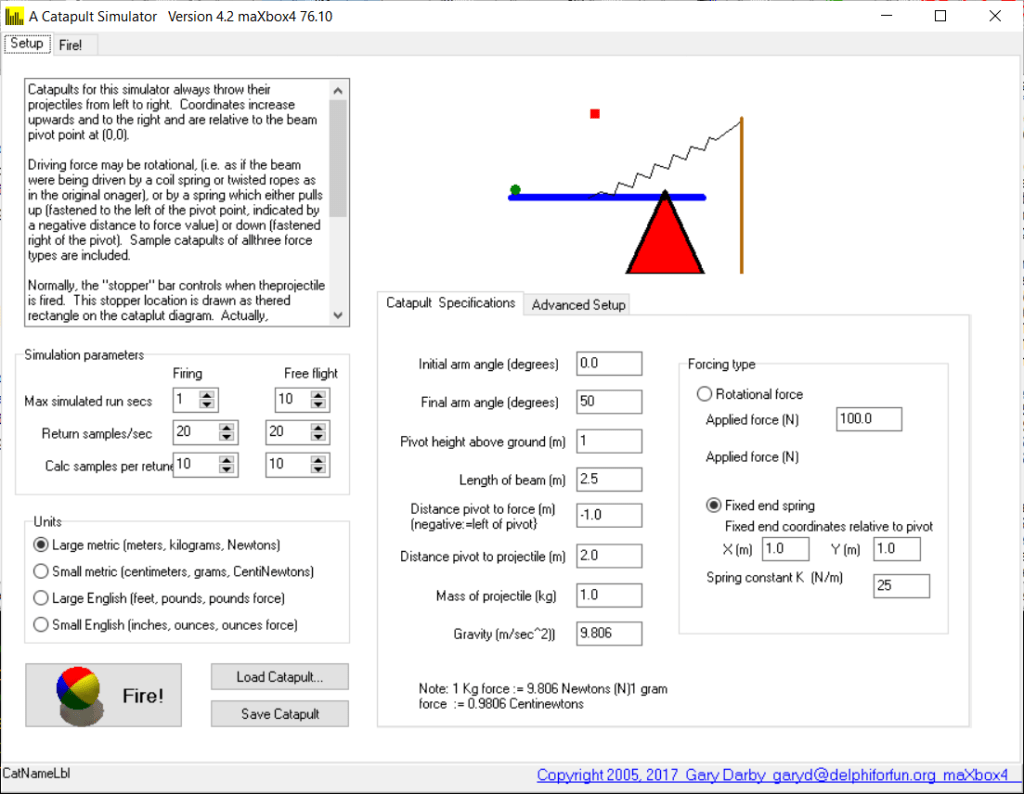
Here’s a “cup” type catapult simulator (no sling). It simulates tensional or torsional driving forces with user specified design parameters.
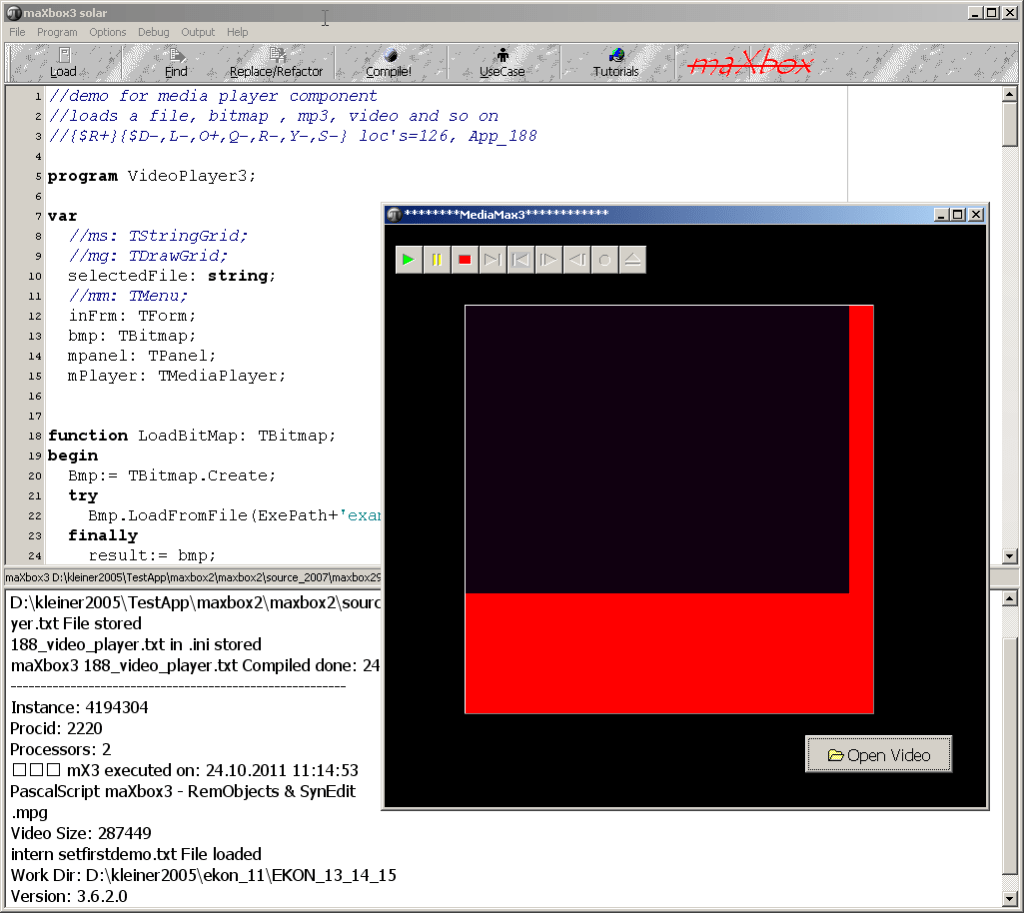
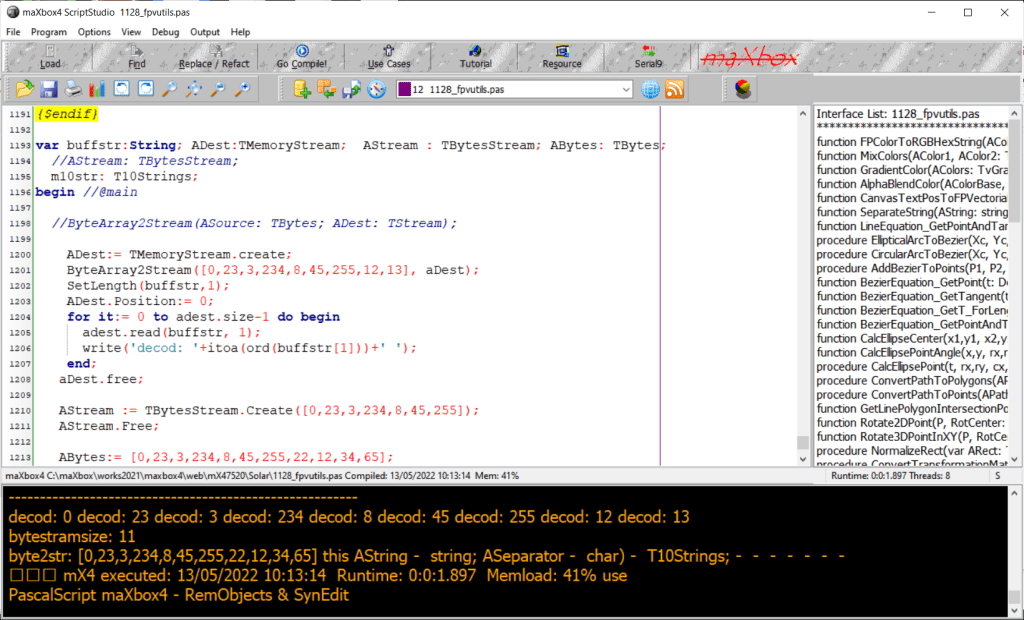
We build the app with maXbox to test callbacks and RungeKutta:
URungeKutta4test.pas
http://www.softwareschule.ch/examples/catapult.txt
http://delphiforfun.org/Programs/catapult.htm
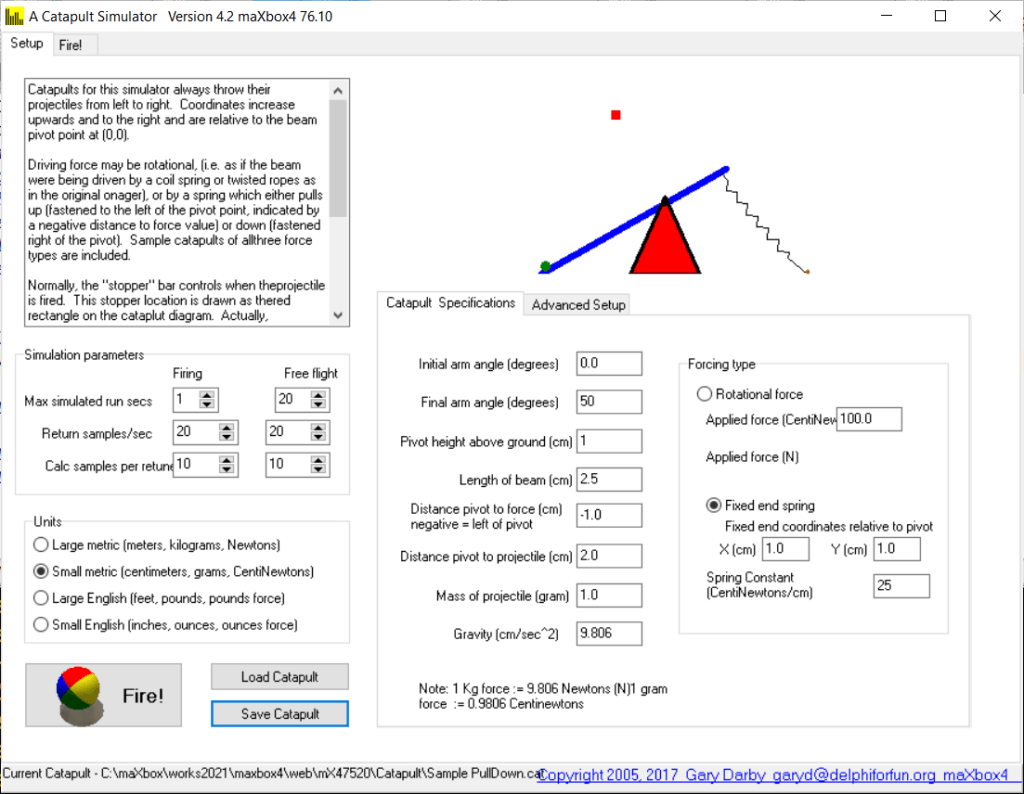
Catapult Parameters
 | Pivot height above ground (so we can tell when the projectile hits the ground). |
| Beam Length |
| Distance from Pivot to projectile end of beam (negative values = left of pivot) |
| Distance from Pivot to Force point – may be negative, (left of pivot), or positive (right of pivot) |
| Mass of projectile |
| Force type (torsion or tension) |
| For Tension (spring) force  Spring Fixed end point coordinates Spring Constant : Force per unit length of the driving spring. Compression springs may be modeled by specifying a negative spring constant.i Spring Fixed end point coordinates Spring Constant : Force per unit length of the driving spring. Compression springs may be modeled by specifying a negative spring constant.i |
| For Torsion force Force value. |
| Mass of beam (On Advanced tab sheet) |
| Air frictional drag coefficient (On Advanced tab sheet) |
Units Choices
| Large Metric: Length in Meters (m); Mass in kilograms (kg); Force in newtons (N). One newton is the force required to accelerate one kilogram at one meter per second per second. |
| Small Metric: Length in centimeters (cm), Mass in grams (g), Force in grams force (gf) Note that 1 gram force is approximately equal to 1 centinewton. (1 gram force = 0.980665 centinewton = 0.00980665 newtons = approximate force of earth’s gravity on a 1 gram mass ). |
| Large English: Length in feet (ft), Mass in pounds (lb); Force in pounds-force (lbf). One pound force = 4.44822 newtons = approximate force of earth’s gravity on a 1 pound mass ). |
| Small English: Length in inches (in); Mass in ounces (oz), Force in ounces force (ozf). . One ounce force = 28.35 gf = 0.278 N = approximate force of earth’s gravity on a 1 ounce mass ). |
In numerical analysis, the Runge-Kutta methods (English: / ˈ r ʊ ŋ ə ˈ k ʊ t ɑː / RUUNG-ə-KUUT-tah) are a family of implicit and explicit iterative methods, which include the well-known routine called the Euler Method, used in temporal discretization for the approximate solutions of ordinary differential equations.




























































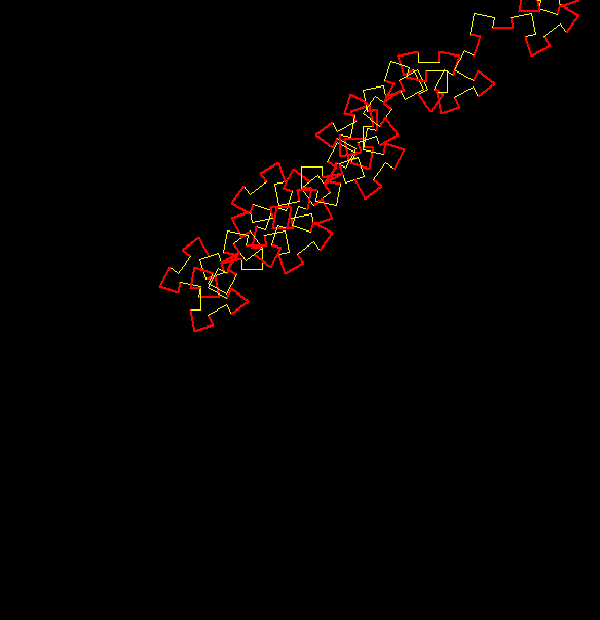
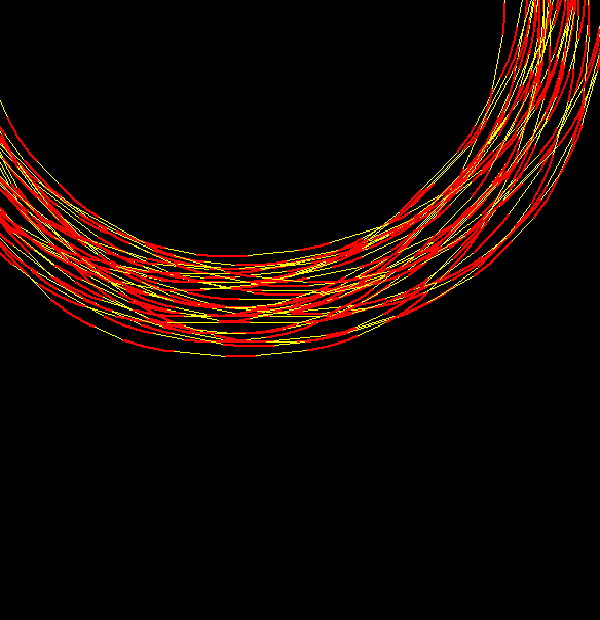
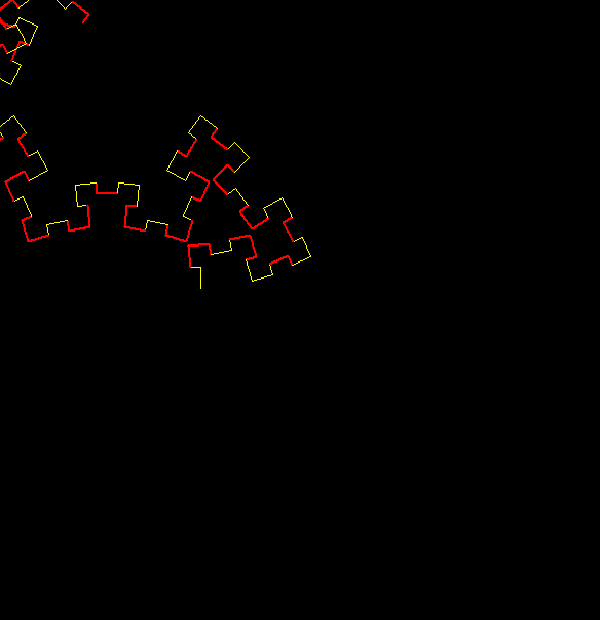
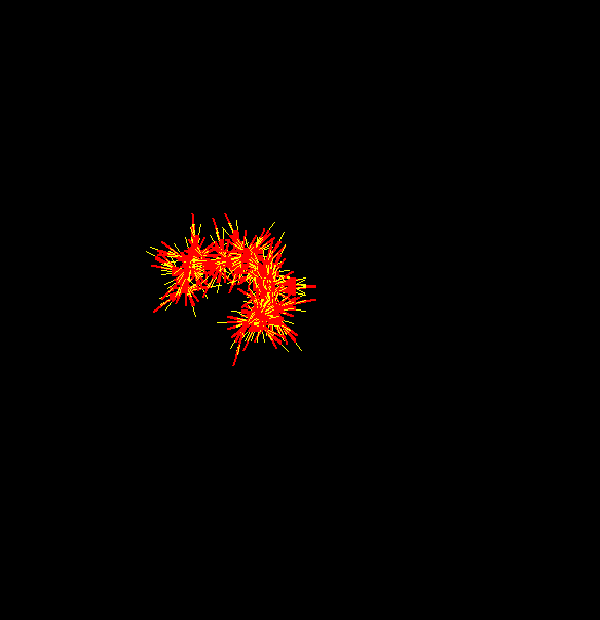

 Code Blog
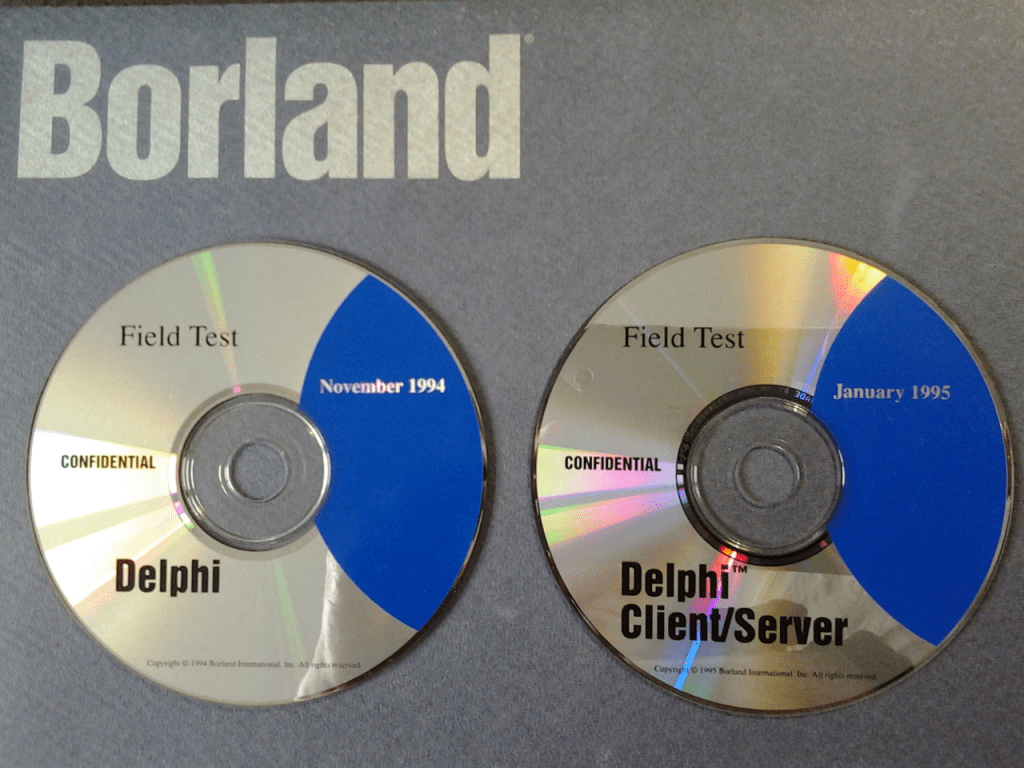
Even though I am a semi-retired software engineer and full time developer cheerleader, I continue to read and write code every day using Delphi and C++Builder. I still can’t believe that it’s been 50 years since I wrote my first Pascal program. It’s a privilege to be part of the thriving Delphi developer community. I am always amazed to see what Delphi developers are building and how they are pushing the envelop in software development. What is Delphi? It’s the original Pascal language + modern language extensions + objects + components + interfaces + libraries + frameworks + compilers for multiple platforms + an extensible IDE + a tools and components ecosystem, a global developer community and a whole lot more.
https://blogs.embarcadero.com/happy-27th-birthday-delphi-building-the-future-how-we-get-to-delphi-36/?utm_source=Eloqua&utm_medium=email&utm_content=Article-220216-Multicontent
LikeLike
Yes, I’ve been with Pascal since 1984 (thanks Orwell) and the fascination hasn’t waned. Programming is a brutal art and I know people lie but numbers don’t.
LikeLike