
We found a solution with Github as a media server. Our URL to MP3 converter stream server serves as an open source for online song downloading or streaming. Either you play in a desktop app or you run it with WebView2 embedding. You can copy the URL of the song you want to download, or paste it to our online MP3 converter website or play it direct as an URL stream in the following script:!
https://sourceforge.net/projects/maxbox5/files/examples/1422_mp3stream_sternenhaufen.txt/download
SongURL5 = ‘https://raw.githubusercontent.com/maxkleiner/maXbox5/main/assets/Sternenhaufen_Max_SunoAI.mp3‘;
Tutor152 =
https://github.com/maxkleiner/maXbox5/blob/main/examples/maxbox_starter152_MP3_Sound_Engine.pdf
var mp3Stream: TMemoryStream;
    mp3Stream:= TMemoryStream.create;
    Http_GetStream(SongURL5, mp3Stream);
    PlayMp3FromStream(mp3stream);
    mp3stream.free;  //}
A raw GitHub link allows you to access the raw content of a file stored in a GitHub repository. This can be useful for directly accessing files such as images, songs, text files, or scripts without the GitHub interface. We use this also to execute a JavaScript link to run in a local embedding browser in maXbox.

The ComObject CreateOleObject(‘WMPlayer.OCX’) control gives you direct control of media, including reading and writing to the files or metadata/tags.
Additionally, some automation interfaces are implemented by automation objects, and the properties and methods of those interfaces are inherited by the objects like wmp.controls.play.
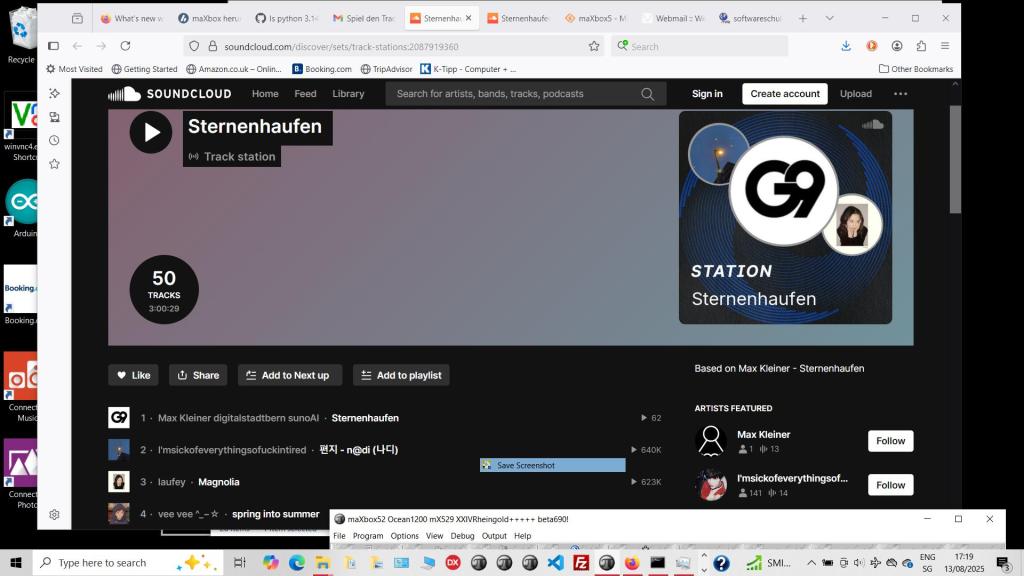
const SoundCloudURL = 'https://soundcloud.com/max-kleiner-481715070/sternenhaufen';

procedure PlaySurprise_MP3_Media2;
var wmp: Variant;
 //Maybe you'll be more comfortable with automation.
 //I believe it would provide most of functionality as interfaces provide.
begin
   wmp:= CreateOleObject('WMPlayer.OCX');
   if ISInternetconnected then begin
     wmp.URL:= SongURL5;
     wmp.OpenPlayer(wmp.URL);
   end else  //}
   wmp.OpenPlayer(Exepath+'examples\Sternenhaufen_Max_SunoAI.mp3');
  //wmp.controls.play;
end;
Conclusion
The SndPlaySound API only supports waveform audio. It is not a general purpose multi-media API and as such does not (directly nor easily) support MP3 playback.
To play your audio through this API you would first need to decode the MP3 into the waveform format that the API expects. With the Comobject CreateOleObject(‘WMPlayer.OCX’) you get an URL enabled player for
streaming an MP3 file.
TResourceStream is a memory stream that provides access to the compiled resources in an application. Use TResourceStream to read the resources of an application. An instance of TResourceStream holds the value of a single resource in a memory buffer where it is accessible to the application.
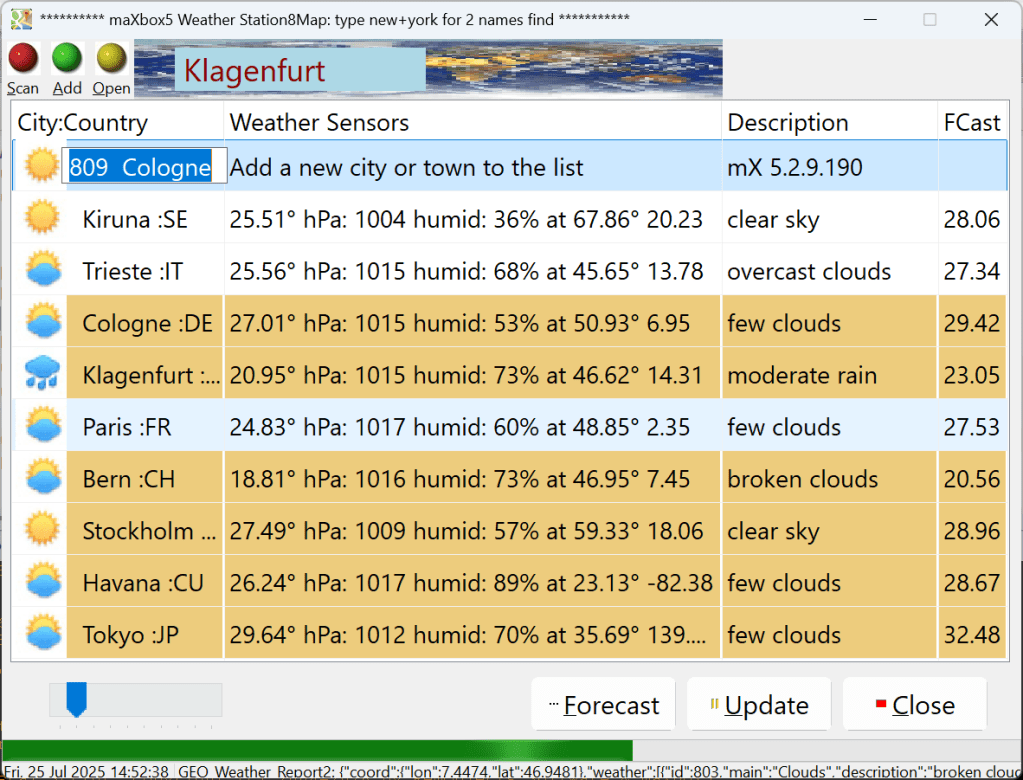

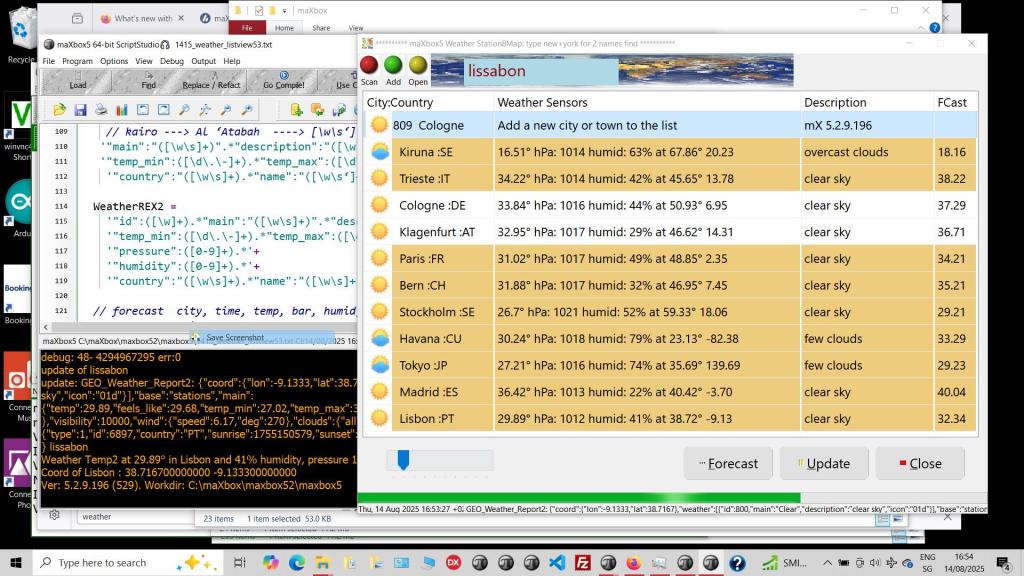
sr:= GetGeoWeather(‘Rom’, UrlWeatherReport25);


WeatherApp 5.5
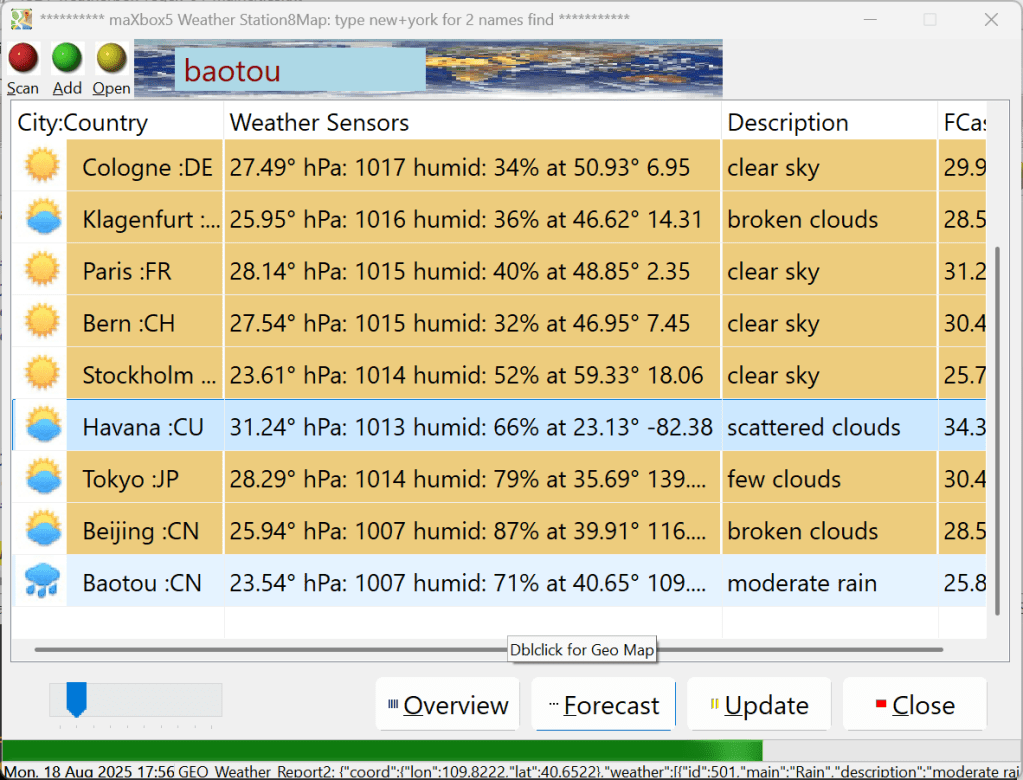
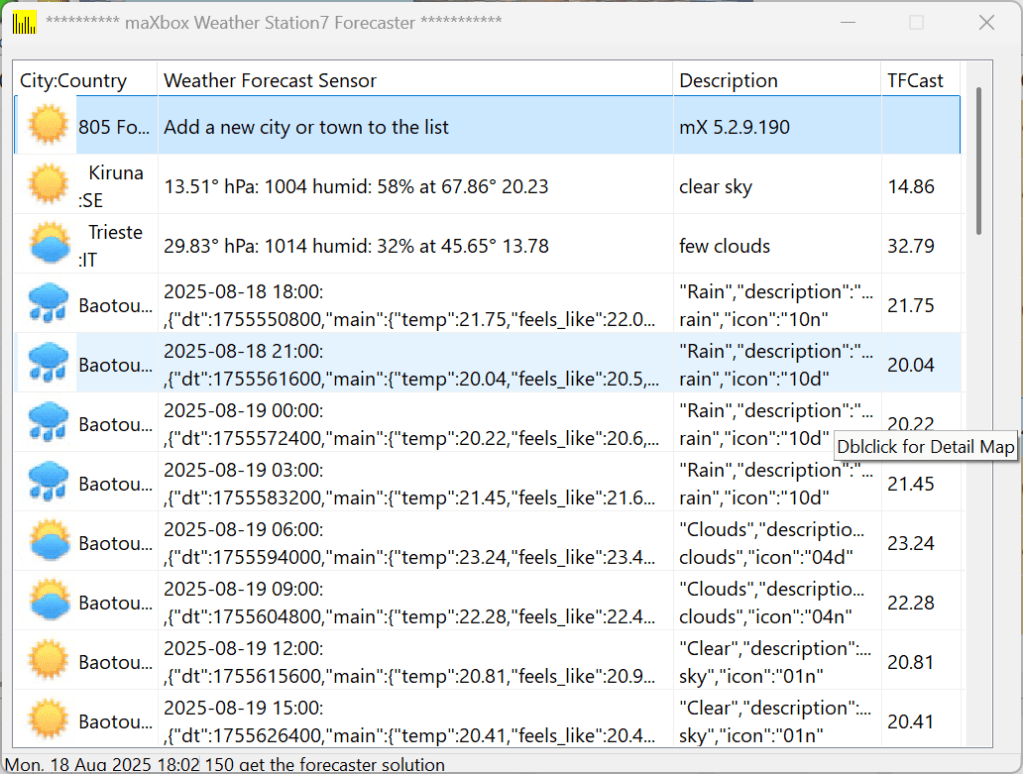
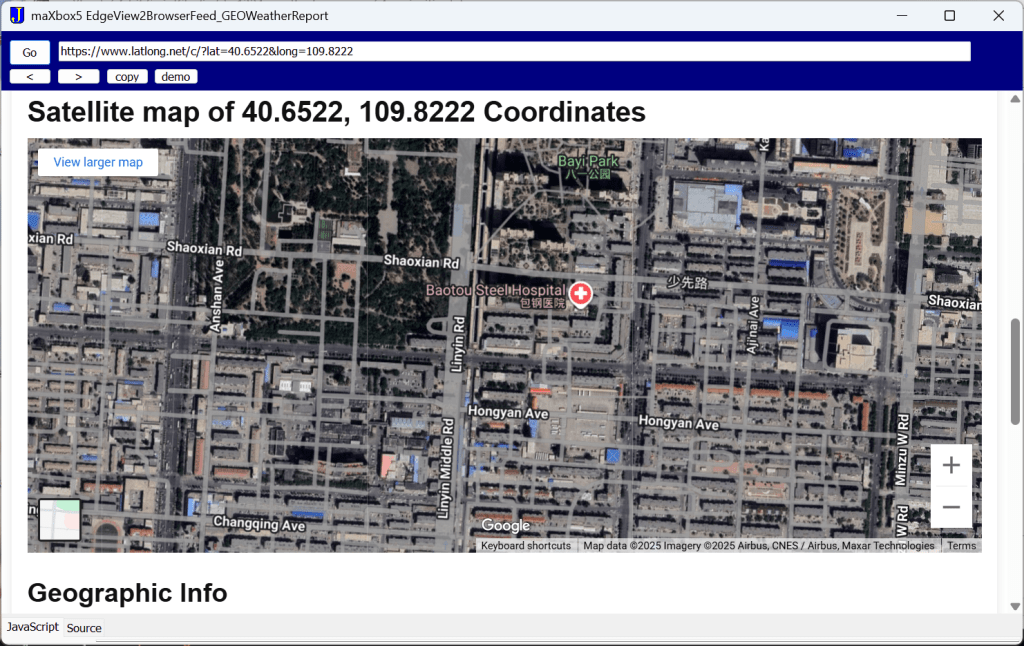
We use 2 Rest API from OpenWeatherMap and mapbox and also WebView2 to call direct an URL for forecasting weather data and render a satellite map:
To see the satellite you have to press Overview.. and then in the browser the Go button:

EKON 29
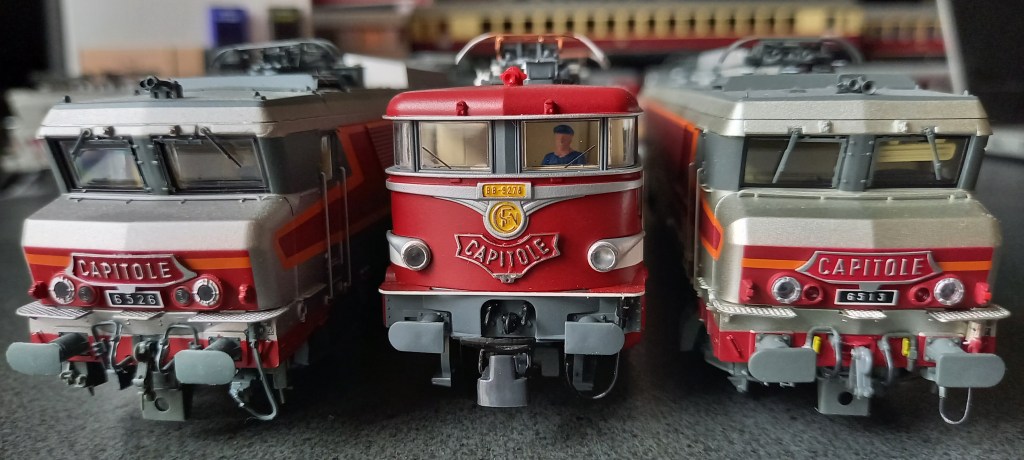
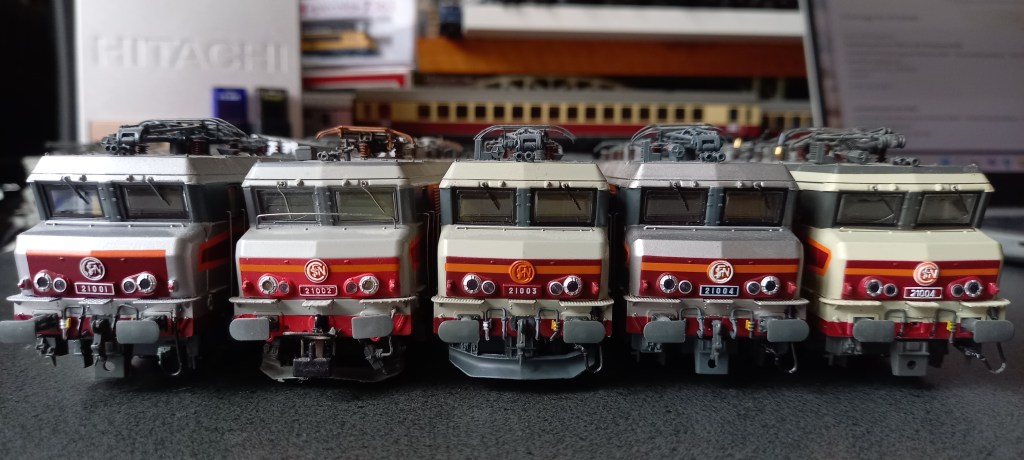

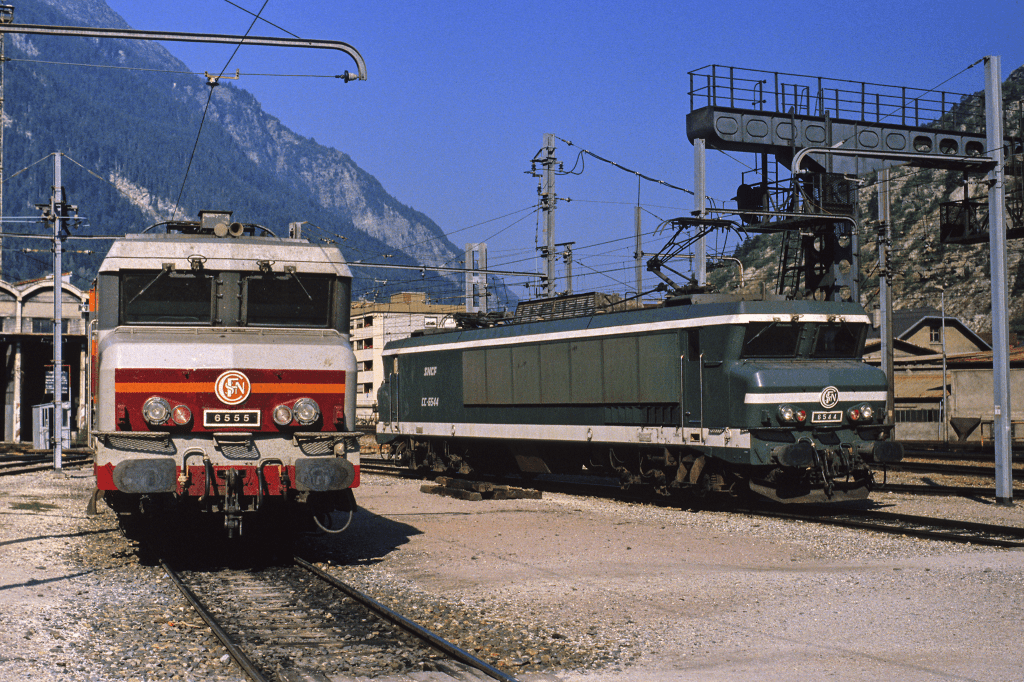
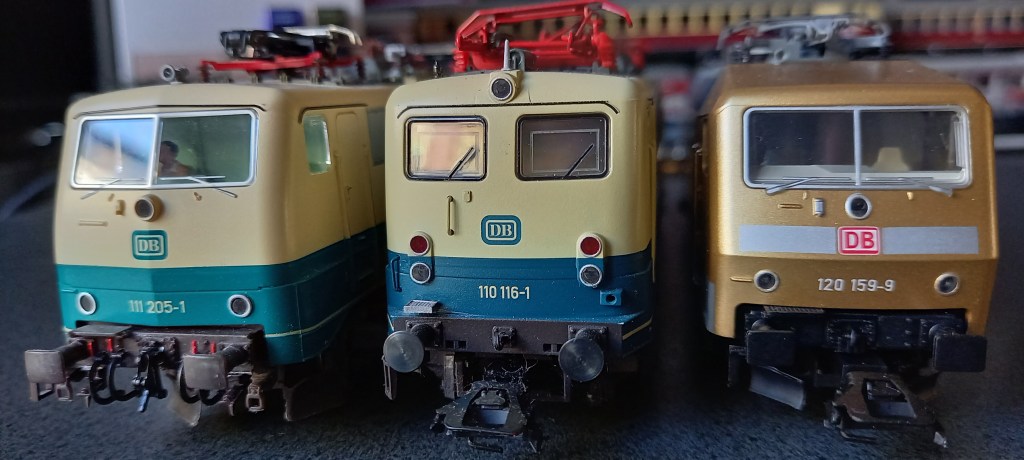
http://lestrainsjouef.free.fr/fr/elec_fra/cc21000z_sncf.html#hj
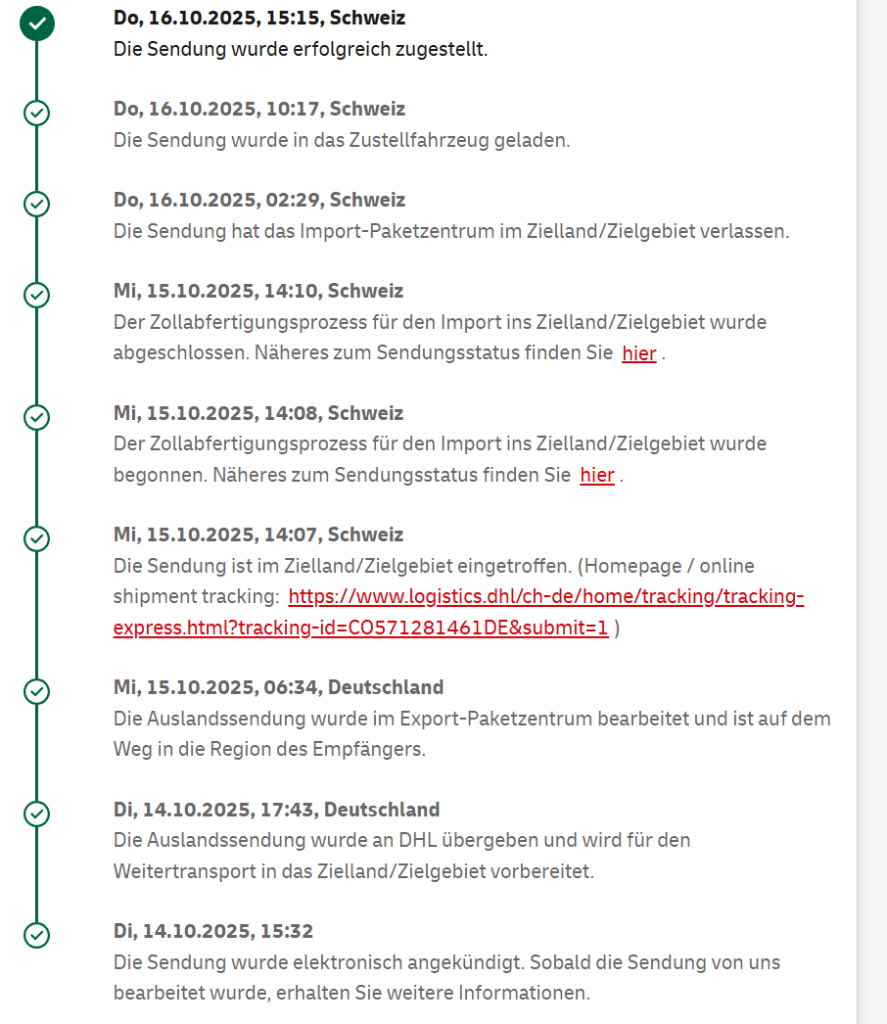


https://www.reisezugwagen.eu/?p=35243
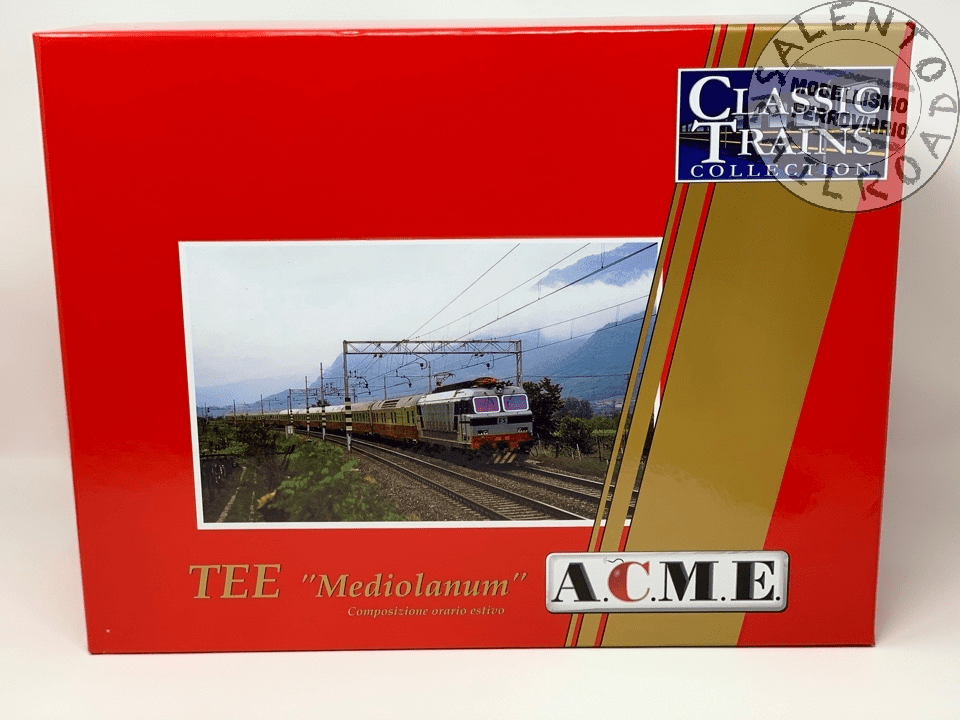
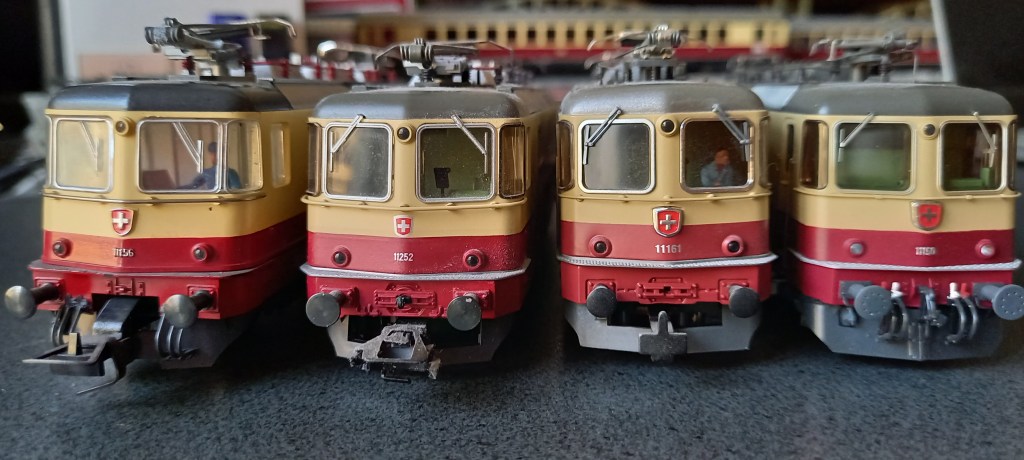
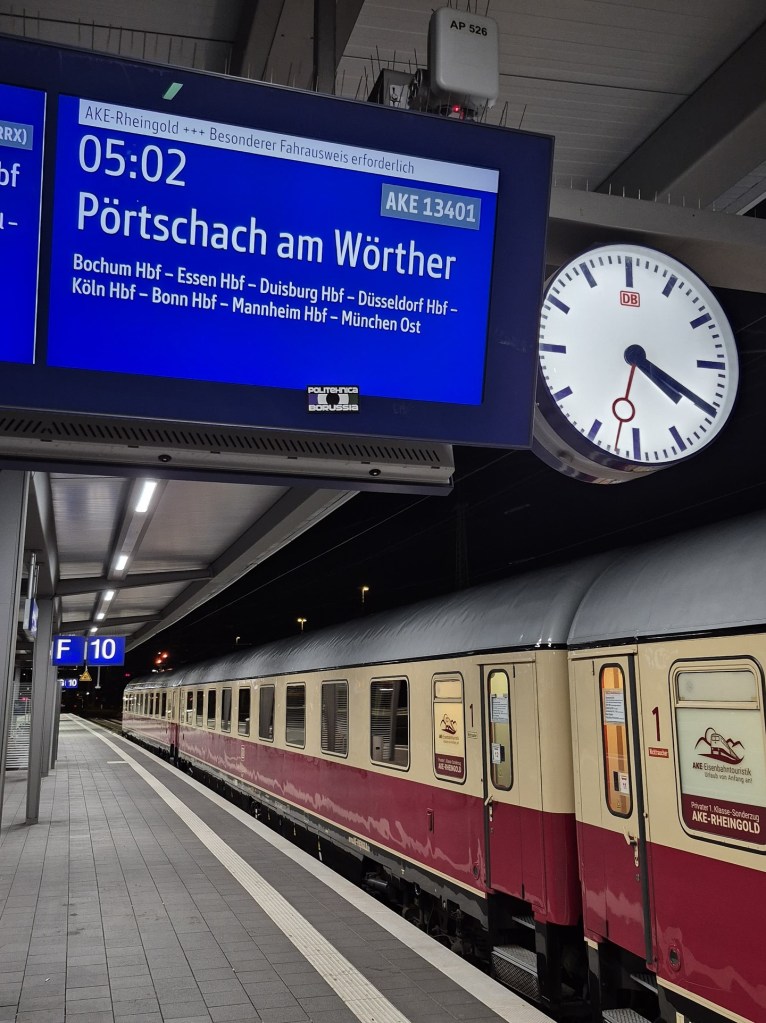
Set di 8 carrozze Trans Europe Express 84/85 Mediolanum
in servizio tra Milano e Monaco di Baviera.
Riproduziuone relativa al convoglio originale di 8 carrozze utilizzato a in composizione orario estivo 1978 set composto da 8 carrozze:
– compartimenti 61 83 18-90 900-8 Az FS
– compartimenti 61 83 18-90 901-6 Az FS
– salone 61 83 18-90 951-1 Az FS
– Ristorante 61 83 88-90 901-1 WRz FS
– bagagliaio generatore 61 83 95-90 900-4 Dz FS
– compartimenti 61 80 19-90 589-1 Avmz DB
– compartimenti 61 80 19-90 526-3 Avmz DB
– compartimenti 61 80 19-70 575-4 Avmz DB
FS – DB curato e ben rifinito negli esterni e nella riproduzione degli interni




The Open Railway Map API
The OpenRailwayMap (ORM) is an OpenStreetMap-based project designed to create a detailed map of the world’s railway infrastructure. It provides a variety of tools, APIs, and map styles to visualize railway data, including tracks, stations, signals, and speed limits.
Key Features and Usage
The OpenRailwayMap database is built on OpenStreetMap data and is available under the Open Database License (ODbL). The rendered map tiles are distri-buted under the CC-BY-SA 2.0 license. The project is non-commercial and main-tained by volunteers, relying on donations for its operation.
The database supports querying railway-related information through a RESTful API. This API allows users to search for stations by name or reference code and retrieve mileage data for specific railway lines. The API documentation is hosted on GitHub.
Map Styles and Tile Access
The map tiles are rendered in Web Mercator projection and are available in different styles, such as:
- Standard: Displays railway infrastructure like tracks, stations, and switches.
- Signals: Visualizes railway signals and train protection systems.
- Maxspeed: Shows maximum speeds and speed signals for railway lines.
Tiles can be accessed via URLs in the format:
http://${s}.tiles.openrailwaymap.org/${style}/${z}/${x}/${y}.png
Here, ${s} can be replaced with subdomains (a, b, or c) for faster loading, and ${style} specifies the map style.
Integration with Tools
The OpenRailwayMap tiles can be integrated into various mapping libraries and tools:
- OpenLayers and Leaflet: Easily add OpenRailwayMap layers using their respective APIs.
- OsmAnd: Overlay OpenRailwayMap tiles on offline maps with the “Online maps” plugin.
- QGIS: Load OpenRailwayMap tiles as XYZ layers for GIS analysis.
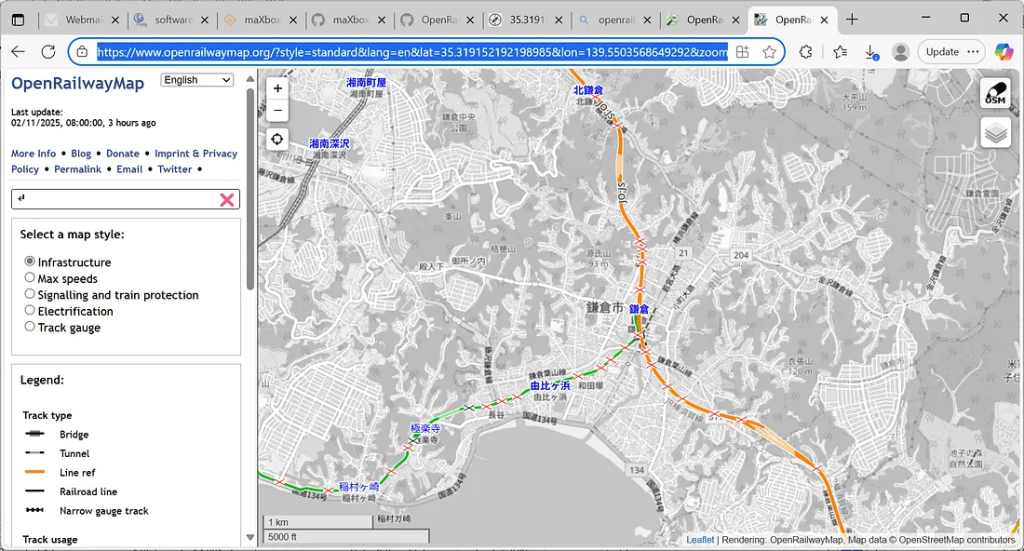
The OpenRailwayMap API and tiles are free for non-commercial, small-scale applications. Commercial use requires setting up a private server. Bulk requests and misuse of headers (e.g., faking user-agent) are prohibited. Applications must include proper attribution when using the tiles or API. For example we search for Kamakura Station, Japan:
The project operates without guarantees of availability or support. Users requiring high reliability are encouraged to deploy their own instances of the API or image tile server.
For further details, visit the OpenRailwayMap GitHub repository or the OpenStreetMap Wiki page.
https://wiki.openstreetmap.org/wiki/OpenRailwayMap/API
So first we call the REST-API to get a stations facility information in JSON:
const URL_ORM_GET9 =
   'https://api.openrailwaymap.org/v2/facility?name=%s&limit=1';

function API_GEOLocation_ORM9(AURL, aloc, aApikey: string;
                                             verbose: boolean): Tlatlong;
var Httpreq: THttpRequestC; httpres: string; jsn: TMcJsonItem;
begin
  httpreq:= THttpRequestC.create(self);
  httpreq.headers.add('Accept: application/json; charset=utf-8');
  //httpreq.headers.add('X-Api-Key:'+aAPIkey);
  httpreq.useragent:= USERAGENT5;
  httpreq.SecurityOptions:= [soSsl3,soPct,soIgnoreCertCNInvalid];
  try
    if httpreq.get(Format(AURL,[aloc])) then begin
       httpres:= (httpreq.Response.ContentAsUTF8String)
       writeln('conttype '+httpreq.Response.ContentType);
       if verbose then writ('debug back '+formatJson(httpres));
       jsn:= TMcJsonItem.Create;
       jsn.AsJSON:= httpres;
       writ('debug name: '+jsn.at(0,'name').asstring)
       writ('debug operator: '+jsn.at(0,'operator').asstring)
       result.lat:= jsn.at(0,'latitude').asnumber;
  //in the api now fixed
       result.long:= jsn.at(0,'longitude').asnumber;

       result.descript:= Format('Coords: lat %2.5f lng %2.5f %s
        osm_id: %s operator: %s',
                  [result.lat,result.long,jsn.at(0,'name').asstring,
                                        jsn.at(0,'osm_id').asstring,
                                        jsn.at(0,'operator').asstring]);

    end else Writeln('APIError '+inttostr(Httpreq.Response.StatusCode2));
  except
    writeln('EWI_APIHTTP:
                 '+ExceptiontoString(exceptiontype,exceptionparam));
  finally
    writeln('Status3: '+gethttpcod(httpreq.Response.statuscode2))
    httpreq.Free;
    sleep(200);
    jsn.Free;
  end;
end;
The API returns JSON formatted data with following fields:
- latitude: latitude, longitude: longitude
- osm_id: OSM node ID
- rank: an importance rank calculated by taking the public transport route relations into account using this station/halt. All OSM tags present on this object. The following tags are very often in use. See the OSM wiki and Taginfo for a more comprehensive list of possible tags.
- name: name, uic_name: UIC station name
- railway:ref: reference assigned by the operator of the infrastructure
railway: type of the facility following Tagging rules), e.g. station, halt, junction, yard. - operator: operator of the infrastructure
Open Railway Map:________________________________________________
conttype application/json
debug back [{
“osm_id”: 506122717,
“name”: “鎌倉”,
“railway”: “station”,
“ref”: null, “train”: “yes”,
“name:en”: “Kamakura”,
“name:es”: “Kamakura JR”,
“name:it”: “Kamakura”,
“name:ja”: “鎌倉”,
“name:ko”: “가마쿠라”,
“name:zh”: “镰仓”,
“operator”: “東日本旅客鉄道”,
“wikidata”: “Q932895”,
“wikipedia”: “ja:鎌倉駅”,
“name:ja-Hira”: “かまくら”,
“name:ja-Latn”: “Kamakura”,
“public_transport”: “station”,
“latitude”: 35.31911869967492,
“longitude”: 139.5504286,
“rank”: 12
}]
debug name: \u938c\u5009
debug operator: \u6771\u65e5\u672c\u65c5\u5ba2\u9244\u9053Status3: SC_OK Coords: lat 35.31912 lng 139.55043 鎌倉 osm_id: 506122717 operator: 東日本旅客鉄道
# mX5🐞 executed: 02/11/2025 08:48:43 Runtime: 0:4.305 Memload: 64% use
got also a mail from a bugfix which is now solved1. Thank you for the bug report and the comment reminding me. I adapted the frontend JavaScript code as well because it assumed latitude and longitude to be swapped as well. It seems that the old API had this bug, too. 🫢
The call for the map above has to be set with the coordinates, which we got from the facility API:
OpenWeb(‘https://www.openrailwaymap.org/?style=standard&lang=en&lat=’+
flots(togeo.lat)+’&lon=’+flots(togeo.long)+’&zoom=14′);
Most of the UTF-8 we do de-serialize with the function jsonunescape():
writ(jsonunescape((togeo.descript),#13#10));
>>> Coords: lat 35.31912 lng 139.55043 鎌倉 osm_id: 506122717 operator: 東日本旅客鉄道
A string is a sequence of zero or more Unicode characters [UNICODE]. An object is an unordered collection of zero or more name/value pairs, where a name is a string and a value is a string, number, boolean, null, object, or array. An array is an ordered sequence of zero or more values.
Press enter or click to view image in full size

OpenWeb('https://www.openrailwaymap.org/?style=standard&lang=en&lat='+
                    flots(togeo.lat)+'&lon='+flots(togeo.long)+'&zoom=14');
Most API requests should normally take no longer than 3 seconds. In any case, you should write your application so that it will time out requests after ca. 5 seconds. Applications must send a unique HTTP User-Agent. If map tiles are embedded into a website, browsers must send a valid HTTP referer instead.
1https://github.com/OpenRailwayMap/OpenRailwayMap-api/issues/6
Max Kleiner, Text, Code & Photos, November 2025
Appendix, Source and Links
Ref: OpenRailwayMap/API — OpenStreetMap Wiki
https://www.openrailwaymap.org/
https://wiki.openstreetmap.org/wiki/OpenRailwayMap/API








While Western developers are obsessing over the latest JavaScript framework or arguing about tabs vs. spaces, Japanese developers are quietly building some of the most reliable, maintainable software in the world using principles that would make most Silicon Valley engineers roll their eyes.
In Japan, there’s a concept called monozukuri (ものづくり) — literally “the art of making things.” It’s not just about manufacturing physical products; it’s a philosophy that emphasizes craftsmanship, continuous improvement, and taking pride in the creation process itself.
Japanese developers don’t just write code. They craft it.
LikeLike